
OmaPanel
OmaPanel is a configurable application taskbar for the Omarchy Shell. It keeps favorite applications pinned, adds live Hyprland windows, and provides launch-or-focus behavior in a compact bar widget.
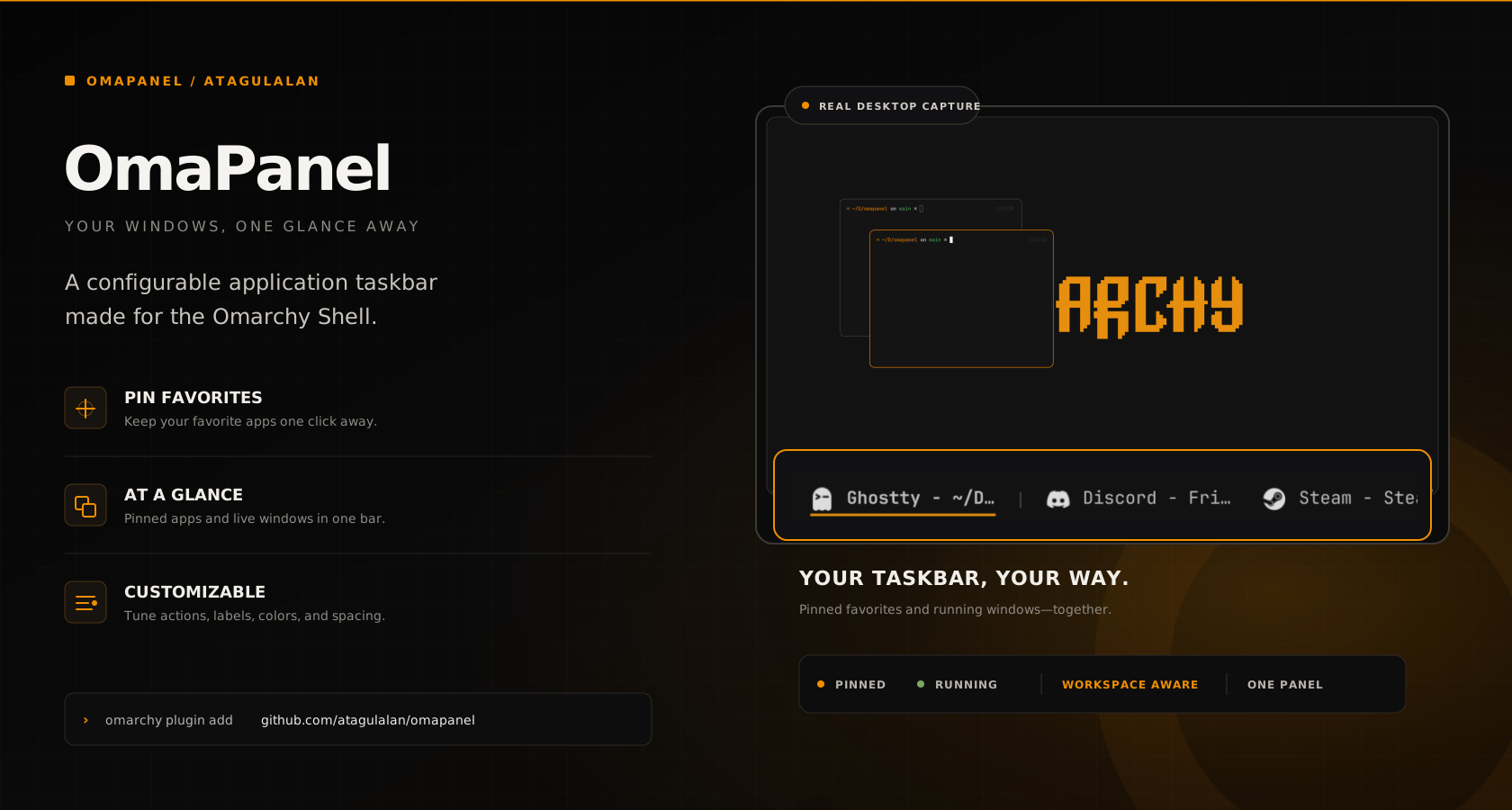
[Zen] [Cursor] | [workspace 1 windows] | [workspace 5 windows]
     pinned                 running
The plugin uses the permanent namespaced ID atagulalan.omapanel.
Highlights
-
Pinned applications stay available even when they are closed.
-
Multiple windows belonging to one pinned application appear as adjacent taskbar items instead of being collapsed into a single window.
-
Left-click launches a closed application or focuses an existing window.
-
Unpinned Hyprland windows appear automatically.
-
Running windows can be grouped by workspace with separators between groups.
-
Scrolling a multi-window pinned application cycles focus inside that application; scrolling a grouped running window cycles focus inside its workspace.
-
Closed pinned applications can stay compact with icon-only mode.
-
Click mappings for left, right, middle, Ctrl+left, Shift+left, and Alt+left cover focus, launch, window, pin, menu, and settings actions.
-
Normal, hover, and active states each have independent foreground, background, font-weight, and foreground-opacity controls.
-
Application icon colors can be inverted without changing their transparency.
-
Optional bar chrome can set a limited height (centered in the Omarchy bar), padding, a background fill, and rounding around the chip row.
-
Hover can keep or replace the active style on the focused window.
-
Hovering an open window can show a live preview thumbnail.
-
Pinned applications can be reordered from the settings panel.
-
Active-window indicators support
Underline,Top,Dot, andNone. -
Labels support
[APP_NAME]and[WINDOW_TITLE]placeholders. -
Adaptive and fixed-width layouts include maximum width and ellipsis handling.
-
The right-click menu provides:
- all matching windows;
- desktop-entry actions;
- New Window;
- pin and unpin;
- Close Window and Close N Windows;
- quick access to OmaPanel Settings.
-
The built-in settings panel opens on a category list, then a detail page for each group. Changes save immediately and can restore manifest defaults.
-
Colors, icons, typography, padding, spacing, rounding, filters, separators, bar chrome, previews, and animation speed are configurable.
Requirements
- Omarchy with the Quattro shell
- Hyprland
- Quickshell and the Omarchy Shell QML modules
hyprctlfor focus and close actions
OmaPanel is a horizontal bar widget. It intentionally hides itself on vertical bars.
Installation
Install and enable OmaPanel from its public GitHub repository:
omarchy plugin add https://github.com/atagulalan/omapanel.git --enable
The manifest places the widget in the left section by default. Move it wherever you prefer:
omarchy bar move atagulalan.omapanel --section center
If plugin discovery ever needs to be forced manually:
omarchy-shell shell rescanPlugins
Updating and removing
omarchy plugin update atagulalan.omapanel --yes
omarchy plugin remove atagulalan.omapanel --yes
Using OmaPanel
Left-click an item to launch or focus it. Right-click an item to open its application menu.
Wheel down focuses the next window in the hovered group and wheel up focuses
the previous one, wrapping at either end. A pinned group contains all open
windows matching that pinned application. A running-window group contains the
visible windows from the same workspace when groupRunningByWorkspace is
enabled. Entering a group with no active member focuses the hovered chip first;
the next wheel step continues in the requested direction. A one-window group
keeps focus on its only window and consumes the gesture, while a closed pin
leaves it to the containing bar.
Use the gear button in the upper-right corner of that menu to open
OmaPanel Settings. Changes are written immediately to the
atagulalan.omapanel entry in:
~/.config/omarchy/shell.json
The Reset defaults button restores values from manifest.json. It does
not edit the plugin files.
Pinned applications
pinnedApps is stored as a JSON-encoded string because it is a single shell
setting. Each application supports:
{
  "label": "Zen",
  "match": "^zen$",
  "launch": "omarchy-launch-browser",
  "icon": "zen-browser",
  "desktopId": "zen"
}
| Field | Purpose |
|---|---|
label |
Name displayed in the bar |
match |
Case-insensitive regular expression matched against Hyprland class, initial class, and Wayland app ID |
launch |
Command used when no matching window exists |
icon |
Freedesktop icon name, file URL, or absolute path |
desktopId |
Desktop entry used for New Window and application actions |
Pinned applications are best managed from the right-click Pin to Taskbar and Unpin from Taskbar actions.
Label templates
labelFormat supports two placeholders:
[APP_NAME]: the resolved desktop-entry or window-class name;[WINDOW_TITLE]: the current Quickshell or Hyprland IPC window title.
Example:
[APP_NAME] - [WINDOW_TITLE] -> Ghostty - ~/Projects/omapanel
Configuration
The complete settings reference, value ranges, color behavior, and
pinnedApps format are documented in
docs/SETTINGS.md.
A complete shell entry is available in
examples/shell-entry.json.
Development
OmaPanel follows the Omarchy plugin manifest contract. Work in a user-owned
plugin directory and never edit the packaged shell under
/usr/share/omarchy/.
Edit the split sources, not the generated entry point:
src/BarWidget.qmlandsrc/*.inc— settings, window lists, and interactiontaskbar/— chrome, chips, menus, and previewssettings/— settings panel, category pages, and field controlsTaskHelpers.js/TaskMatch.js— shared sanitizers (sibling imports)
Keep source files, including // @include fragments, at most 150 lines.
BarWidget.qml is generated and committed so omarchy plugin add can load a
single file. Rebuild it after source changes:
python3 scripts/bundle-qml.py
python3 scripts/bundle-qml.py --watch   # rebuild on source saves
Validate the repository before publishing:
/usr/lib/qt6/bin/qsb --qt6 --qsbversion 64 -O \
  -o shaders/invert.frag.qsb shaders/invert.frag
jq empty manifest.json examples/shell-entry.json
qmlformat -n src/BarWidget.qml taskbar/*.qml settings/*.qml \
  settings/pages/*.qml settings/fields/*.qml >/dev/null
python3 scripts/bundle-qml.py --check
omarchy plugin validate .
The shell reloads plugin files automatically. For a clean-start test:
omarchy restart shell
omarchy-shell shell ping
Implementation details are available in
docs/IMPLEMENTATION.md.
Security
Omarchy plugins run unsandboxed with the current user's permissions. Review the source and every configured launch command before installation. OmaPanel does not require elevated privileges.