
Everything
List, search, and jump directly to every app, tab, buffer, agent... everything. An Omarchy plugin.
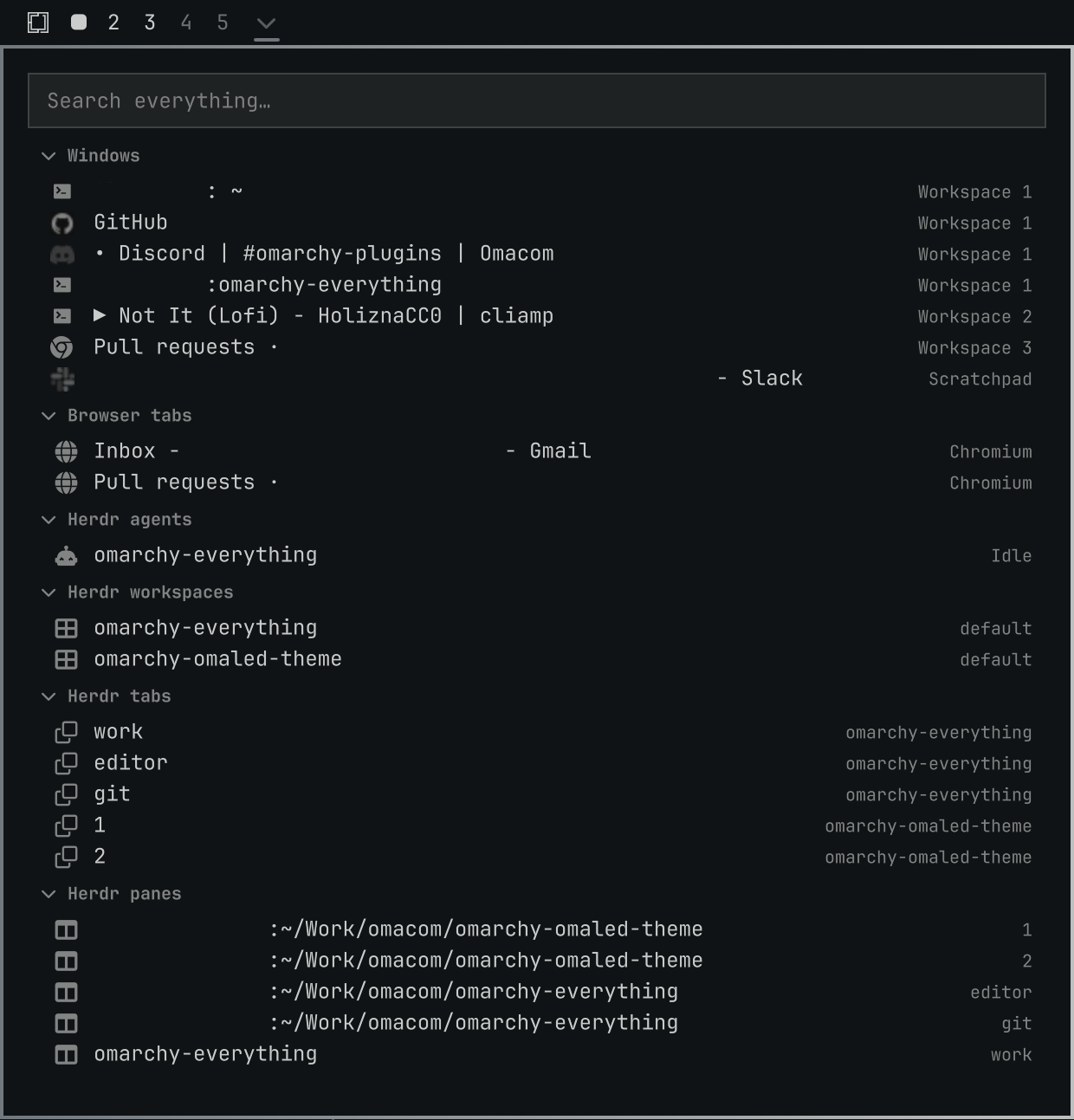
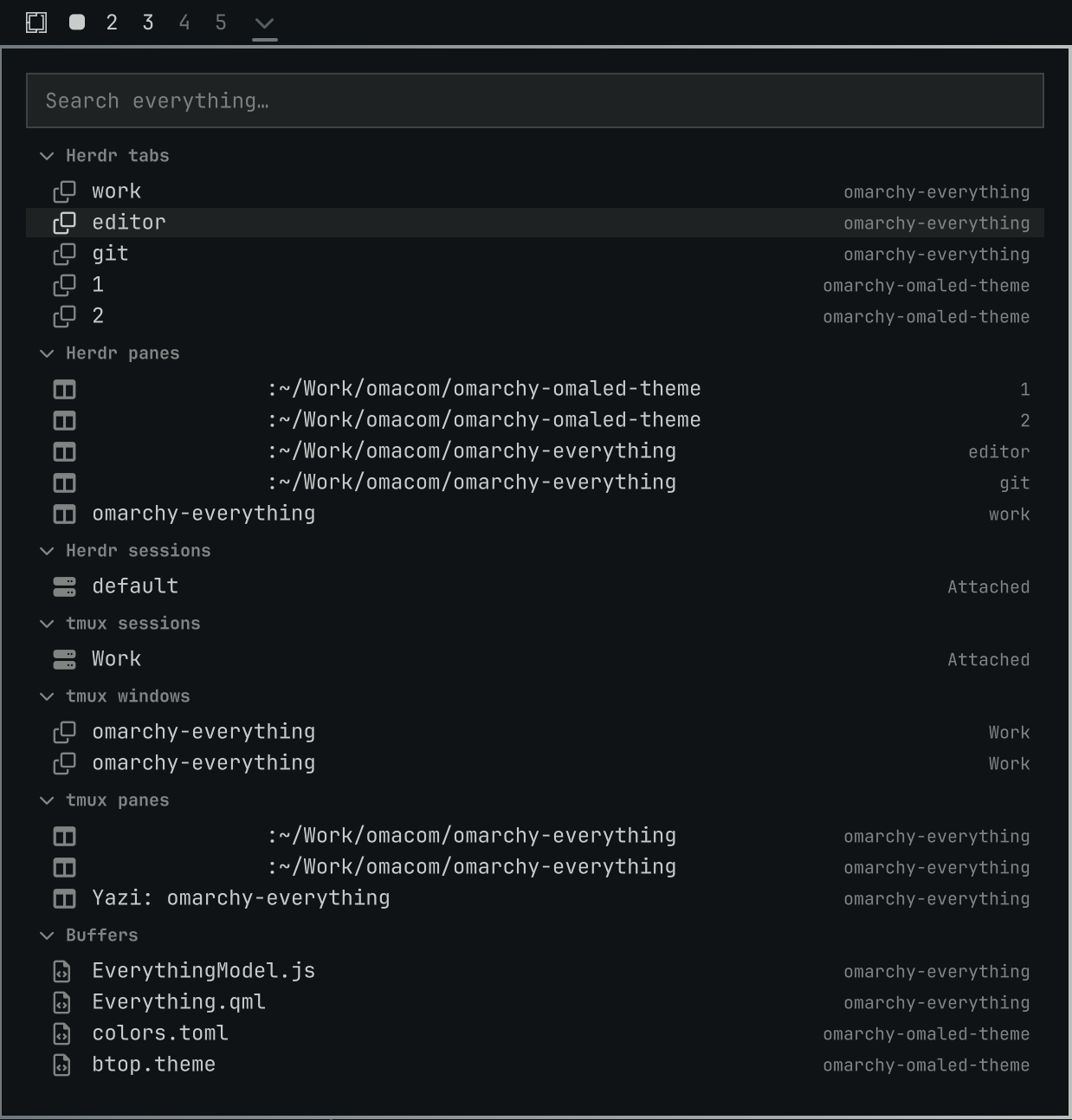
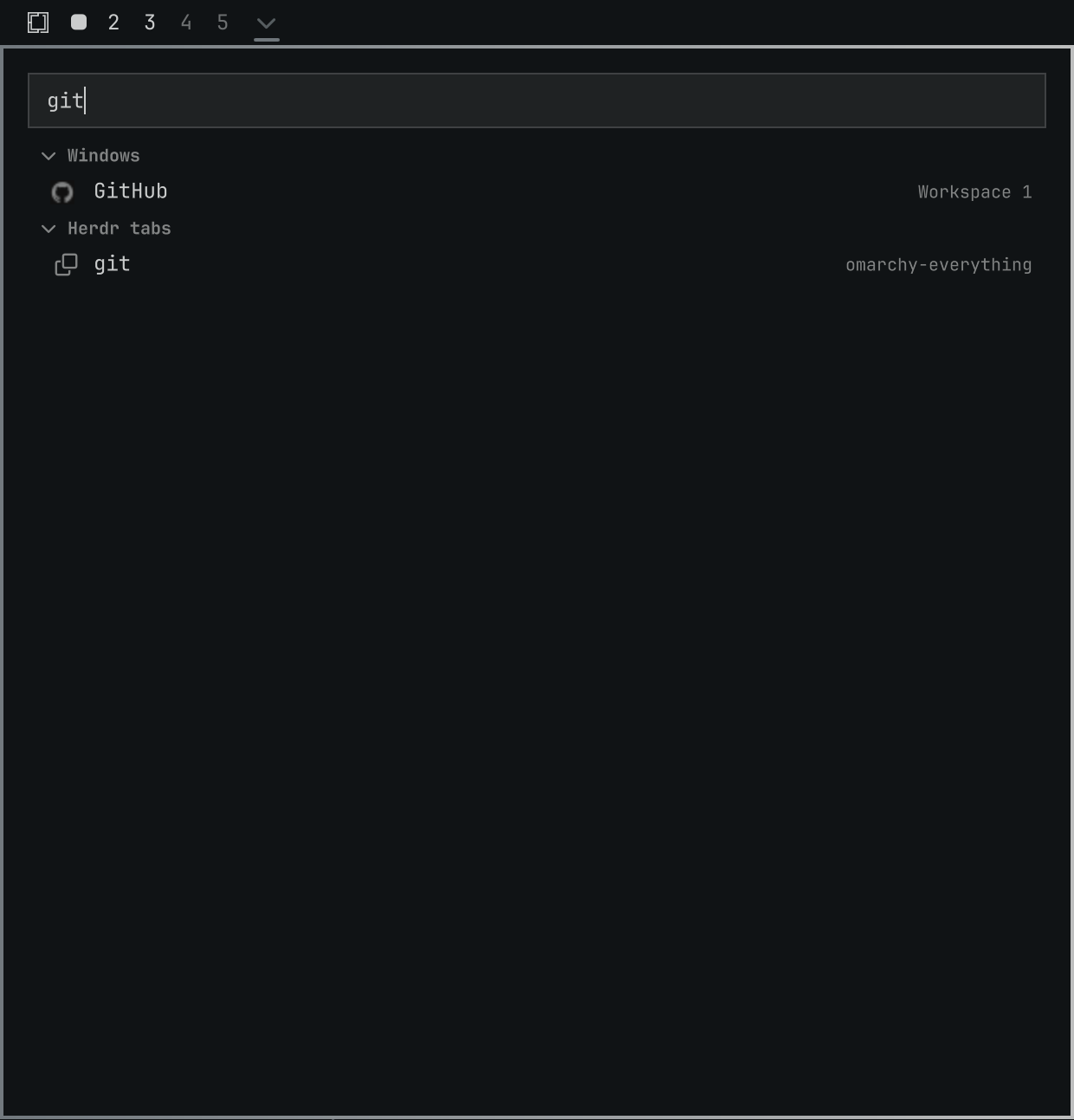
Install
omarchy plugin add https://github.com/brianblakely/omarchy-everything.git --enable --yes
Open
Click the arrow in the bar, or use a binding:
hl.unbind("SUPER + SLASH")
o.bind("SUPER + SLASH", "Everything", "omarchy-shell shell toggle b.everything")
Configure
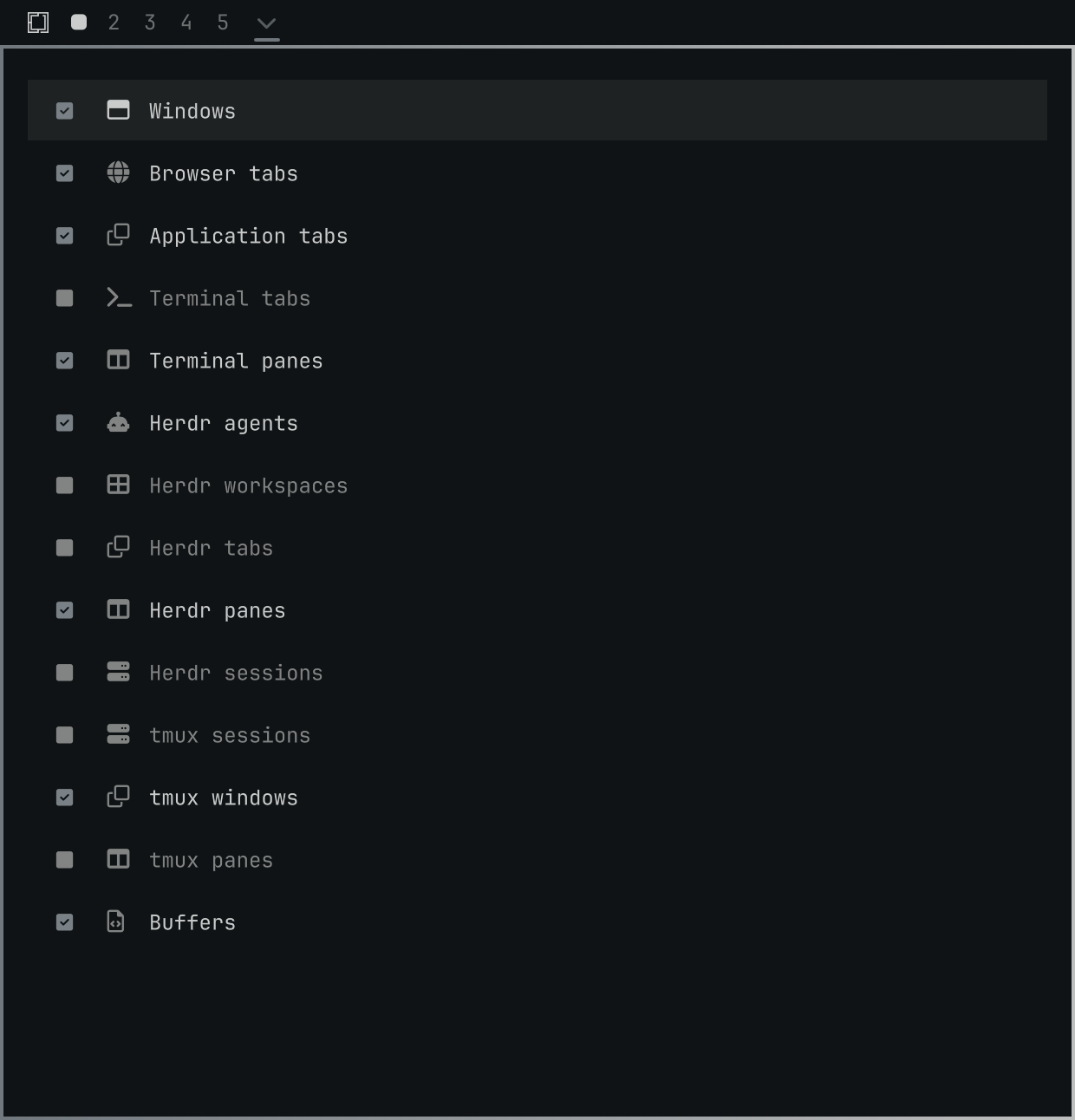
Right-click the bar icon to choose which groups appear in Everything.
Ghostty Panes
Ghostty windows and tabs are available by default, but Ghostty pane discovery must be enabled manually, as it has wonky behavior where it opens Ghostty's command palette.
Update
omarchy plugin update b.everything
Uninstall
omarchy plugin remove b.everything
Keyboard Controls
| Focus | Keys | Action |
|---|---|---|
| Navigation | K, Up |
Scroll up |
| Navigation | J, Down |
Scroll down |
| Navigation | H, Left |
Collapse the current group |
| Navigation | L, Right |
Expand the current group |
| Navigation | Home, End, g, G |
Scroll to top or bottom, respectively |
| Navigation | Page Up, Page Down, Ctrl+U, Ctrl+D |
Move one page |
| Navigation | Ctrl+P, Ctrl+N |
Move to the previous or next thing |
| Navigation | Enter, Space |
Expand a collapsed group, or close Everything and activate the highlighted thing |
| Navigation | / |
Focus the search field |
| Navigation | X, Backspace, Delete |
Hide the highlighted thing from the list until restart |
| Navigation | Tab, Shift+Tab |
Switch between search and the list |
| Search | Down, Tab |
Switch to list |
| Settings panel | Enter, Space |
Show or hide the selected group in results |
| Other | Escape |
Clear a search / Close Everything |