Omahub
← All plugins
B

Omashot

by Brian Blakely

Screenshot and screen-recording overlay for Omarchy

Security review

Review recommended · 1 finding

Deterministic scan — not a security guarantee

Medium
Risk level
Medium
Analyzed commit
4e3503a
Scanned
3 weeks ago
  • Shell sources dynamically generated content.

    source <(sed -n '/^install_recording_escape_binding() {$/,/^recording_session_locked() {$/p' \

Automated analysis only — not a security guarantee.

AI advisory review

No obvious issues detected

Language-model assessment · ~deepseek/deepseek-v4-flash-latest — advisory only

Low
AI risk level
Low
Recommendation
install
Model
~deepseek/deepseek-v4-flash-latest
Analyzed commit
4e3503a
Reviewed
3 weeks ago

The plugin is a screenshot and screen-recording overlay for Omarchy. The deterministic scan flagged a test script that uses process substitution to source a portion of the main script, but this is a common testing pattern and not present in the production code. The main script appears to handle configuration and external commands defensively, with no obvious malicious behavior.

  • The only flagged issue is in a test file (tests/recording-reload.test.sh) that sources dynamically generated content; this is not part of the runtime plugin and does not affect users.
How this check works

This review combines the deterministic scan (the rule-based results above) with an independent look at the plugin's code by a language model. The model reads a trimmed sample of the repository's files, the manifest, and the README, then gives a plain-language risk level and a recommendation: install (no notable danger), review (look closer first), or avoid (clearly dangerous).

It runs on the same analyzed commit as the deterministic scan and is strictly advisory — it is not a security guarantee and never blocks a plugin by itself. A human moderator still reviews plugins before they are listed.

AI advisory only — automated analysis, not a security guarantee.

Install
$ omarchy plugin add https://github.com/brianblakely/omashot --enable
Productivity #Hyprland #media #system

Omashot

Omashot is a screenshot and screen-recording overlay, inspired by macOS and Spectacle.

Annotations and Editing

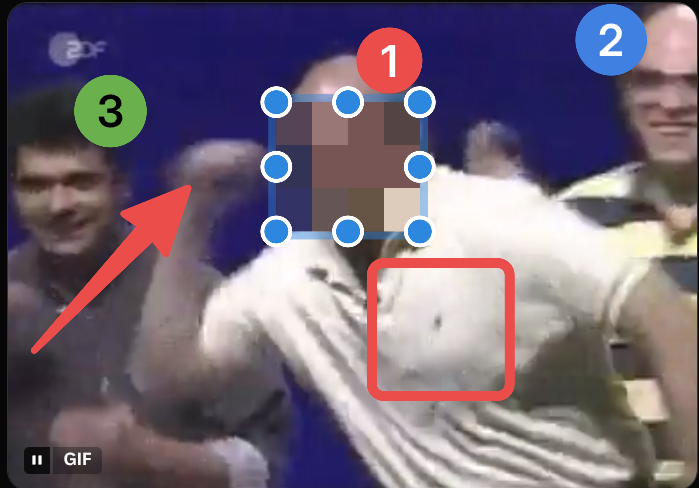
Omashot uses Omarchy's built-in tools, which do what they do best. To annotate a screenshot, first select Save: Editor from the toolbar. If you have a workflow that involves Pinta, GIMP, et al, you can set editorCommand in ~/.config/omarchy/shell.json.

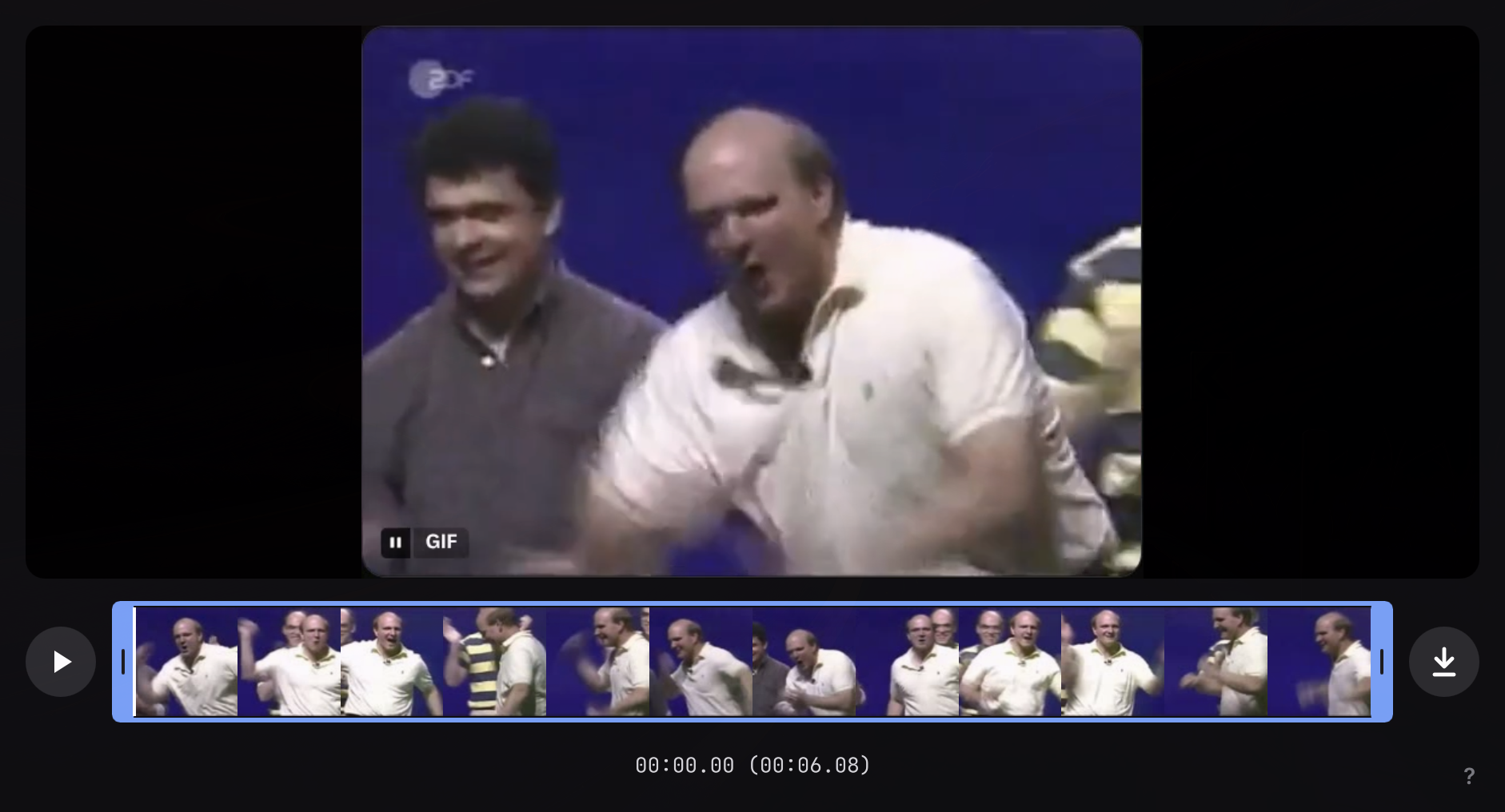
All completed screen recordings open automatically in Omacut.
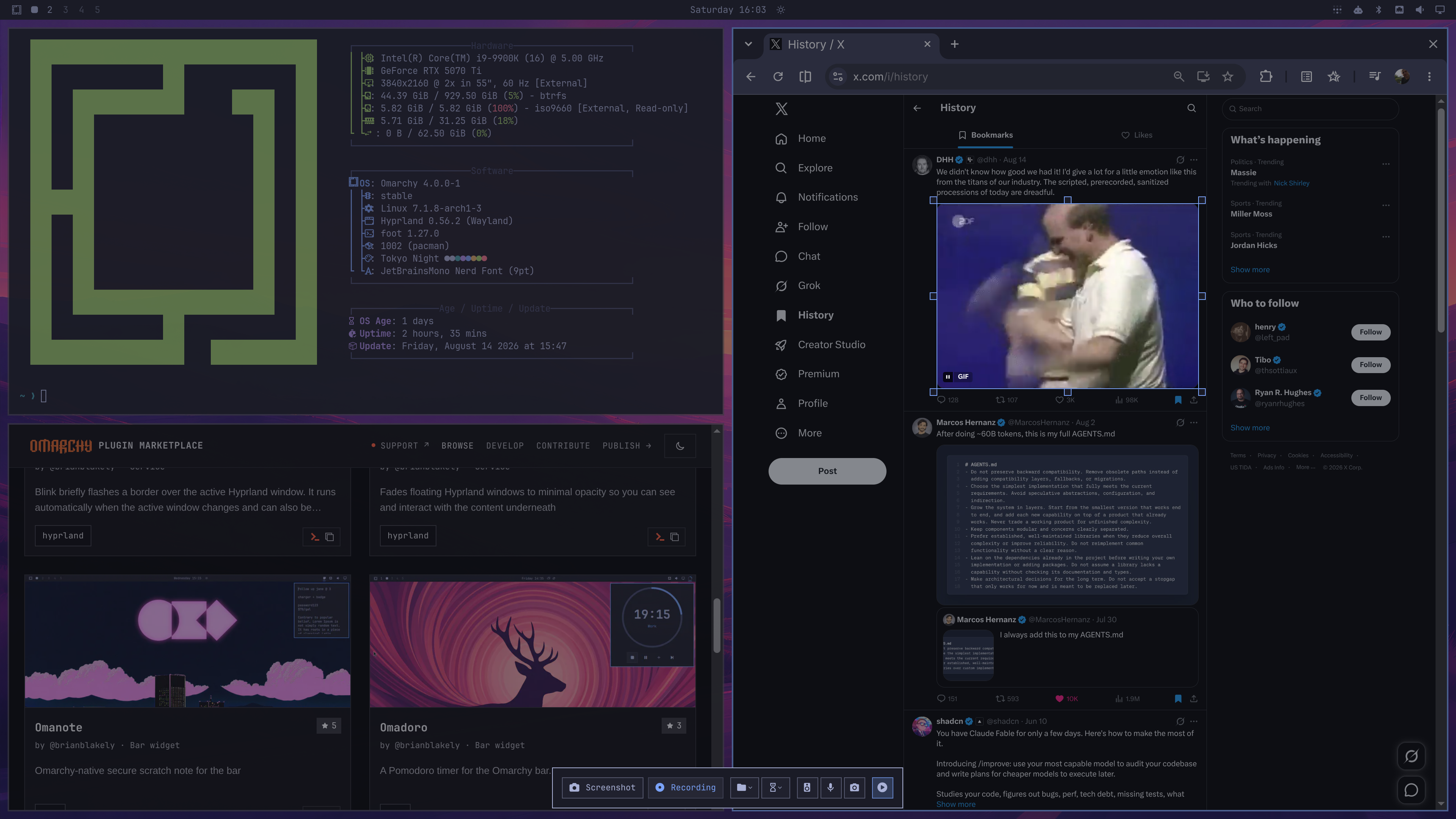
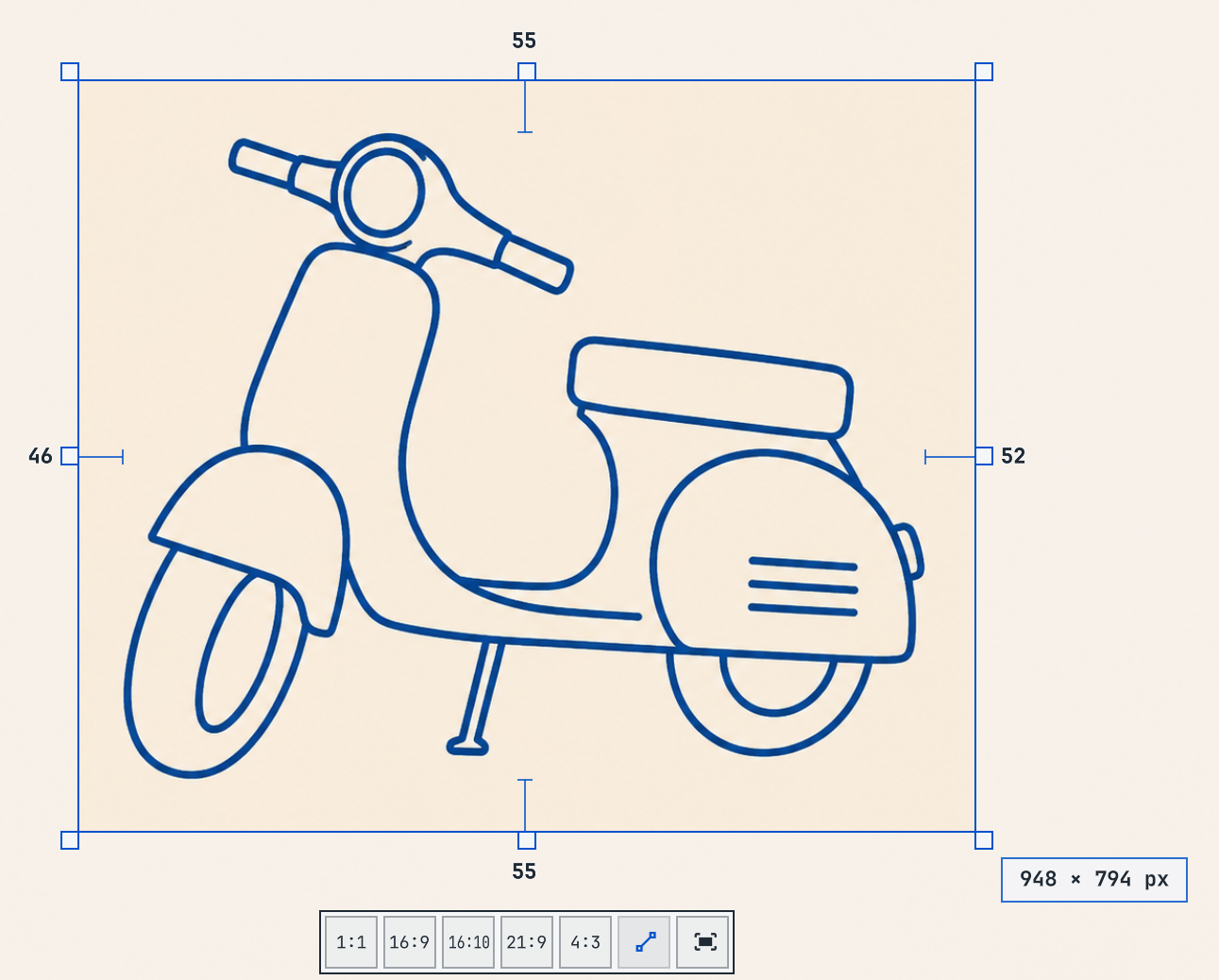
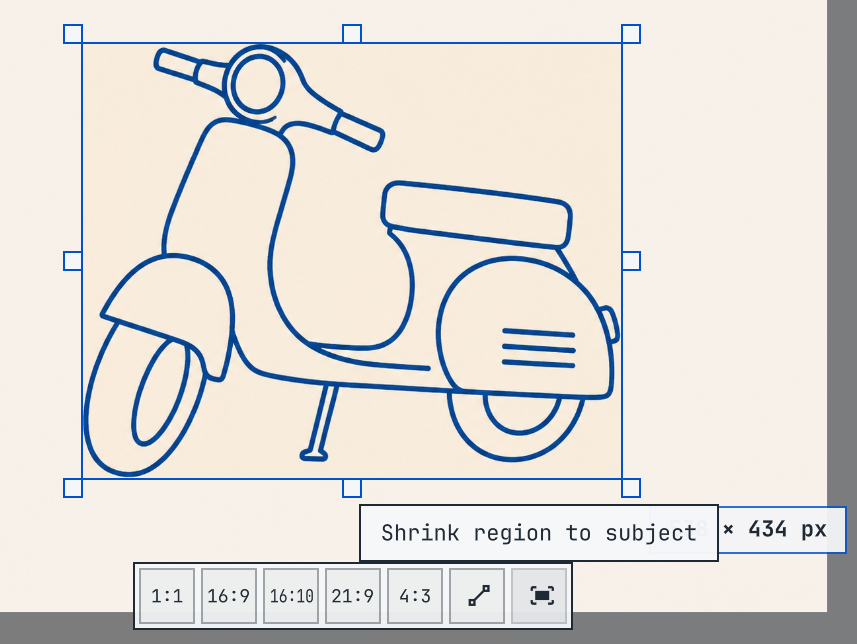
Omashot UI Video trimming Screenshot annotation Measure margins Shrink to subject

Install

omarchy plugin add https://github.com/brianblakely/omashot.git

Usage

Use Your Mouse

  • Click the top edge of the screen to capture the whole screen.
  • Click a window to capture it.
  • Click and drag to create a capture region. Then press Enter.

Quick Capture Hotkeys

  • Press Space to capture the whole screen at any time.
  • Press Enter to capture a highlighted window or a region.
  • Press Escape to end a screen recording. When Keystroke Display is enabled, hold Escape for two seconds.

Choose a Save Folder

Open Location → Custom folder… in the toolbar, enter an absolute path (for example, /home/alex/Captures), and select Save. Omashot remembers the folder for both screenshots and screen recordings and creates it when needed. The Location menu also offers Pictures (Videos for recordings), Documents, and Downloads.

You can also set saveLocation in the b.omashot plugin entry in ~/.config/omarchy/shell.json:

{
  "id": "b.omashot",
  "saveLocation": "/home/alex/Captures"
}

Use the full path; ~ and environment variables are not expanded.

Tweak Region Sizing and Position with the Keyboard

  • Use the arrow keys or HJKL to move the region by one pixel.
  • Hold Shift and a direction to grow the region.
  • Hold Shift+Ctrl and a direction to shrink the region.
  • Hold Alt while moving or resizing to use ten-pixel increments.

Shortcuts

hl.unbind("PRINT")
o.bind("PRINT", "Omashot", "omarchy-shell b.omashot show")

All Commands

  • omarchy-shell b.omashot show
  • omarchy-shell b.omashot captureScreen
  • omarchy-shell b.omashot captureWindow
  • omarchy-shell b.omashot captureToFile
  • omarchy-shell b.omashot captureToClipboard
  • omarchy-shell b.omashot record
  • omarchy-shell b.omashot stopRecording
  • omarchy-shell b.omashot keystrokes true
  • omarchy-shell b.omashot keystrokes false

Update

omarchy plugin update b.omashot

Uninstall

omarchy plugin remove b.omashot