
Omarchy Shell Plugin for Focusd
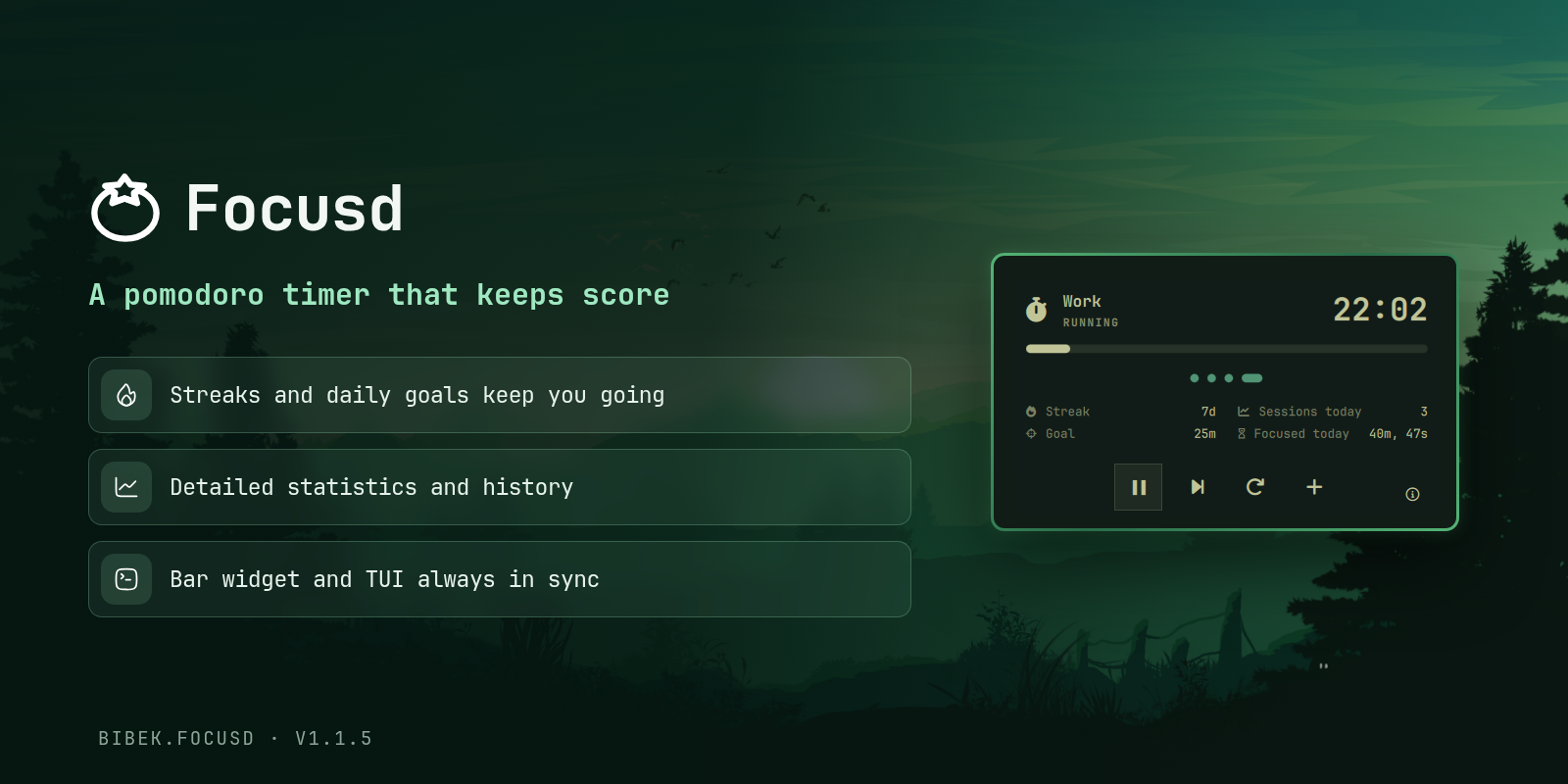
A beautiful Focusd pomodoro timer for the Omarchy bar. Shows the current session and remaining time with a state icon, and opens a control panel with pause, skip, and stop actions plus your streak, sessions, history, and daily goal.
Why Another Pomodoro Timer
At the time of making this there are already two, similar plugin for omarchy in marketplace, but what does focusd do different than other plugins. First thing focusd is not just omarchy plugin, it's a TUI with features like streak, history, stats, and more. This plugin is just integration of omarchy with focusd. And to answer the question of how this differs from other plugin, focusd has TUI which is in-sync with bar, and other lovely features like goal, history, streak.
Features
- Bar widget showing session state and remaining time
- Control panel with pause, skip, reset, and add 5 minutes
- Session progress dots showing current position in the pomodoro cycle
- Info page with links to GitHub, settings TUI, and stats TUI
- Automatic update checking for AUR installations
- Streak, daily goal, and sessions today from Focusd history
- Customizable state icons
- Switchable popup style (linear hero or circular face)
- Full keyboard navigation support
Requirements
- Omarchy quattro
- Focusd v0.2.1+ (auto-installed on first use with SHA256 verification, or install from AUR:
yay -S focusd)
Install
omarchy plugin add https://github.com/BibekBhusal0/omarchy-focusd.git --enable
Demo
Usage
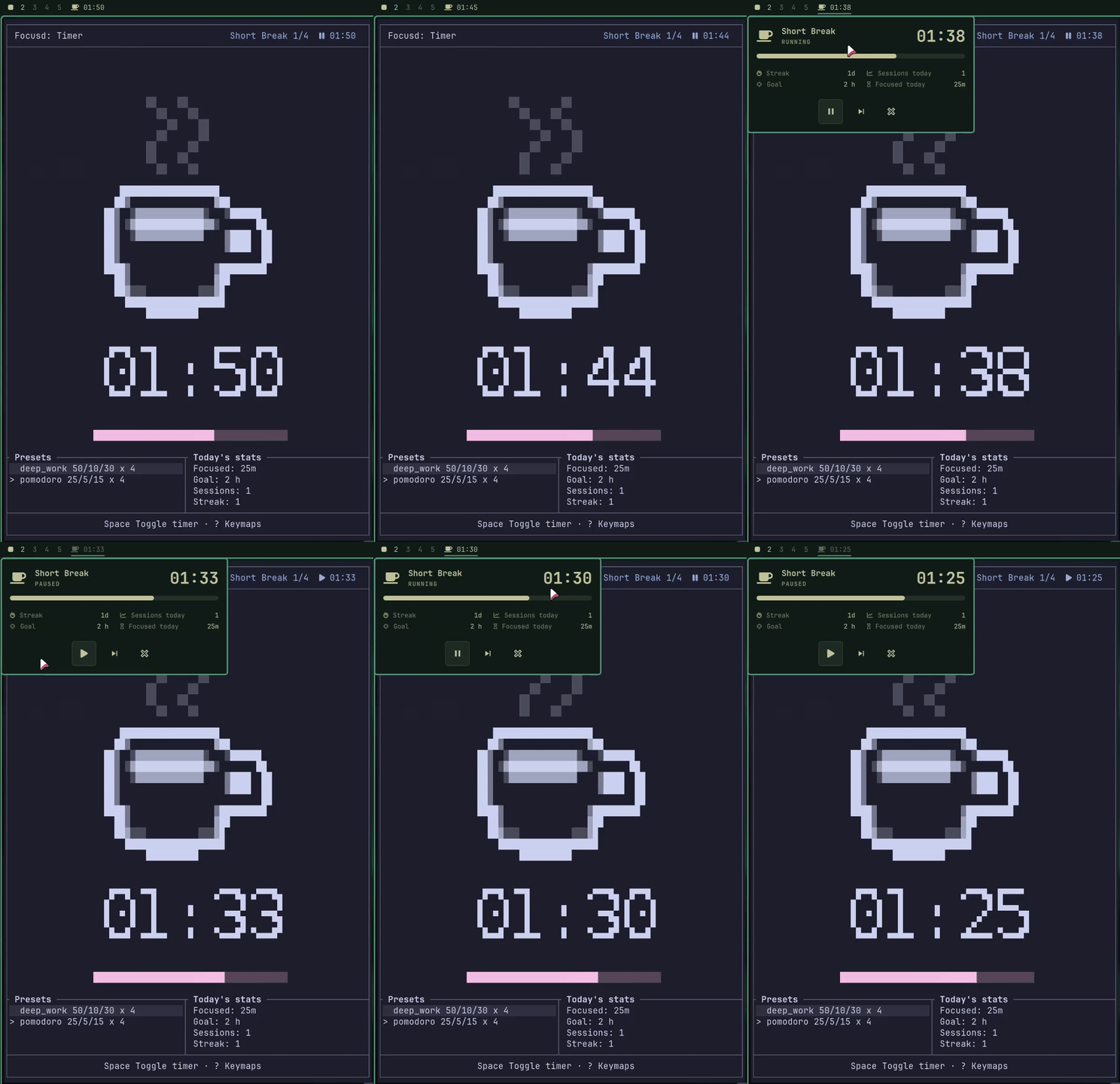
Click the bar widget to open the control panel. Right-click skips to the next session, middle-click resets the current timer. The info button (i icon) at the bottom opens settings and stats access. You can also bind it to a key (~/.config/hypr/bindings.lua):
o.bind("CTRL", "T", "exec, omarchy-shell shell summon bibek.focusd")
Start the timer with focusd start. Press Escape in the info page to return to the timer page.
Configuration
Durations and presets are set in Focusd itself (focusd settings). The plugin's options live in ~/.config/omarchy/focusd.json (watched live, so edits apply instantly).
Default configuration:
{
"progressBarStyle": "linear",
"icons": {
"work": "",
"work-paused": "",
"short-break": "",
"short-break-paused": "",
"long-break": "",
"long-break-paused": ""
}
}
progressBarStyle switches the popup between the linear and circular:
{ "progressBarStyle": "circular" }
icons overrides the per-state bar icons. Any of the keys above can be replaced:
"bar": {
"layout": {
"right": [
{
"id": "bibek.focusd",
"icons": {
"work": "🍅",
"work-paused": "",
"short-break": "☕",
"short-break-paused": "",
"long-break": "🏖️",
"long-break-paused": ""
}
}
]
}
}
Alternatives per state (pick the ones you like; -paused variants reuse the same pause icon or keep it same because the opacity is decreased):
| Key | Suggestions |
|---|---|
work |
, , 🍅, |
short-break |
☕, 🍪, , |
long-break |
🏖️, ⏳, 🌴, |
paused |
, , , |
Uninstall
omarchy plugin remove bibek.focusd
Credits
Bar widget and panel design adapted from Omadoro by Brian Blakely, licensed under the MIT License.
Session progress dots visualization inspired by omarchy-pomodoro by rodrigojacarei, licensed under the MIT License.
This plugin is licensed under the MIT License.
Others
Here are my other Omarchy plugins:
- Obsidian Search - fuzzy-search your Obsidian vault
- Readest - fuzzy-search your Readest library
- Youtube Video Downloader - video downloads with progress and history
- Better Lock - lock screen with date/time, media and power controls
- Better Media - MPRIS now-playing with playback controls
- Better Menu - fuzzy menu with app grid, calculator and web search
Please give a star if you find them useful!