
VideoCorner
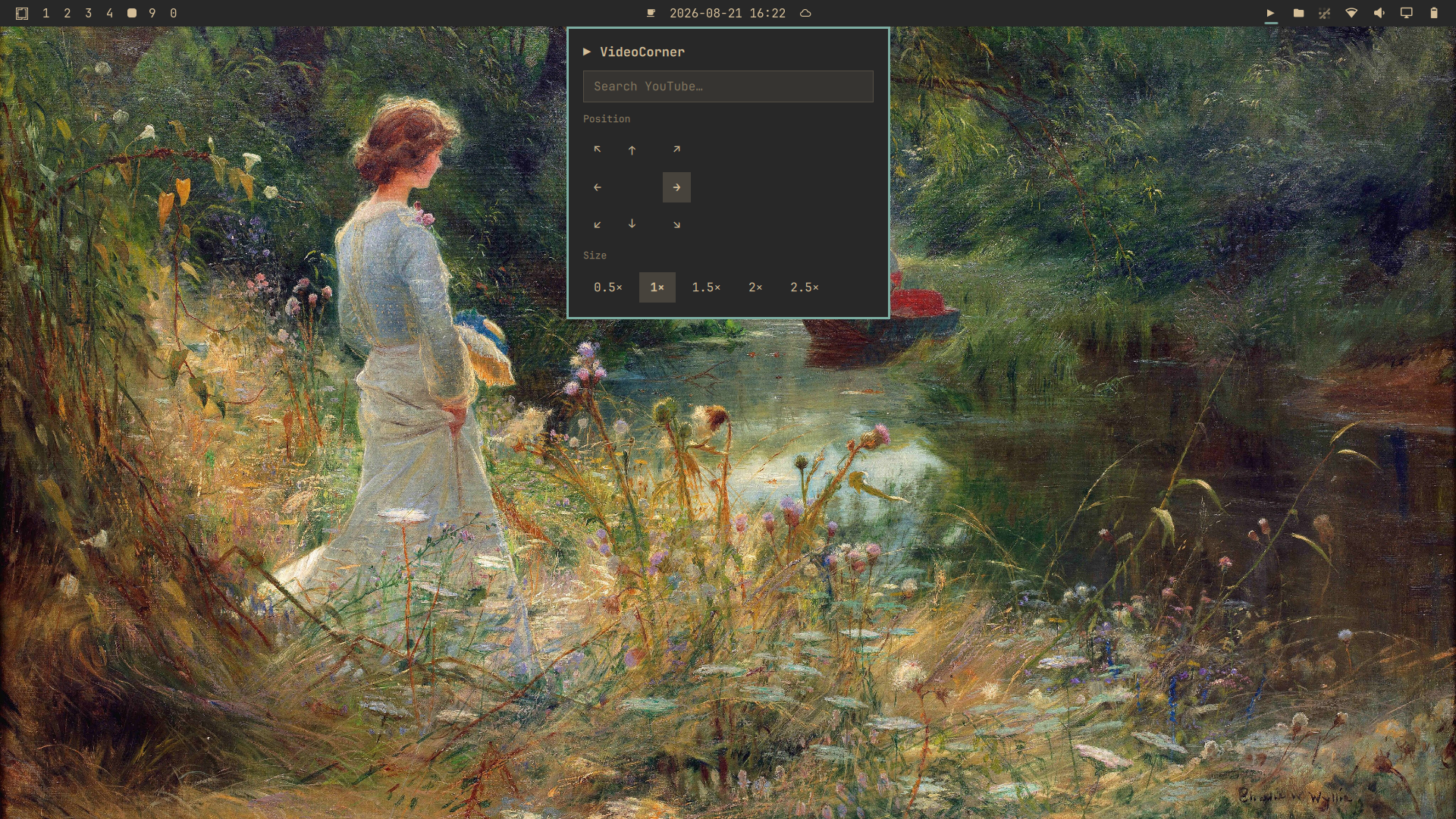
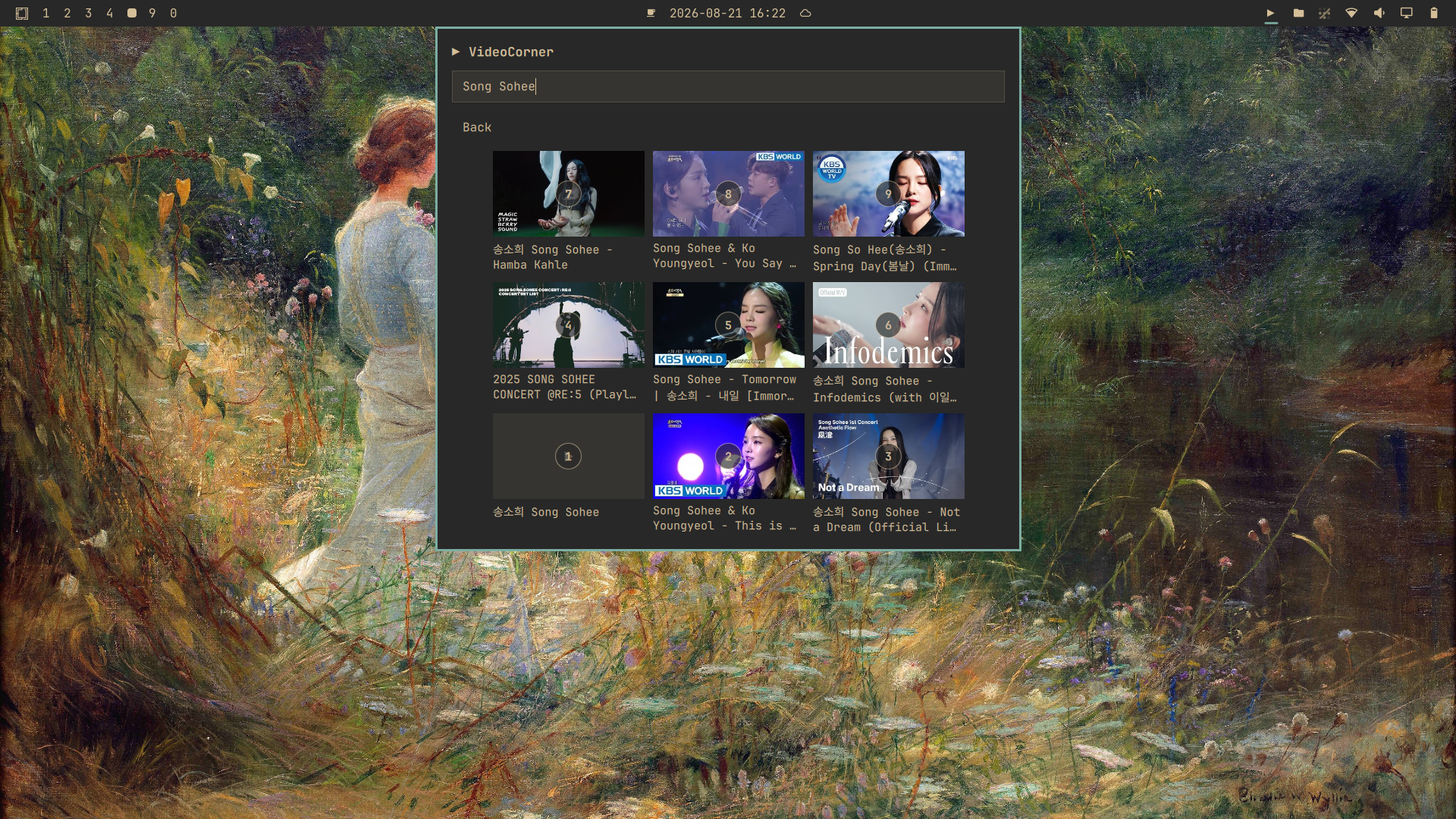
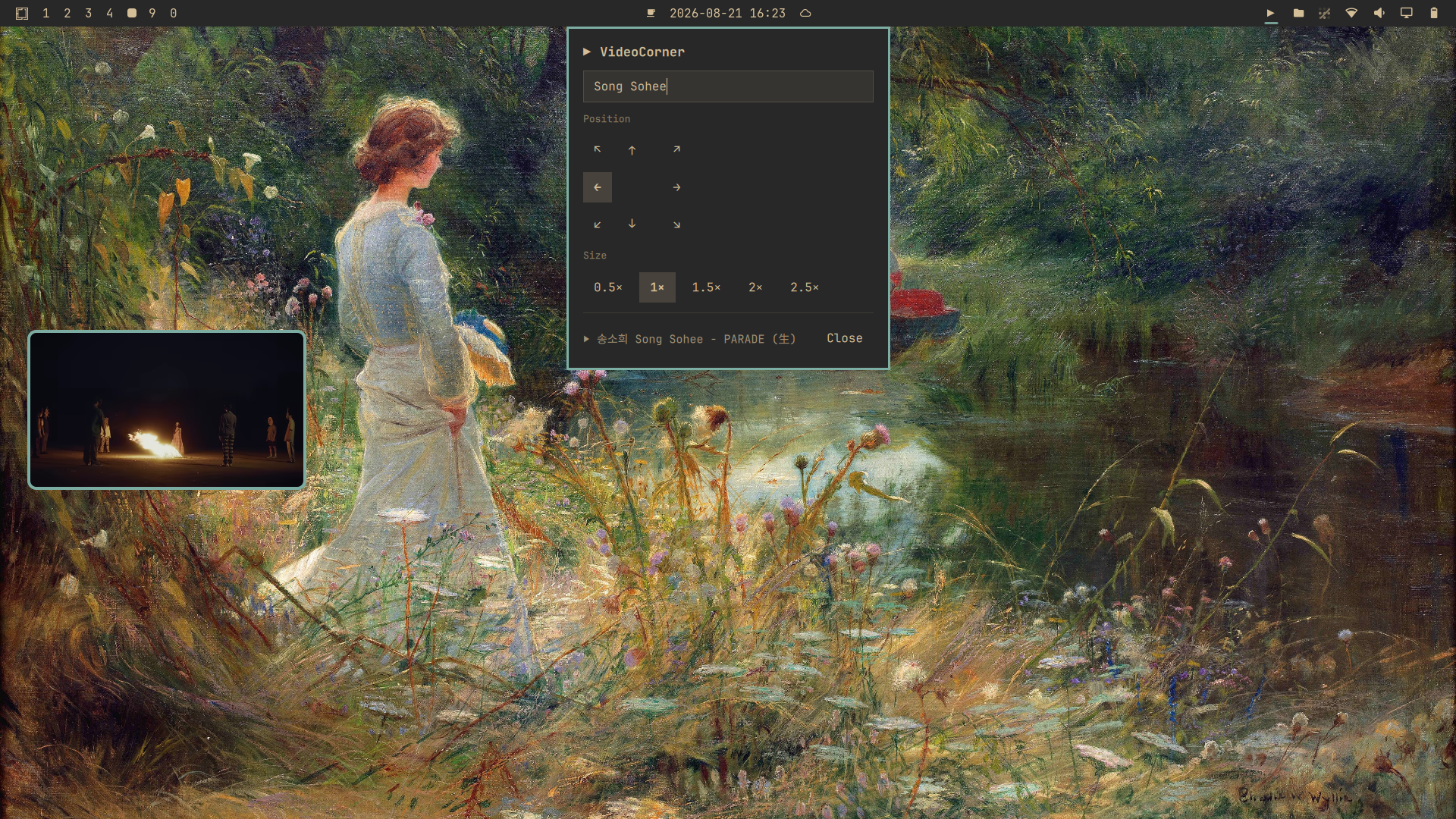
Search YouTube from the Omarchy bar and pop the selected video into a floating, pinned, movable player window.
Features
- YouTube search through
yt-dlp - Floating, pinned player that auto-matches the video's real aspect ratio
- Video-only layout (no page chrome) via a bundled Chromium extension
- Full native YouTube controls — play, pause, seek, volume, captions, settings
- Configurable corner and size
Usage
Click the ▶ bar icon to open the panel, type to search, then click a video
or press Ctrl+1…9 to play it. Move/resize the player from the panel.
Keys
While Panel is open
| Key | Action |
|---|---|
Ctrl+1…9 |
play the numbered video |
Ctrl+↑↓←→ / Ctrl+h/j/k/l |
move the player around |
Ctrl+= / Ctrl+- |
resize up / down |
Ctrl++ / Ctrl+_ |
max/min size |
Ctrl+Q |
close the video |
Esc / Ctrl+[ |
close the panel (back to main view from results) |
Requirements
- Omarchy Quattro
- Chromium
yt-dlpwhich uses an api to search for youtube videos
Install
Use Omarchy's SUPER+SPACE->Setup->Plugins->Add Plugin and enter the url
https://github.com/brianspragge/videocorner.git
Then register the Chromium extension for the video-only player layout and restart Chromium by running:
~/.config/omarchy/plugins/bms.videocorner/scripts/install-extension.sh
Optional: add a keyboard shortcut
To open and close VideoCorner from anywhere, add this line to your personal
Hyprland keybindings file, ~/.config/hypr/bindings.lua:
o.bind("SUPER + CTRL + Y", "VideoCorner", "omarchy-shell shell toggle bms.videocorner")
Clicking the ▶ bar icon also works, so this keybind is optional.
Remove
Run
~/.config/omarchy/plugins/bms.videocorner/scripts/remove-extension.sh
Use Omarchy's SUPER+SPACE->Setup->Plugins->Remove Plugin ITS GONE like nothing ever happened.
Transparency
VideoCorner runs only when you open its panel or play a video. It does not intercept or change input for any other application or window. Extension is minimal without peeping at your junk.
What the extension installer touches
The install-extension.sh script edits exactly one file:
~/.config/chromium-flags.conf
- It appends the VideoCorner extension path to the existing
--load-extension=line (or adds that line if it's absent). - Every other line in the file is left untouched.
- It is idempotent: running it again does nothing.
What it does not touch
- Hyprland, its input handling, or any keybindings
~/.config/omarchy/shell.jsonor any other Omarchy settings- Browser history, bookmarks, cookies, or other Chromium data
- Any other application, window, or remote session (e.g. browser-based environments like GitHub Codespaces)
Player extension scope
The bundled Chromium extension only activates for URLs containing
videocorner=1 (your selected video). Regular YouTube tabs and all other sites
are unaffected. It isn't necessary, but then you will have to manually enlarge
every video you search for. The extension removes all the youtube page css junk.
Removal
scripts/remove-extension.sh strips only the VideoCorner entry from
~/.config/chromium-flags.conf, leaving every other flag and file intact.
License
MIT © 2026 Brian Spragge