
Domain Check
Omarchy plugin for checking domain name availability — as a bar widget, a summonable fullscreen overlay, or both.
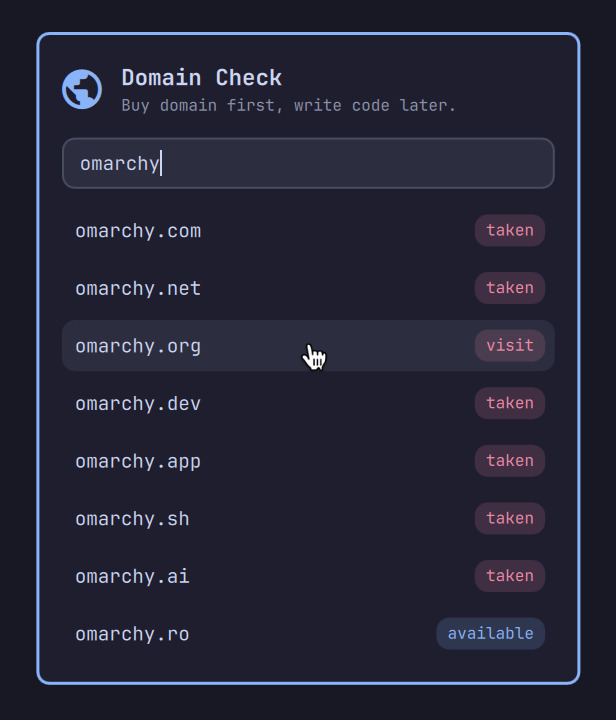
Demo
https://github.com/user-attachments/assets/bfbe187f-4af3-4d64-94e2-2c0f366da8ed
Features
- Type a name, see instantly which TLDs are free — all checked in parallel
- Type a full domain like
name.ioto check just that one - Authoritative answers via RDAP, the registries' own data — no API keys
- Parallel DNS-over-HTTPS lookup flips registered domains to
takennear-instantly, before the registry even responds - TLDs with no RDAP service (many country TLDs) fall back to a classic whois lookup
- Your country's TLD is included automatically, derived offline from the system timezone
- Click a taken domain to visit it; click an available one to go buy it
- Full keyboard support
Results
| Status | Meaning |
|---|---|
available |
The registry has no record for it (premium/reserved names can still show as available) |
taken |
Registered |
unknown |
The lookup failed, or the registry's answer couldn't be interpreted |
Buying an available domain opens Cloudflare Registrar when it sells that TLD; for the rest (mostly country TLDs) it opens that TLD's price-comparison page on TLD-List, so you can pick the cheapest registrar. Both can be replaced, see below.
Keyboard
| Key | Action |
|---|---|
↑ / ↓ |
Navigate the results |
Enter |
Open the selected result (or re-run the check when nothing is selected) |
Esc |
Close the panel |
Install
omarchy plugin add https://github.com/cossssmin/omarchy-domaincheck.git --enable
The widget appears in the bar's right section. Move it with:
omarchy bar move cossssmin.domaincheck --section center
Overlay mode
The same checker is also a fullscreen overlay you can summon from anywhere, like the emoji picker or clipboard manager. Esc or a click outside dismisses it; opening a result also dismisses it. Bar widget and overlay work independently: keep both, or remove the widget from the bar and use only the overlay.
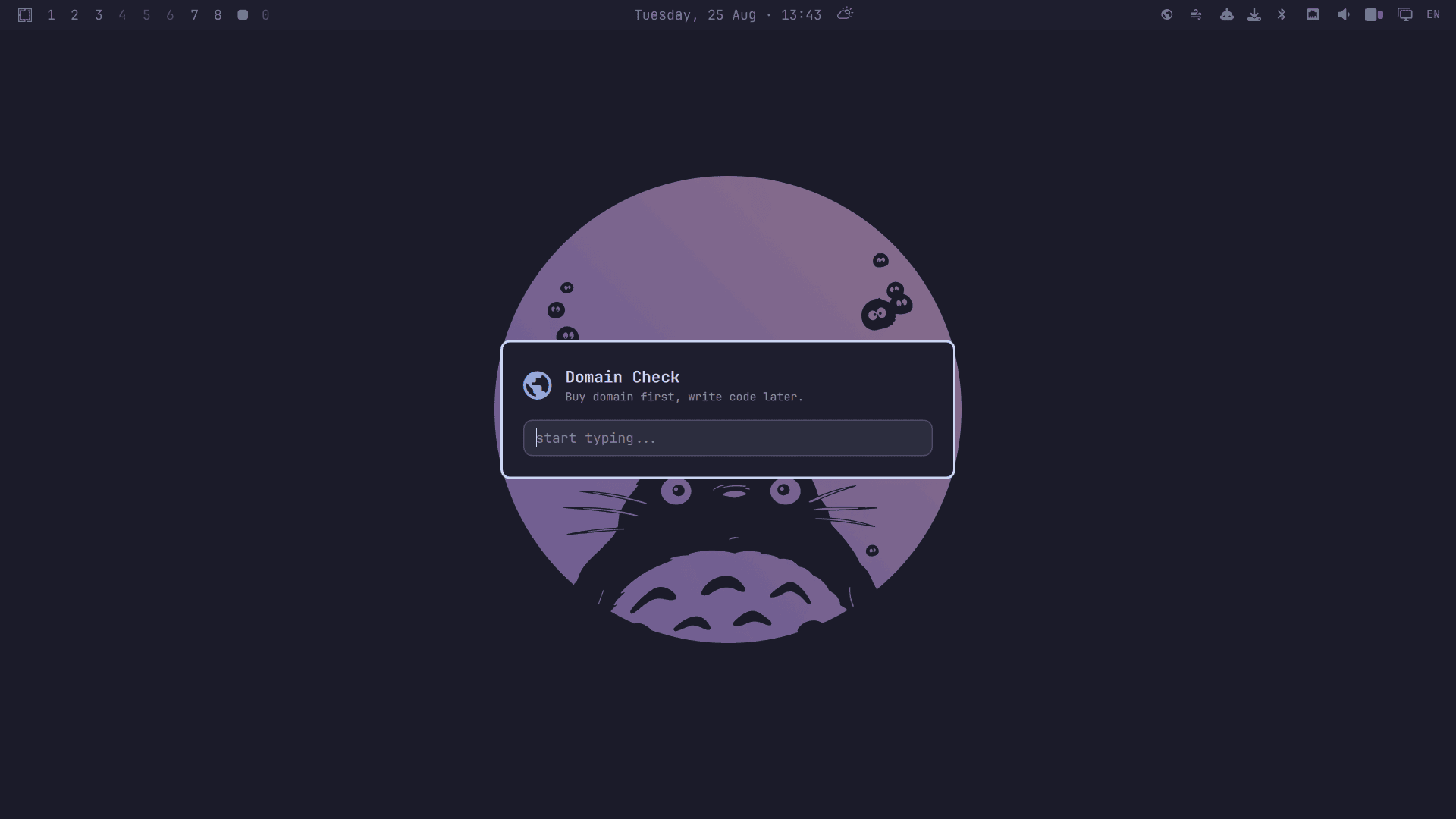
The overlay has no trigger of its own — Omarchy plugins can't register keybindings. It opens through a shell command, which you can try straight from a terminal:
omarchy-shell -q shell toggle cossssmin.domaincheck
To summon it with a key, bind that command in ~/.config/hypr/bindings.lua (SUPER + D is unbound on a stock Omarchy install):
o.bind("SUPER + D", "Domain Check", "omarchy-shell -q shell toggle cossssmin.domaincheck")
Configure
Both options are editable in the bar's widget settings UI, or directly in the widget's entry in ~/.config/omarchy/shell.json. The overlay reads the same settings.
TLD list — defaults to com net org dev app sh ai plus your country's TLD. Override it entirely, as a space/comma-separated string or an array:
{ "id": "cossssmin.domaincheck", "tlds": "com io sh ro" }
Registrar — send available domains to your preferred registrar instead, with a {domain} placeholder:
{ "id": "cossssmin.domaincheck", "buyUrl": "https://www.namecheap.com/domains/registration/results/?domain={domain}" }
Privacy
- RDAP lookups go directly to the relevant registry's RDAP server (endpoint list fetched once from IANA at startup, with
rdap.orgas fallback) - DNS lookups use Cloudflare's DNS-over-HTTPS resolver
- TLDs without RDAP are checked with
whois, which contacts that registry's whois server - The country TLD comes from your timezone via local tzdata files — no geolocation
- Nothing else is contacted, nothing is stored. Opening a result uses
xdg-open
Remove
omarchy plugin remove cossssmin.domaincheck
License
MIT