
Screen Wash — Omarchy Burn-In Prevention Plugin
Periodically washes the screen with cycling solid colors or dims it to prevent burn-in during long sessions.
Install / Remove
omarchy plugin add Deunnis/omarchy-screenwash
omarchy plugin remove daan.screenwash
Features
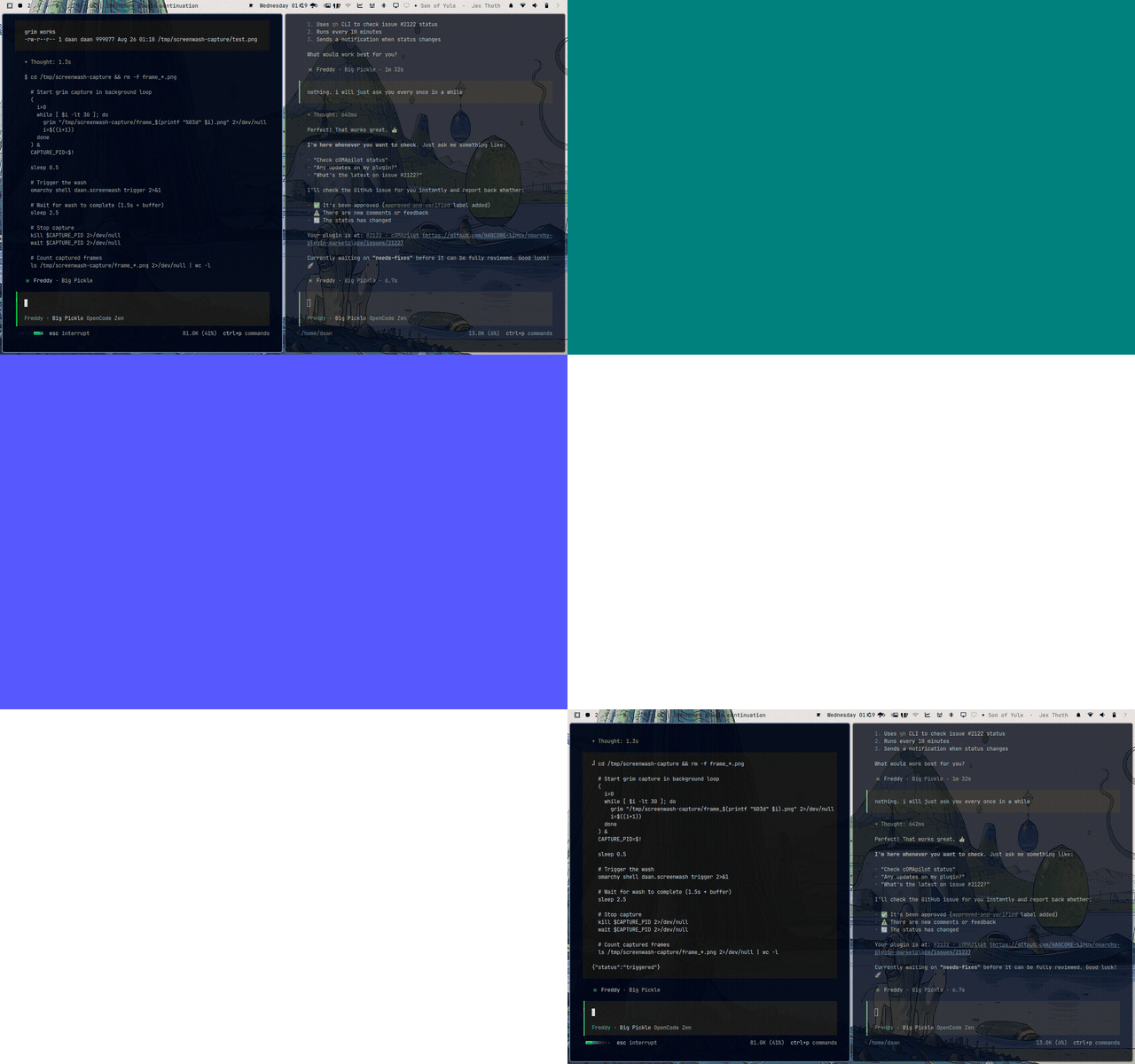
- Two wash modes: wash (cycles through R→G→B→white) and dim (fades a black overlay)
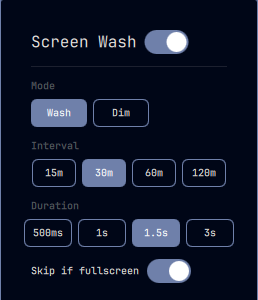
- Click the monitor icon () in the bar to open the settings popup
- Toggle on/off, switch mode, set interval and duration — all from the popup
- Automatically skips wash when a fullscreen window is active
- Persistent settings across restarts
Settings
All settings can be changed from the bar popup menu:
| Setting | Options | Default | Description |
|---|---|---|---|
| Mode | Wash / Dim | Wash | Wash cycles solid colors; dim fades a black overlay |
| Interval | 15m / 30m / 60m / 120m | 30m | Minutes between screen washes |
| Duration | 0.5s / 1s / 1.5s / 3s | 1.5s | How long the wash overlay stays visible |
| Skip if fullscreen | On / Off | On | Skip the wash if a fullscreen window is active |
IPC Commands
omarchy shell daan.screenwash trigger
omarchy shell daan.screenwash status
Manual Installation
git clone https://github.com/Deunnis/omarchy-screenwash.git ~/.config/omarchy/plugins/daan.screenwash
Then add { "id": "daan.screenwash" } to both the plugins array and the bar layout in ~/.config/omarchy/shell.json.
Manual Removal
rm -rf ~/.config/omarchy/plugins/daan.screenwash
Then remove { "id": "daan.screenwash" } from the plugins array and bar layout in ~/.config/omarchy/shell.json.
License
MIT — see LICENSE.