
Omarchy IntelliJ Theme Sync
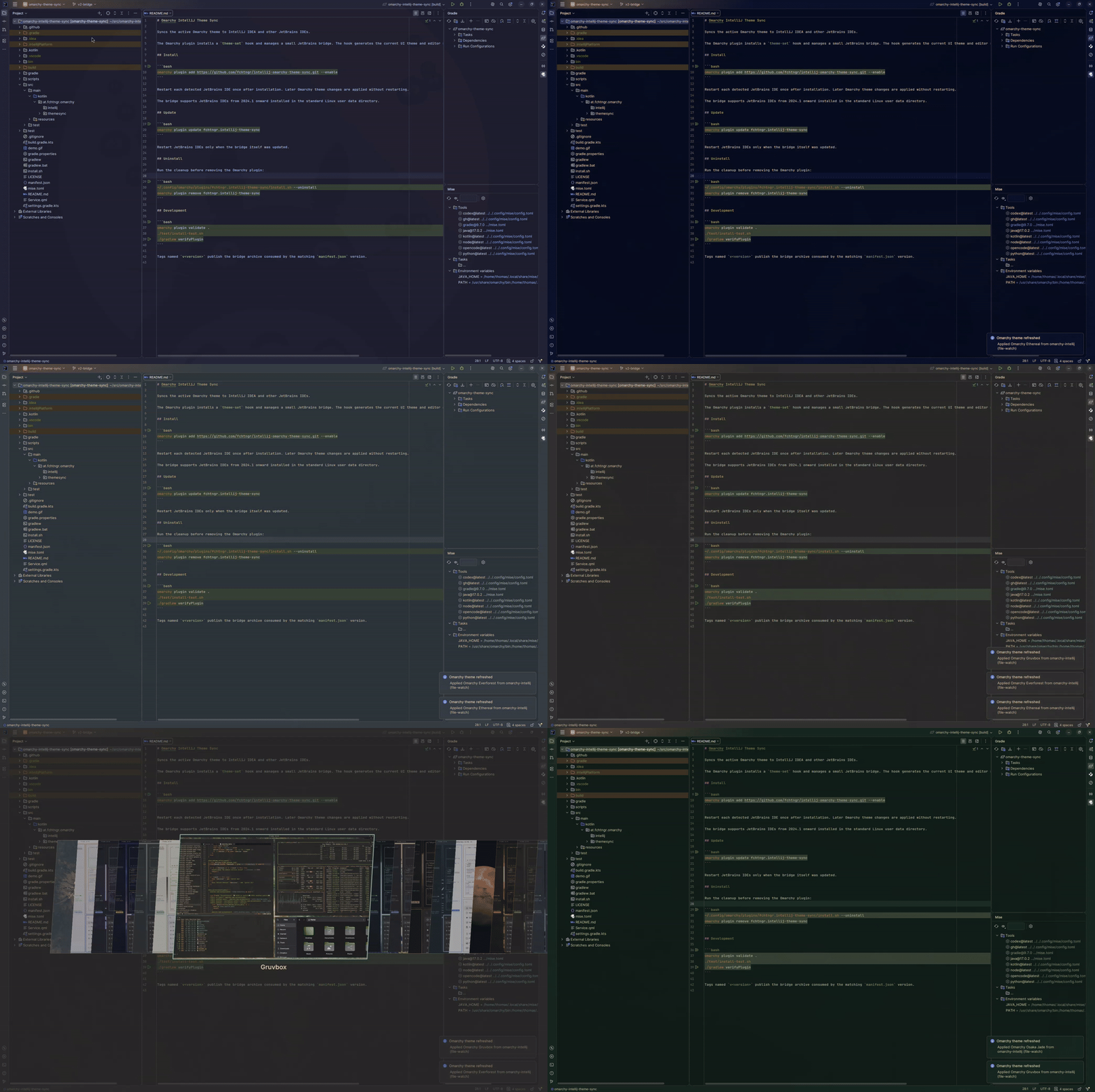
Syncs the active Omarchy theme to IntelliJ IDEA and other JetBrains IDEs, supporting both standalone and JetBrains Toolbox installations.
The Omarchy plugin installs a theme-set hook and manages a small JetBrains bridge. The hook generates the current UI theme and editor scheme; the bridge applies them to running IDEs.
Install
omarchy plugin add https://github.com/fchtngr/intellij-omarchy-theme-sync.git --enable
Restart each detected JetBrains IDE once after installation. Later Omarchy theme changes are applied without restarting.
The bridge supports JetBrains IDEs from 2026.1 onward installed in the standard Linux user data directory or through JetBrains Toolbox.
Update
omarchy plugin update fchtngr.intellij-theme-sync
Restart JetBrains IDEs only when the bridge itself was updated.
Uninstall
Run the cleanup before removing the Omarchy plugin:
~/.config/omarchy/plugins/fchtngr.intellij-theme-sync/install.sh --uninstall
omarchy plugin remove fchtngr.intellij-theme-sync
Development
omarchy plugin validate .
./test/install-test.sh
./gradlew verifyPlugin
Run the Release GitHub Actions workflow with the new version. It builds the bridge once, records its SHA-256 in manifest.json, commits and tags that metadata, then uploads the same archive.