
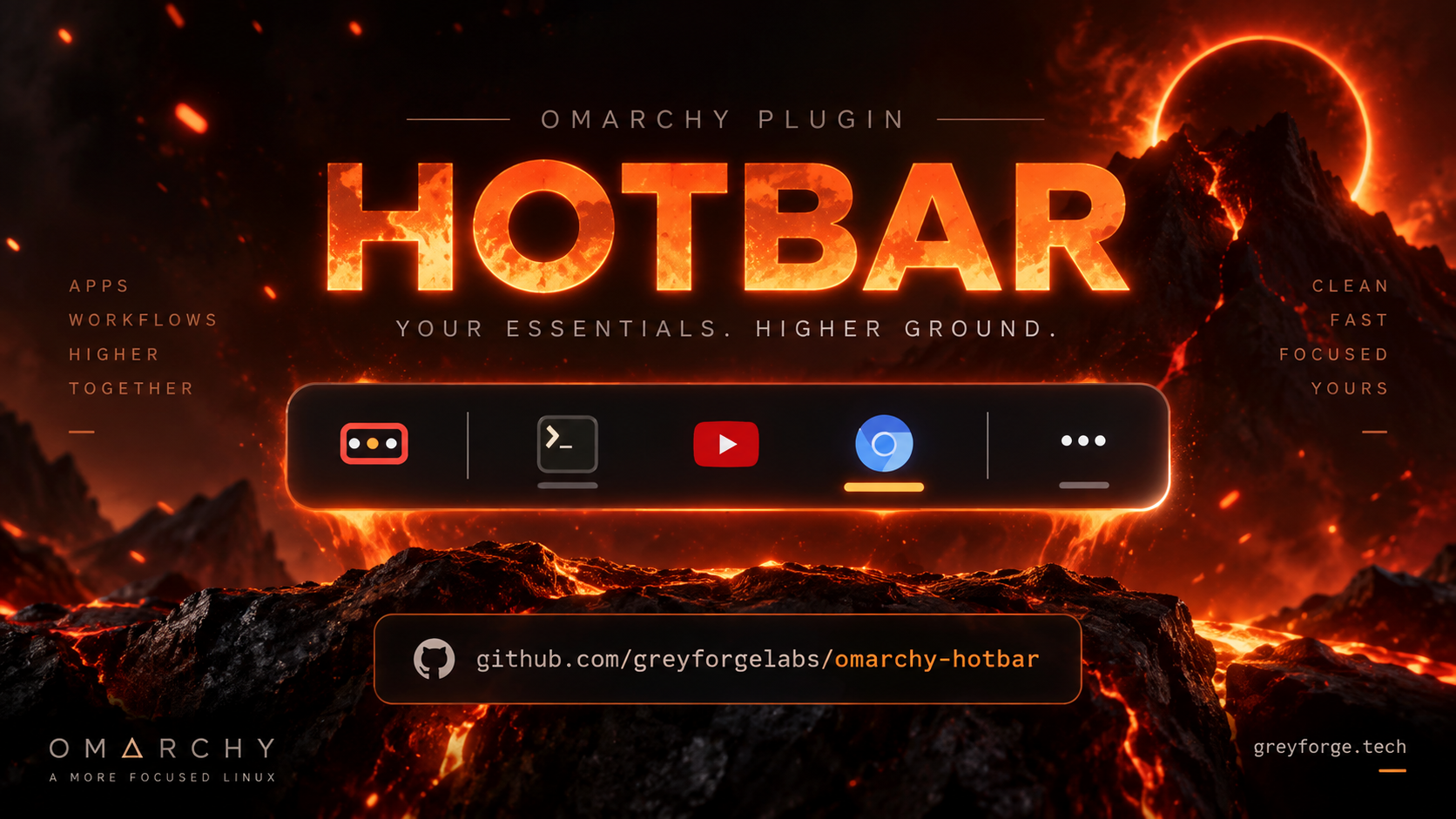

Hotbar
Hotbar is an Omarchy 4 bar plugin for Hyprland/Quickshell that keeps pinned apps in fixed slots and moves everything else into one Running drawer.
Install
omarchy plugin add https://github.com/GreyforgeLabs/omarchy-hotbar.git
~/.config/omarchy/plugins/greyforge.hotbar/bin/hotbar install
That places Hotbar after the Omarchy menu and links the hotbar command into ~/.local/bin. The installer never overwrites a file it does not own. If something looks wrong afterwards, run hotbar doctor first.
What it does
The bar shows three things, always in the same order:
<p align="center"> <img src="docs/screenshots/bar.png" alt="Hotbar in the Omarchy bar: Places, pins, Running" width="420"> </p>Places — Home, XDG folders, favourites, mounted drives, Trash. One click opens any of them. Its cell is a small hot bar — a red pill with an amber bar and a flame shimmer; Places cell → badge in Settings spells out HOTBAR instead, and Places flame turns the shimmer off.
Pinned apps — the apps you chose, in the order you chose. One app gets one cell whether it has zero windows or twenty. Pins never reorder on their own.
Running — a single drawer holding every unpinned app plus any pin that does not fit. The bar never grows past its budget.
Demo
https://github.com/user-attachments/assets/c448a696-b777-4d0d-8fa1-81cd8b216db3
Repo copy: demo/hotbar-demo.mp4 (blob · raw).
Everyday controls
| Target | Left click | Middle click | Right click | Wheel | Hover |
|---|---|---|---|---|---|
| Places | open Places | open Home | open Settings | — | tooltip |
| Pinned app | launch, focus, or cycle windows | new window | app menu | cycle windows | tooltip, then previews |
| Running | open the drawer | — | open the drawer | cycle drawer windows | tooltip |
The app menu lists every window with its workspace and monitor, plus pin/unpin, move left/right, close current, and close all. Inside any popover: arrow keys or j/k to move, Enter to open, x to close the window under the cursor, Esc to dismiss.
Settings
<p align="center"> <img src="docs/screenshots/settings.png" alt="Hotbar Settings popover" width="360"> </p>Right-click Places and pick Hotbar Settings — appearance, behaviour, visible cells, and Places sections are all there. Changes apply immediately and are validated before they are written. Appearance holds Places cell (minimal is a small pill with an amber bar; badge spells HOTBAR) and Places flame (the shimmer on the Places cell; needs Animations on). Behaviour also holds Keep pointer in place, which stops Hyprland moving the pointer when Hotbar focuses a window (system-wide; same as hotbar warp off).
The CLI covers the same settings for scripting:
hotbar set iconSize 20
hotbar set iconStyle mono
hotbar set placesStyle badge
hotbar set flame false
hotbar get previewDelay
Advanced configuration
Favourites are paths, overrides name a desktop id. Neither can carry a command:
hotbar set favorites '[{"name":"Projects","path":"~/Projects"}]'
hotbar set matches '[{"name":"Discord","matchClass":"^chrome-discord\\.com.*$","desktopId":"discord"}]'
hotbar pin chromium
hotbar unpin chromium
hotbar identify shows how every open window was grouped, which is what you need to write an override.
Pinned slots are addressable for key bindings — hotbar activate 1 opens slot 1, so you can bind Super+1..9 in your Hyprland config. With the native fast path built (below), bind hotbar-native activateIndex 1 from the plugin's bin/ directory instead: it reaches the widget in well under a millisecond.
Native fast path
Hotbar's hot paths are available in C, behind the same commands:
cd ~/.config/omarchy/plugins/greyforge.hotbar
make native          # needs a C compiler; libc is the only dependency
hotbar doctor        # "ok   native fast path: hotbar-native reaches the widget socket"
bin/hotbar-nativetalks to a Unix socket the widget serves itself ($XDG_RUNTIME_DIR/greyforge.hotbar-<session>.sock) instead of launching a Qt process for every call. ThehotbarCLI uses it automatically and falls back toomarchy-shellwhen it is not built or the widget is not up; setHOTBAR_NO_NATIVE=1to force the portable path. A call that may have reached the widget is never repeated on the fallback.bin/hotbar-places-nativegathers the Places data (mounts, labels, trash handler, folder existence) from/procand/dev/diskdirectly; the widget uses it when present and the shell helper otherwise.- The flame shimmer on the Places cell is a fragment shader
(
components/shaders/flame.frag, shipped precompiled), so it no longer repaints a Canvas in JavaScript on every tick.
Measured locally (medians of 40 launches, make bench): a full CLI command
went from about 98 ms to 7 ms; one call to the widget from 30 ms to 0.6 ms;
the Places helper from 12 ms to 0.8 ms; and the shell's CPU while the flame
shimmers dropped by about two thirds. docs/QUALIFICATION.md has the method.
make clean removes the binaries; the widget keeps working without them.
Cursor warps (pointer jumps to center)
Omarchy enables cursor:warp_on_change_workspace by default, and Hyprland
warps to the window center on focus. Every Hotbar click focuses a window,
so the pointer jumps. Hotbar does not change this on its own — opt in:
hotbar warp status   # disabled or enabled?
hotbar warp off      # disable (managed block in ~/.config/hypr/looknfeel.lua)
hotbar warp on       # restore Omarchy defaults
hotbar doctor        # also reports the warp state with the fix hint
warp off|on writes one marked block, backs up the file first, and runs
hyprctl reload. It never touches /usr/share/omarchy/. The same control
is in Hotbar Settings as Keep pointer in place (ON = warps disabled),
which always shows the real Hyprland state when Settings opens.
Compatibility and safety
Needs Omarchy 4.x with Hyprland in Lua-config mode. HOTBAR has no daemon and does no background polling while idle; Places runs one short helper when it opens. The native socket is served by the widget inside the shell (no extra process), lives in the user's 0700 runtime directory, and only dispatches to the same IPC functions omarchy-shell hotbar … reaches. A 41-window acceptance run against the live shell keeps the bar surface byte-identical before and after — see docs/QUALIFICATION.md.
Removal
hotbar uninstall
That removes the CLI symlink it owns, the HOTBAR state mirror, and the plugin itself. Plain omarchy plugin remove greyforge.hotbar also removes the plugin but leaves the CLI link and state mirror behind.
Development
make native                      # C client + C Places helper (optional fast path)
make shaders                     # recompile components/shaders/*.frag (needs qt6-shadertools)
bash tests/run.sh                # offline: models, lifecycle, retry, parity, native helpers
make bench                       # native vs portable latency/CPU against the live widget
tests/live/acceptance.sh         # live shell: 41-window scenario, popovers, cycling
The offline suite runs the native tests when the binaries are built and skips them otherwise; CI builds them.
Background reading: docs/PLATFORM-AUDIT.md (what the host provides), docs/QUALIFICATION.md (release-gate evidence), CHANGELOG.md (release history).
More from Greyforge Labs
- Reprieve — a safety net for Super+W: the window hides instead of closing, one keystroke brings it back.
- Grabbar — mouse-driven window controls for Omarchy: minimize, maximize, close, and move.
- Sley — a machine-native programming language for AI agents.
- All Greyforge Labs projects
License
MIT — Greyforge Labs.