
Bongo Cat for Omarchy Quattro
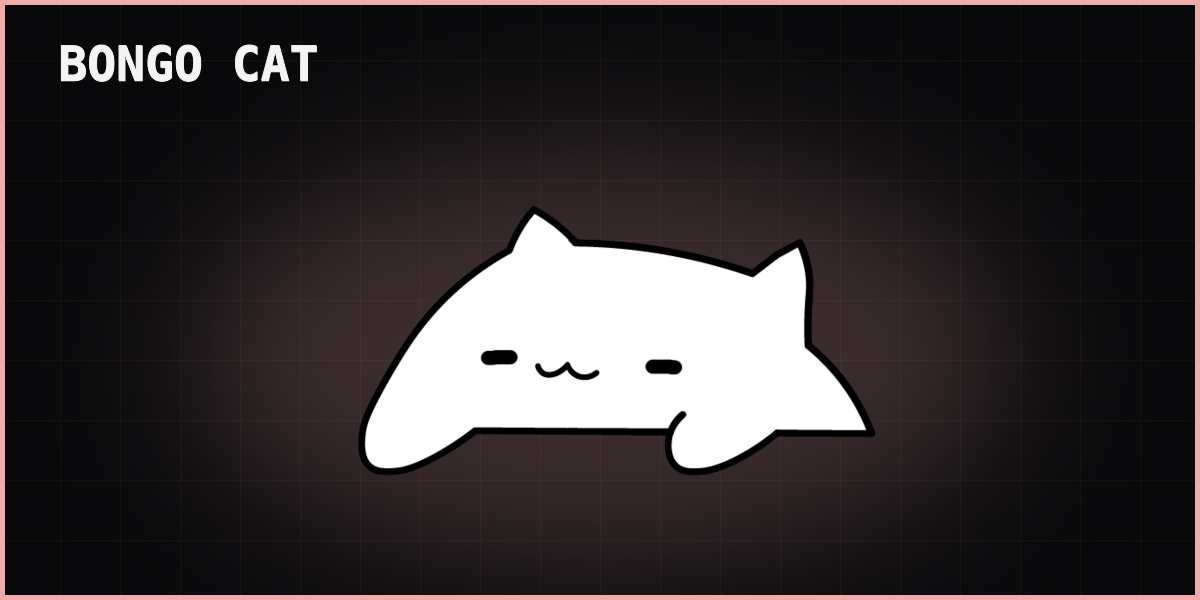
A lightweight native Quickshell plugin with no AUR package and no separate
wayland-bongocat process. Quickshell renders the cat while the shipped local
Python helper emits only L or R paw events.
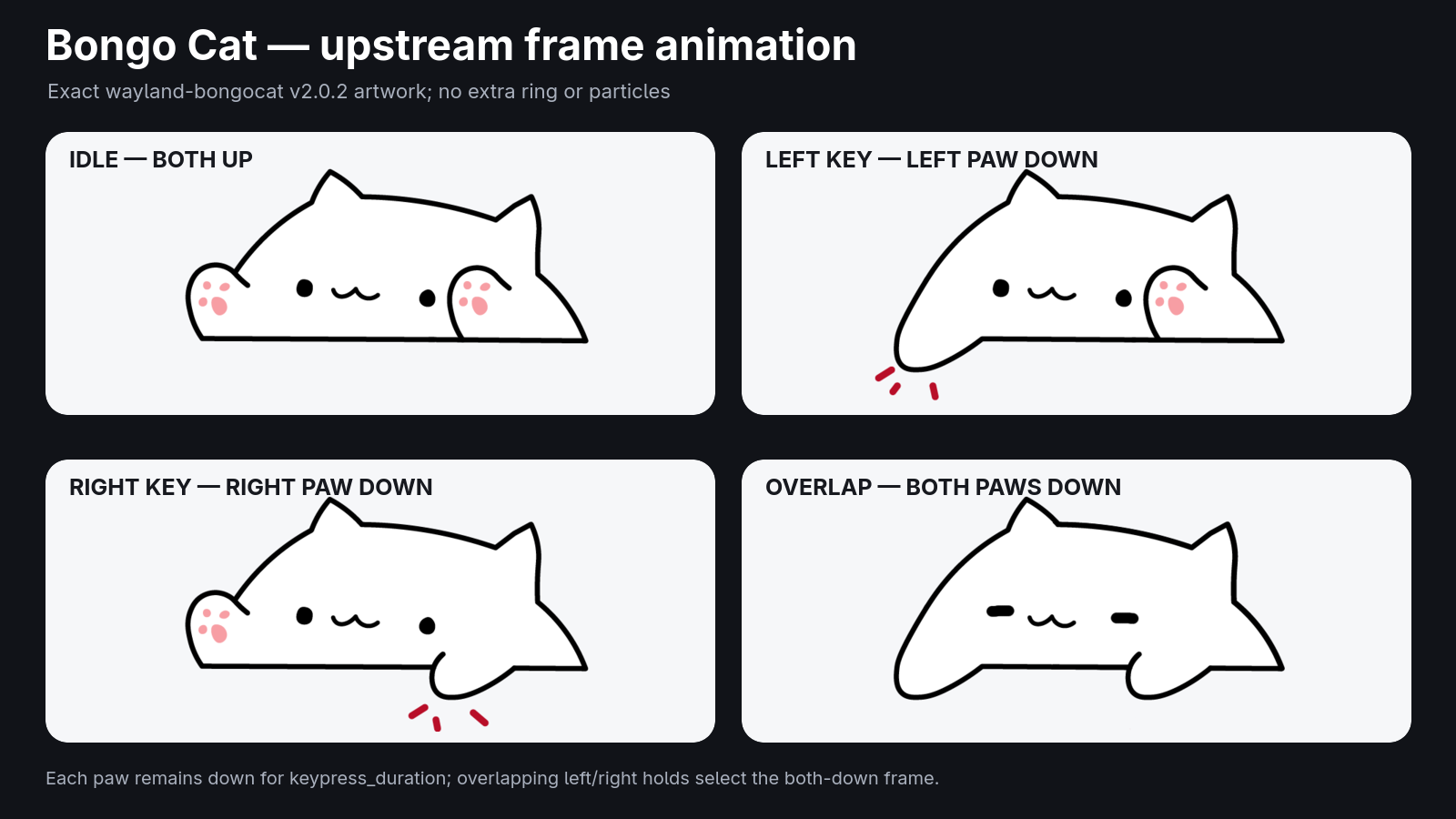
The animation uses the four exact upstream frames. The red impact strokes are part of the left/right paw-down artwork; no extra ring or particle effect is layered on top. Normal presses use upstream's 100 ms default; a manual test uses one randomly selected paw for upstream's 200 ms test duration.
Requirements
- Omarchy 4.0.3 or newer with Quickshell
- Python 3.10 or newer
- Standard Omarchy packages and tools: Bash, jq, Polkit (
pkexec), util-linux (setpriv), systemd (udevadm), GNU coreutils, GNU awk, GNU grep, and glibc/NSS (getent)
These dependencies are normally included with Omarchy. The plugin has no AUR or runtime network dependency.
Installation
omarchy plugin add https://github.com/HANCORE-linux/omarchy-bongocat.git --enable
Update
omarchy plugin update hancore.bongocat --yes && omarchy restart shell
Removal
omarchy plugin remove hancore.bongocat
Omarchy removes the bar entry and ends session input access automatically. No privileged cleanup is required.
Controls
- Left-click the bar icon to open the settings panel.
- Right-click the bar icon to enable or disable Bongo Cat.
- Middle-click the bar icon to test one randomly selected paw animation.
- Use the compact header buttons for enable, position lock, and animation test.
- Unlock and drag the cat to reposition it.
- While unlocked, use the mouse wheel to resize it and right-click to lock it.
- The lock prevents direct pointer dragging; panel position fields, arrows, and Reset remain available.
- Set the width from 60 to 640 px; 60 px fits the cat on the bar.
- Choose
Default,Theme, or a custom#RRGGBBcolor. - Show the cat on all workspaces or only on one selected workspace.
- In the open panel, press
Pto lock or unlock,Tto test, or use the arrow keys to move the cat by 10 px.
Keyboard access
Wayland has no passive global-keyboard API, so Allow Input requests Polkit
authorization for the current shell session. The launcher opens selected
keyboards read-only and drops all root UID, GID, and group privileges before the
Python helper starts. The helper never opens keyboard devices directly.
Revoke Input, disabling or removing the plugin, and shell exit all close the
descriptors. No udev rule, ACL, input group membership, service, or cleanup
hook is installed. Connecting another keyboard requires Rescan and renewed
authorization.
Raw input remains sensitive. The user-owned plugin cannot be authenticated by Polkit, so do not authorize it after a suspected user-session compromise. A stronger trust anchor would require a persistent root component, which this plugin intentionally avoids.
Local helper
The source-only Python helper runs directly from the plugin. Nothing is
compiled, downloaded, or installed, and no prebuilt executable is bundled.
Only the crash-recovery settings journal uses $XDG_RUNTIME_DIR; it is cleared
automatically at logout.
Verification
Run the focused QML tests with Qt 6:
./tests/run-tests -o -,txt
With Omarchy installed, run the widget integration test inside a Wayland session:
python3 tests/run-widget-test
It uses the installed stock-bar API components to check deferred service lookup, reactive settings, service replacement, panel-session cleanup, and the IPC fallback's settings path. Its panels stay hidden and its IPC/state directory is temporary. QML warnings fail the test.
Credits
The animation frames and paw mapping are derived from
saatvik333/wayland-bongocat. See THIRD_PARTY.md and
LICENSE.wayland-bongocat.