
Desktop Icons
Windows-style files and shortcuts on the Omarchy wallpaper.
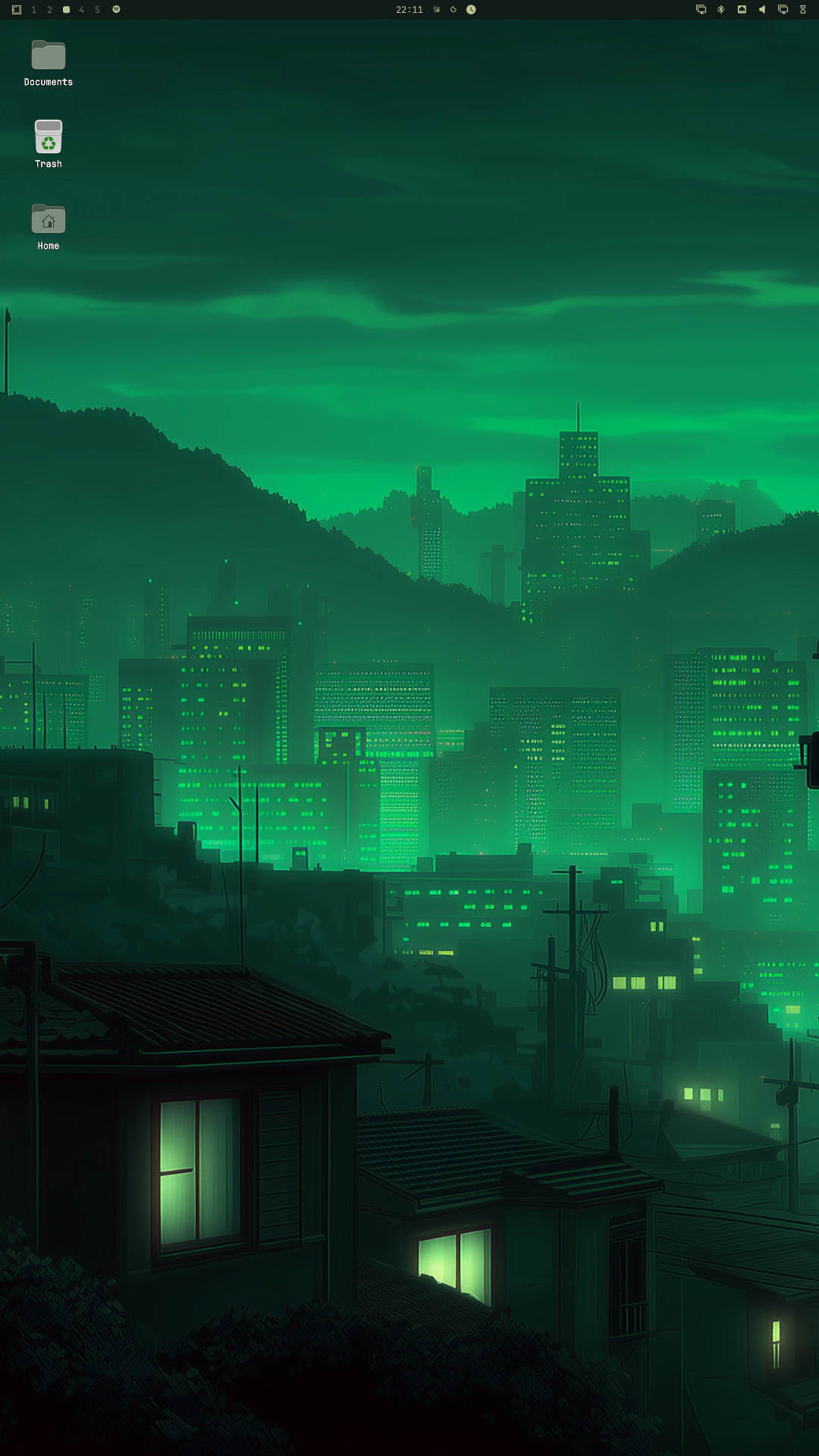
[!IMPORTANT] This plugin is for Omarchy 4 (Quattro), where the desktop shell uses Quickshell.
What it does
- Shows
~/Desktopas icons on every monitor, under windows and the bar - Click an icon to open it; drag to move it (snaps to a grid)
- Right-click empty wallpaper: New Folder, New Shortcut, Pin application, Add files
- Right-click an icon: Open, Rename, Show in Files, Move to Trash
- Drag an icon onto Trash, or drop files from Files onto Trash, to delete them
- Drag files from Files onto the wallpaper to copy them there
- Click empty wallpaper five times to switch the background (
Super+Ctrl+Spacestill works) - Untrusted
.desktoplaunchers show a warning badge and ask before they run
.desktop launchers only run if they are trusted: they came from a real Applications directory (/usr/share/applications, ~/.local/share/applications, and other XDG application dirs), the file is marked executable, or you allow launching from the desktop (same model as GNOME). A folder merely named applications is not enough. Names and icons from launchers are treated as plain text and local theme or raster image files only. Shortcuts created from files serialize Name through GLib.KeyFile and reject filenames with line breaks or other control characters before generating or auto-trusting an entry, so a foreign name cannot inject Type=/Exec= keys; launchers whose Name still contains controls are never treated as trusted and keep the untrusted-launcher warning. Remote URLs, inline resources, SVG/GIF icon loading, and unbounded Desktop folders are rejected. Each .desktop file is opened once as a regular file (no symlink follow), size-checked on that same descriptor (64 KiB ceiling), and parsed from the bounded bytes — so a path swapped for a FIFO cannot block the indexer, and a large replacement cannot bypass the size check.
Install
Point Omarchy at a real ~/Desktop folder first, if you do not already have one:
mkdir -p ~/Desktop
In ~/.config/user-dirs.dirs set:
XDG_DESKTOP_DIR="$HOME/Desktop"
Then:
xdg-user-dirs-update
Review the repository, then add the plugin:
omarchy plugin add https://github.com/Henri1130/omarchy-desktop-icons.git
Accept the prompt to enable the plugin during installation.
For an unattended install from a repository you already trust:
omarchy plugin add https://github.com/Henri1130/omarchy-desktop-icons.git --enable --yes
Restart the shell once after enabling, so the icon layer gets a full click mask:
omarchy restart shell
Files context menu (optional)
To add Send to Desktop (create shortcut), Copy to Desktop, and Create Hyperlink… in Files:
mkdir -p ~/.local/share/nautilus-python/extensions
cp ~/.config/omarchy/plugins/henri.desktop-icons/nautilus/add_to_desktop.py \
  ~/.local/share/nautilus-python/extensions/
cp ~/.config/omarchy/plugins/henri.desktop-icons/nautilus/create_hyperlink.py \
  ~/.local/share/nautilus-python/extensions/
nautilus -q
Optional: float the pin/add/hyperlink dialogs in ~/.config/hypr/hyprland.lua:
o.window("org.omarchy.add-to-desktop", { float = true, center = true })
o.window("org.omarchy.create-hyperlink", { float = true, center = true })
Use
| Action | How |
|---|---|
| Open | Click an icon (untrusted launchers ask first) |
| Select / keyboard | Click the wallpaper, then Tab / arrows to move; Enter opens, F2 renames, Delete trashes, Esc cancels |
| Rename | Right-click an icon → Rename, or select it and press F2 |
| Allow a launcher | Click Trust and Open, or right-click Allow launching |
| Move an icon | Drag it; it snaps to the grid |
| Put a file on the desktop | Drag it onto the wallpaper, or copy it into ~/Desktop |
| Pin a shortcut | Right-click wallpaper → Pin application… / New Shortcut… |
| Trash | Right-click an icon → Move to Trash, press Delete, or drag onto Trash |
| Change wallpaper | Click empty wallpaper five times, or Super+Ctrl+Space |
Pin application from Applications marks launchers as trusted. Send to Desktop and copies of a .desktop file only auto-trust when the source is under a real Applications directory. A .desktop file that merely appears in ~/Desktop without the executable bit does not.
Update
omarchy plugin update henri.desktop-icons
Disable
omarchy plugin disable henri.desktop-icons
Uninstall
omarchy plugin remove henri.desktop-icons
Validate from source
omarchy plugin validate .
python3 tests/test_desktop_index.py
Improvements
These changes keep the plugin's security model intact (remote/SVG icons rejected, trust required, sizes bounded, no shell-out of Exec) while improving responsiveness, ordering, and accessibility:
- Instant refresh: the Desktop folder is watched via a
FileView(watchChanges), so icons appear, move, or get deleted instantly when the watch fires. A 1.5 s poll backs it up, so add/delete always applies within ~1.5 s even if the watch misses an event. - Keyboard navigation:
Tab/Shift+Tab/ arrow keys move the selection in visual grid order (top-to-bottom, left-to-right);Enteropens,Deletetrashes,Esccancels. - New items at the bottom, no overlap: added shortcuts or folders are placed in the bottom-most free grid cell (just past the last icon), skipping any cell already occupied by a manually dragged icon. Existing icons keep their positions, and dragging an icon is never disturbed.
- Trust prompt by the icon: the "Untrusted launcher" dialog now opens next to the icon instead of screen-centered.
- Cleaner code:
desktop_dir(),guess_icon(), andunique_dest()were extracted intobin/common.pyand imported by bothdesktop-indexandadd-to-desktop. - Correct paths:
place_onereturns the real created path (capturing the helper's stdout), andadd-to-desktopprints the created path. - Trust from real Applications dirs only: pinning or copying a
.desktopfile no longer auto-trusts just because a parent folder is namedapplications(for example~/Downloads/applications). - Rename: right-click Rename or press
F2to rename folders, files, and shortcuts in place. The icon stays on its grid cell. - New Shortcut: the hyperlink dialog ships in
bin/create-hyperlink, so published installs can paste a web address without a separate~/.local/bincopy. - Safe
.desktopparse:read_desktop_entry(and rename Name updates) no longer callGLib.KeyFile.load_from_fileafter a separate pathname size check. They open withO_NOFOLLOW|O_NONBLOCK, require a regular file viafstat, read at most 64 KiB through that fd, then parse withload_from_bytes— closing the TOCTOU that could hang on a FIFO or accept an oversized swap.