
hypr-type-flow
A minimal Hyprland daemon that restores per-window keyboard layout on focus change. Made for Hyprland and tailor-made for Omarchy — but works in both cases.
   ┌────────────┐    ┌────────────┐    ┌────────────┐
   │   Editor   │    │  Terminal  │    │  Browser   │
   │   EN/US    │    │   EN/US    │    │    DE      │
   └─────┬──────┘    └─────┬──────┘    └─────┬──────┘
         │                 │                 │
         └─────────────────┼─────────────────┘
                           │  focus change
                           ▼
                  ┌──────────────────┐
                  │  hypr-type-flow  │
                  └──────────────────┘
                           │  switchxkblayout
                           ▼
               each window keeps its own layout
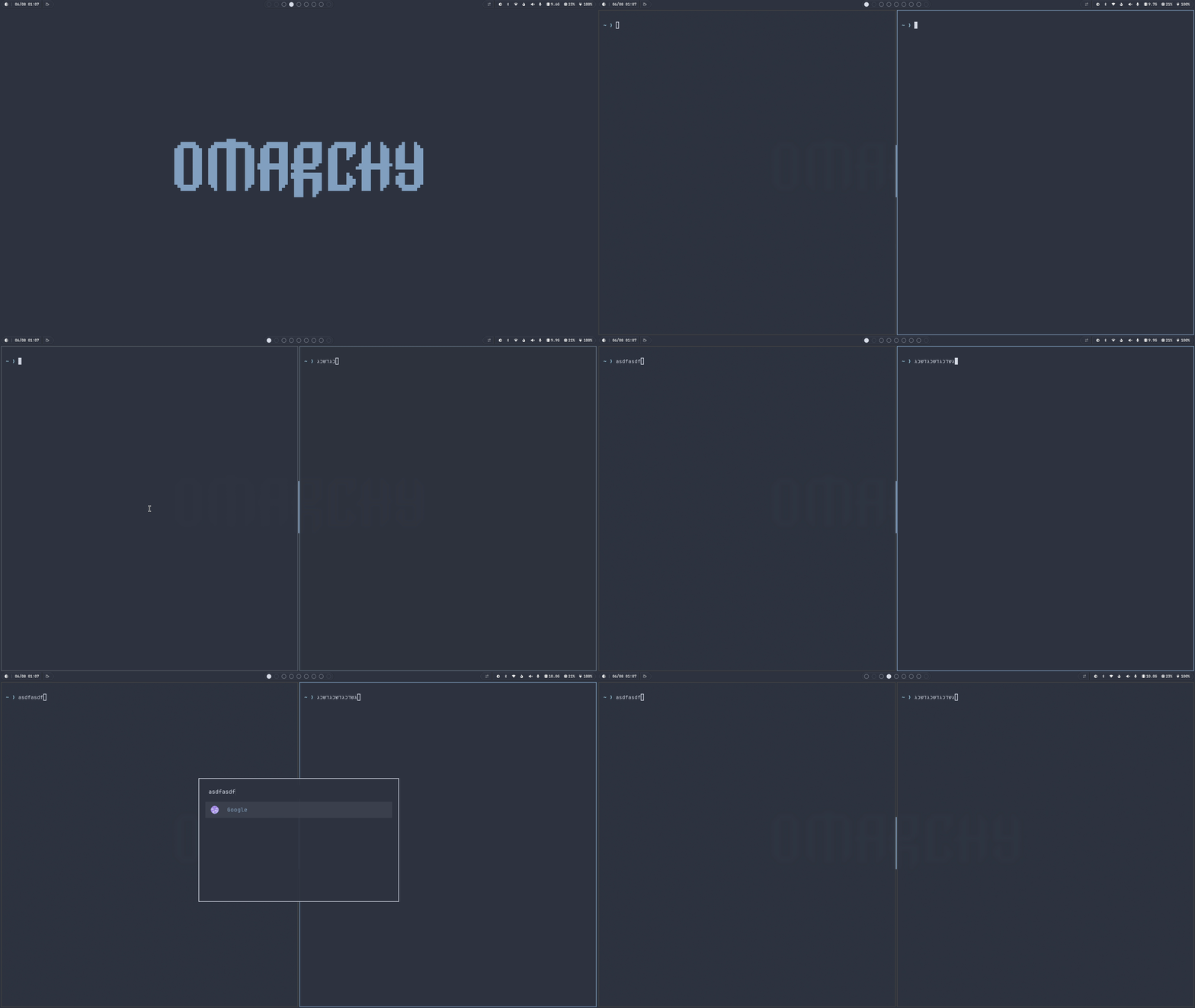
Why this exists
hypr-type-flow is a better implementation of existing per-window layout plugins. Most tools miss events from layer-shell surfaces like walker, race with manual layout switches, or spawn hyprctl on every keystroke. hypr-type-flow listens to Hyprland's socket, tracks the real layout index per window, and restores it atomically via hyprctl switchxkblayout. No polling, no hacks, no overhead.
Features
- Per-window layout memory — each window remembers its last layout
- Layer-shell aware — forces default on open, restores on close (walker is one example where others fail)
- Lightweight — ~400 lines C, single binary, ~500KB RSS, no background threads or polling
Requirements
- Linux with Hyprland ≥ 0.40
- GCC or Clang (C11)
hyprctlin$PATH
Install
The easy way:
git clone https://github.com/Liran-shternberg/hypr-type-flow-C.git
cd hypr-type-flow-C
./install.sh
That builds the binary, puts it in ~/.local/bin, and registers it in your autostart so it starts on your next Hyprland session. The installer auto-detects your setup:
- Omarchy 4 (Lua config): appends
o.launch_on_start("~/.local/bin/hypr-type-flow")to~/.config/hypr/autostart.lua, which is sourced fromhyprland.lua. - Legacy Omarchy / plain Hyprland: appends
exec-once = ~/.local/bin/hypr-type-flowto~/.config/hypr/autostart.conf.
By hand:
Omarchy 4:
make
install -m755 hypr-type-flow ~/.local/bin/
echo 'o.launch_on_start("~/.local/bin/hypr-type-flow")' >> ~/.config/hypr/autostart.lua
Legacy / plain Hyprland:
make
install -m755 hypr-type-flow ~/.local/bin/
echo "exec-once = ~/.local/bin/hypr-type-flow" >> ~/.config/hypr/autostart.conf
Make sure the corresponding autostart file is sourced from your Hyprland config (hyprland.lua in Omarchy 4, hyprland.conf elsewhere).
Omarchy 4+ (plugin)
Native Omarchy 4 plugin — install, enable, and manage it like any other:
omarchy plugin add https://github.com/Liran-shternberg/hypr-type-flow-C.git --enable
The daemon auto-builds into ~/.cache/hypr-type-flow on first run. Manage with:
omarchy plugin list                  # see it under "hypr-type-flow"
omarchy plugin disable hypr-type-flow
omarchy plugin enable  hypr-type-flow
omarchy plugin update  hypr-type-flow
omarchy plugin remove  hypr-type-flow
On Omarchy 3 or plain Hyprland, use the regular install instead.
Uninstall
./install.sh --uninstall
Removes the binary and the autostart line.
Manual run
First build the binary with make:
make
Then run the daemon:
hypr-type-flow
The daemon waits for Hyprland's environment (XDG_RUNTIME_DIR, HYPRLAND_INSTANCE_SIGNATURE), connects to .socket2.sock, and begins tracking.
Architecture
main.c
├── socket.c        — env wait + unix socket connect
├── event_loop.c    — line-oriented socket read loop
├── event_parser.c  — event dispatch + per-window layout map
├── window_map.c    — addr → layout_index storage
├── string_utils.c  — string helpers (e.g. split before delimiter)
└── hyprctl.c       — hyprctl command execution
All constants in include/htf/config.h.
License
MIT