
IkeA
I know every App.
An Omarchy shell plugin that lists every open GUI window so you can switch with the keyboard. Cards show a live screenshot of the window (so two browser profiles look different); scratchpad windows sit in a wrapping dock below. Search, arrow to the app, press Enter.
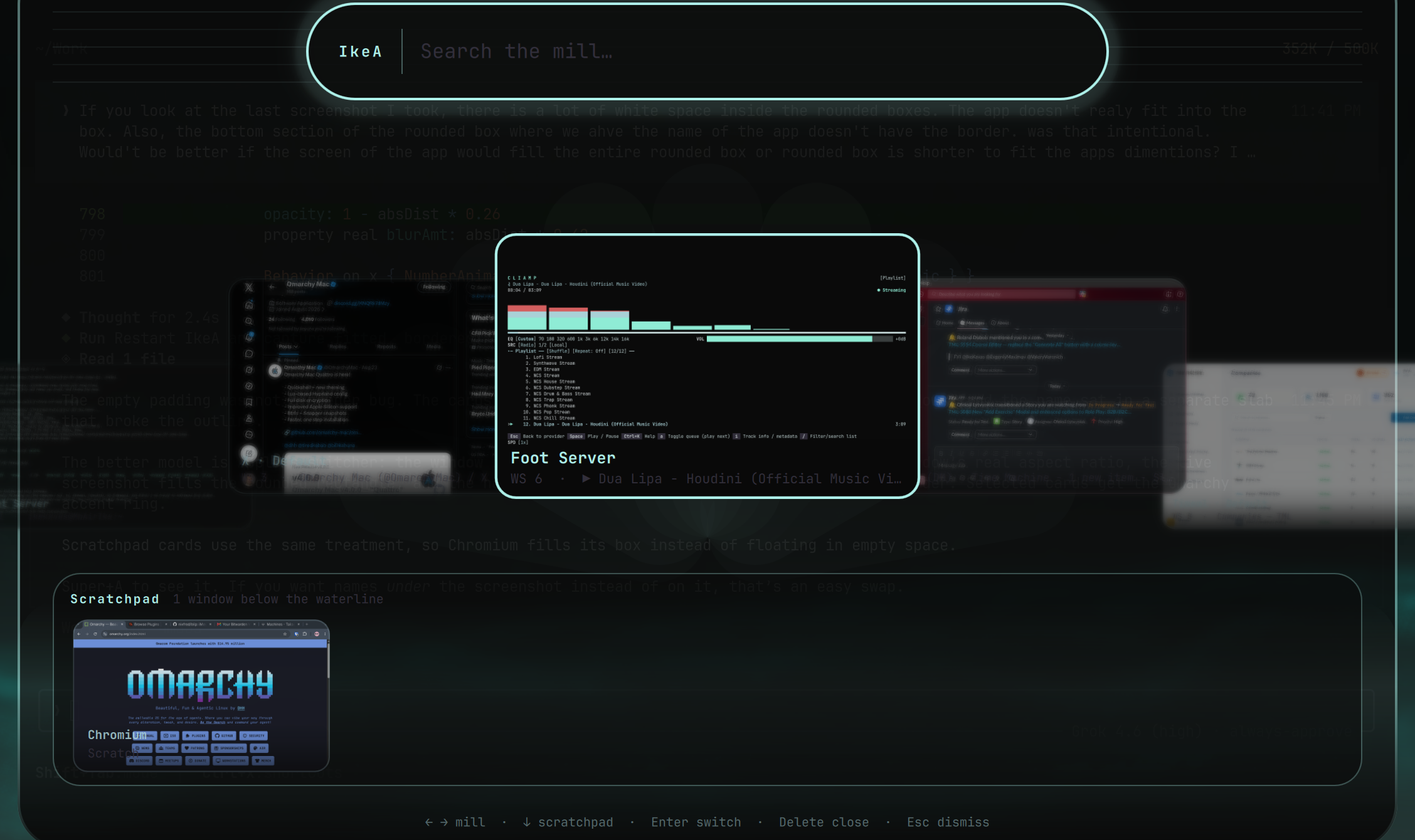
A short screen recording of the mill, search, and scratchpad dock.
Install
omarchy plugin add https://github.com/ike-kavas/IkeA.git --enable
Then add a shortcut if you want one:
-- ~/.config/hypr/bindings.lua
o.bind("SUPER + A", "IkeA", "omarchy-shell shell toggle ikekavas.ikea")
SUPER + A is free on a stock Omarchy bind set. If you already use that chord, pick another key and skip the unbind.
Place the bar button if it did not land where you want it:
omarchy bar move ikekavas.ikea --before omarchy.active-window
Use
- Open from the bar icon, or Super+A if you bound it
- Type to filter the mill and the scratchpad
- Left / Right (or Tab) turn the mill; Down moves into the scratchpad dock
- Enter or click switches to that window
- Delete, Ctrl+W, middle-click, or right-click closes it
- Esc dismisses (or clears the search first)
Remove
omarchy plugin remove ikekavas.ikea
If you added the Super+A line, delete it from ~/.config/hypr/bindings.lua as well.
Requirements
- Omarchy with
omarchy-shell(Quickshell) - Hyprland (the window list and focus path use Hyprland IPC)
No extra packages. No background daemon. No sudo or pkexec. Window previews use Quickshell's built-in screencopy.
License
MIT. See LICENSE.