
RAM Manager for Omarchy Quattro
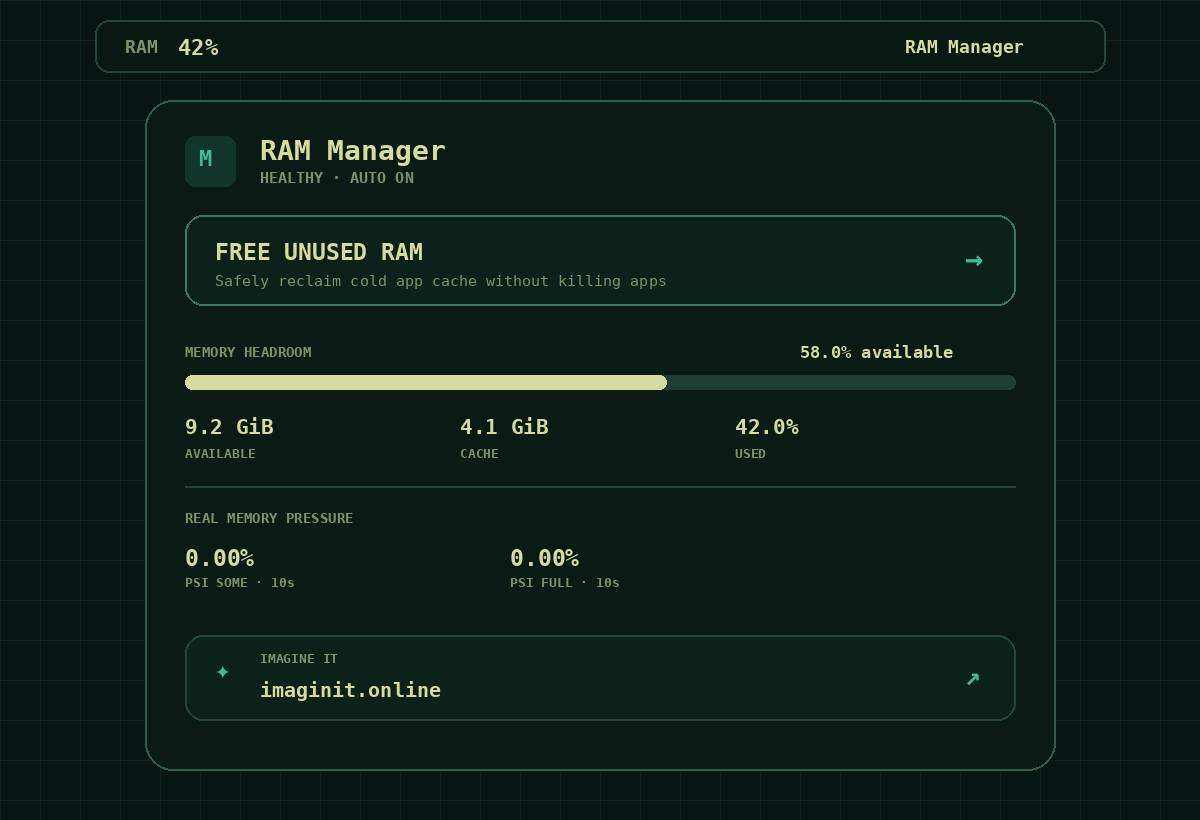
RAM Manager is a lightweight Omarchy bar plugin that shows live RAM usage and real memory pressure, then performs conservative cache reclaim only when it can do so without killing applications.
Created by Imagine it — https://imagineit.online
Features
- RAM usage percentage directly in the Omarchy bar.
MemAvailable, cache, swap, ZRAM and Linux PSI pressure metrics.- Top RAM-consuming processes.
- Large Free Unused RAM action that reclaims as much cold app cache as is safely useful instead of using a fixed 256 MiB target.
- Three automatic modes: Gentle, Smart, and Proactive.
- One shared background service, even on multi-monitor systems.
- No application killing.
- No global page-cache flush.
- No global VM tuning.
- No extra resident daemon.
How reclaim works
RAM Manager does not treat high RAM usage by itself as a problem. Linux uses otherwise-idle memory for cache, so the automatic mode acts only when both available-memory headroom is low and PSI reports actual memory stalls.
When supported by the current kernel and cgroup delegation, reclaim is scoped
to the user's app.slice through cgroup v2 memory.reclaim.
The manual action targets inactive file-backed cache with swappiness=0. It
keeps reclaiming in bounded chunks while useful headroom is still increasing.
It does not intentionally swap anonymous application memory merely to make the
free-memory number larger.
If safe cgroup reclaim is unavailable or not writable in the current session, RAM Manager automatically remains a monitoring-only plugin.
Requirements
- Omarchy Quattro / Omarchy 4 shell plugin system.
- Bash and standard Arch Linux userland tools.
/proc/meminfofor memory metrics.- Linux PSI (
/proc/pressure/memory) for pressure-aware automatic mode. - cgroup v2
memory.reclaimwith a writable userapp.slicefor reclaim actions. Monitoring works without it.
ZRAM is optional and is detected automatically.
Install
Use Omarchy's native plugin manager with the public GitHub repository URL:
omarchy plugin add <repository-url> --enable
The plugin declares defaultSection: right, so it is placed on the right side
of the bar when first enabled.
You can also add it from Setup → Plugins → Add and paste the repository URL.
Update
omarchy plugin update imagineit.ram-manager
Remove
omarchy plugin remove imagineit.ram-manager
RAM Manager stores only its own optional preferences under:
~/.config/ram-manager/
and runtime state under:
~/.local/state/ram-manager/
Removing the plugin does not delete those user-owned preference/state folders.
Diagnostics
After installation:
~/.config/omarchy/plugins/imagineit.ram-manager/bin/ram-manager diagnose
For a full status snapshot:
~/.config/omarchy/plugins/imagineit.ram-manager/bin/ram-manager status
Privacy
RAM Manager performs no analytics and sends no system information to a remote
service. The only network action in the UI is the explicit user click on the
imagineit.online footer, which opens the site in the default browser.
License
MIT. See LICENSE.