
Keyglow

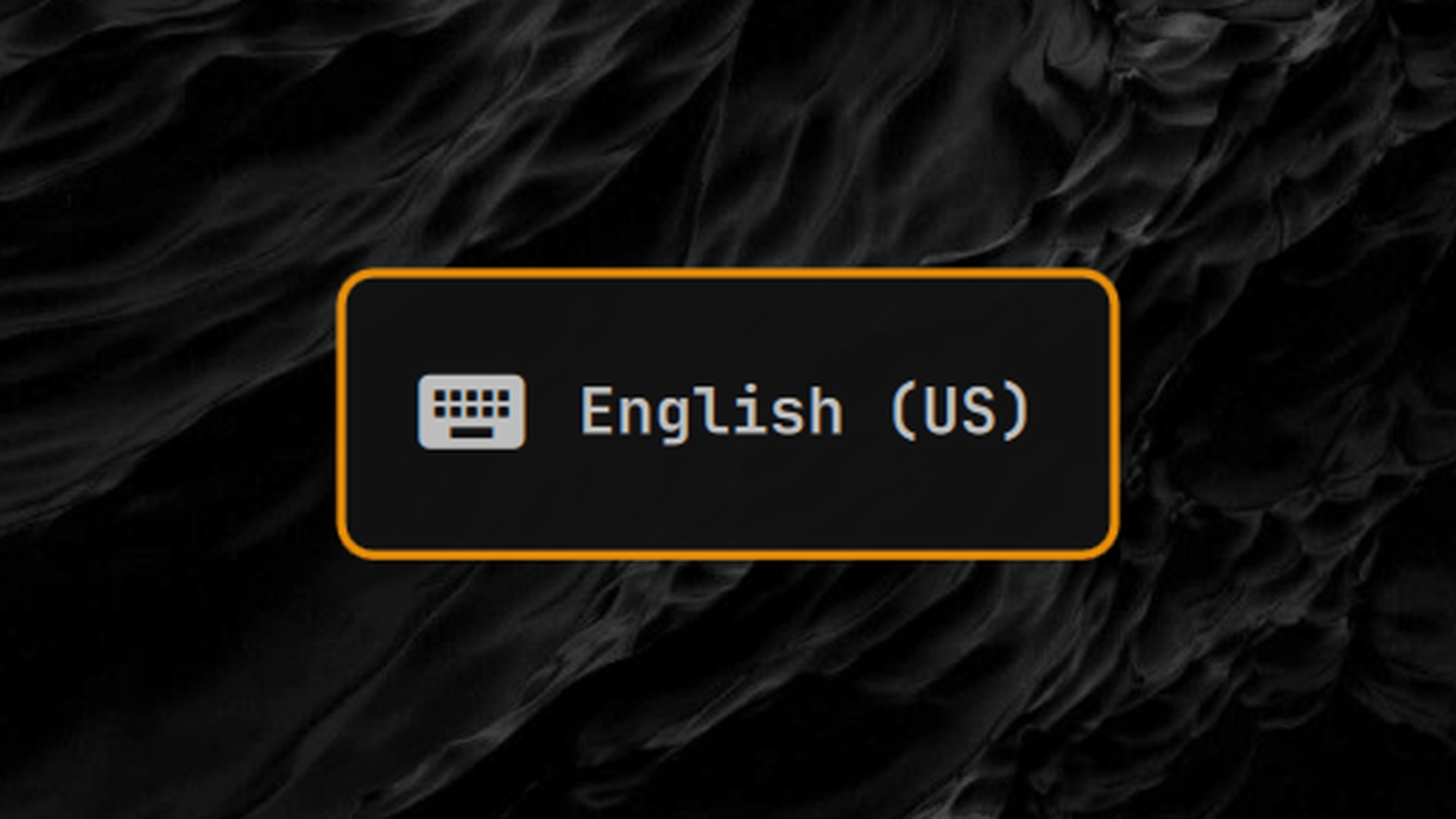
Actual Omarchy OSD, cropped and enlarged. Colors and font follow your shell theme.
Keyglow adds immediate keyboard-layout feedback to Omarchy's built-in keyboard layout indicator. It uses Omarchy's native OSD and keeps the stock widget in its usual place.
Features
- Works with Omarchy's built-in keyboard layout widget instead of adding a second bar item.
- Shows the active layout immediately through Omarchy's native OSD.
- Can show the full layout name, language code, or XKB layout code.
- Reacts only to physical keyboard layout changes.
- Ignores Fcitx virtual-keyboard synchronization caused by changing windows.
- Runs without a persistent background helper or accessibility access.
- Choose full names, language codes, or layout codes, notification duration, and icon visibility.
On shells that restrict third-party shell.summon calls, Keyglow invokes the
public omarchy-shell command to display the OSD. Settings are read from
~/.config/omarchy/shell.json when the host does not expose shellConfig.
Requirements
- Omarchy Quattro with the built-in keyboard layout widget enabled.
xkbcli(Arch packagelibxkbcommon) supplies short language/layout labels. It runs once when the service loads. If unavailable, full-name notifications still work and short labels fall back to full names.
Compatible with Omarchy 4.0.4's scoped plugin API. Keyglow uses the direct OSD
API when available and falls back to Omarchy's bundled omarchy-shell command
when the host restricts cross-plugin calls.
Install
omarchy plugin add https://github.com/0x1ocean/omarchy-keyglow.git --enable
omarchy restart shell
Keep omarchy.keyboard-layout enabled. It remains the visible indicator and
continues to handle click-to-cycle; Keyglow only supplies the OSD.
Update
omarchy plugin update io.github.0x1ocean.keyglow --yes
omarchy restart shell
Version 1.2.0 adds configurable labels, duration, and icon visibility. A full shell restart ensures the service receives layout events; a plugin rescan alone can leave a previously loaded service unresponsive on some shell versions.
Omarchy updates plugins from the repository's default branch. GitHub releases mark published versions; existing installations receive this fix when their plugins are updated.
Settings
Keyglow keeps its current behavior by default: a keyboard icon, the full layout name, and an 800 ms OSD. It supports three small customizations:
- Label style:
full(Ukrainian),language(UK), orlayout(UA). - Duration: 200–5000 ms.
- Keyboard icon: shown or hidden.
The easiest UI is the optional
Plugin Settings plugin,
which discovers Keyglow's settings schema automatically. The settings are
stored inline in ~/.config/omarchy/shell.json, for example:
{
  "id": "io.github.0x1ocean.keyglow",
  "labelStyle": "layout",
  "durationMs": 800,
  "showIcon": true
}
Without Plugin Settings, edit the existing Keyglow entry in plugins with the
same fields. Omarchy reloads shell.json automatically.
Troubleshooting
If no notification appears when you switch keyboard layouts, run
omarchy restart shell, then switch layouts again. Switching focus between
applications intentionally does not show a notification.
If installation says the plugin ID is already used, Keyglow is already present.
Use the update command above instead of adding it again. If it was restored by
chezmoi or copied manually without a .git directory, it is not a Git checkout:
back up that folder and any local changes before replacing it with a clone.
Do not delete a customized copy just to make the installer succeed.
Upgrade from 1.0.0
Version 1.0.0 was a separate bar widget. Remove its old bar entry before updating, then enable the new background service and restore the stock widget:
omarchy plugin disable io.github.0x1ocean.keyglow
omarchy plugin update io.github.0x1ocean.keyglow --yes
omarchy plugin enable io.github.0x1ocean.keyglow
omarchy plugin enable omarchy.keyboard-layout center
Remove
omarchy plugin remove io.github.0x1ocean.keyglow
Development
omarchy plugin validate .
qmllint -I /usr/share/omarchy/shell Service.qml
node --test test/*.test.js
License
MIT