
Omato
A Pomodoro timer for the Omarchy bar.
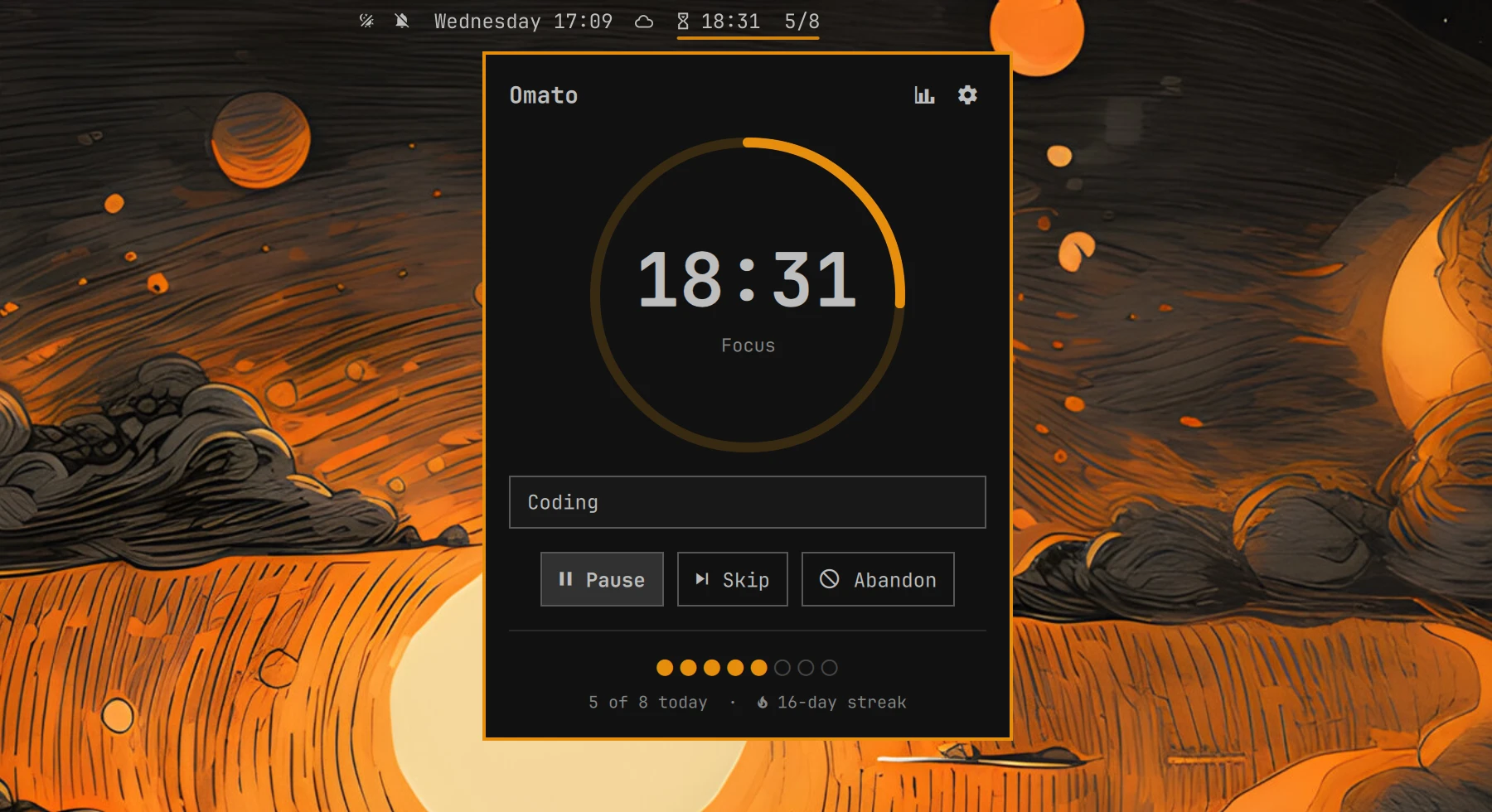
The bar chip shows the live countdown: focus, break, paused, or overtime,
plus today's progress against your daily goal ( 18:42 3/8). Click it for
a minimal timer panel with a progress ring, start/pause, skip, abandon, a
label for what you're working on, and today's goal dots. Stats and settings
live in their own window, opened from the two icons at the top of the panel.
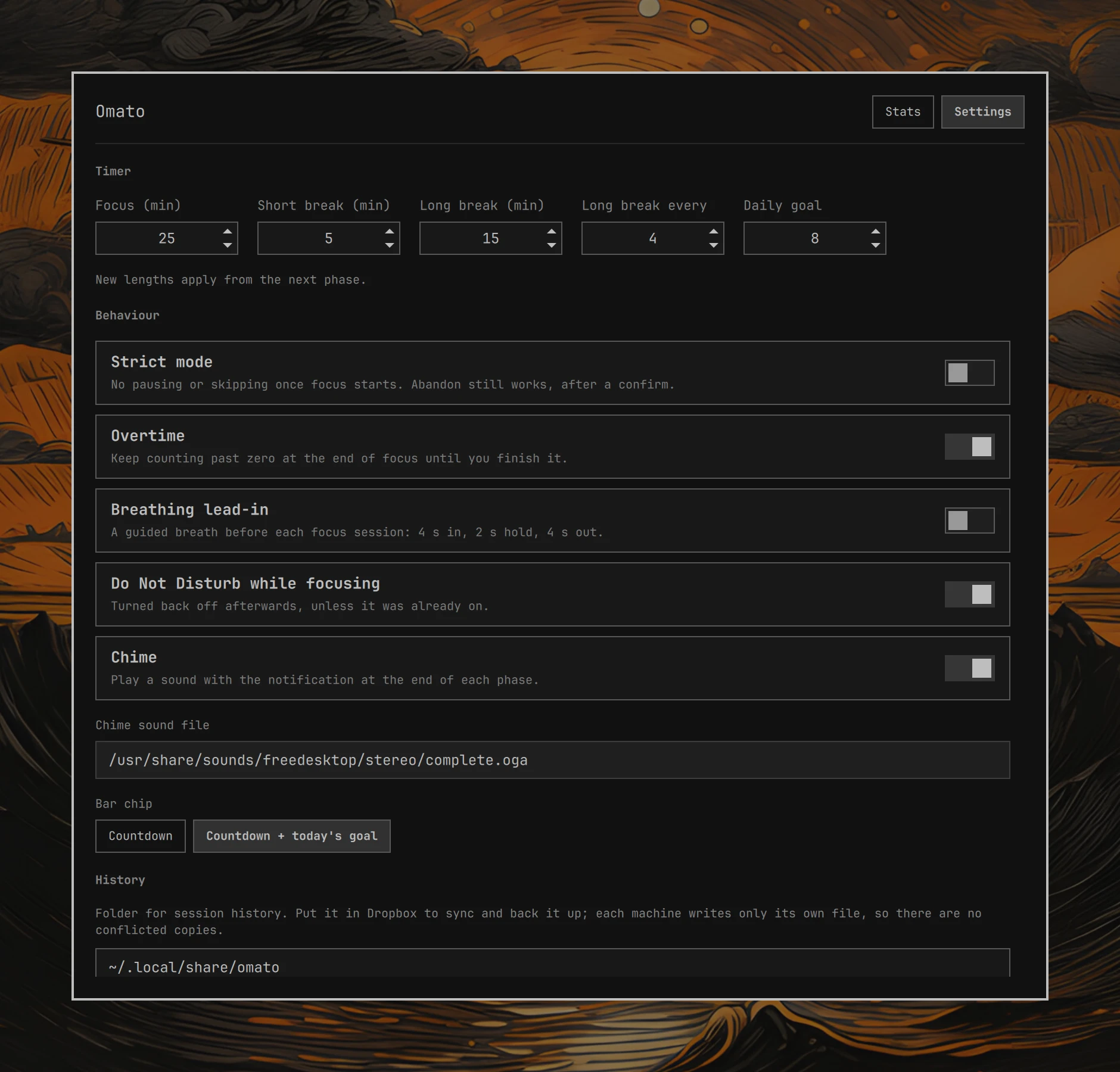
- Focus and breaks. 25-minute focus sessions by default, a short break after each, and a long break after every fourth. All lengths are configurable. Nothing starts on its own: each phase waits for you.
- Daily goal and streaks. Today's pomodoros against a goal, and a streak of consecutive days that met it.
- Strict mode. Once focus starts, you can't pause or skip it. Abandoning still works, after a confirm, and is recorded as abandoned.
- Overtime. When focus hits zero the chime plays and the timer keeps counting up until you finish it. The extra time is recorded. A forgotten session stops counting after an hour.
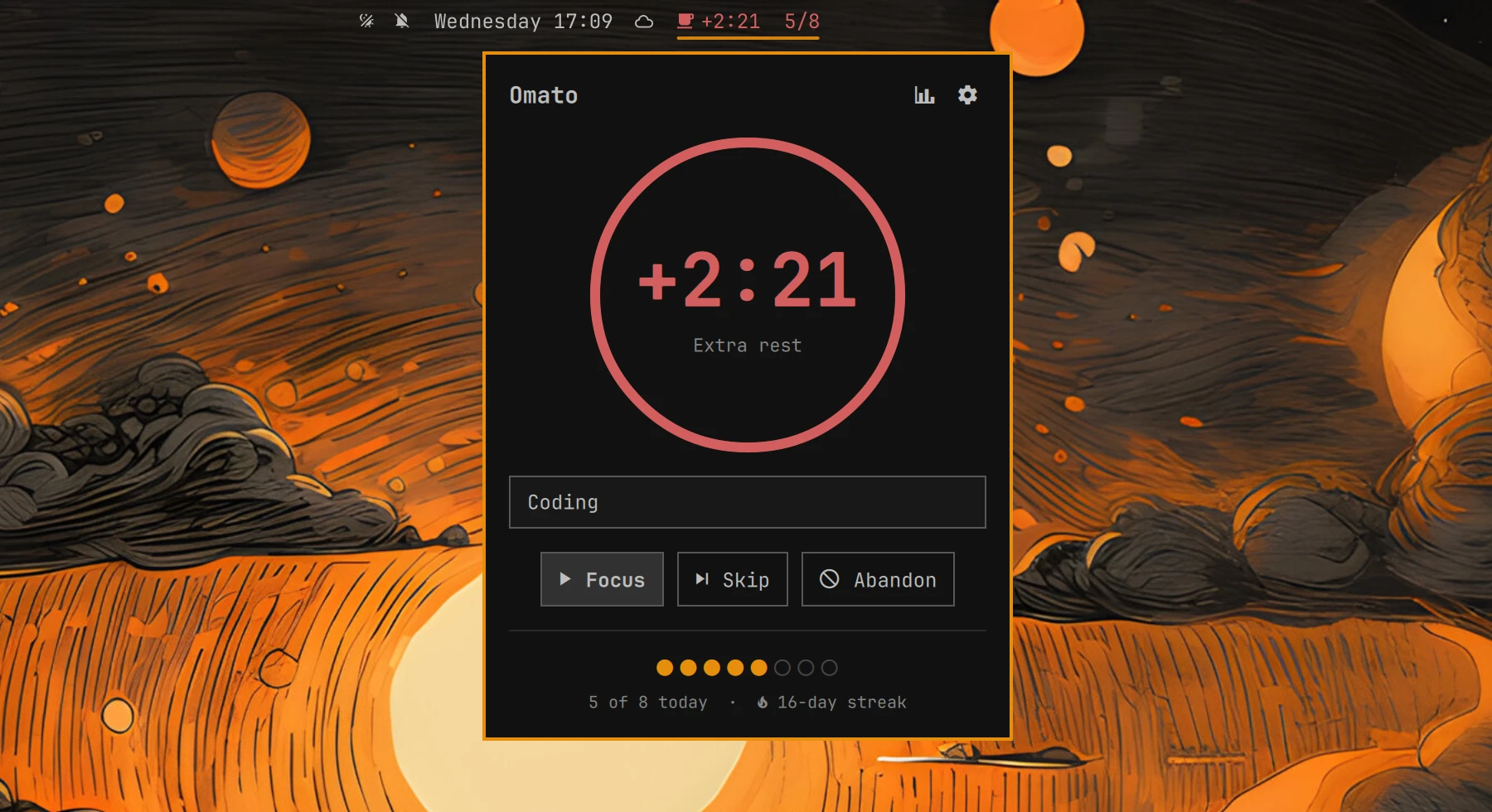
- Extra rest. Breaks always count past zero. Starting the next focus (or skipping) ends the break and records how far it ran over. Stats show extra rest for today and the last 7 days.
- Breathing lead-in. Optional, off by default. Starting focus first plays a guided breath (4 s in, 2 s hold, 4 s out) over the whole screen, then the timer starts. Space starts right away; Esc cancels.
- Do Not Disturb. Turned on for focus and turned back off afterwards, unless it was already on before.
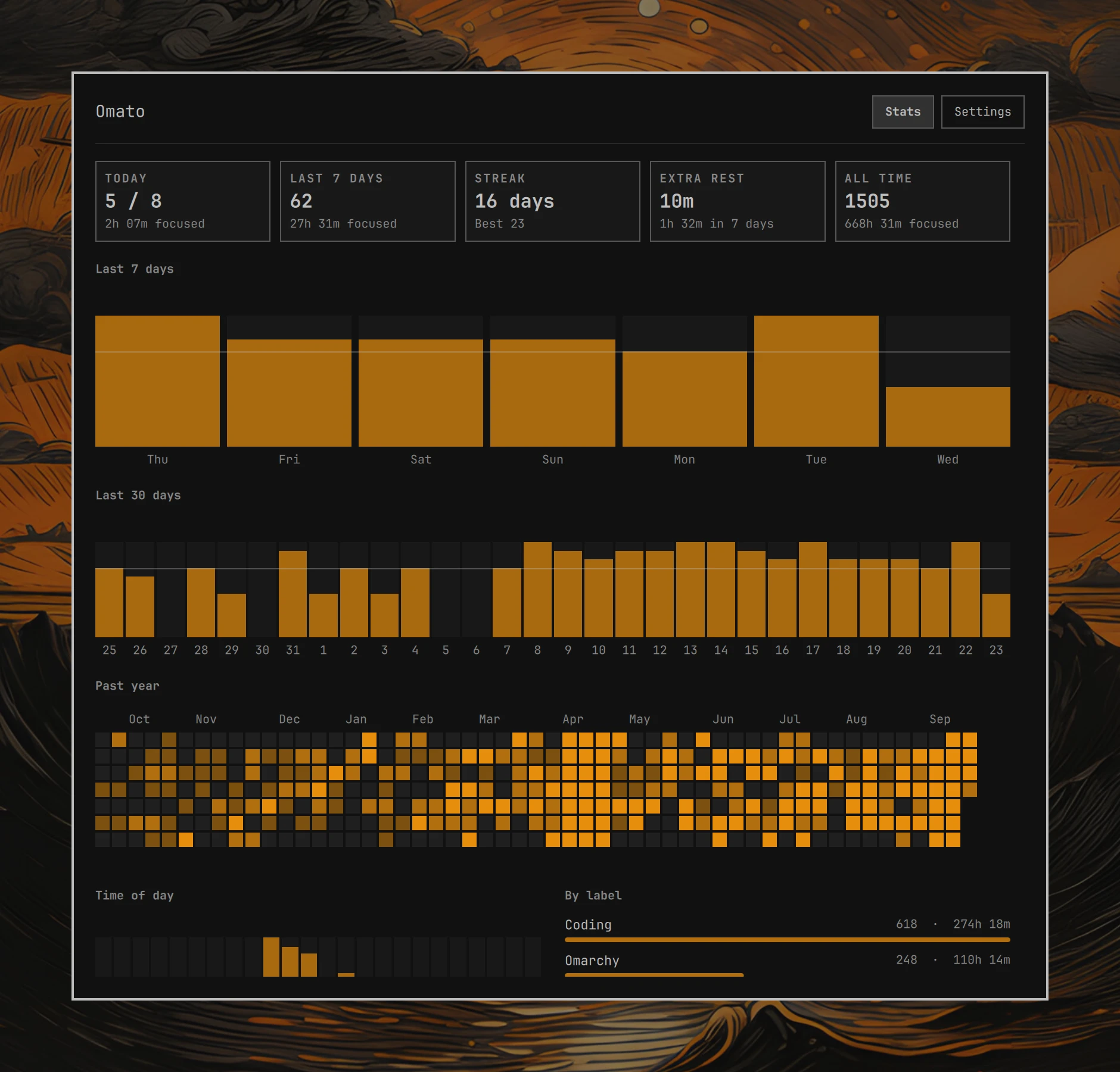
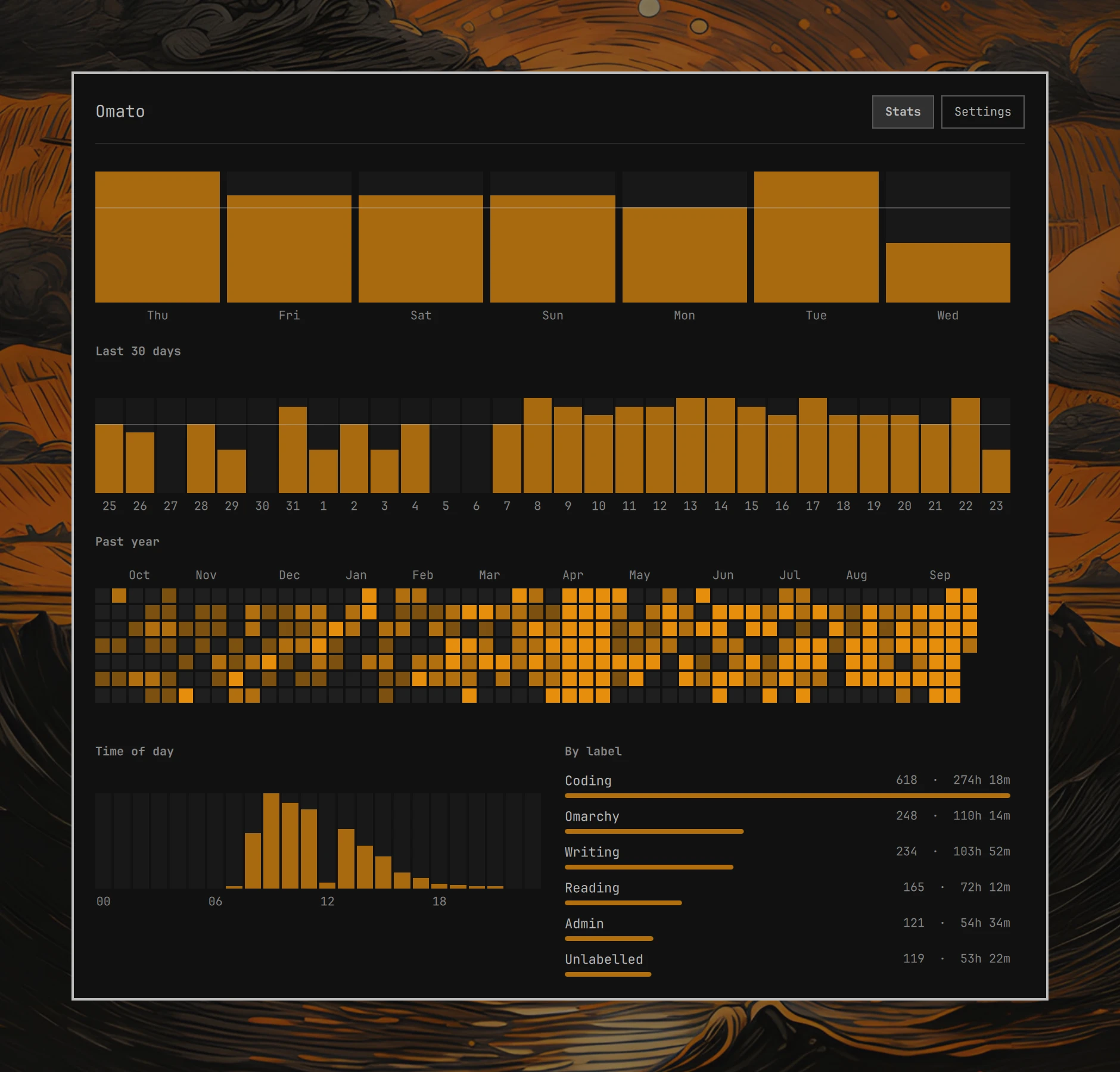
- Stats. Last 7 and 30 days, a year heatmap, focus by time of day, and focus by label.
More in screenshots/: bar chip,
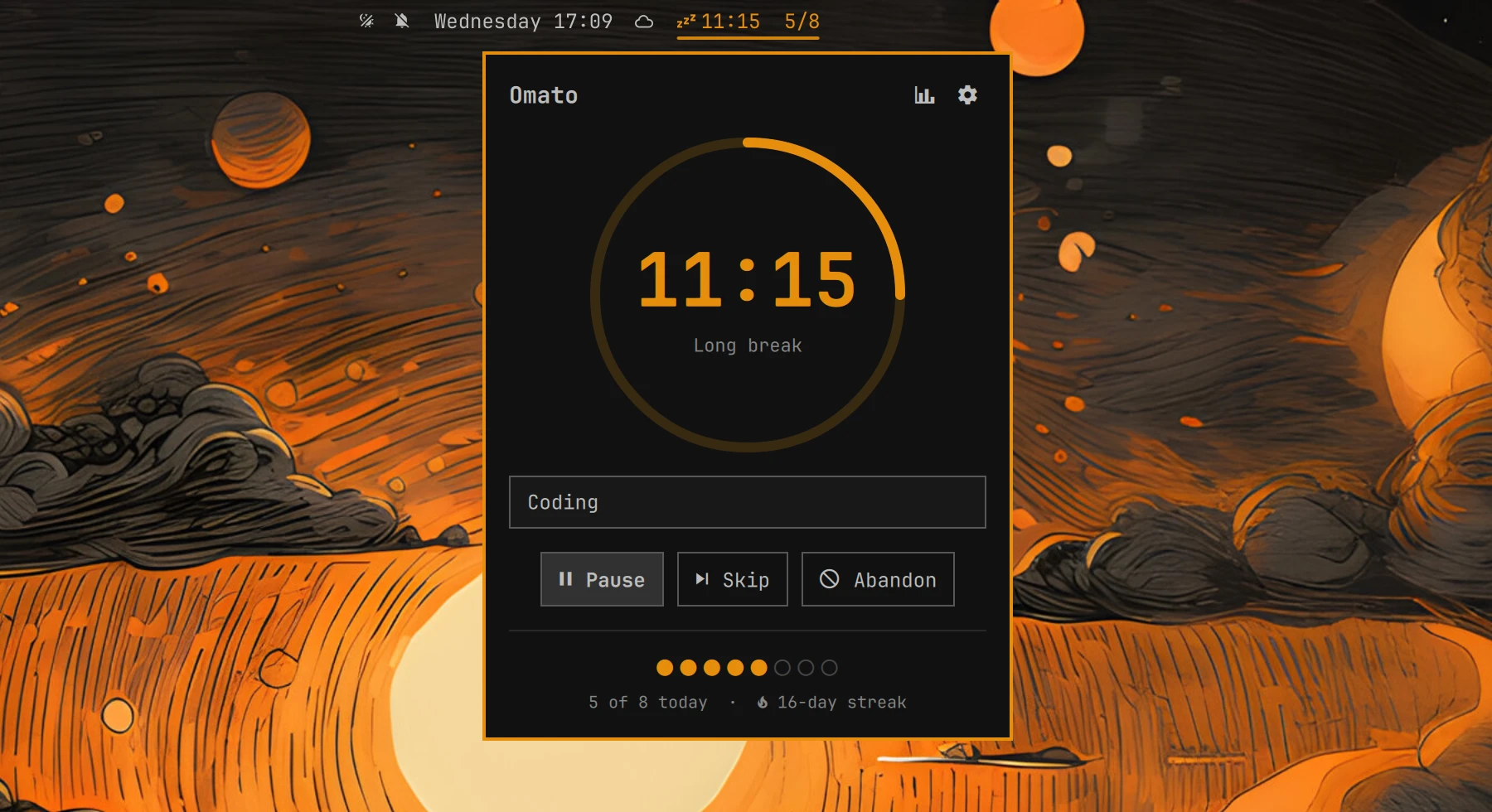
long break,
extra rest,
time of day and labels, and
settings.

History and sync
Every finished, skipped, or abandoned phase is appended as one JSON line to
<dataDir>/sessions-<hostname>.jsonl. Each machine writes only its own
file and reads everyone's, deduplicating by record id. Point dataDir at a
Dropbox folder and history syncs between machines and is backed up, with no
conflicted copies, because no two machines ever write the same file.
Settings → History can move the existing files to a new folder, and
Export JSON + CSV writes a merged snapshot to <dataDir>/exports/.
The running timer itself (~/.local/state/omato/timer.json) stays
local. It stores end times rather than counting ticks, so the timer
survives plugin reloads, shell restarts, and suspend.
Requirements
- Omarchy 4 (
schemaVersion: 1plugin API) notify-sendandpw-play, both part of a stock Omarchy install
Install
omarchy plugin add https://github.com/0xApotheosis/omarchy-omato.git --enable
omarchy bar move io.github.0xapotheosis.omato --section center
Remove
omarchy plugin remove io.github.0xapotheosis.omato
This unloads and deletes the plugin. Session history in dataDir and the
timer state in ~/.local/state/omato/ are left in place; delete them by
hand if you don't want to keep them.
Settings
All settings are inline on the widget's entry in ~/.config/omarchy/shell.json,
and editable in the Settings tab.
| Key | Default | Meaning |
|---|---|---|
focusMinutes |
25 |
focus length |
shortBreakMinutes |
5 |
short break length |
longBreakMinutes |
15 |
long break length |
longBreakEvery |
4 |
pomodoros per long break |
dailyGoal |
8 |
pomodoros per day for the goal and streak |
strictMode |
false |
no pause or skip during focus |
overtime |
false |
count past zero until focus is finished |
breathe |
false |
guided breath before each focus session |
breaths |
1 |
breaths in the lead-in, 1 to 5 |
dnd |
true |
Do Not Disturb while focusing |
sound |
true |
chime at the end of each phase |
soundFile |
freedesktop complete.oga |
chime sound |
dataDir |
~/.local/share/omato |
history folder, e.g. ~/Dropbox/Omarchy/omato |
barMode |
countdown+goal |
countdown or countdown+goal |
Mouse, keyboard, and IPC
In the bar, left click opens the panel, middle click starts or pauses, and right click skips.
In the panel, space starts, pauses, resumes, finishes overtime, or ends
extra rest and starts focus, s
skips, a abandons (press twice), e edits the label, t opens stats,
, opens settings, esc closes, and tab moves to the next bar panel.
In the window, 1 and 2 switch tabs.
omarchy-shell io.github.0xapotheosis.omato toggle              # start / pause / resume / finish overtime
omarchy-shell io.github.0xapotheosis.omato skip
omarchy-shell io.github.0xapotheosis.omato abandon
omarchy-shell io.github.0xapotheosis.omato setLabel "writing"
omarchy-shell io.github.0xapotheosis.omato status              # one-line summary
omarchy-shell io.github.0xapotheosis.omato stats               # open the stats window
omarchy-shell io.github.0xapotheosis.omato settings
omarchy-shell io.github.0xapotheosis.omato exportHistory
These work well bound to Hyprland keys, for example in ~/.config/hypr/bindings.lua.