Omahub
← All plugins
C

OmaQuickCalc

by Cam Tucker

A fast modal calculator for Omarchy with live math, local tax reports, currencies, units, dates, timezones, history, and Transform in Place

Security review

Review recommended · 5 findings

Deterministic scan — not a security guarantee

Medium
Risk level
Medium
Analyzed commit
092de76
Scanned
1 week ago

Automated analysis only — not a security guarantee.

AI advisory review

No obvious issues detected

Language-model assessment · ~deepseek/deepseek-v4-flash-latest — advisory only

None
AI risk level
None
Recommendation
install
Model
~deepseek/deepseek-v4-flash-latest
Analyzed commit
092de76
Reviewed
1 week ago

No malicious, destructive, or hidden persistence behavior was found in the sampled code. The deterministic findings are environmental and test artifacts: the sudo apt-get commands run only in GitHub CI, and the octal-escape flag is a PNG signature assertion in a release test. The sensitive operations, such as clipboard/transform and optional Hyprland binding changes, are user-initiated, documented, consent-gated, and implemented with bounded argument-array subprocesses.

  • The medium package_manager/sudo findings refer to sudo apt-get in .github/workflows/ci.yml; those commands execute only on GitHub-hosted CI runners, not during plugin installation or normal use.
  • The low obfuscation finding is the PNG magic header asserted by tests/test_release.py while validating preview.png; it is not obfuscated executable code.
  • The plugin legitimately accesses the clipboard for Transform in Place and, only after explicit user confirmation and rollback validation, edits the marked OmaQuickCalc block in ~/.config/hypr/bindings.lua. This matches the documented functionality and does not appear malicious.
  • Dependency installation is offered through omarchy pkg add in a visible terminal after user action; no sudoers rules, passwordless privileges, remote downloads, or hidden package-manager operations were found.
  • As with any Omarchy plugin, it runs unsandboxed in omarchy-shell, but the sampled code consistently uses argument-array subprocesses, input/output byte limits, and no shell=True, credential handling, or hidden network behavior.
  • The README's rm -rf examples are documentation-only removal instructions and are not part of the executable plugin code.
How this check works

This review combines the deterministic scan (the rule-based results above) with an independent look at the plugin's code by a language model. The model reads a trimmed sample of the repository's files, the manifest, and the README, then gives a plain-language risk level and a recommendation: install (no notable danger), review (look closer first), or avoid (clearly dangerous).

It runs on the same analyzed commit as the deterministic scan and is strictly advisory — it is not a security guarantee and never blocks a plugin by itself. A human moderator still reviews plugins before they are listed.

AI advisory only — automated analysis, not a security guarantee.

Install
$ omarchy plugin add https://github.com/camerontucker/omaquickcalc --enable
Productivity #Hyprland #quickshell #launcher

OmaQuickCalc

<p align="center"> A fast modal calculator for Omarchy Quattro. </p>
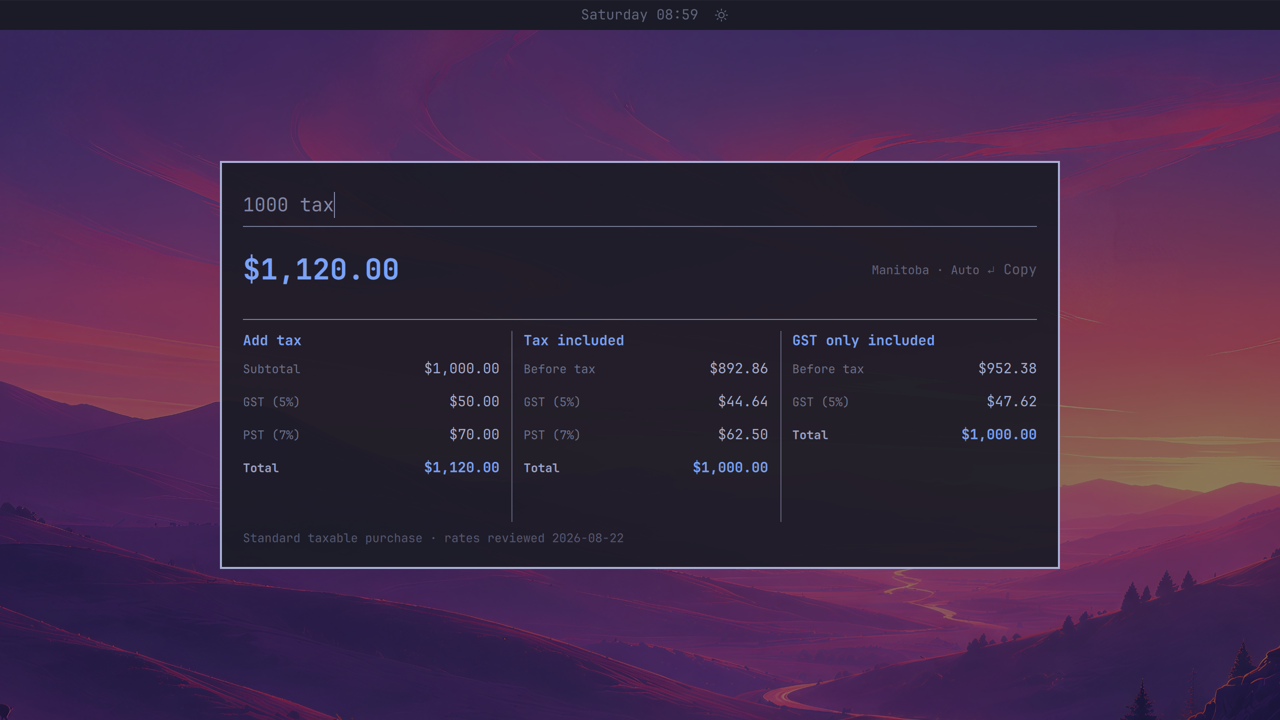
OmaQuickCalc showing a location-aware Manitoba GST and PST report

<p align="center"> <a href="#install"><strong>Install</strong></a> · <a href="docs/CONFIGURATION.md"><strong>Configure</strong></a> · <a href="SECURITY.md"><strong>Security</strong></a> </p>

OmaQuickCalc is the calculator you summon, not switch to. Type math or plain-language conversions into a focused floating palette and get a live, copy-ready answer. When the result belongs in the app you came from, Transform in Place can put it there.

Examples

Design units
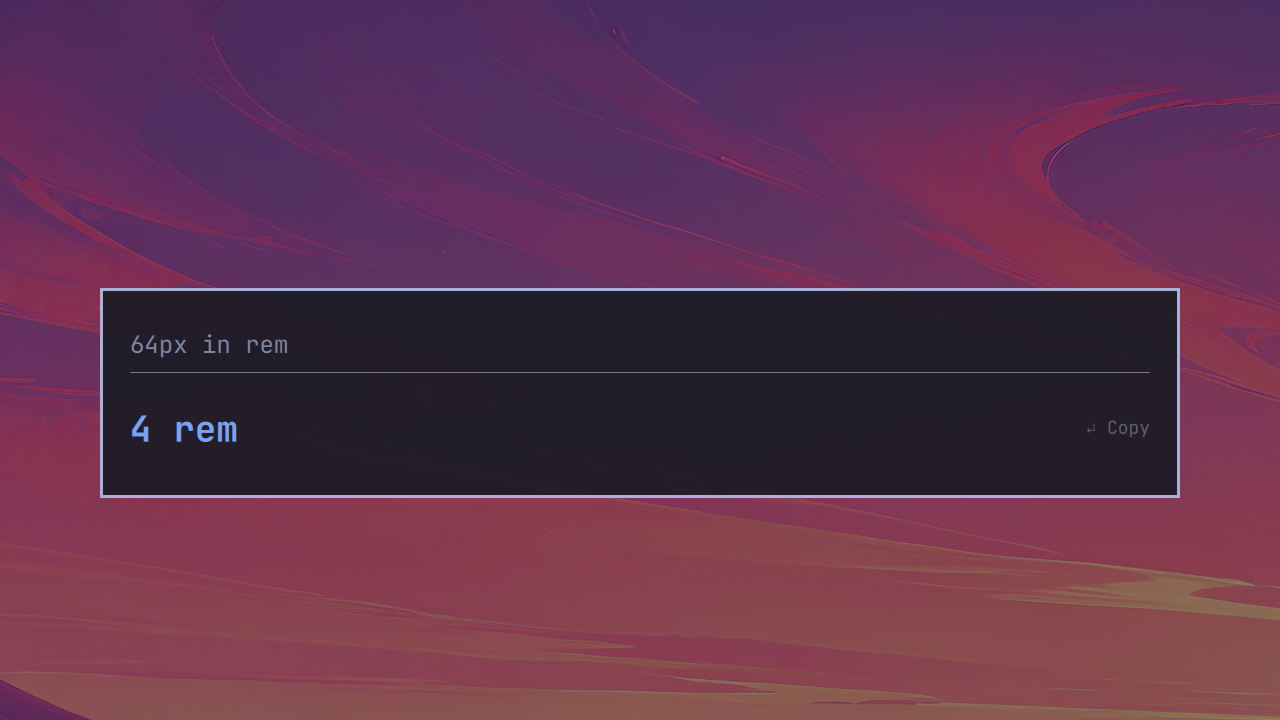
64 pixels converted to 4 rem in OmaQuickCalc

Mixed units

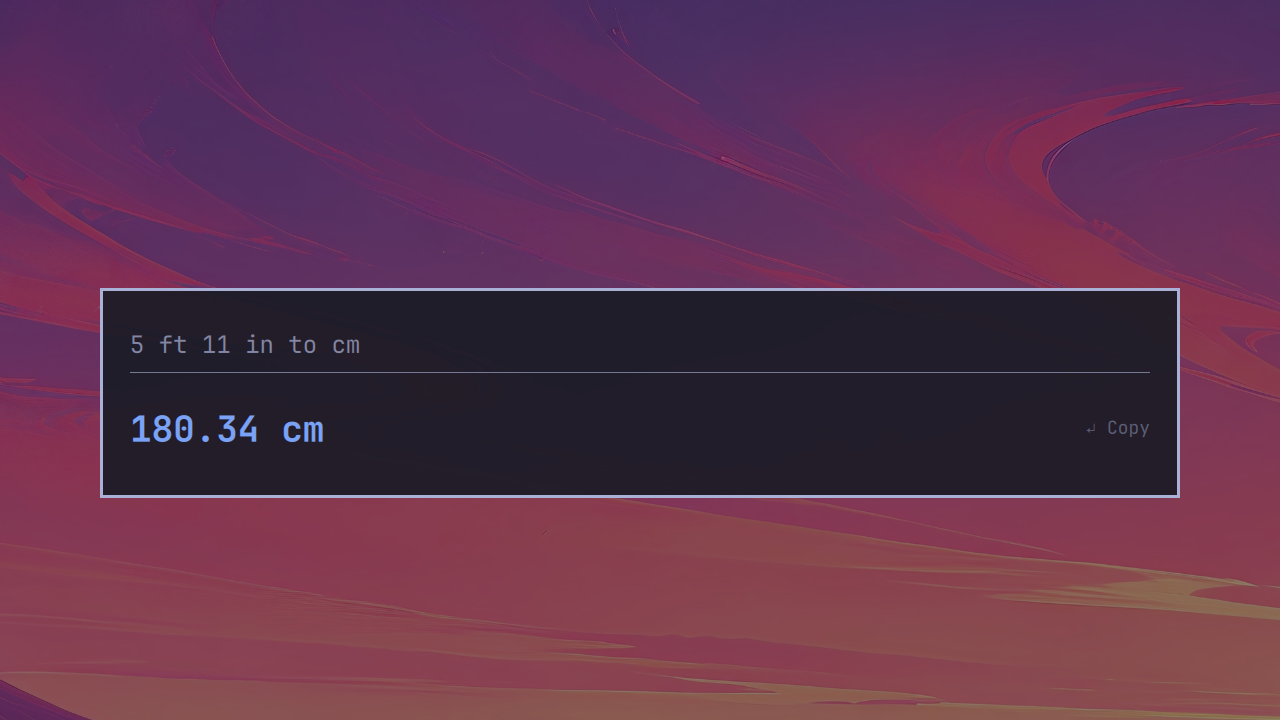
5 feet 11 inches converted to 180.34 centimetres in OmaQuickCalc

Currency conversion

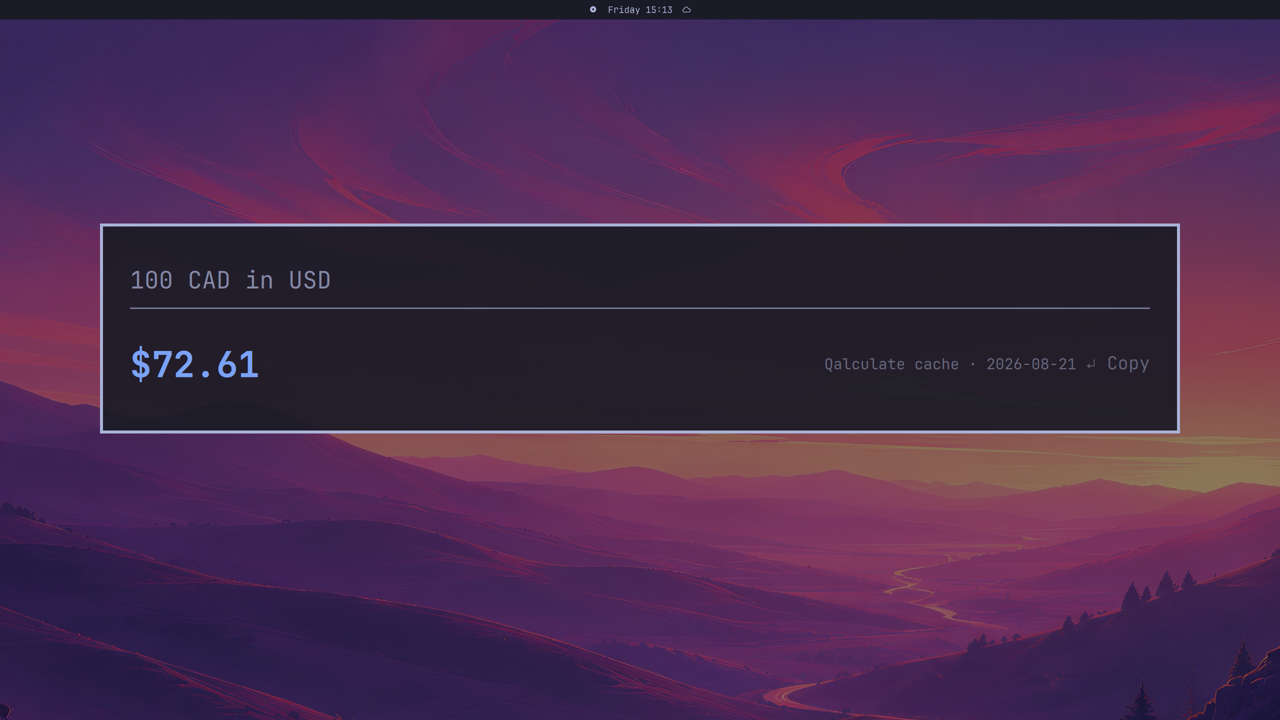
100 Canadian dollars converted to 72.61 US dollars with the current rate date

Local tax report

1000 tax showing Manitoba GST and PST added and reverse-calculated

Calculation history

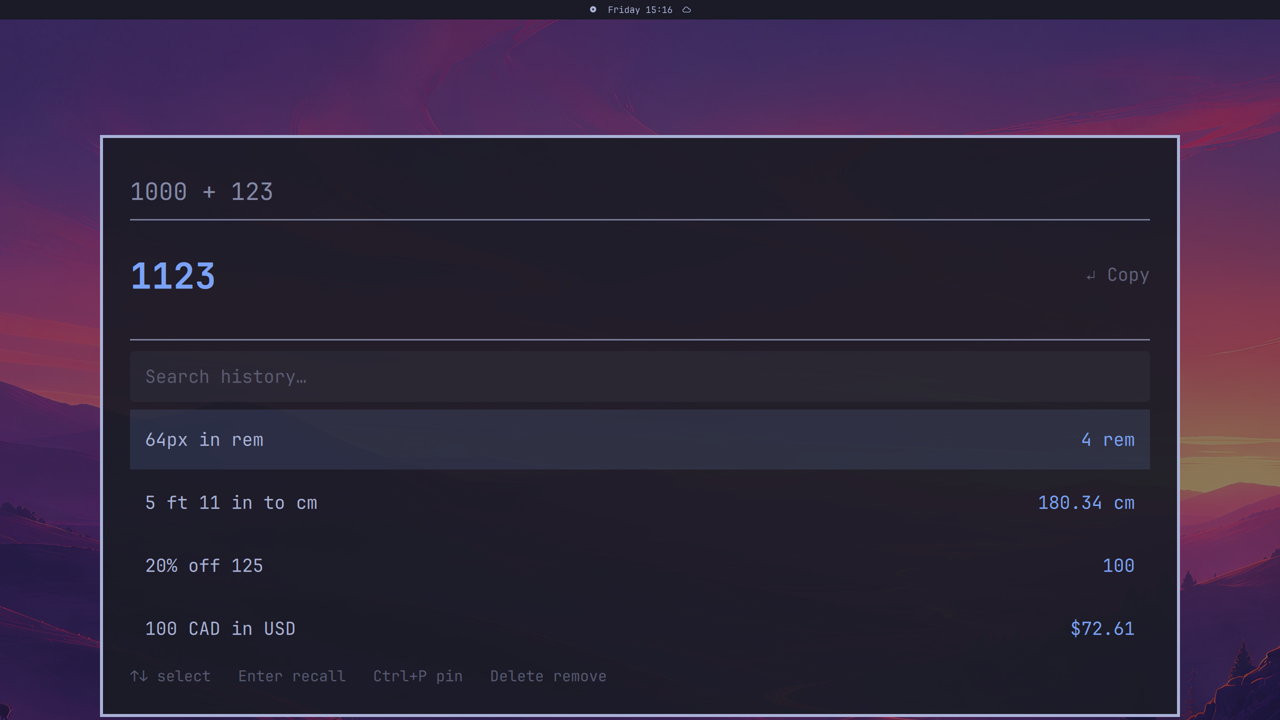
1000 plus 123 equals 1123 with calculation history open

Also try 20% off 125, square root of 625, 18% tip on 80, 1pm pacific for local time, or 1000 tax for a local tax report.

Transform in Place

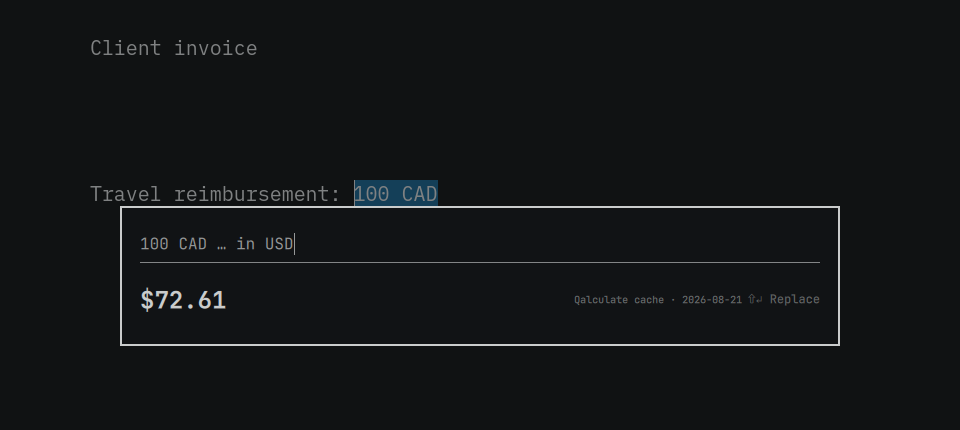
Highlight 100 CAD, summon OmaQuickCalc, and type in USD. Press Enter to replace the original selection with $72.61, or Ctrl+Enter to copy instead.

1. Select the value
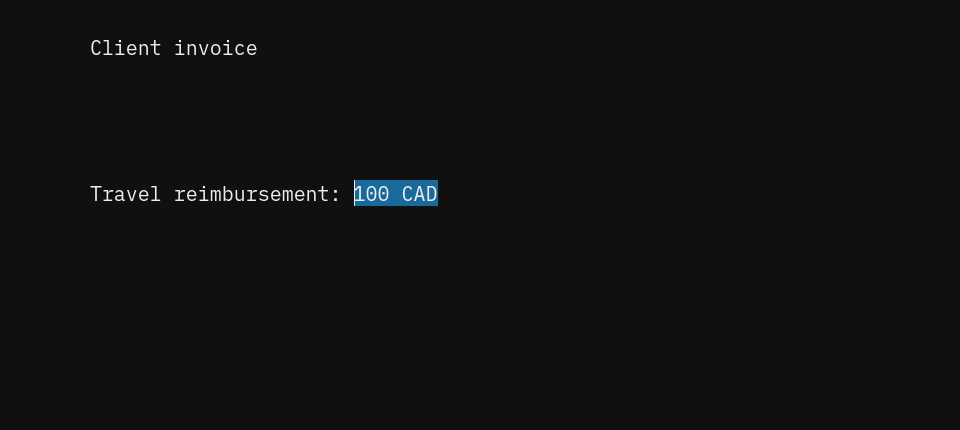
100 CAD selected in an Omawrite client invoice

2. Type in USD

OmaQuickCalc converting the selected 100 CAD to 72.61 USD

3. Put the answer back

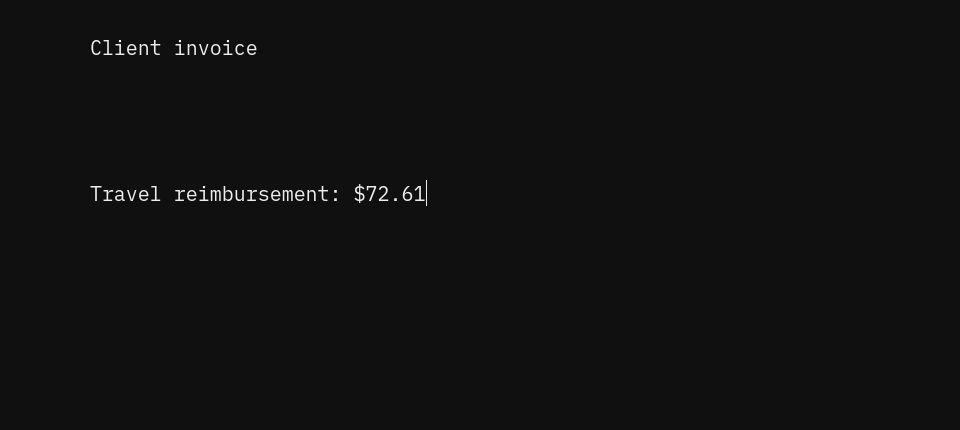
The selected invoice value replaced with 72.61 dollars in Omawrite

Selection capture runs only from a shortcut you explicitly approve. Normal launcher opens remain clipboard-blind. See Security for details.

Install

OmaQuickCalc requires Omarchy Quattro. Install and enable it with the native plugin command:

omarchy plugin add https://github.com/camerontucker/omaquickcalc.git --enable

On first launch, a dedicated setup step checks python, libqalculate, and wl-clipboard, lists anything missing, and offers to install it in a centered floating terminal. Shortcut setup follows only after those tools are ready. To install them yourself:

omarchy pkg add python libqalculate wl-clipboard

Launch from Super + Space. On first use, choose whether to replace Omacalc's shortcut, set another, or skip. Nothing changes without confirmation.

Omarchy plugins run as unsandboxed user code. Review the security notes before enabling any community plugin.

Configuration

Set history, precision, currencies, tax location, clock format, rate freshness, REM and workday bases, and background transparency in ~/.config/omaquickcalc/config.json. See the configuration reference.

Privacy and security

Calculations are local, with no account, telemetry, ads, or API key. Qalculate may access the network only to refresh exchange rates. History can be persistent, session-only, or disabled.

Transform selections are private, single-use, excluded from history, and replaced only in the originating window. The plugin never overwrites unmarked desktop or Hyprland configuration. Read the full security model.

Update

omarchy plugin update io.github.camerontucker.omaquickcalc

Omarchy shows the incoming update for review before applying it.

Remove

Use the bundled removal script to remove the managed shortcut and launcher:

~/.config/omarchy/plugins/io.github.camerontucker.omaquickcalc/uninstall.sh --yes

Preferences and history are retained. To erase those too:

rm -rf ~/.config/omaquickcalc ~/.local/share/omaquickcalc
<details> <summary>Development</summary>

From a source checkout, run ./install.sh. Before a release:

PYTHONDONTWRITEBYTECODE=1 python3 -m unittest discover -s tests -v
./tests/run-qml.sh
bash -n install.sh uninstall.sh
omarchy plugin validate .
/usr/lib/qt6/bin/qmllint -I /usr/share/omarchy/shell OmaQuickCalc.qml
git diff --check

Architecture and contributor invariants live in AGENTS.md. Release history lives in CHANGELOG.md.

</details>

License

MIT