
Phosphor
Phosphor turns your desktop into the picture on an old cathode-ray tube. Scanlines, a phosphor mask, bloom that spills off bright text, a little convergence error toward the corners, and a moulded plastic cabinet around the glass.
It is not a theme. Your theme owns colours, apps and wallpaper; Phosphor owns the monitor those things appear on, so any theme combines with any tube.
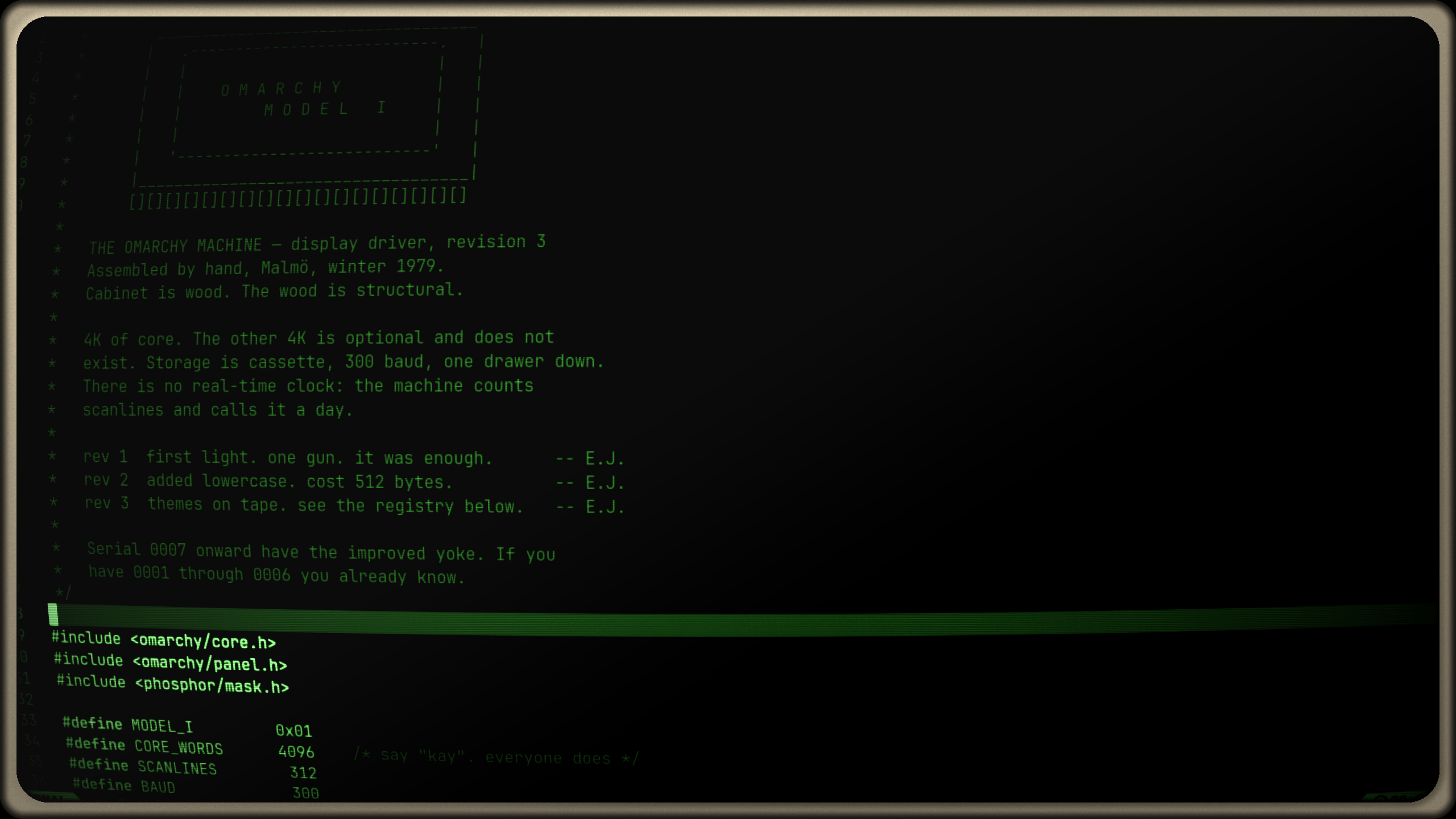
The tubes
| Tube | |
|---|---|
| VGA '94 | shadow mask, consumer PC monitor |
| Trinitron | aperture grille, with the damper wires |
| Indy 21″ | graphics workstation, fine pitch |
| Workstation 19″ | white phosphor, grayscale |
| 5151 | P1 green, monochrome display adapter |
| VT-220 | P3 amber, serial terminal |
| Broadcast | slot mask, composite bleed |
The colour tubes leave your theme's colours alone — a Tokyo Night desktop through the Trinitron is still Tokyo Night, just on worse glass. The monochrome tubes reinterpret the screen by luminance, so a bright accent stays bright and a muted comment stays muted while the palette becomes green, amber or white phosphor. Light themes get a gentler tube automatically.
Features
- Seven tubes, each tunable and saveable as your own copy that survives restarts
- Twelve live controls: brightness, contrast, colour, bloom, scanlines, scan pitch, mask, vignette, convergence, grain, curvature and flicker
- Phosphor colour swatches — theme, green, amber, paper, cyan, blue, or any hue — and cabinet colours to match
- A power-on that holds black and warms up like a real tube, and a power-off where the phosphor dies fast
- An optional cabinet that reserves its own margins, so nothing on screen moves away from where it clicks
- Survives theme switches, which otherwise drop every runtime setting
- No network access and no privileged commands
Install
omarchy plugin add https://github.com/ejuro/phosphor-crt-overlay.git --enable
Use
- Left-click the monitor glyph in the bar for the panel; right-click to switch the tube on and off.
- In the panel: pick a tube, then unfold Display, Tuning or Colour. Drag any slider and the tube follows; right-click one to put that control back to stock.
- Save a copy keeps your tweaks as a tube of your own, which you can rename, update or delete. Built-in tubes are never modified.
- From anywhere:
omarchy-shell phosphor toggle, orenable/disable/preset <id>/status.
Worth binding omarchy-shell phosphor toggle to a key. A CRT is a lovely place to read and a poor place to grade a photograph, and one keypress makes that a choice rather than a commitment.
Two settings that cost you something
Everything in the panel is free except these, and both say so where you set them:
- Bend the picture applies real barrel distortion. Hyprland does not warp input, so clicks near the edges land slightly off from where things appear. The default Glass curve fakes it at the glass instead — rounded corners, edges falling into shadow — and cannot move anything.
- Flicker needs a clock, which means the screen redraws every frame for as long as it is above zero. Measured at 24-29% GPU against 6% idle. At zero, a still screen renders nothing at all.
State
Which tube, which tweaks, and whether the screen is on live in ${XDG_STATE_HOME:-~/.local/state}/phosphor/state.json, alongside the generated shader. Nothing is written into your Hyprland config or your theme directories.
The shader is applied at runtime, so a reboot clears it. To switch it off by hand from a TTY or another session:
hyprctl eval 'hl.config({ decoration = { screen_shader = "" } })'
hyprctl eval 'hl.config({ debug = { damage_tracking = 2 } })'
Remove
omarchy plugin remove io.github.ejuro.phosphor
Removing the plugin does not delete its state.
License
MIT