
Herdr for Omarchy
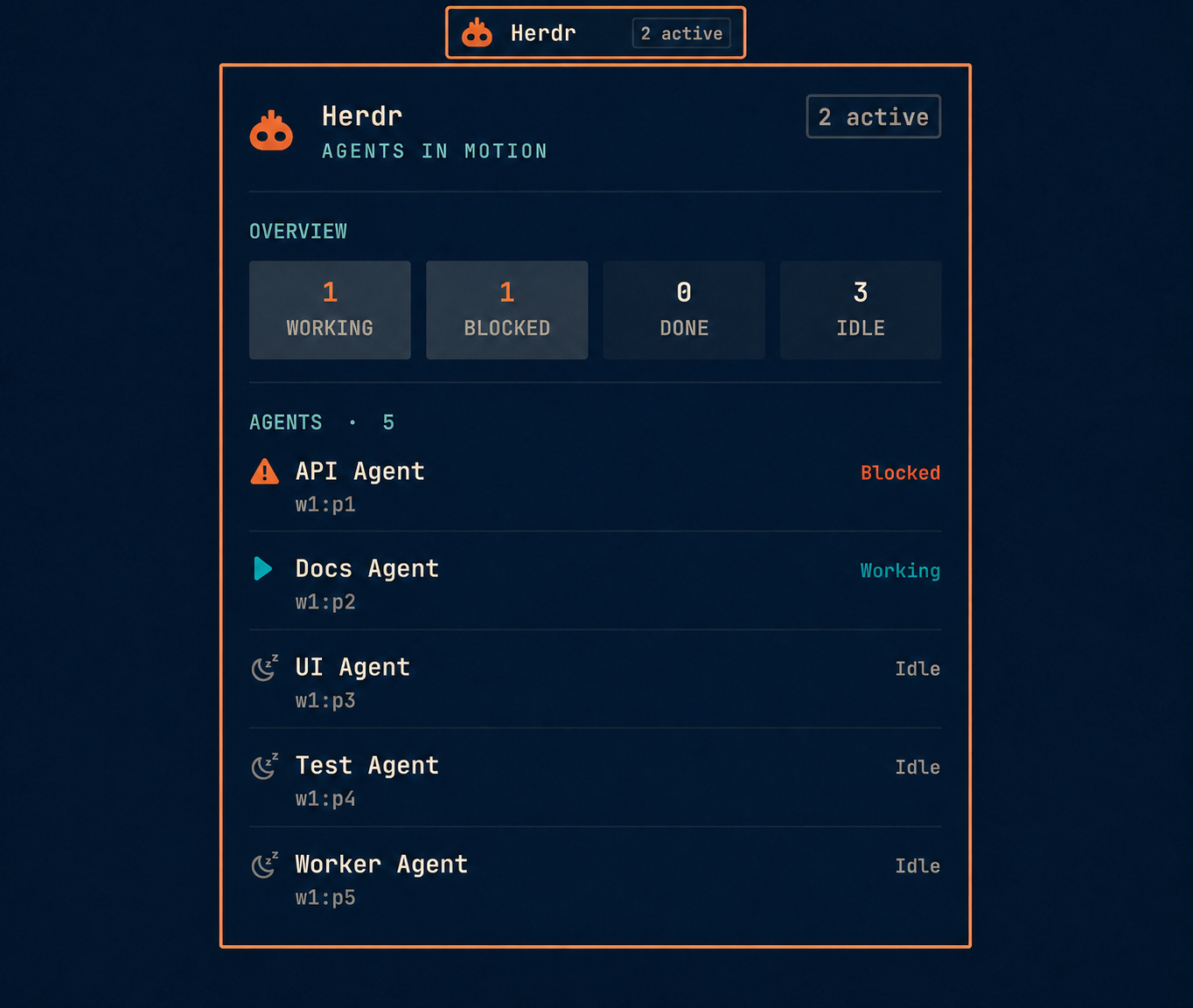
An Omarchy bar widget for monitoring Herdr agents. It shows active or blocked agent counts in the bar and opens a detailed, keyboard-accessible panel with the status of every agent.
Requirements
- Omarchy with the Quattro shell plugin system
- Herdr available on
PATH, with its server running jq- GNU coreutils (
timeout) - An Omarchy-compatible Nerd Font for the status icons
The plugin polls herdr agent list locally every three seconds. It makes no network requests and does not modify Herdr or Omarchy configuration directly.
Install
Review the source before installing. Omarchy plugins run as unsandboxed code inside the long-running shell process.
omarchy plugin add https://github.com/fabean/omarchy-herdr.git --enable
The widget is placed in the right bar section by default. If it was installed without --enable, enable it later:
omarchy plugin enable io.github.fabean.herdr --section right
Use
- Left-click the widget to open or close the agent panel.
- Right-click the widget to refresh immediately.
- In the panel, press
RorEnterto refresh andEscapeto close. - When Herdr is unavailable, the widget displays an offline indicator.
Update
omarchy plugin update io.github.fabean.herdr
Remove
omarchy plugin remove io.github.fabean.herdr
Removal deletes only the plugin checkout and removes the widget from the Omarchy bar configuration. It does not remove Herdr or its data.
Develop
Validate the plugin against the installed Omarchy manifest schema:
omarchy plugin validate .
For local testing, install from a local Git remote or copy the repository into ~/.config/omarchy/plugins/io.github.fabean.herdr and rescan plugins.