
Theme Roulette
An Omarchy Quickshell plugin that cycles your theme + wallpaper together on a schedule, so you don't get stuck on one look. Bar button rerolls on demand; right-click for schedule tweaks and rollback; a "Ready to roll?" prompt gives you a beat to veto a scheduled roll before it lands.
Demo
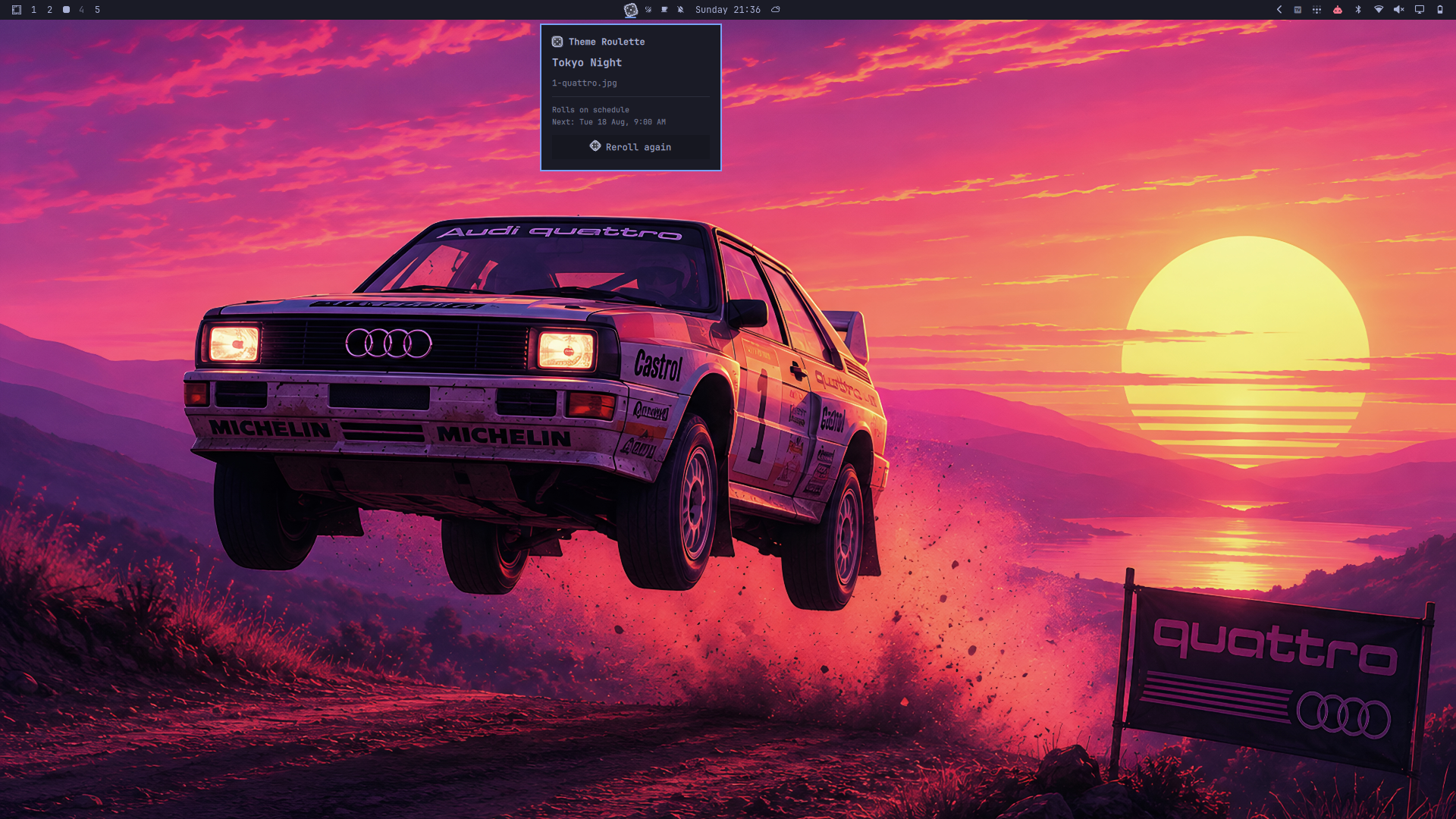
A fresh roll -- Tokyo Night landed, panel shows what changed and when the next one's due, with a dice button to roll again right there.
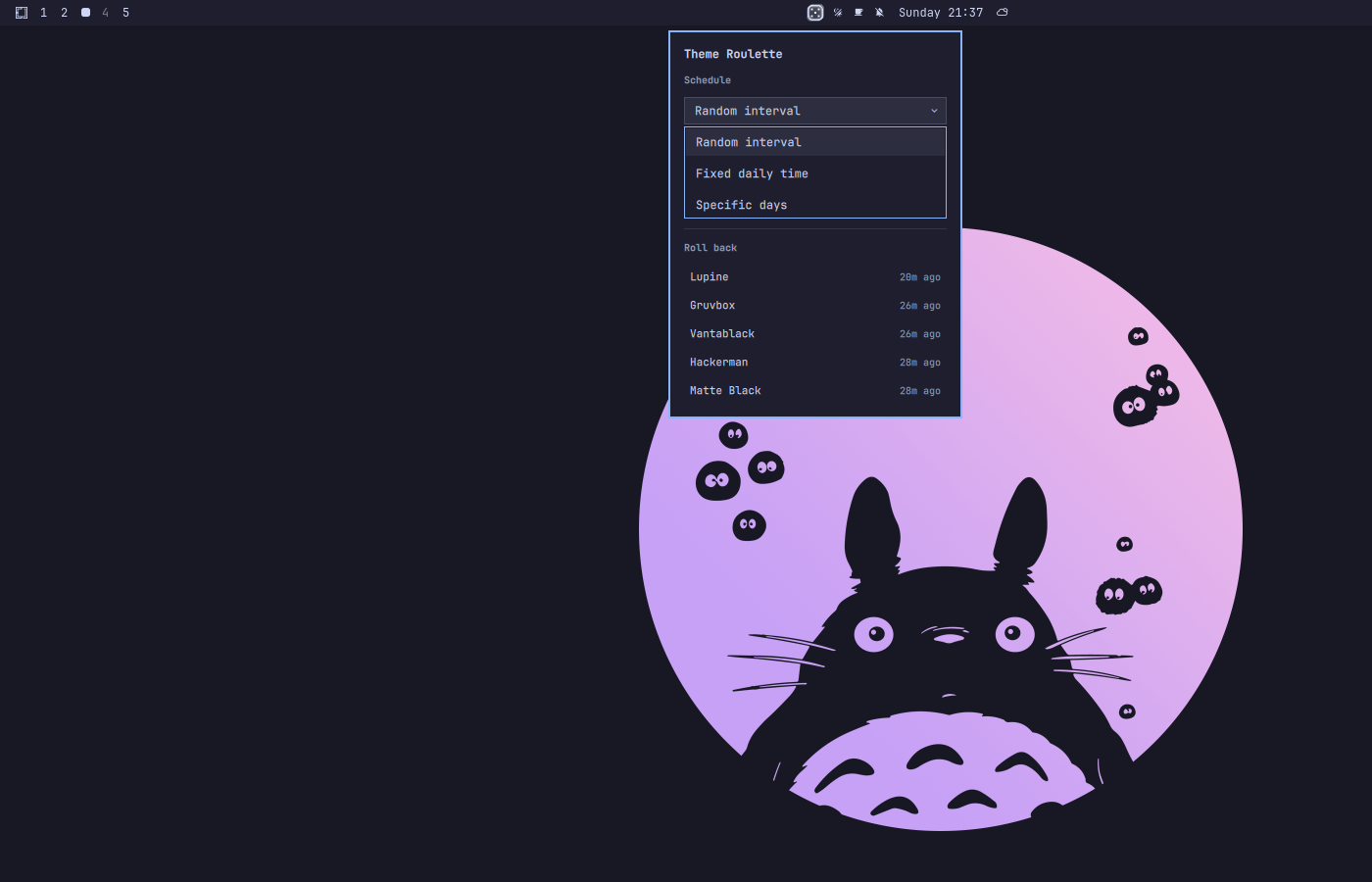
Right-click menu -- schedule mode/params on the left, a rollback list of recent picks on the right.
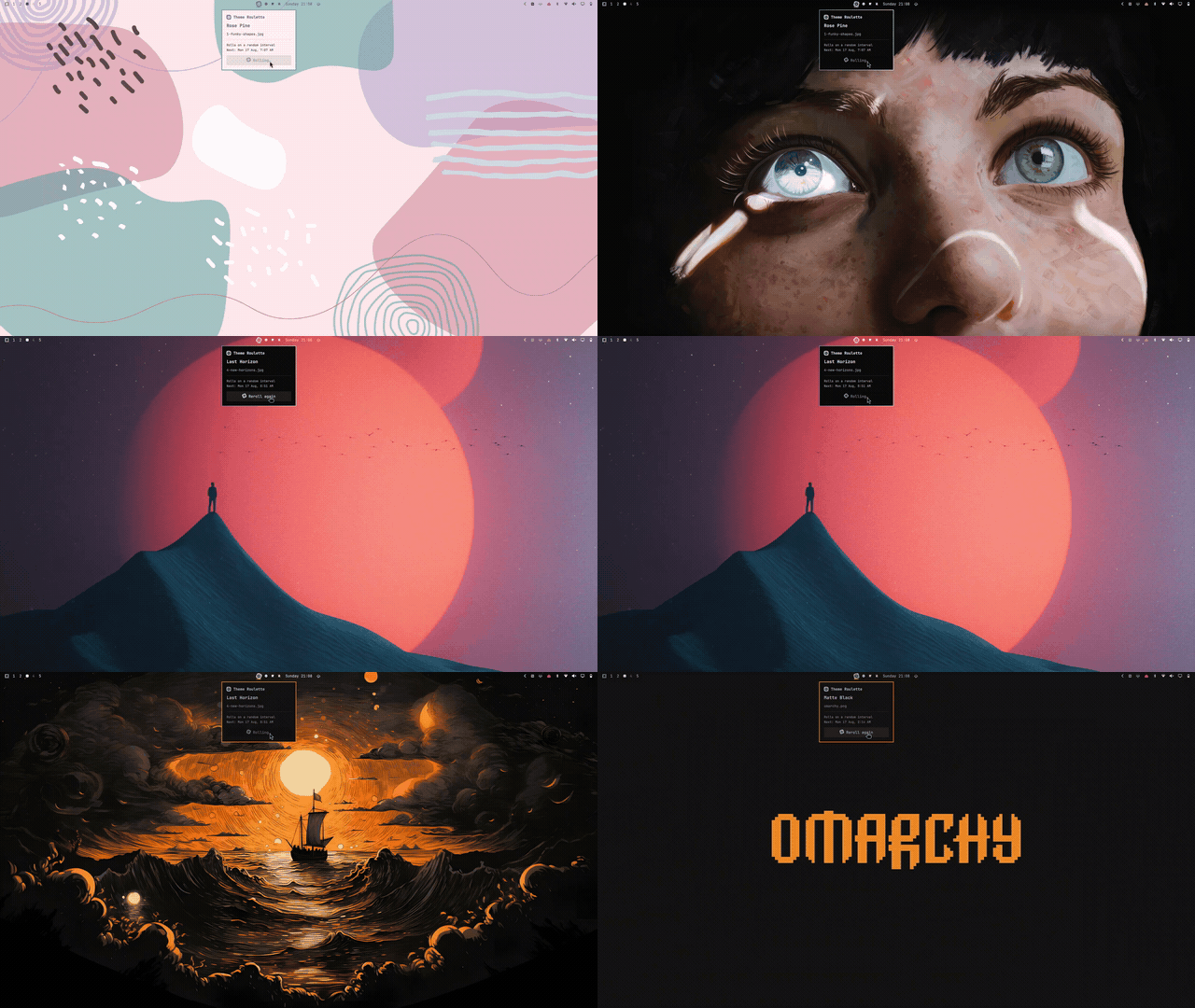
Rolling a new theme + wallpaper
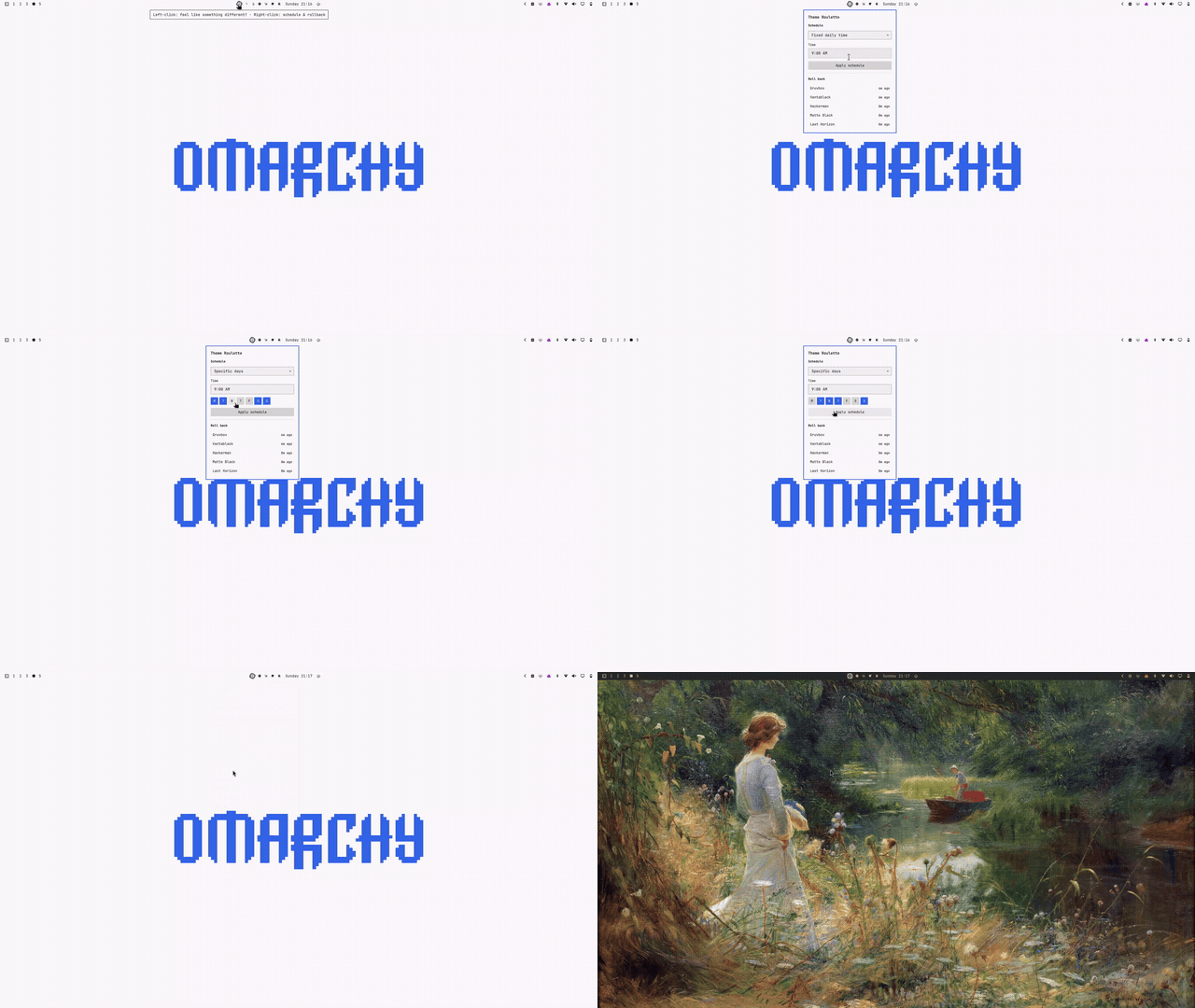
Hover reveal + click actions
theme-roulette reroll | check-due | confirm-pending | skip-pending |
                recompute-next | history | restore <index> |
                config-set <json> | status | config
What it does
- Random interval: reroll every
intervalMinHours..intervalMaxHours, randomized within that range and re-randomized after every roll. - Fixed daily: reroll once a day at
fixedTime. - Specific days: reroll at
fixedTime, only on the weekdays indays. - Manual trigger: left-click the dice bar icon ("feel like something different?") to reroll immediately, any time, independent of schedule.
- Reroll again: the popup that opens after a roll has its own dice button -- click it to roll again immediately if you don't like the result. It's the exact same action as the bar click, just fired again.
- Right-click menu: change the schedule mode/params on the fly, or roll
back to any of the last few picks you rolled past and liked (
history/restore-- see Architecture). - "Ready to roll?" prompt: when a scheduled roll comes due, it doesn't
apply silently -- a small non-blocking popup offers "Let it ride" (apply
now) or "No, I'm feeling this" (skip this cycle, keep the current look,
reschedule for next time). Left unanswered for
confirmTimeoutSeconds(default 60s), it auto-resolves to "Let it ride" and applies on its own -- so leaving the desktop mid-countdown still means a fresh theme is waiting on return, not a stuck prompt. - Never repeats the theme or wallpaper that's currently applied. With
avoidRepeatWindowset higher, it also avoids anything picked in the last N rolls (theme and wallpaper tracked independently), falling back to "avoid nothing" only if the exclusion would otherwise leave no candidates (e.g. you only have one theme installed).
Heads up on wallpaper variety: most Omarchy themes ship a branded
omarchy.png-style splash wallpaper alongside their own art, as one file in
the same pool everything else is picked from. On themes with a small total
background count (e.g. catppuccin-latte, everforest, and kanagawa only
ship 2 wallpapers each), that splash can end up as roughly 1-in-2 on every
roll of that theme -- not a bug in the picker (shuf is uniform, avoid-repeat
works correctly), just a side effect of a small pool. Themes with more
wallpapers (tokyo-night, retro-82, etc.) dilute it a lot more.
How it actually changes your theme/wallpaper
Discovered on this machine via omarchy theme --help and reading
/usr/share/omarchy/bin/omarchy-theme-{set,bg-set,bg-next,dir} -- these are
real Omarchy commands, not invented:
omarchy theme set <kebab-name>applies a theme (colors, hooks, restarts themed apps) and, as a side effect, auto-picks a background for it (deterministic "next in the list", not random).omarchy theme bg set <path-to-image>pins a specific wallpaper file.theme-roulettecalls this right aftertheme setto override the auto-pick with its own random choice, so a "roll" is one deliberate theme+wallpaper pair rather than two independent coin flips.omarchy theme dir <kebab-name>resolves the directory holding a theme (preferring a user-installed copy over the built-in one), used to find that theme'sbackgrounds/folder.- Installed themes are discovered the same way
omarchy theme listdoes: directory names under$OMARCHY_PATH/themesand~/.config/omarchy/themes. Each theme's candidate wallpapers are itsbackgrounds/folder plus any extra images under~/.config/omarchy/backgrounds/<theme>/-- the same placesomarchy-theme-set's own background picker looks.
Config
~/.config/omarchy-theme-roulette/config.json (hand-edit; there's no
settings UI yet). Created with these defaults on first run:
{
  "mode": "random-interval",
  "intervalMinHours": 4,
  "intervalMaxHours": 12,
  "fixedTime": "9:00 AM",
  "days": ["mon", "tue", "wed", "thu", "fri", "sat", "sun"],
  "avoidRepeatWindow": 3,
  "confirmTimeoutSeconds": 60
}
| Field | Meaning |
|---|---|
mode |
random-interval | fixed-daily | specific-days |
intervalMinHours / intervalMaxHours |
Bounds for random-interval, in hours. |
fixedTime |
Time of day for fixed-daily / specific-days. Anything GNU date -d parses as a time works -- "9:00 AM" and "21:00" both fine. |
days |
Weekday list for specific-days: mon..sun. Ignored otherwise. |
avoidRepeatWindow |
Don't repeat a theme/wallpaper seen in the last N rolls. The immediately-previous pick is always avoided even if this is 0. |
confirmTimeoutSeconds |
How long the "Ready to roll?" prompt waits before auto-resolving to "Let it ride". |
Editing this file by hand takes effect on the next Service.qml poll (~30s),
which reschedules nextRollAt from the new config without waiting out the
old schedule (run theme-roulette recompute-next for an instant effect).
The right-click menu's Schedule section does the same thing through
theme-roulette config-set '<json-patch>' -- a shallow merge onto this
file, e.g. config-set '{"mode":"fixed-daily","fixedTime":"9:00 AM"}'.
Architecture
Same split as omarchy-media-pip / omarchy-agent-butler: bin/theme-roulette
is a plain CLI that owns every fact (current pick, pending pick, next roll
time, roll history) and writes ~/.local/state/omarchy-theme-roulette/state.json;
Service.qml is a headless mirror of that file via FileView, plus a 30s
Timer that pokes check-due (a cheap no-op unless the scheduled time has
actually arrived and nothing is already pending). Neither QML file
computes a roll or a schedule -- everything the UI shows is read straight
off state.json.
Three surfaces hang off BarWidget.qml's dice icon:
- Left-click fires an immediate
rerolland opensPanel.qml, which shows the result and offers its own dice button to reroll again. - Right-click toggles
RollMenu.qml: schedule controls that write viaconfig-set, and a rollback list built fromhistory, applying a pick viarestore <index>(which reapplies the theme/wallpaper without touchinghistory[]ornextRollAt-- an explicit override, not a new roll). svc.pending(set bycheck-duewhen a scheduled roll lands) auto-opensRollPrompt.qml, a non-blocking "Ready to roll?" popup. "Let it ride" and "No, I'm feeling this" map toconfirm-pendingandskip-pending. If neither is clicked,Service.qml's own 1s countdown Timer callsconfirm-pendingonceconfirmTimeoutSecondselapses -- the prompt resolves itself with nobody there to answer it.
RollMenu.qml and RollPrompt.qml wrap qs.Ui.PopupCard behind a plain
Item with ordinary (non-required) properties, the same way this
project's own Panel.qml wraps KeyboardPanel -- PopupCard's own
anchorItem/bar are required property, which the Binding elements
BarWidget.qml uses to wire each popup up after its Loader resolves
can't satisfy directly (a required property must be set inline at the
point the object composing it is declared).
Scheduling only progresses while omarchy-shell is running (it's driven
by that Timer, not a separate systemd unit or standalone daemon) -- fine for
a desktop theming feature, since that's exactly while there's a desktop to
theme, but worth knowing: a roll due while logged out fires the moment the
shell starts back up, not at the scheduled instant.
The CLI runs from a self-staged copy, not from inside the plugin
directory. A companion binary launched via Quickshell's Process from
inside an installed plugin's own folder fails to start (a gotcha paid for
by omarchy-media-pip; see that project's gotchas.md/CLAUDE.md for the
elimination trail). Service.qml copies bin/theme-roulette to
~/.local/state/omarchy-theme-roulette/.bin/theme-roulette the moment it
knows its own install directory and always invokes that copy, re-staging on
every shell start so it can't go stale across a plugin update.
Dependencies
jq, shuf, and GNU date (all present by default on Omarchy/Arch).
Everything else is a real omarchy/omarchy-notification-send command that
ships with the desktop -- no external services, no network access, nothing
that needs its own systemd unit.
Files
manifest.json-- schemaVersion 1, kindsservice+bar-widget.bin/theme-roulette-- CLI: picking, scheduling, pending/confirm flow, history, applying, state I/O.Service.qml-- mirrors state.json/config.json, self-stages and polls the CLI, drives the pending countdown.BarWidget.qml-- dice bar icon; left-click rerolls, right-click opens the menu, hosts the prompt.Panel.qml-- shows the current roll; dice button to reroll again.RollMenu.qml-- right-click menu: schedule controls + rollback list.RollPrompt.qml-- "Ready to roll?" prompt for a pending scheduled roll.install.sh-- dev-loop install into~/.config/omarchy/plugins/.