
Rice Bar

Theme-aware visual presets for the stock Omarchy Quattro bar.
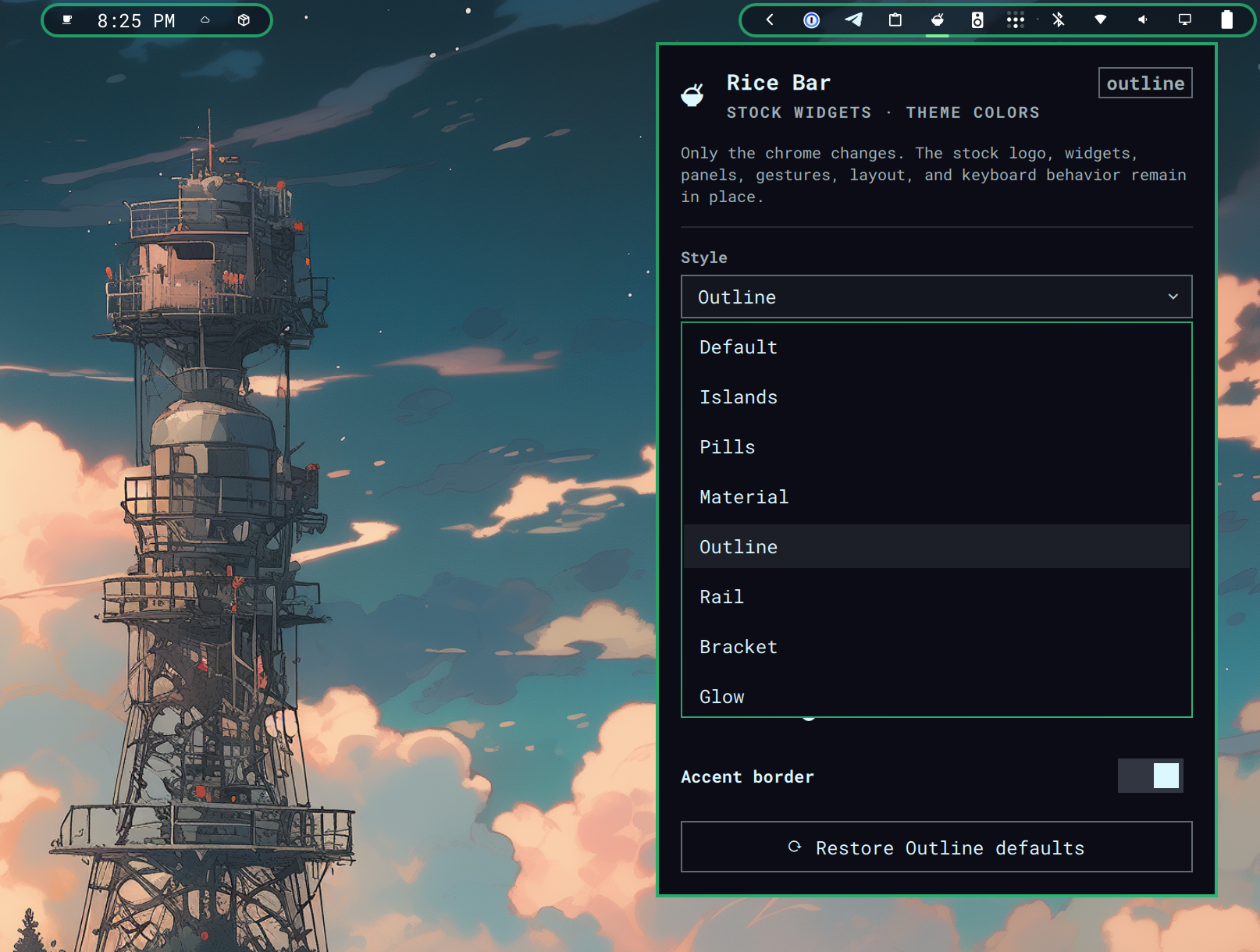
Rice Bar follows one rule:
Own the chrome, not the widgets.
It keeps omarchy.bar active and leaves Omarchy's official logo, workspaces, indicators, clock, tray, panels, gestures, keyboard navigation, drag/reorder behavior, multi-monitor routing, and shell configuration under Omarchy's control. A passive bottom-layer surface draws behind the live stock widgets and never receives pointer or keyboard input.
Styles
| Style | What changes |
|---|---|
| Default | Restores the unmodified stock bar. |
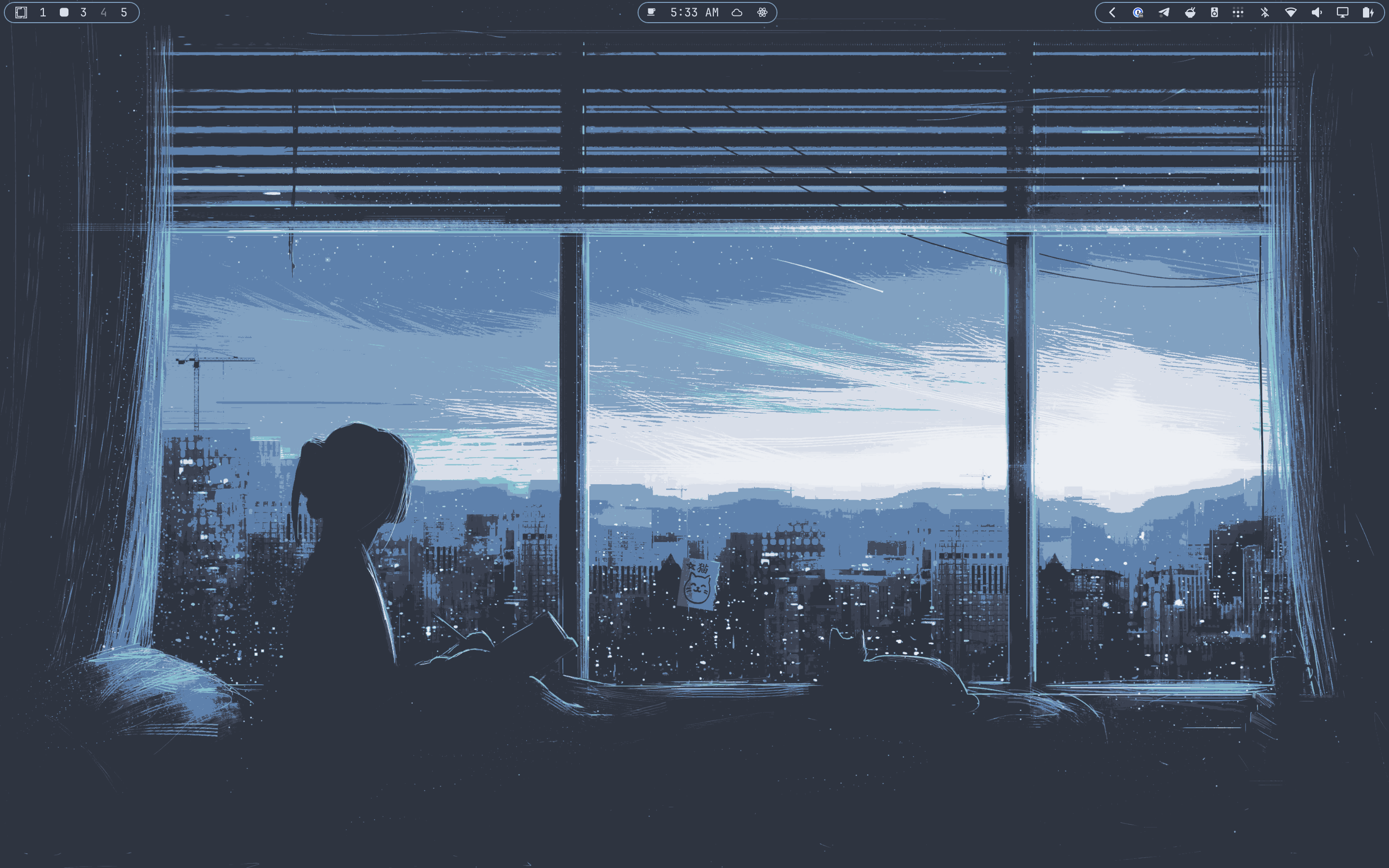
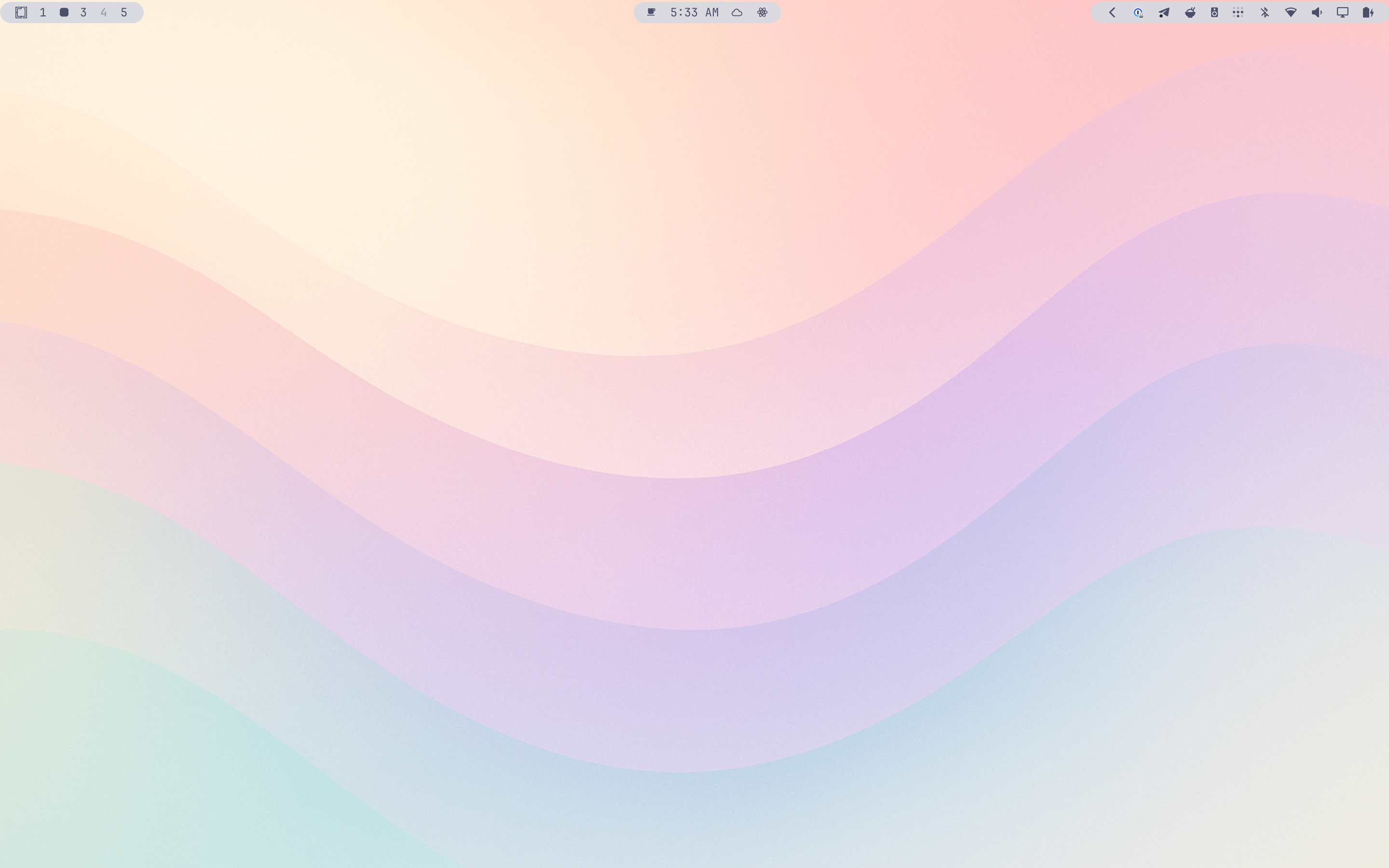
| Islands | Rounded left, center, and right surfaces. This is the default Rice Bar style. |
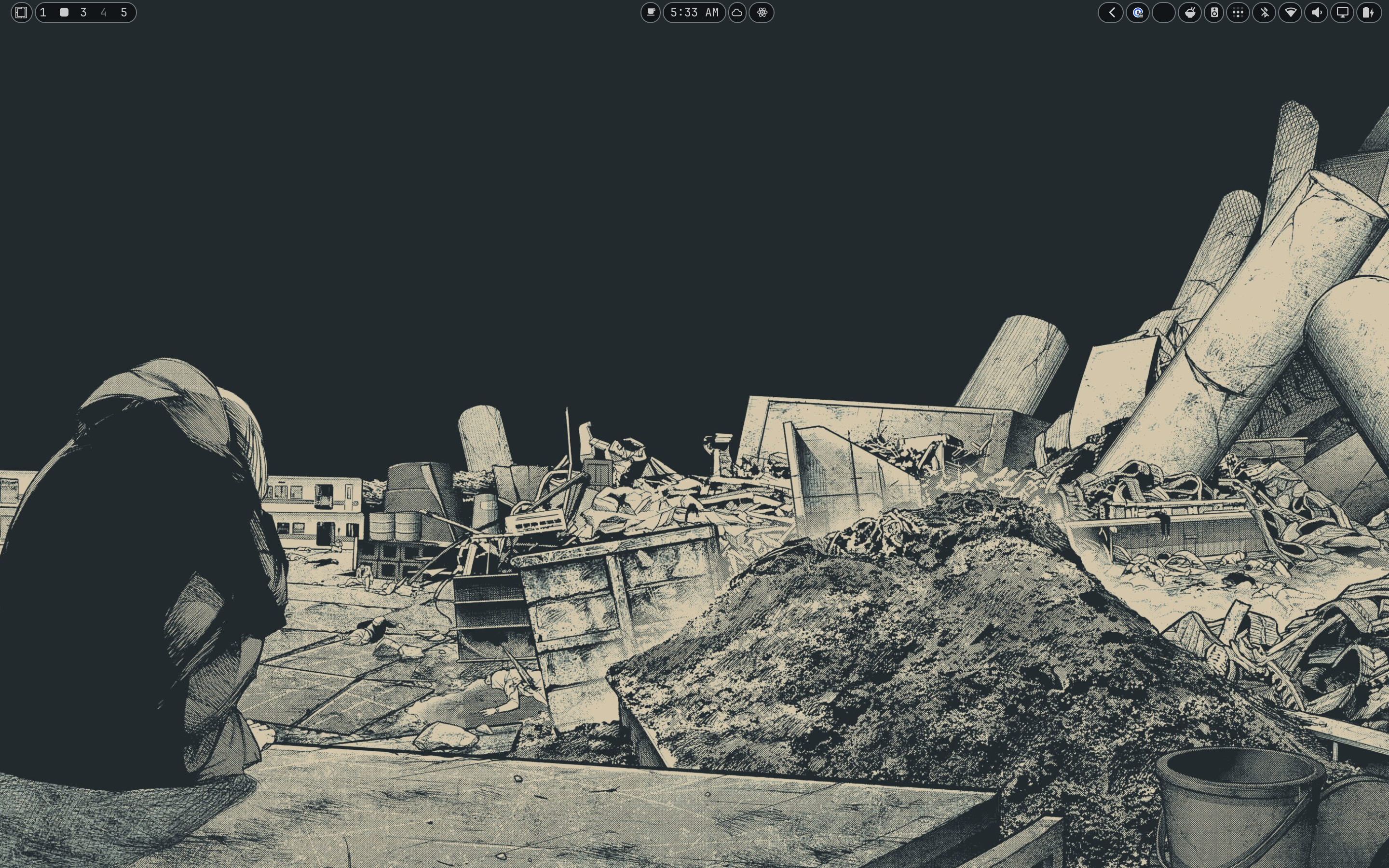
| Pills | A compact capsule behind each visible widget. |
| Material | Soft tonal section cards with a stronger center surface. |
| Outline | Nearly transparent sections defined by crisp accent outlines. |
| Rail | A continuous inner-edge rail with brighter section segments. |
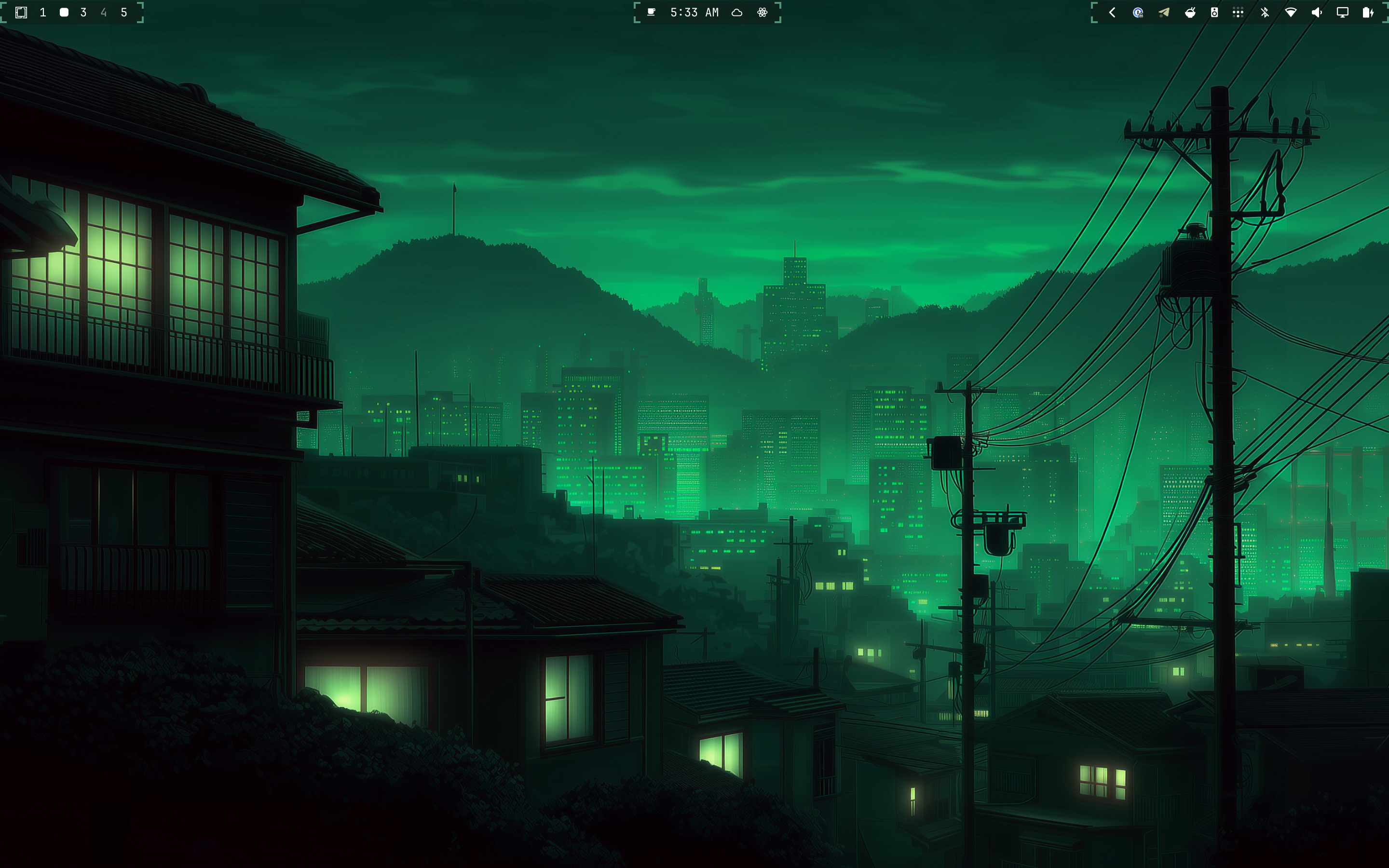
| Bracket | Technical accent corner brackets around each stock section. |
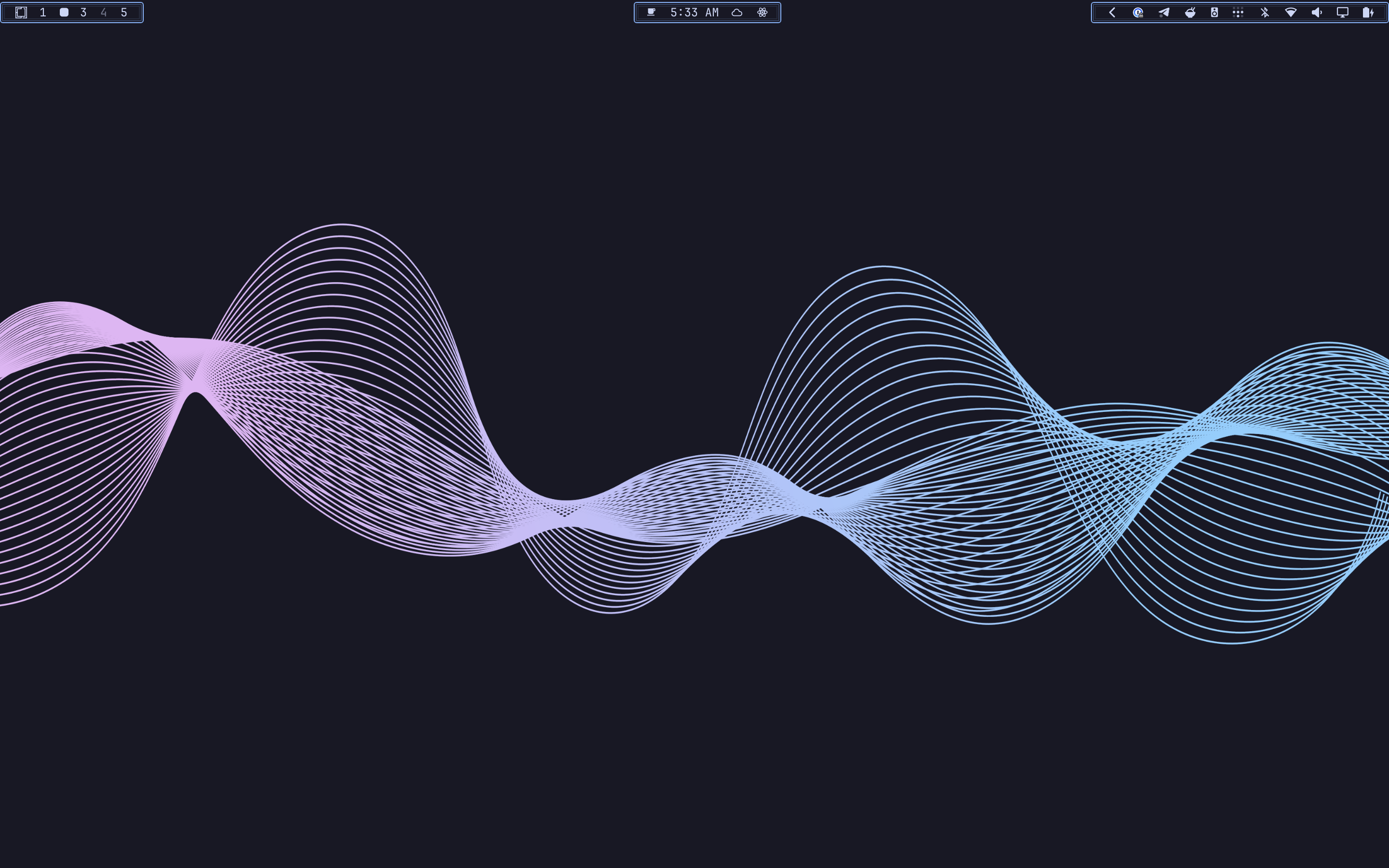
| Glow | Dark translucent surfaces with layered accent outlines. |
| Powerline | Angular section backplates inspired by classic Unix bars. |
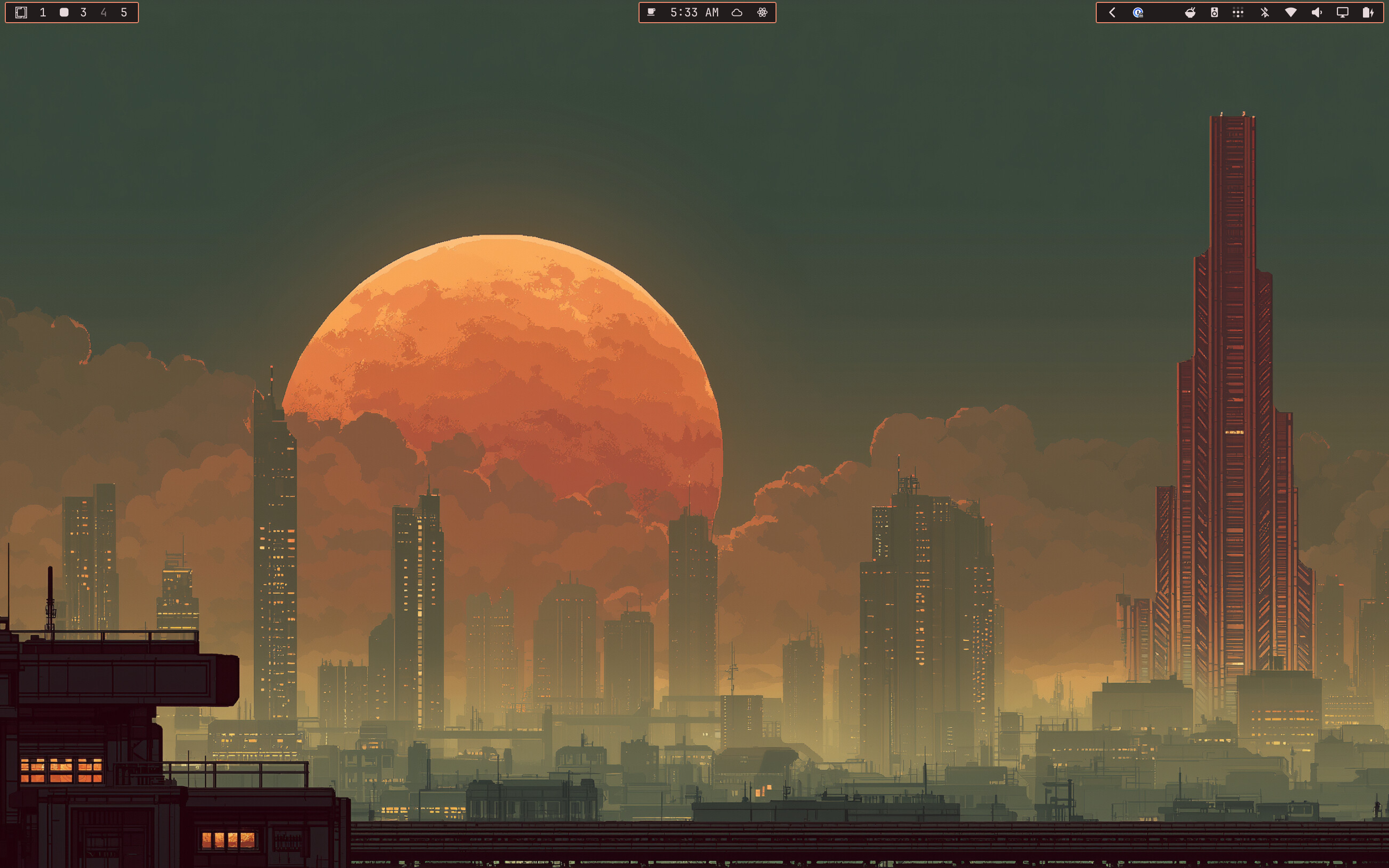
| Mono | Sharp, high-contrast cards with restrained theme-text borders. |
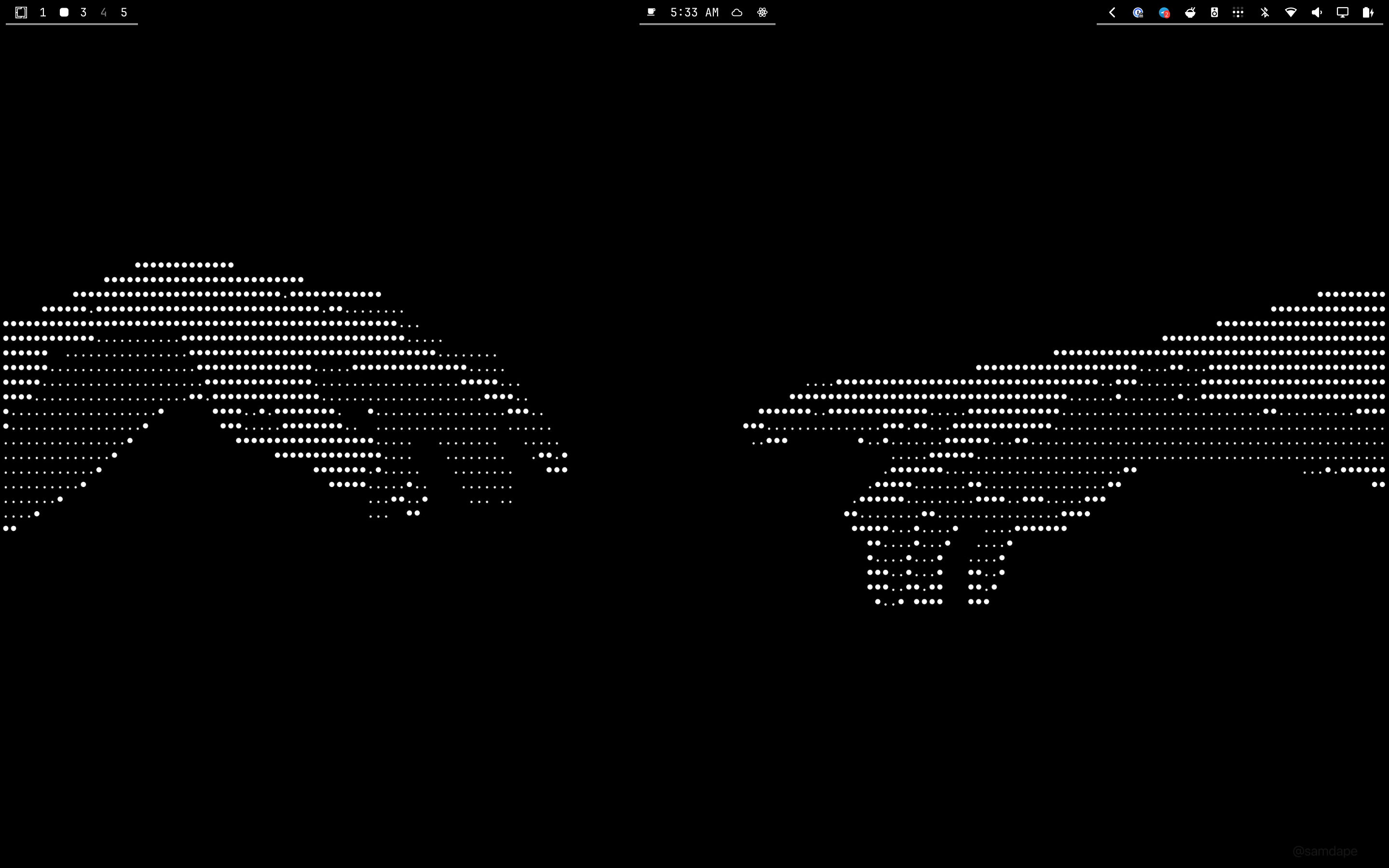
| Minimal | Theme-accent rules on the bar's inner edge. |
All Rice Bar styles bind to Omarchy's active Color.bar.background, Color.bar.text, and Color.accent roles. Rice Bar does not ship a separate color theme.
Examples
| Bracket | Glow |
|---|---|
 |
 |
| Islands | Material |
|---|---|
 |
 |
| Minimal | Mono |
|---|---|
 |
 |
| Outline | Pills |
|---|---|
 |
 |
| Powerline | Rail |
|---|---|
 |
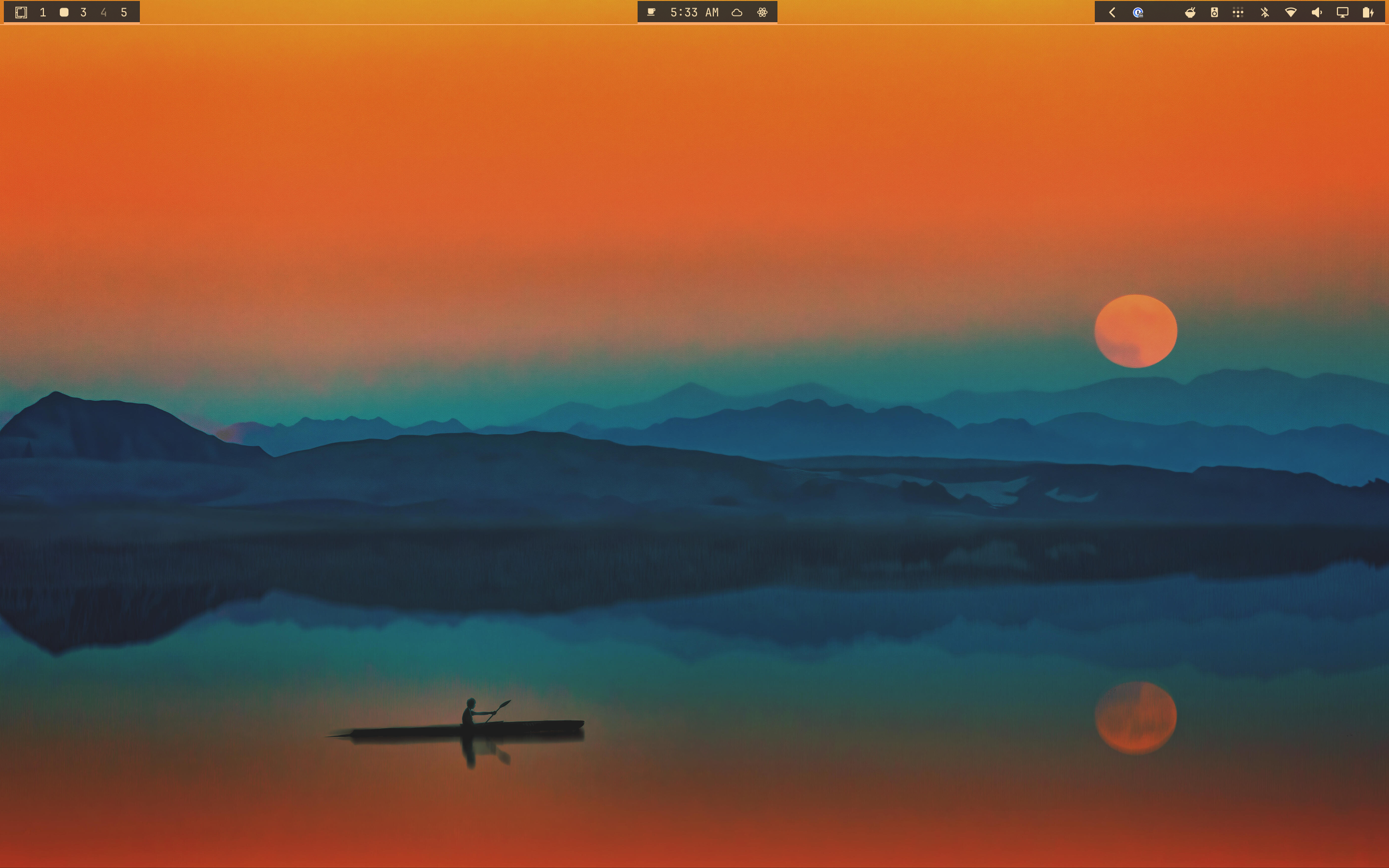 |
Install
omarchy plugin add https://github.com/jcarcinogen/omarchy-rice-bar.git --enable --yes
The rice-bowl button is added to the right section. Select it to open Rice Bar settings.
Configure
The settings panel exposes:
- Style
- Surface opacity
- Corner radius
- Breathing room
- Accent border
- A Restore Style defaults button for the selected style
Each style starts with appearance values chosen for its visual inspiration. Slider and border changes are saved only for the selected style; switching away and back restores that style's saved values. The restore button clears only that style's customization and reloads its built-in values.
Rice Bar derives surfaces and accents from the live Omarchy Color.bar palette. If a theme's bar background, text, and accent are too similar, it selects a contrasting theme-compatible surface and maintains a visibility floor so chrome does not disappear into the wallpaper. Theme changes repaint live; saved opacity remains an intensity control rather than allowing an unreadable surface.
You can also switch styles through Omarchy shell IPC:
omarchy-shell rice-bar style islands
omarchy-shell rice-bar style pills
omarchy-shell rice-bar style material
omarchy-shell rice-bar style outline
omarchy-shell rice-bar style rail
omarchy-shell rice-bar style bracket
omarchy-shell rice-bar style glow
omarchy-shell rice-bar style powerline
omarchy-shell rice-bar style mono
omarchy-shell rice-bar style minimal
omarchy-shell rice-bar style omarchy
omarchy-shell rice-bar status
style omarchy selects the unmodified stock bar. The panel's restore button resets the currently selected style rather than changing styles.
Settings remain inline on Rice Bar's entry in ~/.config/omarchy/shell.json; no sidecar configuration file is created.
Compatibility
Developed and live-tested on:
- Omarchy
4.0.1-1 - Quickshell
0.3.1-1 - Stock
omarchy.bar - Top, bottom, left, and right bar positions
- Matte Black and Flexoki Light themes
Rice Bar is deliberately an Option A stock-bar overlay, not a bar replacement. The active bar ID remains omarchy.bar.
No extra packages. No sudo or pkexec is required.
Behavior preserved
Rice Bar's overlay uses WlrLayer.Bottom with an empty input region. It does not replace or intercept:
- Official Omarchy menu logo or menu actions
- Workspace selection and scrolling
- Widget left, right, or middle clicks
- Widget scrolling and hover behavior
- Tooltips
- Tray ownership and expansion
- Panels and their keyboard shortcuts
- Panel arrow, Return, Tab, and Escape navigation
- Widget drag/reorder
- Bar edge movement
- Transparent-mode gesture
- Bar hide/show and panel access while hidden
- Multi-monitor widget instances and focused-monitor routing
The release acceptance contract is the official Omarchy Top Bar manual.
Development
node --test tests/*.test.js
omarchy plugin validate .
For live development, place the repository under:
~/.config/omarchy/plugins/io.github.jcarcinogen.rice-bar/
Then reload safely:
omarchy-shell shell rescanPlugins
omarchy-restart-shell
Do not use omarchy-refresh-shell; it replaces the user's shell.json with shipped defaults.
Uninstall
omarchy plugin remove io.github.jcarcinogen.rice-bar
Disabling or removing Rice Bar restores the stock bar's captured runtime transparency state.
License
MIT — see LICENSE.