
Soma.fm for Omarchy
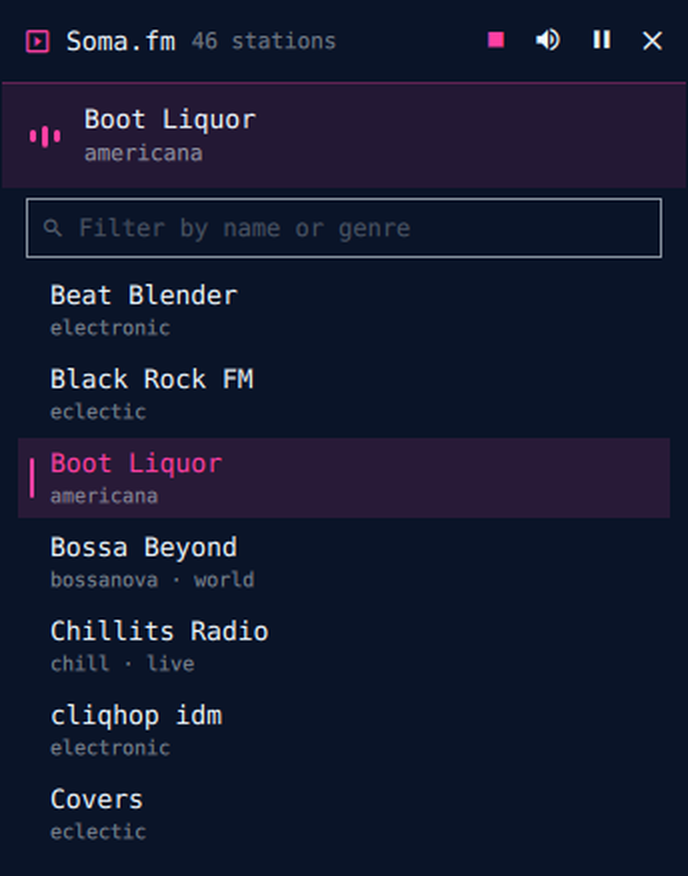
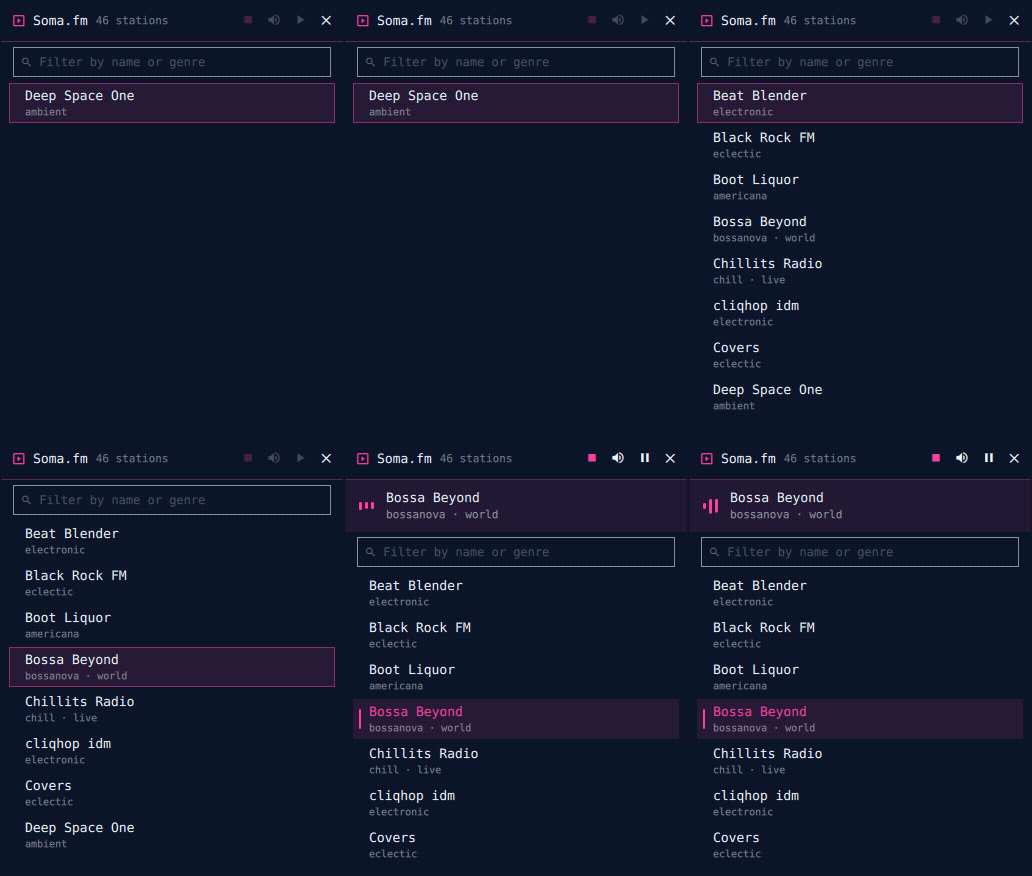
Listener-supported, commercial-free internet radio from Soma.fm in a small Omarchy shell window. All 46 stations, filter by name or genre, fully keyboard-drivable. Audio keeps streaming when the window is hidden.
Install
From Omarchy Plugin Control (Super+Shift+P → Plugins), search for Soma.fm and install — or run the install command shown on the plugin's marketplace page.
Remove
Uninstall from Omarchy Plugin Control, then delete the state directory if you want a fully clean slate:
rm -rf ~/.local/state/somafm
External dependencies
curl(included with Omarchy) — fetches the station list from somafm.com- Audio playback uses QtMultimedia inside the shell; no extra packages needed
Keyboard
The panel takes focus when it opens, so it is drivable without touching the mouse:
| Key | Action |
|---|---|
Up / Down |
Move the selection |
PgUp / PgDn |
Move by eight |
Home / End |
First / last station |
Enter |
Play the selected station |
Space |
Pause / resume |
Esc |
Clear the filter, or hide the panel |
Typing filters the list while arrows and Enter stay on the results, so deep + Enter plays Deep Space One.
Usage
- Click the Soma bar button (or summon via command palette) to open the miniwindow
- Type in the filter box to narrow stations by name or genre
- Click a station to play; click again to restart it
- Header buttons: mute, pause/resume, stop, hide window (audio continues), close
- Drag the header to reposition. Volume is your system volume — the stream is a normal PipeWire stream your volume keys and audio widget already control
License
MIT — see LICENSE. Soma.fm is a listener-supported service; consider donating if you listen daily.