
OmaMullvad
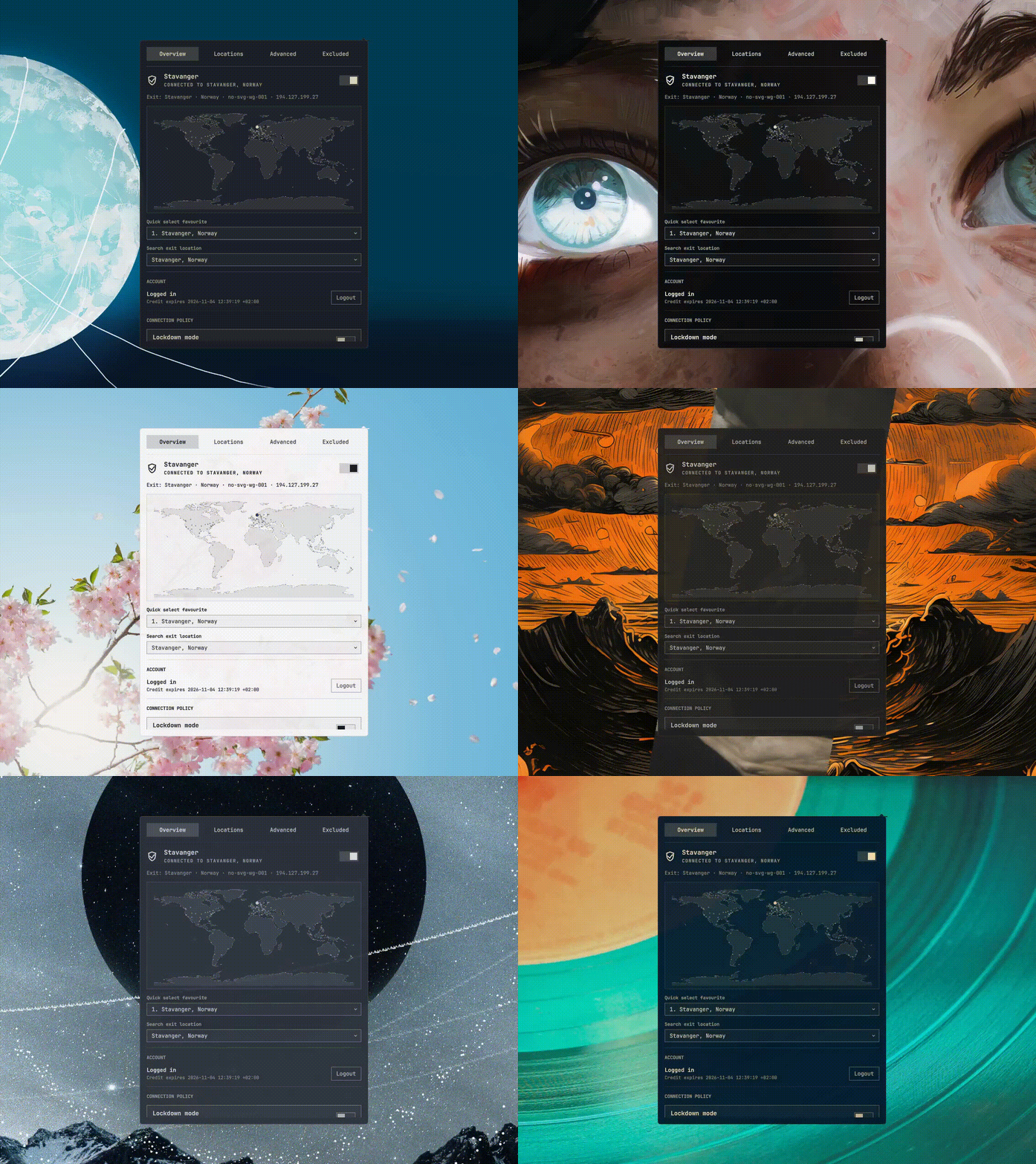
Mullvad VPN controls for the Omarchy Quattro bar.
- Connect and disconnect from the bar or panel
- Search relays and choose a specific server
- Save up to nine favourite locations
- Filter by provider, ownership, and IP version
- Configure DNS, anti-censorship, LAN sharing, and lockdown mode
- Launch apps outside the VPN
- View Mullvad relay cities on a world map
OmaMullvad follows the active Omarchy theme and works with the stock bar and Shibumi.
Install
omarchy plugin add https://github.com/kallupx/oma-mullvad.git --enable
OmaMullvad targets Mullvad VPN 2026.4. If Mullvad is missing, the panel can install the AUR package mullvad-vpn-bin after confirmation.
Controls
- Left-click: open the panel
- Right-click: connect or disconnect
- Middle-click: refresh
The panel has Overview, Locations, Advanced, and Excluded Apps pages. It is fully keyboard-accessible.
Hotkeys
OmaMullvad does not add keybindings automatically. Example ~/.config/hypr/bindings.lua entries:
o.bind("SUPER + SHIFT + V", "Toggle Mullvad", "omarchy-shell io.github.kallupx.oma-mullvad toggleTunnel")
o.bind("SUPER + ALT + V", "Next Mullvad favourite", "omarchy-shell io.github.kallupx.oma-mullvad nextFavorite")
o.bind("SUPER + SHIFT + ALT + V", "OmaMullvad panel", "omarchy-shell io.github.kallupx.oma-mullvad toggle")
Uninstall
omarchy plugin remove io.github.kallupx.oma-mullvad
Privacy
Account numbers are sent to mullvad account login over standard input and are never stored. OmaMullvad stores only favourites and recent locations; Mullvad remains responsible for VPN settings.
Verify
node --test
node tests/cli-contract.mjs
omarchy plugin validate .
The CLI contract check is read-only.
License
MIT © 2026 kallupx
The map uses public-domain Natural Earth data. Relay locations come from the Mullvad CLI.