
Omarchy Menu Calculator Plugin
Type a calculation into the Omarchy menu and the answer appears as the top row.
Enter copies it to the clipboard.
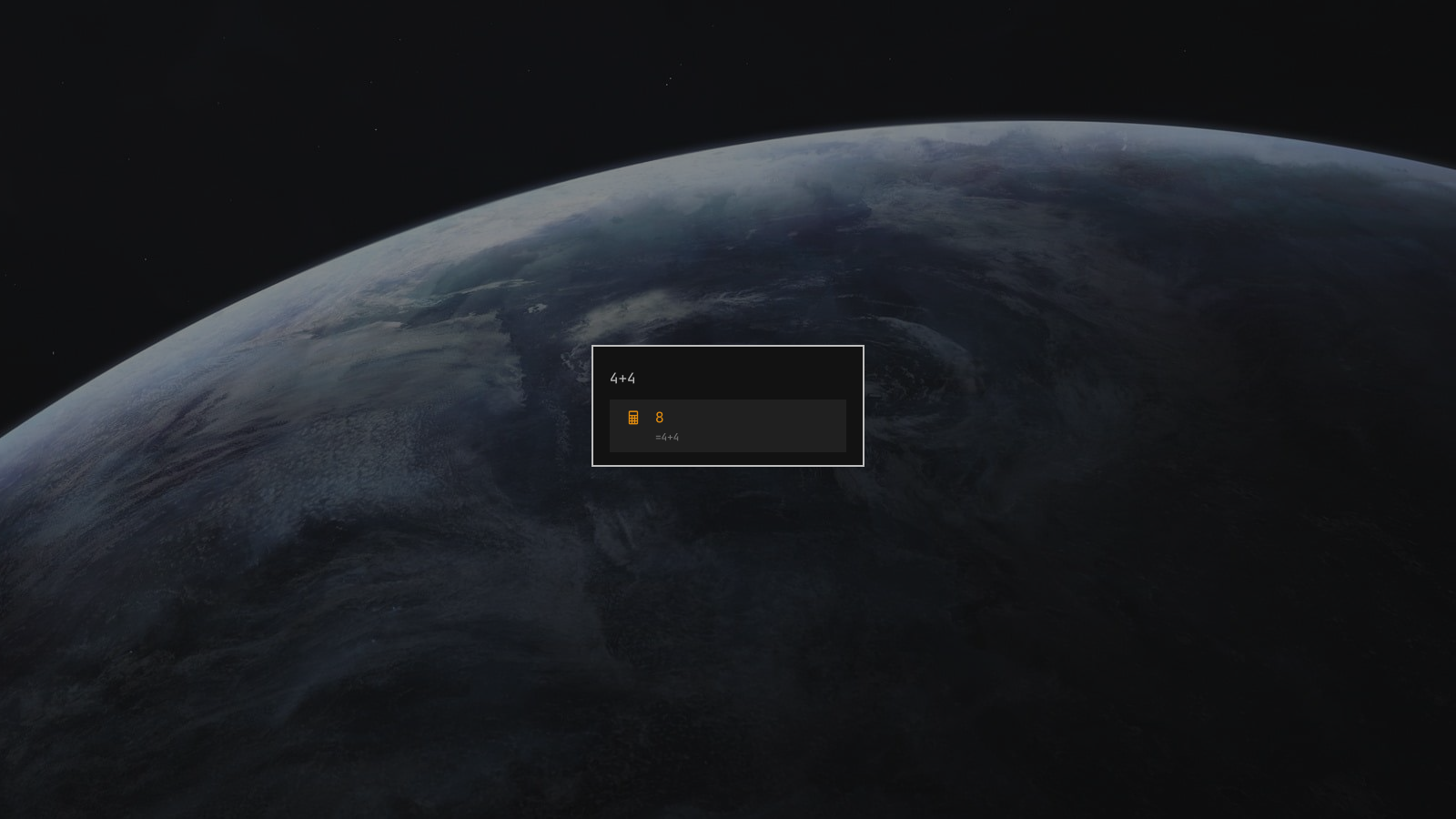
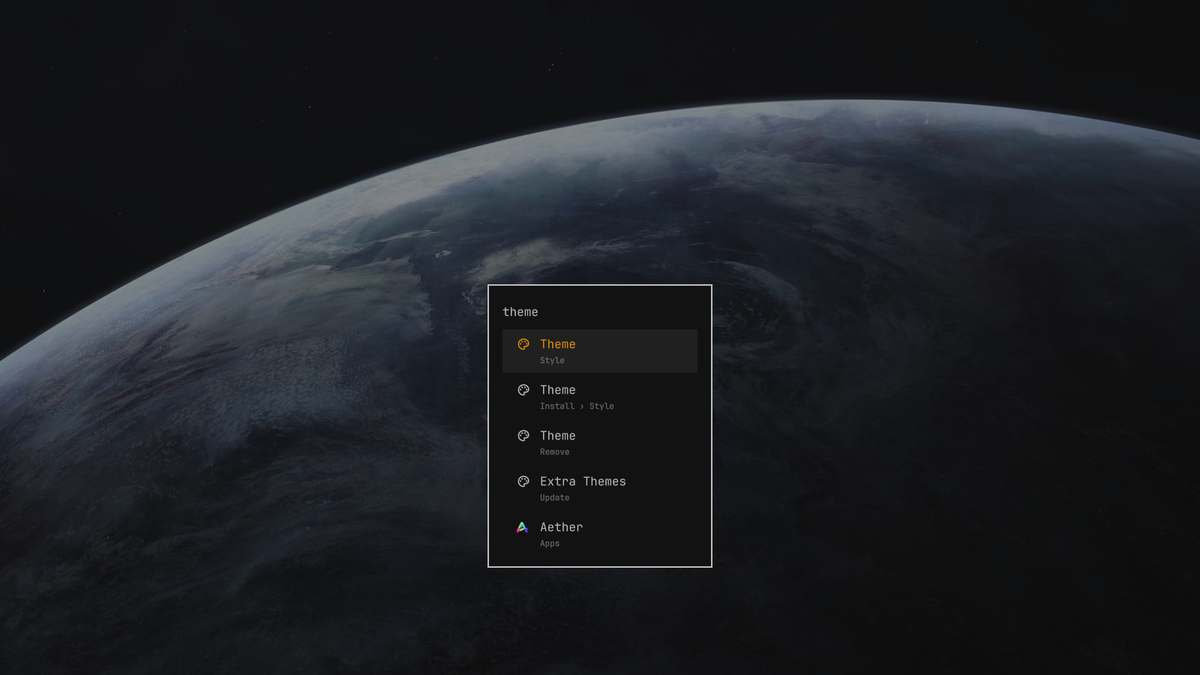
Everything else about the menu stays exactly as Omarchy ships it. Anything that
is not arithmetic — including a bare number like 42 — leaves the search
results untouched, so theme, app names, and every existing route still behave
the way you expect:
Install
omarchy plugin add https://github.com/koenhendriks/omarchy-menu-calculator-plugin.git --enable --yes
That clones the plugin to
~/.config/omarchy/plugins/io.github.koenhendriks.menu-calculator/ and enables
it. Nothing else on your system is touched: no config file is rewritten, no
keybinding is changed, and no file outside that directory is created.
Enabling the plugin makes it stand in for the built-in omarchy.menu, so the
SUPER keybind, the Omarchy button on the bar, omarchy menu, and every script
that summons the menu all reach it automatically — there is nothing to rebind.
Update later with omarchy plugin update io.github.koenhendriks.menu-calculator.
Remove
omarchy plugin disable io.github.koenhendriks.menu-calculator
Disabling restores the built-in Omarchy menu and puts its bar button back where it was. To delete the files as well:
omarchy plugin remove io.github.koenhendriks.menu-calculator --yes
Usage
Open the menu (SUPER), type an expression, read the answer. Enter copies the
result and sends a notification confirming it; Escape closes the menu as usual.
| Type this | Get this |
|---|---|
4+4, 10-3, 6*7, 10/4 |
8, 7, 42, 2.5 |
1250*1.21 |
1512.5 |
2^10, 2**8 |
1024, 256 |
(2+3)*4 |
20 |
10%3 |
1 — a % with an operand after it is a remainder |
20%, 50%*2 |
0.2, 1 — a % with nothing after it is a percentage |
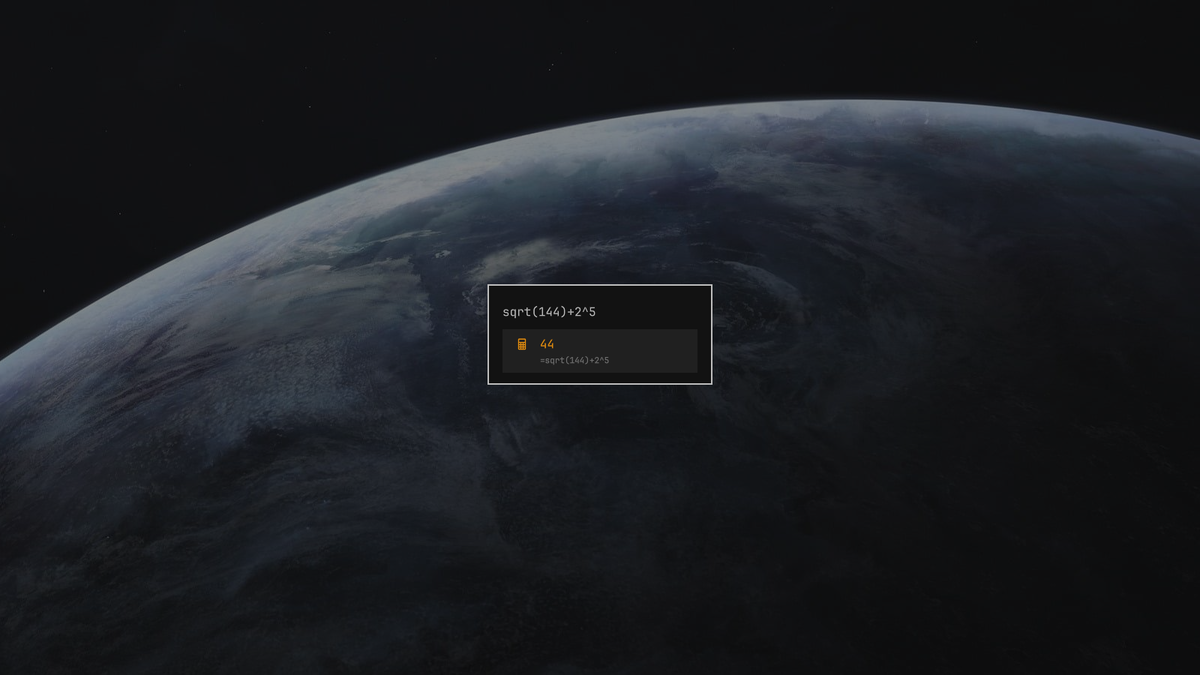
sqrt(144)+2^5 |
44 |
round(2.5), min(3,9,2) |
3, 2 |
pi*2, ln(e) |
6.28318530718, 1 |
0x1f+1, 0b1010*2, 1e3+1 |
32, 20, 1001 |
2×3, 10÷4 |
6, 2.5 |
Operators + - * / % ^ (or **), parentheses, unary minus, and
the × ÷ − · symbols a calculator app puts on its keys.
Functions abs acos asin atan atan2 cbrt ceil cos exp
floor hypot ln log log2 log10 max min mod pow round sign
sin sqrt tan trunc.
Constants pi, π, tau, e.
Numbers decimals, exponents (1e3), hex (0x1f), binary (0b1010), and
octal (0o17). Commas separate function arguments, so min(1,2) works but
1,000+5 does not.
Results carry twelve significant digits, which is enough that 0.1+0.2 reads as
0.3. Anything that is not a finite number — 1/0, 1e309*2 — produces no row
at all rather than a row saying Infinity.
How it works
Calculator.js is a hand-written tokenizer and precedence-climbing parser, not
eval(). The string comes straight out of a text field, and a parser that only
knows numbers and math cannot be talked into running anything else.
Menu.qml is not a fork of the Omarchy menu. It instantiates the stock menu
from $OMARCHY_PATH/shell/plugins/menu/Menu.qml and adds three things to it:
- a watcher on the search text that injects a calculator row into the menu's item tree, the same way the built-in apps provider injects applications
- an item
orderfar below every real row, which is what keeps the answer on top - an override of
parentPathFor(), so the row's second line shows the expression instead of the menu path a synthetic row hasn't got - an application list, because Omarchy does not give a third-party menu one
Because the row is a real menu item, search, keyboard, pointer, and theming all
treat it like any other row. The calculator stays out of dmenu mode
(omarchy-menu-select) entirely — those rows belong to whoever opened the list.
The application list
The stock menu reads its applications through shell.appLibrary, a capability
the host hands to the plugin. Omarchy 4.0.3 builds that object for third-party
plugins but leaves appLibrary null on it, and mergeAppRows() opens with
if (!root.appLibrary) return — so a cloned menu has no applications at all:
nothing in the Apps submenu, nothing in search, and nothing in the journal to
say why. The stock menu is unaffected, because a first-party plugin is handed
the shell itself.
AppLibraryShim.qml rebuilds that capability out of what a plugin can reach:
DesktopEntries for the entries, and the shell's own AppSearch.js,
hidden-entries.sh and launcher.hides for identical ranking and identical
NoDisplay / OnlyShowIn / NotShowIn filtering. ShellWithAppLibrary.qml
carries it in, since appLibrary is readonly on the base but the shell
property it reads from is not. The swap only happens when the host supplies no
library of its own, so the day Omarchy starts providing one the plugin goes back
to using it. The one thing not reproduced is the "Launching…" OSD, which needs
host-only state; the launch itself is the same gtk-launch call.
Requirements
Omarchy 4 (Quattro) with the Quickshell-based omarchy-shell. The plugin uses
only commands Omarchy already ships (omarchy-clipboard-paste-text for the
clipboard, omarchy-notification-send for the confirmation); there are no
external dependencies to install.
One caveat: the import of the stock menu is a literal
file:///usr/share/omarchy/shell/plugins/menu, because a QML import path cannot
be built from an environment variable at runtime. That is the packaged
$OMARCHY_PATH. An Omarchy installed somewhere else needs that line changed in
Menu.qml and BarWidget.qml.
Hacking on it
Saving a file under ~/.config/omarchy/plugins/ reloads plugin code
automatically. If the plugin directory is a symlink to a checkout elsewhere the
shell's file watcher will not see the change, so reload by hand:
omarchy restart shell
QML errors land in the shell log:
quickshell log --pid "$(pgrep -f 'quickshell -n -p /usr/share/omarchy/shell')" -t 40
License
MIT. Plugins run unsandboxed inside omarchy-shell; read the code
before you enable it — it is four short files.