
Popup Translator
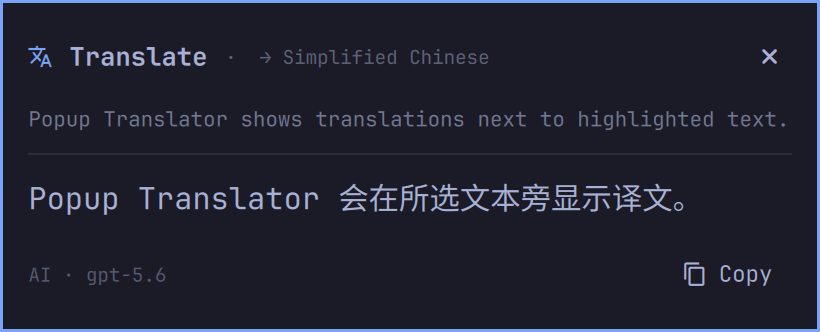
Translate highlighted text from Wayland apps in an Omarchy popup.
Install
omarchy plugin add https://github.com/legibet/omarchy-popup-translator.git --enable
Keyboard Shortcut
Add a shortcut to ~/.config/hypr/bindings.lua:
local plugin_dir = os.getenv("HOME") .. "/.config/omarchy/plugins/io.github.legibet.popup-translator"
o.bind("SUPER + ALT + D", "Translate highlighted text", plugin_dir .. "/bin/popup-translator")
Highlight text in a Wayland app, then press the shortcut.
Translate from the Bar
Copy text, then left-click the translation icon in the top bar to translate the clipboard.
Settings
Right-click the translation icon to choose the target language and provider. Bing works without configuration. AI supports OpenAI and OpenAI-compatible providers.
API keys are stored locally with owner-only permissions and sent only to the Base URL they were saved for.
Remove
If you added the keyboard shortcut, remove it from ~/.config/hypr/bindings.lua. Then remove the plugin:
omarchy plugin remove io.github.legibet.popup-translator
Removing the plugin does not delete its saved API key. Delete it separately if you configured one:
rm -f ~/.config/omarchy-popup-translator/credentials.json