
Borealis
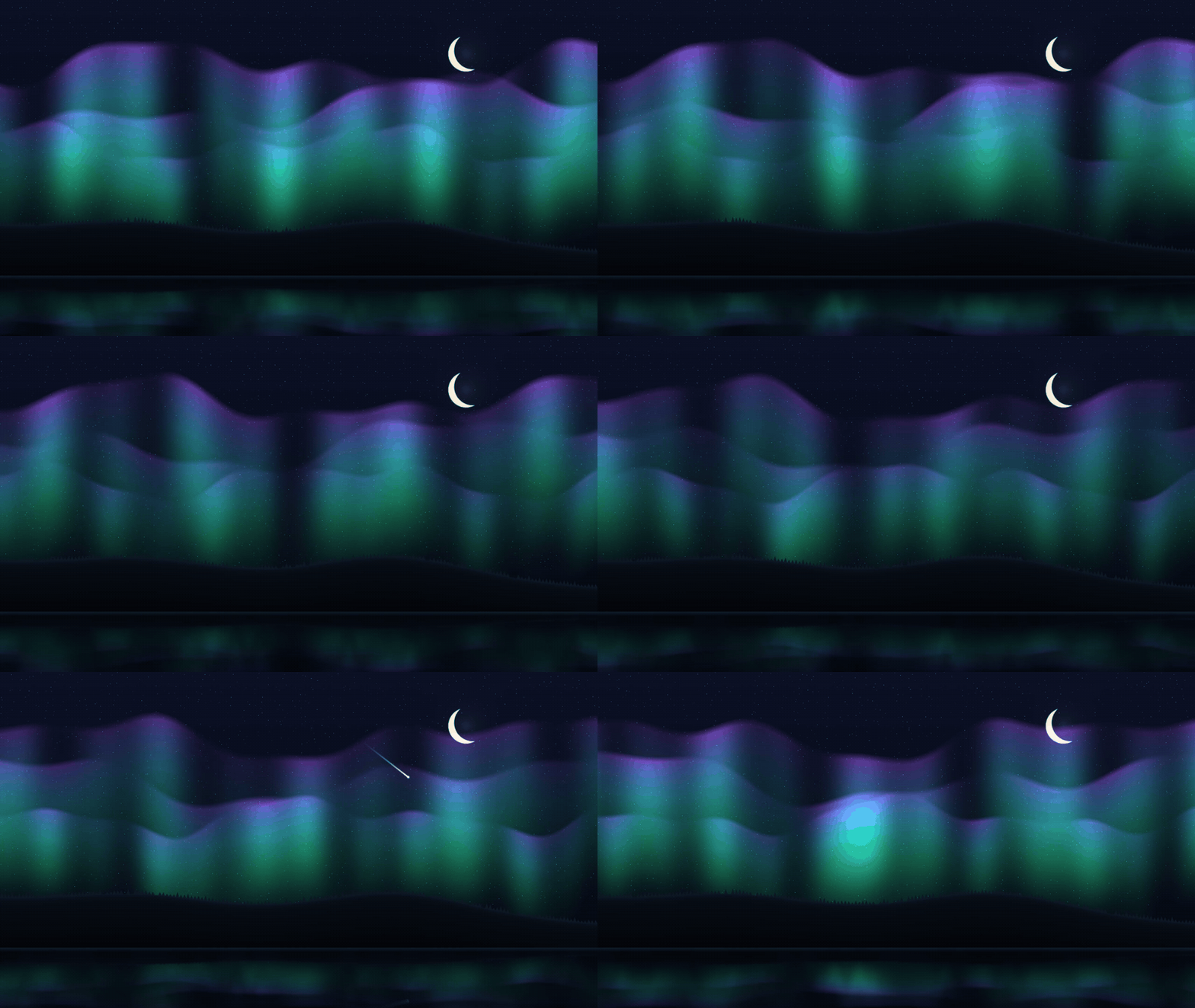
A summoned fullscreen aurora for Omarchy. One fragment shader draws the curtains, the stars, the meteors, a crescent moon, a forested ridge, and the water below. The math is ported from my own generative aurora engine. Since 0.2 it can play a synthesized aurora pad under the scene, off by default: no recordings, one small ogg rendered from code.
Omarchy ships a terminal screensaver. Borealis is the scenery counterpart: a GPU shader scene you summon when you step away.
Install
omarchy plugin add https://github.com/marko-builds/borealis --enable
Remove it the same way:
omarchy plugin remove io.github.marko-builds.borealis
Summon
Plugins cannot register keybinds, so bind one yourself in ~/.config/hypr/bindings.conf:
bindd = SUPER ALT, B, Borealis, exec, omarchy-shell shell summon io.github.marko-builds.borealis
Any key or click dismisses it. While open it is deliberately modal, like a screensaver: it holds keyboard and pointer until you dismiss it.
Optional: a row in the omarchy menu, in ~/.config/omarchy/extensions/omarchy-menu.jsonc:
"borealis": { "icon": "", "label": "Borealis", "action": "omarchy-shell shell summon io.github.marko-builds.borealis" }
Palettes
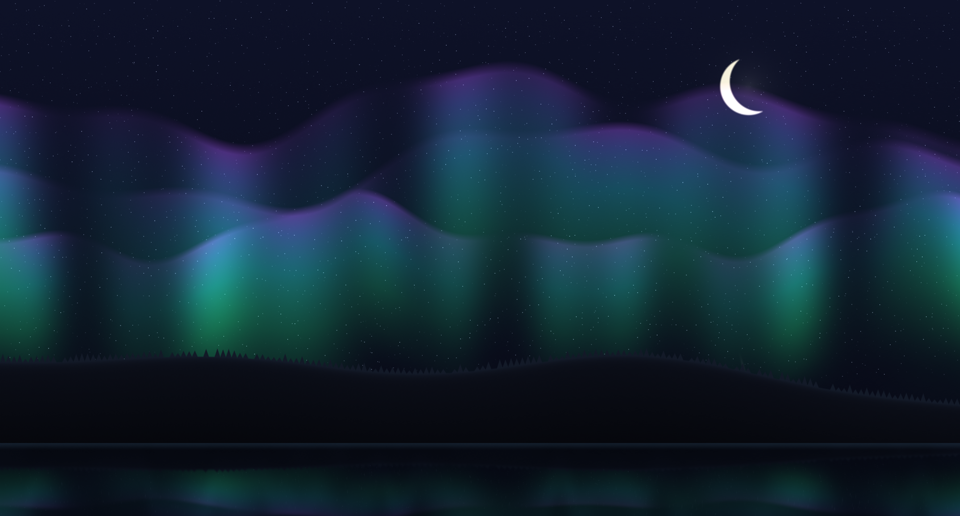
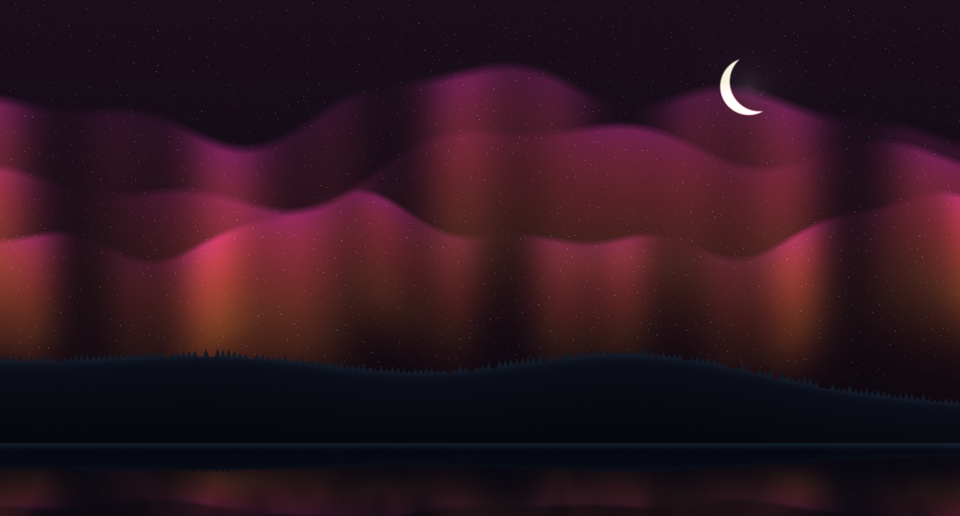
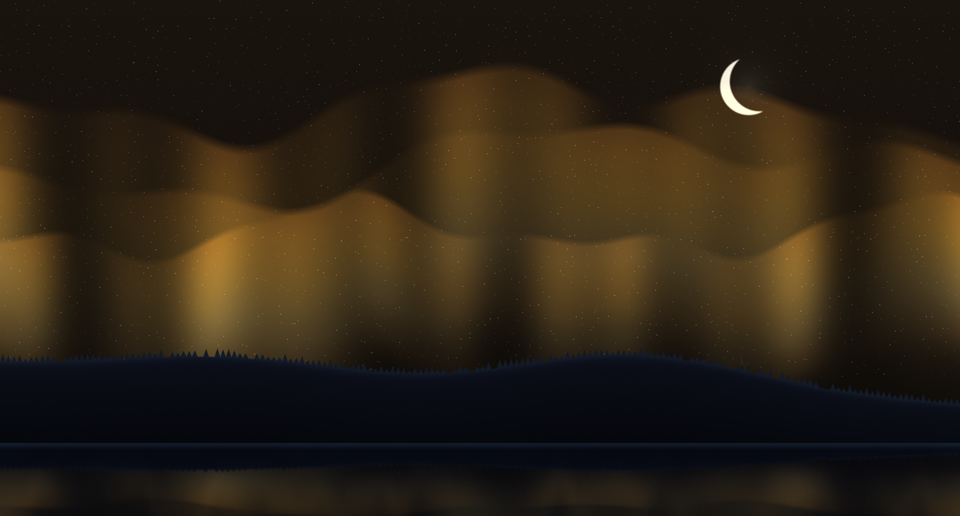
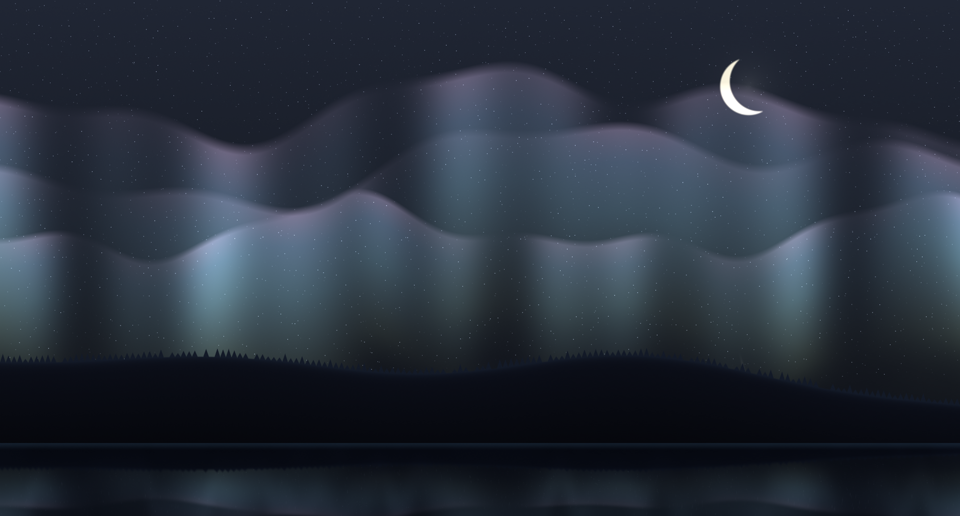
Five palettes: aurora, ember, gold, nord, ice.
| aurora | ember |
|---|---|
 |
 |
| gold | nord | ice |
|---|---|---|
 |
 |
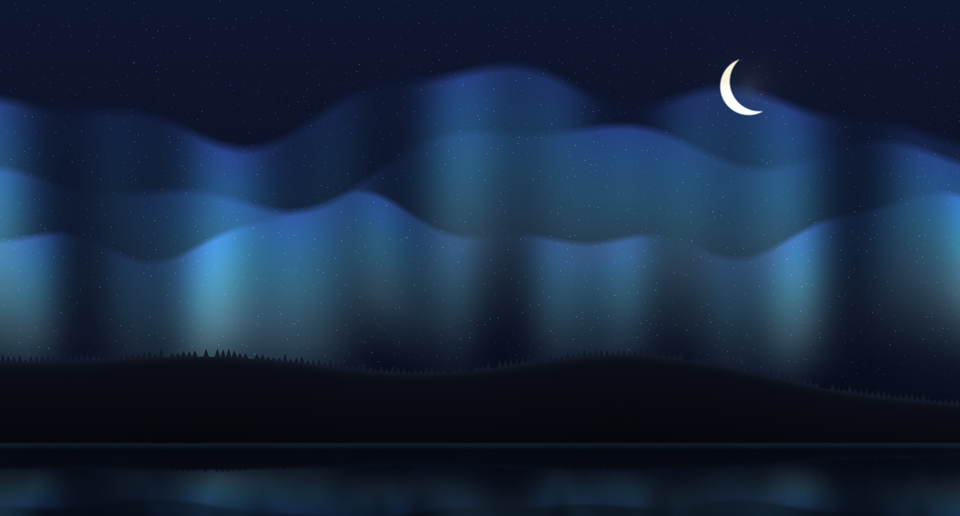 |
Set palette on the plugin's entry in ~/.config/omarchy/shell.json. It applies the
moment you save, even while the aurora is on screen:
"plugins": [
  { "id": "io.github.marko-builds.borealis", "palette": "nord" }
]
The entry is already there once the plugin is enabled; you only add the palette key.
Aurora sound
Off by default. Borealis already had users when this landed, and an update should not
start making noise on its own. Turn it on with ambience on the same shell.json entry:
"plugins": [
  { "id": "io.github.marko-builds.borealis", "palette": "ember", "ambience": true, "ambienceVolume": 40 }
]
The pad fades in when you summon and ramps out when you dismiss. It loops without a
seam and sits at -14 LUFS, so it stays under whatever else is playing. ambienceVolume
is 0 to 100, default 40, and it sets the PipeWire stream level, so your mixer sees one
stream named after the plugin. Both keys apply live. Needs mpv, which Omarchy ships.
Lean by design
- Zero work while dismissed. The animation clock is gated on the overlay being open; dismissed, it sits at 0.0% CPU.
- Memory resident (
keepLoaded), so summon is instant. That is the trade, stated. - While open it draws about 3% CPU on my machine. The GPU does the painting.
- No external dependencies beyond the stock Omarchy Quattro shell and its
mpv.
How it works
The scene is one GLSL fragment shader in a QML ShaderEffect, compiled with qsb.
Everything is an analytic field evaluated per pixel: the curtains and the sky port
straight from the source engine, while stars and meteors were reformulated from CPU
scatter ops into per pixel gathers (a hash starfield, distance to a moving streak
segment). Palettes arrive as six vec4 uniforms from QML, so switching one is a live
binding, not a shader rebuild.
lookdev/index.html is a browser twin of the shader for fast iteration: keys 1 to 5
switch palettes, m/s/w/c toggle extras, and ?t=120&freeze=1 pins the clock
for deterministic captures. The palette stills above come from it.
Dev harness
selftest.qml summons the overlay beside the live shell and checks the whole contract:
the shader paints (a blank shader is the silent failure), the aurora moves, all five
palettes switch live while summoned, prototype keys in the config fall back to aurora, a
real key press dismisses, focus returns to the window that had it, a plain summon starts
no audio stream, ambience: true starts exactly one and dismiss removes it, and the
dismissed overlay sits at 0.0% CPU. selftest.sh wraps it with omarchy plugin validate, qmllint, and an offline frame check, and refuses a verdict if the shell
restarted during the run.
./selftest.sh
Grabs and the log land under $XDG_RUNTIME_DIR/borealis-selftest/. Needs wtype.
License
MIT