
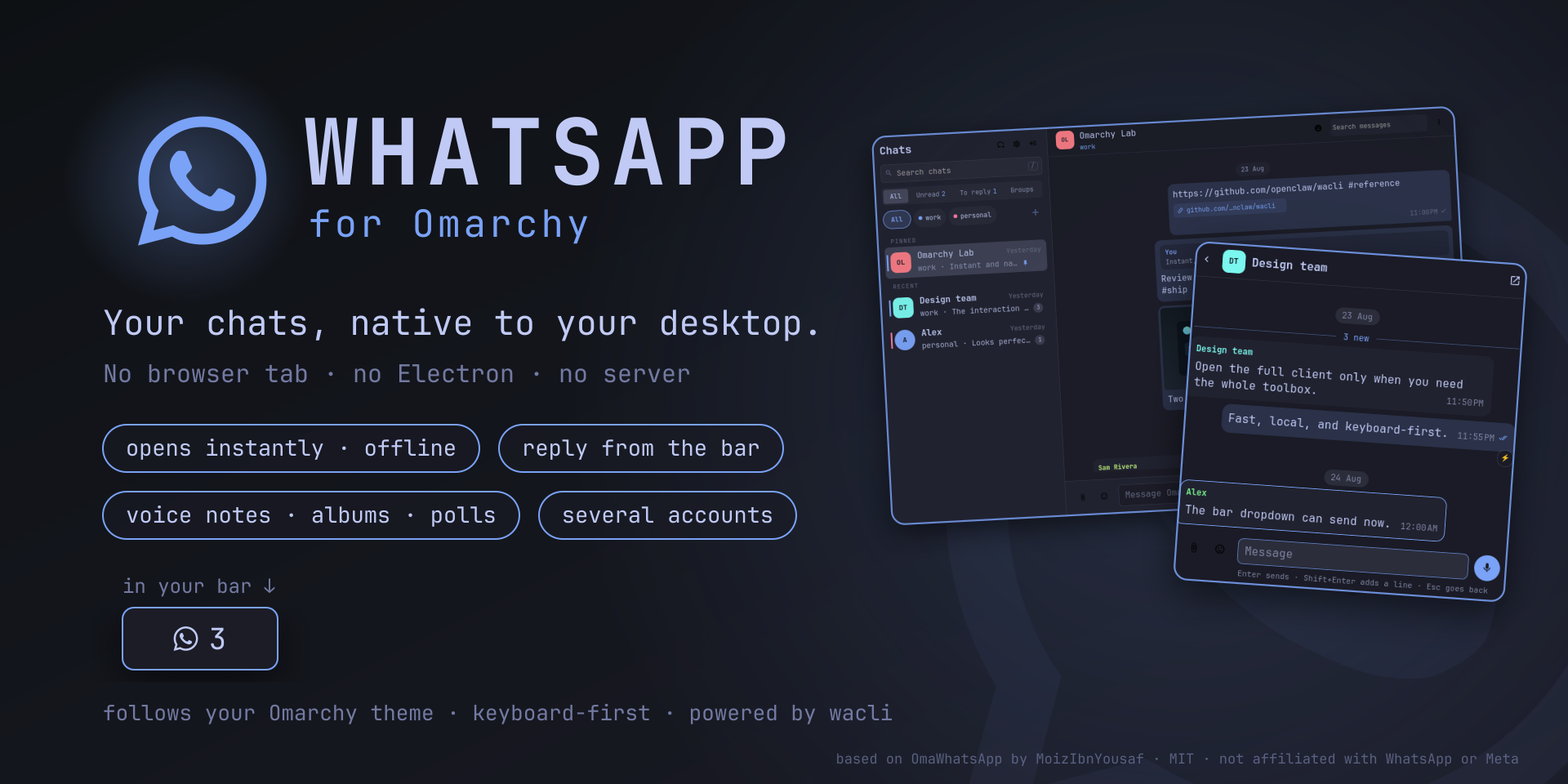
A fast, local-first WhatsApp client for Omarchy. Your
chats live in a private local mirror kept by
wacli; the app renders it in Quickshell,
follows your Omarchy theme, and lives in your bar. No Electron, no browser
wrapper, and no server of its own: messages go only to WhatsApp.
Why it feels different
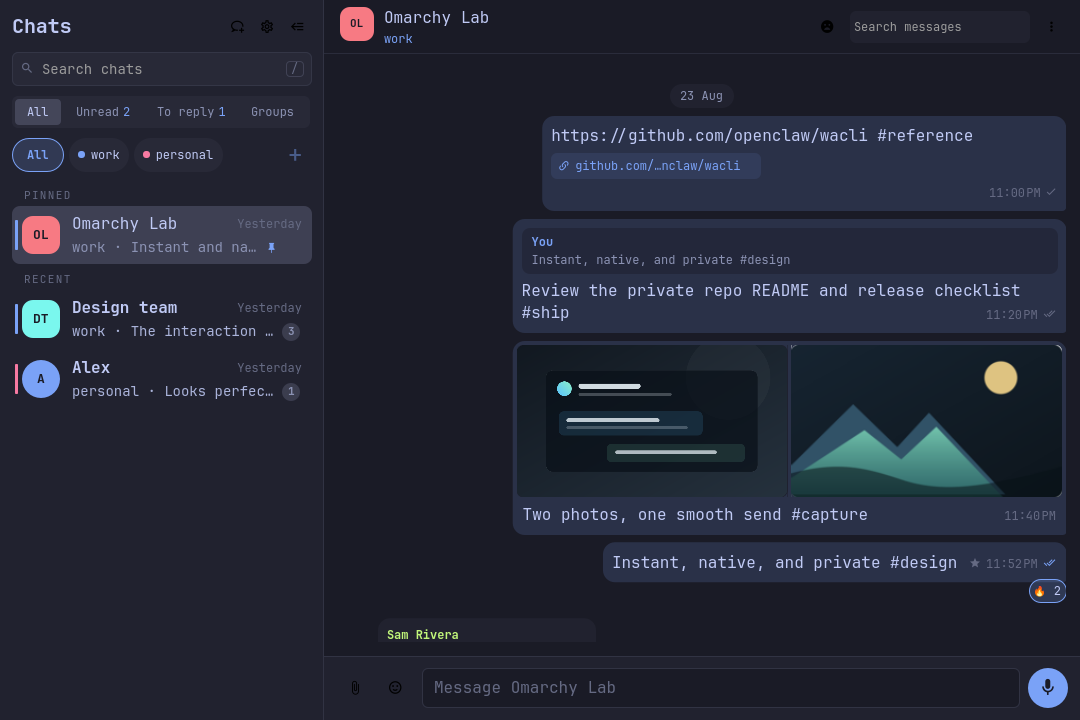
Opens instantly, works offline. Chats and messages come from a local SQLite mirror, so the window never waits for the network. New messages appear the moment sync writes them, without polling. Pause sync and the whole archive stays readable and searchable.
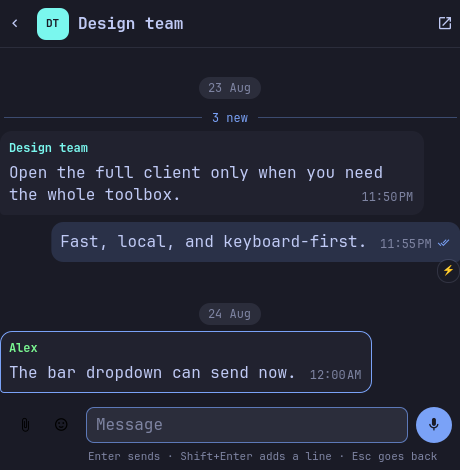
Reply from the bar. Click the bar icon for a compact client: recent chats, the conversation, and a real composer with files, emoji and voice notes. Most replies never need the full window.
Everything a chat needs. Replies, edits, reactions, polls, stickers,
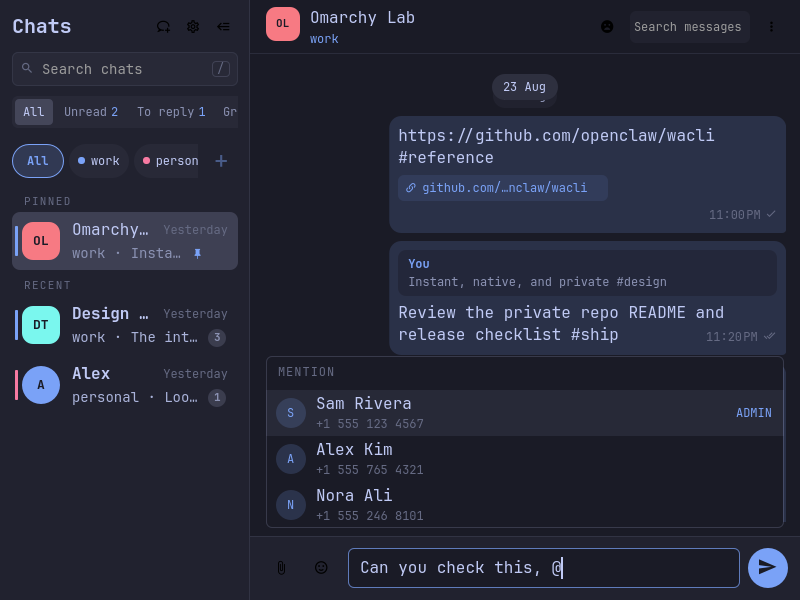
albums, up to 10 files with a caption, real @ mentions, voice notes you
review before sending, forwarding to several chats at once with a note, and
deleting many messages together.
Feels like the phone. The chat on screen is read, replying marks it read, and the contact sees you typing. Desktop notifications hide private content, open the chat on click and can be answered from the bar. Muted and archived chats stay quiet.
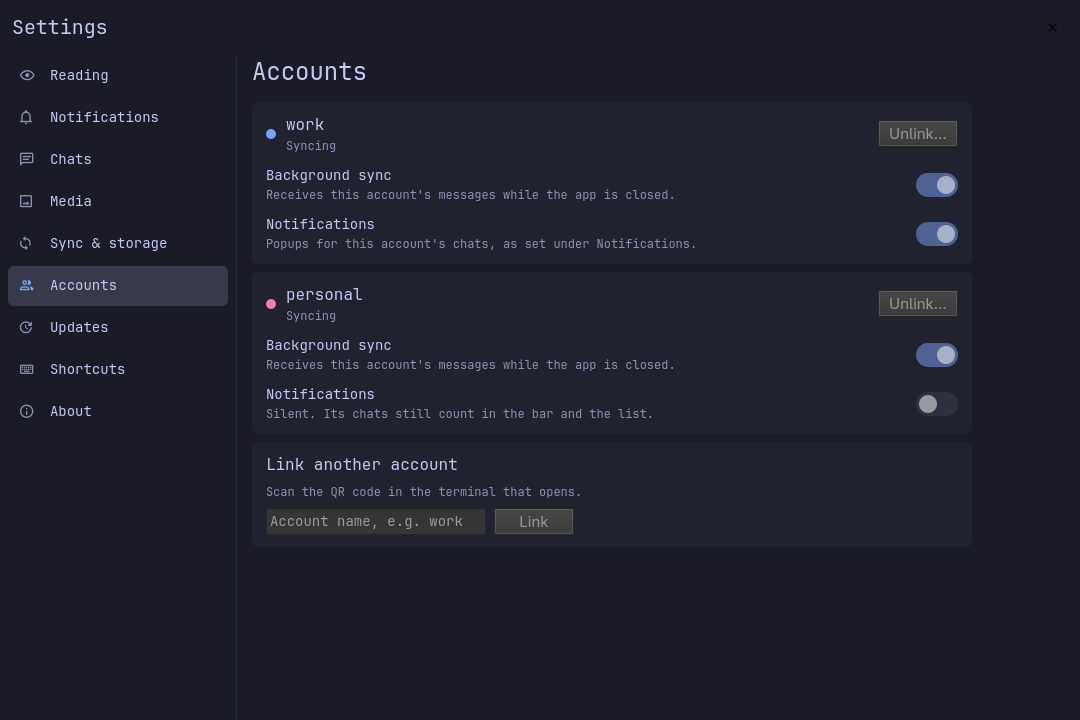
Several accounts, one list. Link more than one number: the chat list merges them, each account has its own color, and each can pause its sync or silence its notifications on its own.
Native to Omarchy. Theme colors and fonts, keyboard-first everywhere, and
real layouts from a wide window down to 360 px. Quit with Ctrl+Q, and choose
whether it starts with the system.
Private by design. No account, server or telemetry of its own. Reading a chat never sends a read receipt. Screenshots and tests use synthetic demo data only. See privacy.
Ready for your agent. An agent skill and an MCP server with 46 tools let Claude Code and other agents read and act on WhatsApp for you, asking before anything that changes WhatsApp.
A closer look
| The full app | From the bar |
|---|---|
 |
 |
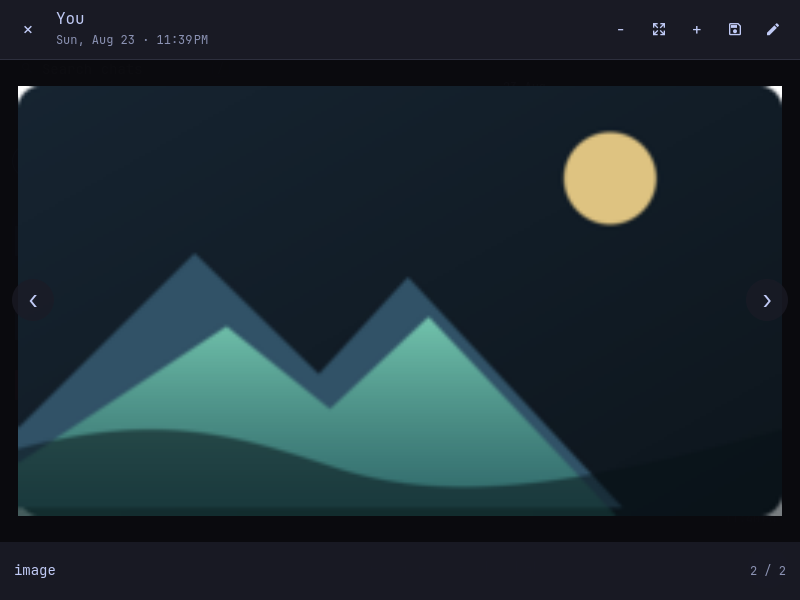
| Real group mentions | Native media viewer |
|---|---|
 |
 |
| One card per account | Down to 360 px |
|---|---|
 |
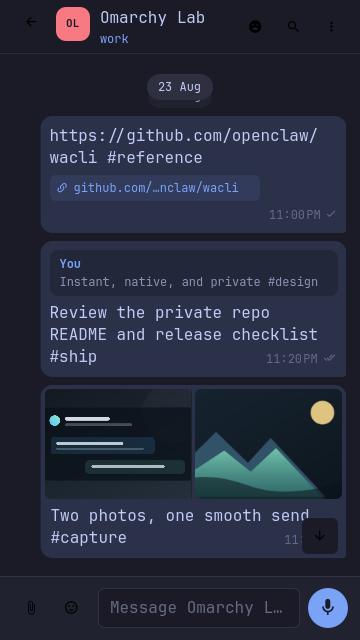 |
Every screenshot is rendered from the repository's demo data. No real conversation is included in this repository.
Install
omarchy pkg aur add wacli-bin
omarchy plugin add https://github.com/MoizIbnYousaf/Omarchy-Whatsapp --enable
That is all on the command line. The first time the app opens it walks you through the rest:
- Set it up on this computer. One click adds, in your home folder only,
the background sync (a sandboxed user service), the
omawhatsappcommand, and, only if you turn it on, the agent skill and the MCP server. No sudo or pkexec is required. - Link your phone. Show QR code opens the code in a terminal; scan it from WhatsApp → Linked devices on the phone.
Requirements. Omarchy 4 (Quattro) and
wacli 0.17.1 or newer (tested with
0.17.1, 0.18.3 and 0.19.0). The AUR wacli-bin package installs the official
release, byte for byte the one the tests run against; a wacli of your own at
~/.local/bin/wacli is used first. Choosing files to attach needs zenity,
which the app offers to install the first time it is missing. Everything else
comes with Omarchy.
Add the shortcut. Copy the Super+Shift+W line from
omarchy/bindings.lua.example into
~/.config/hypr/bindings.lua.
Coming from OmaWhatsApp? Add this app; its setup offers to turn OmaWhatsApp off (it is not deleted, and only one of the two can run) and keeps the same linked device and history, so nothing is linked again.
Update and remove
Update. Settings → Updates checks the repository and runs
omarchy plugin update in a terminal, which shows the changes and asks
first; the shell then restarts to load them. From a terminal:
omarchy plugin update io.github.moizibnyousaf.omawhatsapp && omarchy restart shell
Remove. Settings → Sync & storage → Remove from this computer stops
background sync and removes what the setup added; then Remove the app too
runs omarchy plugin remove io.github.moizibnyousaf.omawhatsapp. Your linked device
and wacli's message store stay, so adding the app again picks up where you
left off. The app only ever replaces or removes files exactly as it wrote
them: anything you edited stays, and the app tells you which.
wacli: official and richer builds
Everything above works with official wacli releases. A few extras need wacli additions that are not in an official release yet. The app detects them and turns each one on by itself:
| Feature | Official wacli | With the additions |
|---|---|---|
| Chats, sending, media, groups, notifications, several accounts | ✓ | ✓ |
| Showing the contact that you are typing | ✓ | ✓ |
| Ticks for sent, delivered and read | no tick shown | ✓ |
| A contact's online, last seen and typing | not shown | ✓ |
| Starring messages | hidden | ✓ |
@ on chats whose unread messages mention you |
not shown | ✓ |
| Forwarding and deleting without pausing sync | pauses sync for a few seconds | ✓ |
Let your agent use WhatsApp
When you allow it during the setup (or later in Settings), the app links an
agent skill at ~/.agents/skills/omawhatsapp, so compatible agents can use
$omawhatsapp to search, summarize and, when you ask, act on your chats. For
Claude Code and other MCP clients, register the server once:
claude mcp add --scope user whatsapp -- ~/.local/bin/omawhatsapp-mcp
Then ask in plain words: "who wrote to me that I have not read yet, and about what", "what attachments did Bruno send this month", "reply to Carlos that I am on my way", "tag these five as suppliers and tell each of them we are closed tomorrow".
Both are fail-closed. Each of wacli's 104 operations is classified as a local read, remote read, local write, sync, WhatsApp write, destructive or interactive action; local reads run read-only, and everything else needs your request. Tools that change WhatsApp are marked so the client asks you first and shows the recipient and the text. Neither ever writes to WhatsApp's database directly, invents a recipient or retries a send that may have gone through. Details in the agent gateway reference.
Documentation
| Page | For |
|---|---|
| Using the app | Every feature, the settings and all keyboard shortcuts |
| Privacy | What is stored, where, and what never leaves your machine |
| Architecture | How the service, the window, the helper and wacli fit together |
| Technical notes | Performance budgets, refresh and sync details |
| WhatsApp parity | Which WhatsApp features exist and how each one was verified |
| Agent gateway | How each of wacli's operations is classified and guarded |
| Testing | The release gate and the screenshot rules |
| Changelog | What changed in each release |
Quality
./scripts/test
The release gate runs helper, setup, agent and offscreen QML tests, a simulated omarchy plugin add into an empty home,
manifest validation, QML lint and shell checks. CI runs it against wacli
0.17.1, 0.18.3 and 0.19.0.
OmaWhatsApp is independent and not affiliated with WhatsApp or Meta.
License
MIT.