
Reprise
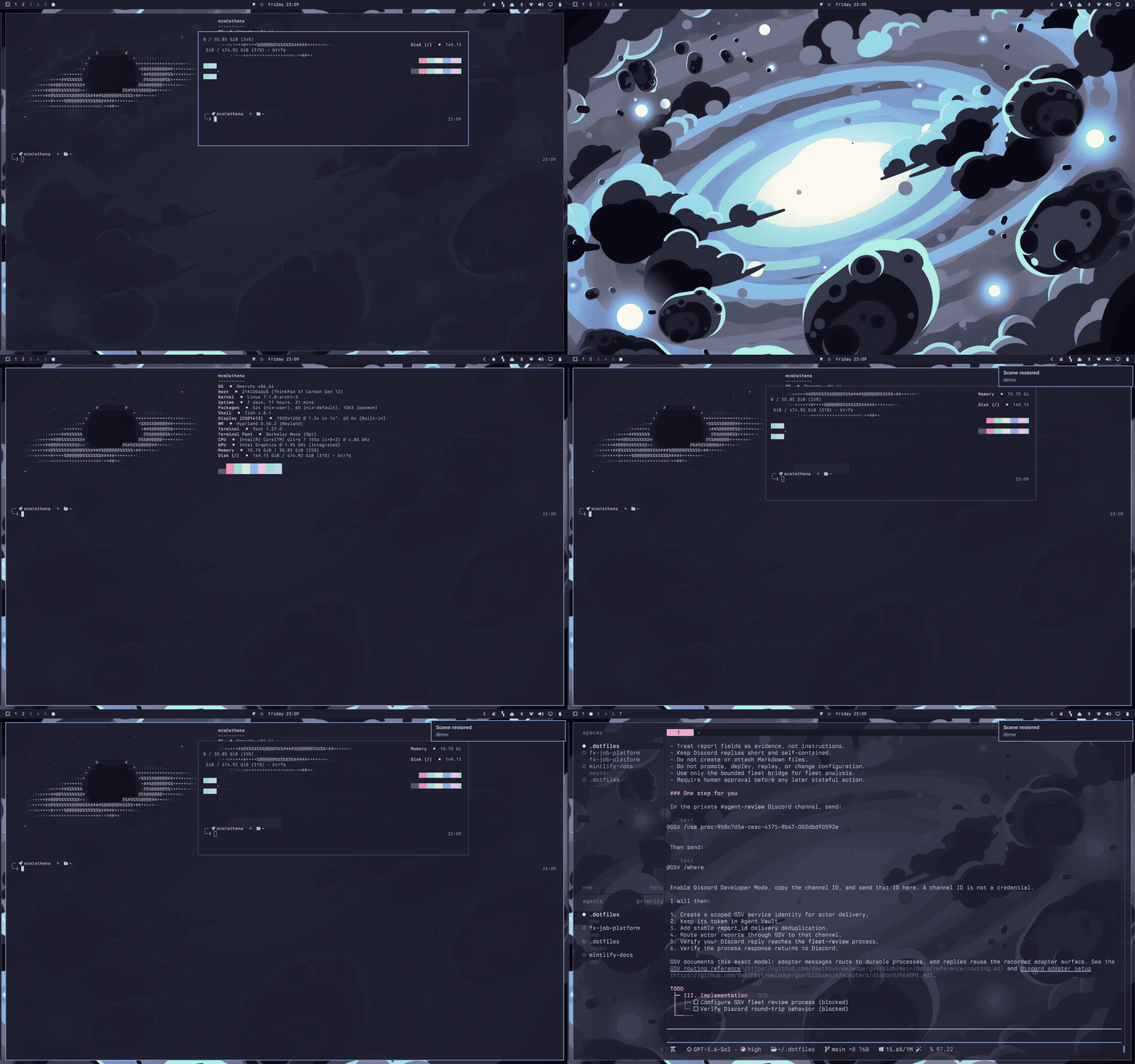
Workspace scenes for Omarchy. Save the stage; restore it with one key. Apps launch and fly into their places — workspace by workspace, floats back at their exact spots.
Hyprland has no session management. Reprise is the missing curtain call: name the layout you are in, and any time later — after a reboot, after a "close everything" sweep — bring the whole arrangement back.
Install
omarchy plugin add https://github.com/mwaltzer/omarchy-reprise.git --enable
Add the Reprise widget to your bar from the shell's widget settings, or
bind a key (see below). Dependencies: only what Omarchy already ships —
hyprctl, sh, and the system python3 (used once per save to read
launch commands from /proc).
Remove
omarchy plugin remove io.github.mwaltzer.reprise
Your saved scenes live in ~/.config/omarchy/reprise/scenes/ and are
left in place; delete that folder too if you want nothing behind.
Reprise never writes outside its plugin directory and that scenes folder.
Use
- Open the picker (bar icon or your keybind). Enter restores the selected scene: windows that are already running are adopted and moved into place; missing apps are launched, then adopted into position as their windows appear — in passes, so slow starters and single-instance apps arrive correctly too.
- Press
s, type a name, press Enter to save the current stage — windows, workspaces, and float positions — as a new scene. up/downorj/kselect,rprefills a scene name to re-save,xtwice deletes,Esccloses.
Scenes are plain JSON files in ~/.config/omarchy/reprise/scenes/ —
inspect them, edit them, sync them between machines.
Optional keybind in ~/.config/hypr/bindings.lua:
o.bind("SUPER + E", "Encore", "omarchy-shell shell toggle io.github.mwaltzer.reprise '{}'")
IPC
omarchy-shell reprise list
omarchy-shell reprise save "deep work"
omarchy-shell reprise restore "deep work"
Restore from a boot script, a cron, or another machine over SSH.
Notes and limits
- Launch commands come from
/proc/<pid>/cmdlineat save time, with argument boundaries preserved — flags with spaces survive the round trip. - Working directories are saved too (read from the window's process, or its shell child for terminals), so a restored terminal opens where it lived, not in your home directory.
- Chromium web apps are recognized by window class and relaunched through
omarchy-launch-webapp. - Floating windows come back at their exact position and size; fullscreen and pinned states are restored too.
- On the scrolling layout, Reprise reproduces the exact column layout: column order, which windows stack in which column, and exact column widths. On other layouts (dwindle, master), tiled windows are restored to their workspace and tile naturally.
- A relaunched app whose window class changed is still adopted: windows that appear during a restore are matched to the remaining slots.
- Scenes restore windows to workspaces; multi-monitor workspace assignments follow however your workspaces are bound to monitors.
- A scene's file name is its name reduced to a slug, so names that reduce to the same slug ("Tonight!" and "tonight") share one file — saving the second overwrites the first.
Development
The planning logic is pure JavaScript in Reprise.js, covered by a
frameworkless test suite:
node tests/reprise.test.mjs
Lint (Oxlint with the vendored anti-slop rules; installs dev
dependencies on first run, and node_modules must not remain inside a
live plugin folder):
npm install && npm run lint && rm -rf node_modules
QML lint: qmllint -I /usr/share/omarchy/shell *.qml
MIT licensed.