
OmGlow
Screen-edge ambient glow for Omarchy that reflects AI agent state.
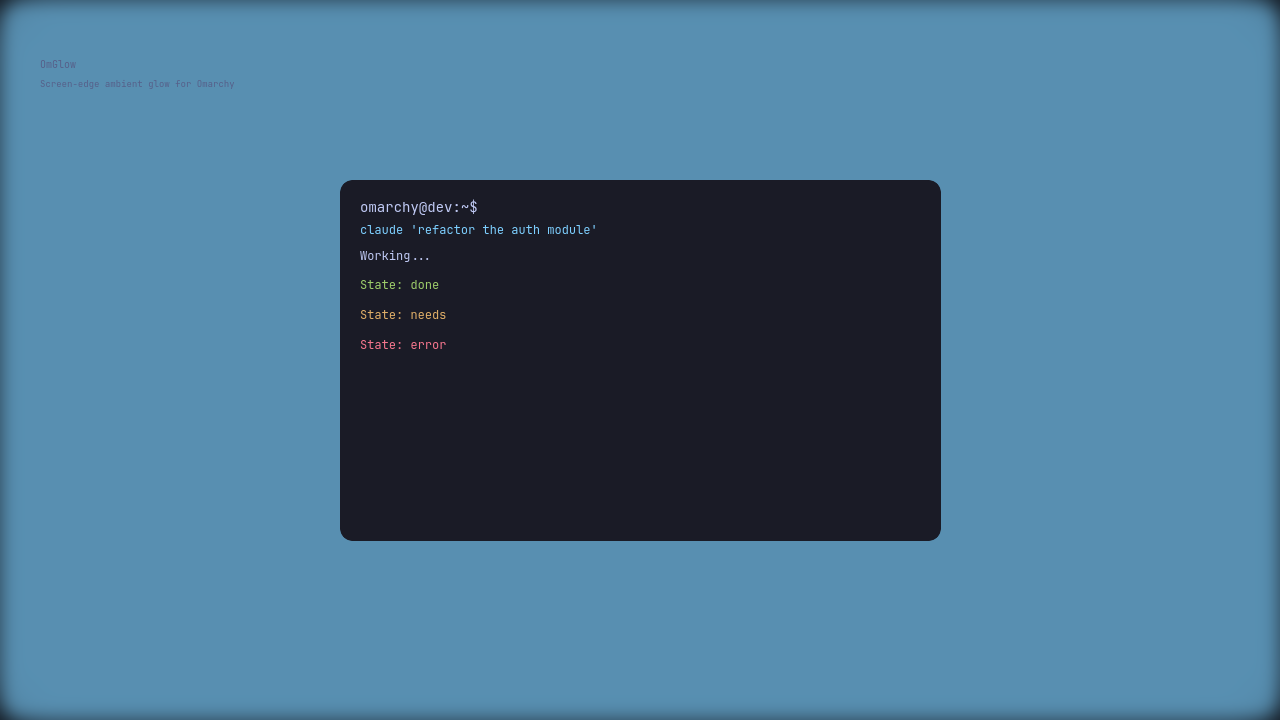
OmGlow adds a subtle, non-intrusive ambient light effect around the edges of your screen that reflects whether your AI coding agent is actively working or idle. Instead of interrupting your workflow with pop-ups or notifications, OmGlow communicates status through gentle visual cues you can perceive in your peripheral vision.
When an agent is actively working, the screen edge breathes with a soft glow. When the agent is idle, the glow turns off. All colors, animation speeds, border widths, and glow intensities are fully customizable through a simple JSON configuration file that hot-reloads without requiring a shell restart.
Install
omarchy plugin add https://github.com/seyhunak/omglow.git --enable
Supported Agents
Auto-detected by process name:
- Claude Code (
claude) - OpenAI Codex (
codex) - OpenCode (
opencode) - Kilocode (
kilo) - Cursor (
cursor) - Gemini CLI (
gemini) - GitHub Copilot CLI (
copilot) - Aider (
aider) - GPT CLI (
gpt)
States
| State | Color | Motion | Meaning |
|---|---|---|---|
working |
accent | breathe 3.8s | AI agent is actively running |
idle |
— | off | No agents active |
Configure
Edit ~/.config/omarchy/omglow.json — it hot-reloads, no restart needed:
{
  "enabled": true,
  "borderWidth": 3,
  "glowWidth": 26,
  "glowOpacity": 0.40,
  "radius": 16,
  "colors": {
    "working": "#7dcfff"
  },
  "periods": {
    "working": 3800
  }
}
Manual Control
Write directly to the state file:
echo "working" > ~/.local/state/omarchy/omglow
echo "idle" > ~/.local/state/omarchy/omglow
Uninstall
omarchy plugin remove io.github.seyhunakyurek.omglow
License
MIT