Omahub
← All plugins
J

Tiling Trainer

by John Ballinger

Learn Omarchy window management by playing: a terminal game that watches the real Hyprland and ticks off missions as you do them.

Security review

Review recommended · 1 finding

Deterministic scan — not a security guarantee

Low
Risk level
Low
Analyzed commit
1b7d6d2
Scanned
1 month ago

Flagged patterns appear only in documentation files (README / docs) — descriptive examples, not executable code.

  • Docs external_hosts README.md:31

    Downloads or connects to an external HTTP(S) host.

    curl -fsSL https://raw.githubusercontent.com/sponno/omarchy-tiling-trainer/dcc8f285025de24c3f6321a43231af7f8ae8bf22/tiling-game.py -o /tmp/tiling-game.py

Automated analysis only — not a security guarantee.

AI advisory review

No obvious issues detected

Language-model assessment · ~deepseek/deepseek-v4-flash-latest — advisory only

Low
AI risk level
Low
Recommendation
install
Model
~deepseek/deepseek-v4-flash-latest
Analyzed commit
1b7d6d2
Reviewed
1 month ago

The plugin is a terminal game that teaches Hyprland window management. It only interacts with hyprctl and the local system. The only external reference is a curl command in the README for alternative installation, which is not executed by the plugin. No malicious behavior found.

  • The README contains a curl command that downloads the script from a remote URL, but that is not part of the plugin's execution. The plugin itself is self-contained.
How this check works

This review combines the deterministic scan (the rule-based results above) with an independent look at the plugin's code by a language model. The model reads a trimmed sample of the repository's files, the manifest, and the README, then gives a plain-language risk level and a recommendation: install (no notable danger), review (look closer first), or avoid (clearly dangerous).

It runs on the same analyzed commit as the deterministic scan and is strictly advisory — it is not a security guarantee and never blocks a plugin by itself. A human moderator still reviews plugins before they are listed.

AI advisory only — automated analysis, not a security guarantee.

Install
$ omarchy plugin add https://github.com/sponno/omarchy-tiling-trainer --enable
Widgets #Hyprland #bar #games

Tiling Trainer for Omarchy

Learn Omarchy / Hyprland window management by playing.

Tiling Trainer is a terminal game that watches the real window manager (via hyprctl) and ticks off each mission the moment you actually perform it with the real keys. A live ASCII mini-map shows your tiles splitting, swapping, floating and fullscreening as you press them.
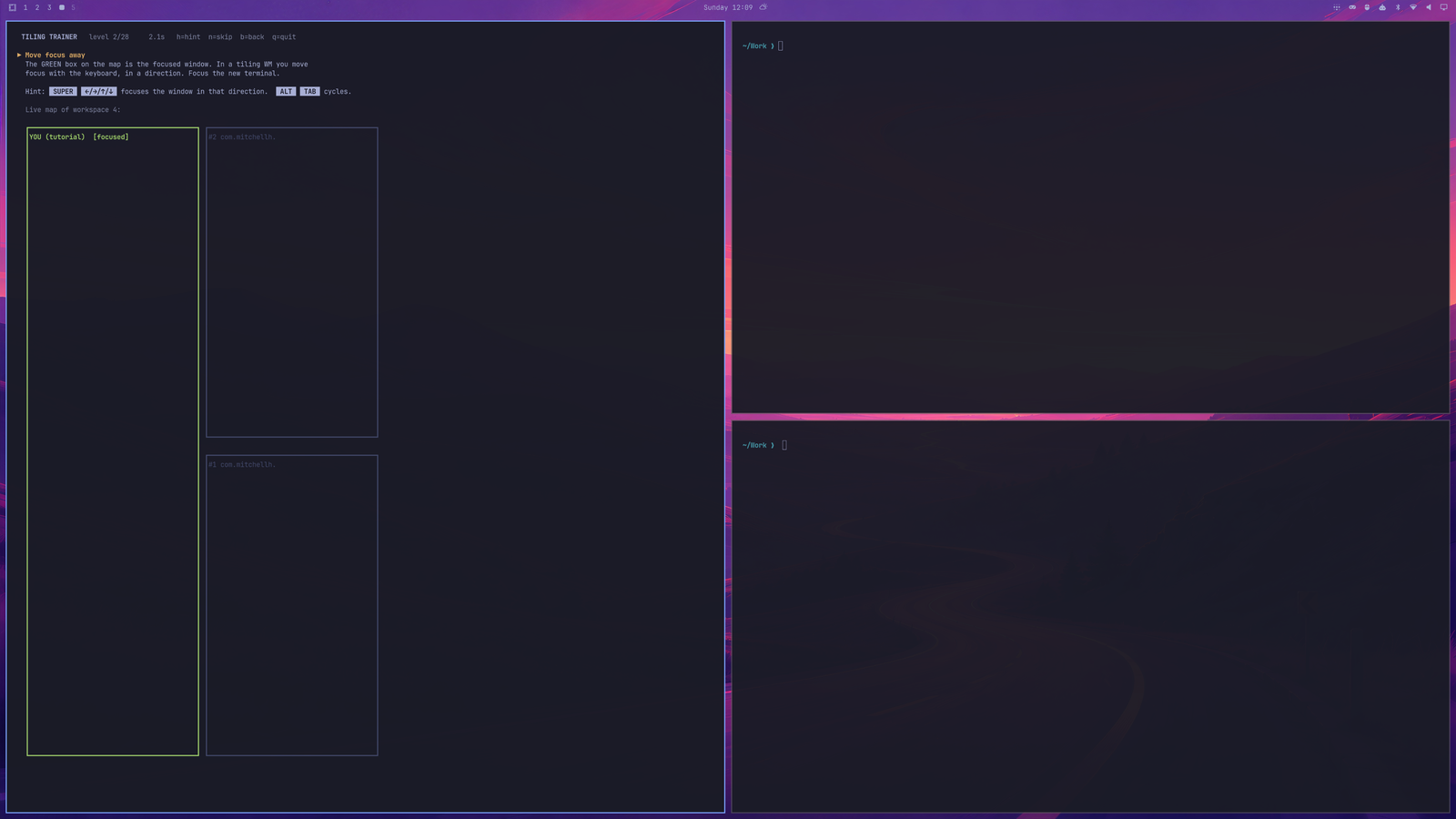
Tiling Trainer running on workspace 4: mission text and live map on the left, real terminals tiling on the right

Missions: open terminals · move focus · alt-tab lap · flip the split · swap · resize · save & restore width · pseudo · fullscreen · float · window groups (tabs) · scrolling layout · workspaces · former-workspace boomerang · multi-monitor (if you have one) · move windows between workspaces · scratchpad · gaps toggle · close. Then a timed boss round with the hints hidden.

Install (as an Omarchy shell plugin)

omarchy plugin add https://github.com/sponno/omarchy-tiling-trainer.git --enable

A 󰊗 icon appears in your bar — click it to play. Remove with omarchy plugin remove io.github.sponno.tiling-trainer.

Or just run the script

No plugin needed — it's a single dependency-free Python file. The URL is pinned to the v1.1.0 release commit, so the script you run is exactly the code that was reviewed:

curl -fsSL https://raw.githubusercontent.com/sponno/omarchy-tiling-trainer/dcc8f285025de24c3f6321a43231af7f8ae8bf22/tiling-game.py -o /tmp/tiling-game.py
omarchy launch terminal python3 /tmp/tiling-game.py

Screenshots

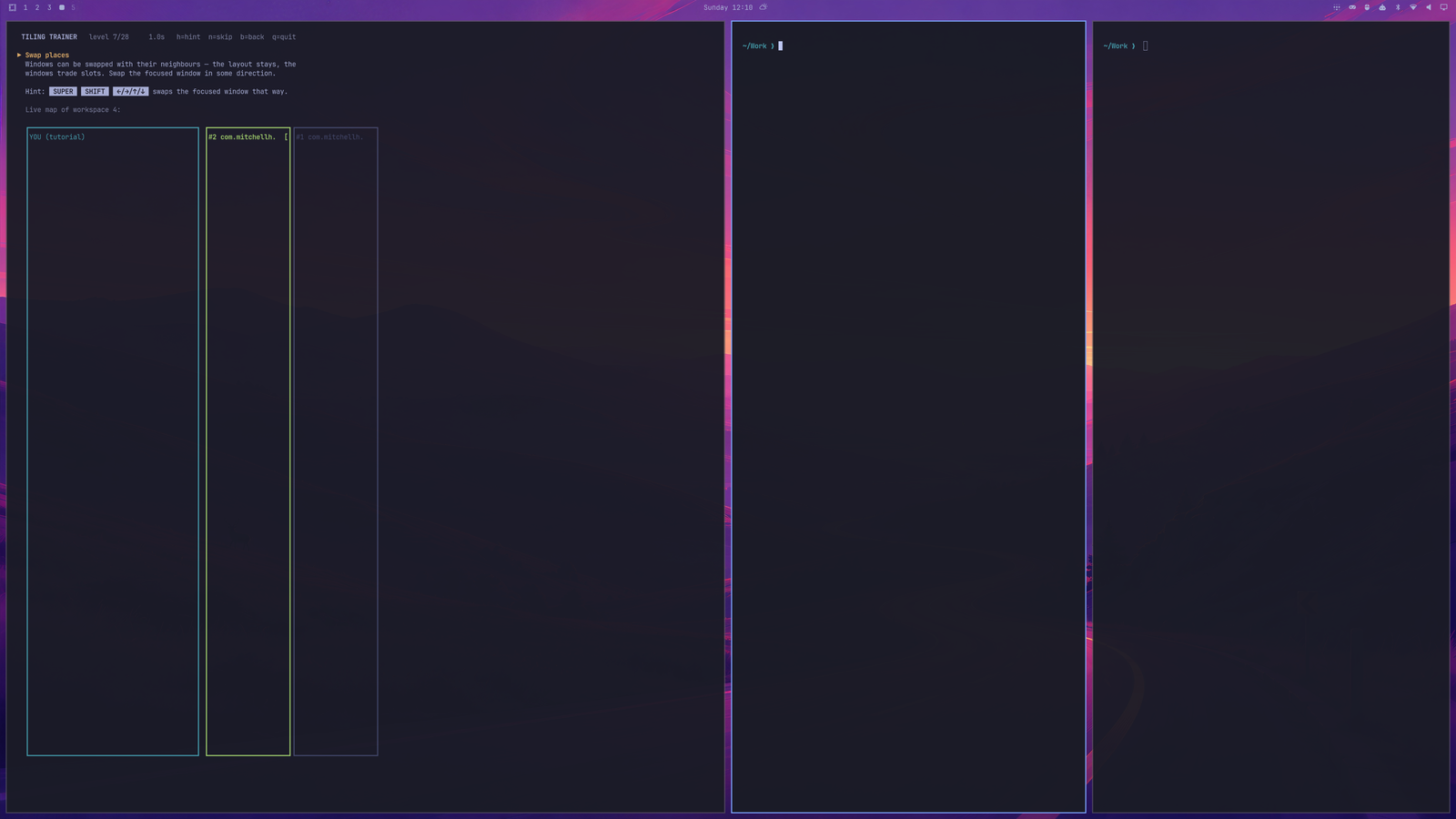
The map is drawn from live hyprctl state, so it always matches what the window manager is really doing — here the swap mission has just moved the game's own window into the middle column:
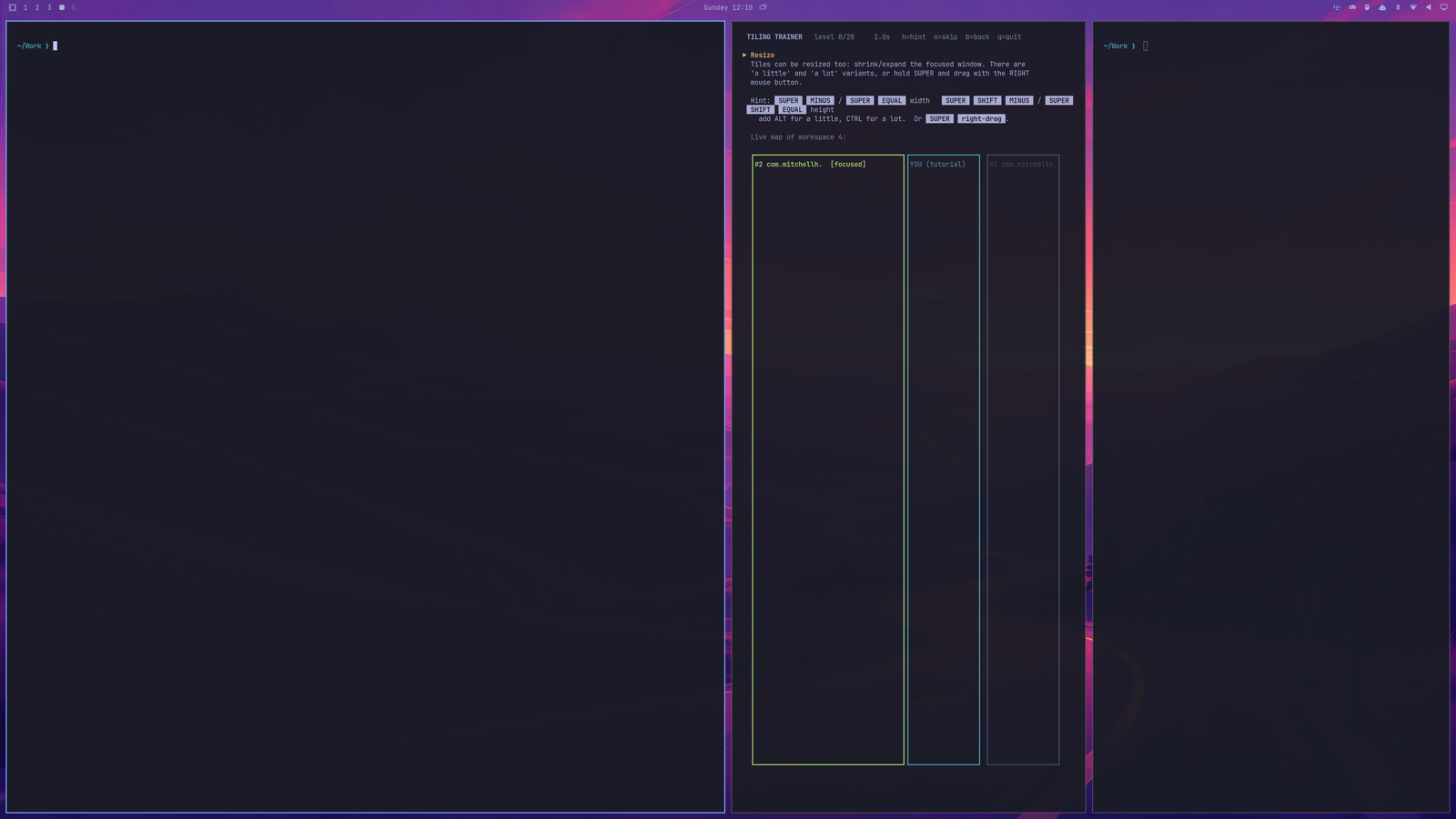
After the swap mission: the game window sits in the middle column and the map shows the same

Flip-the-split mission: three columns on screen, three columns on the map

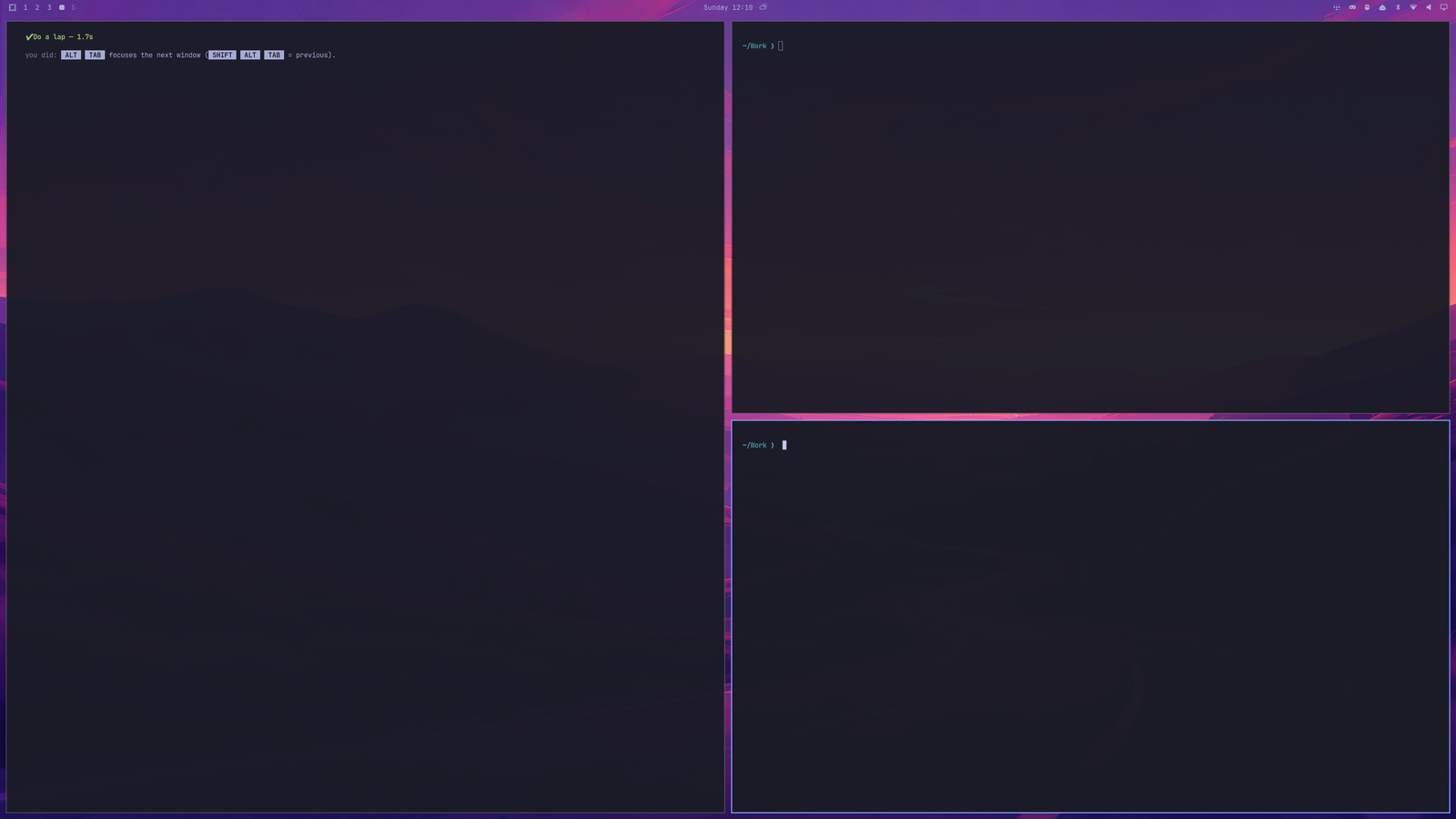
Mission complete flash with a recap of the keys used

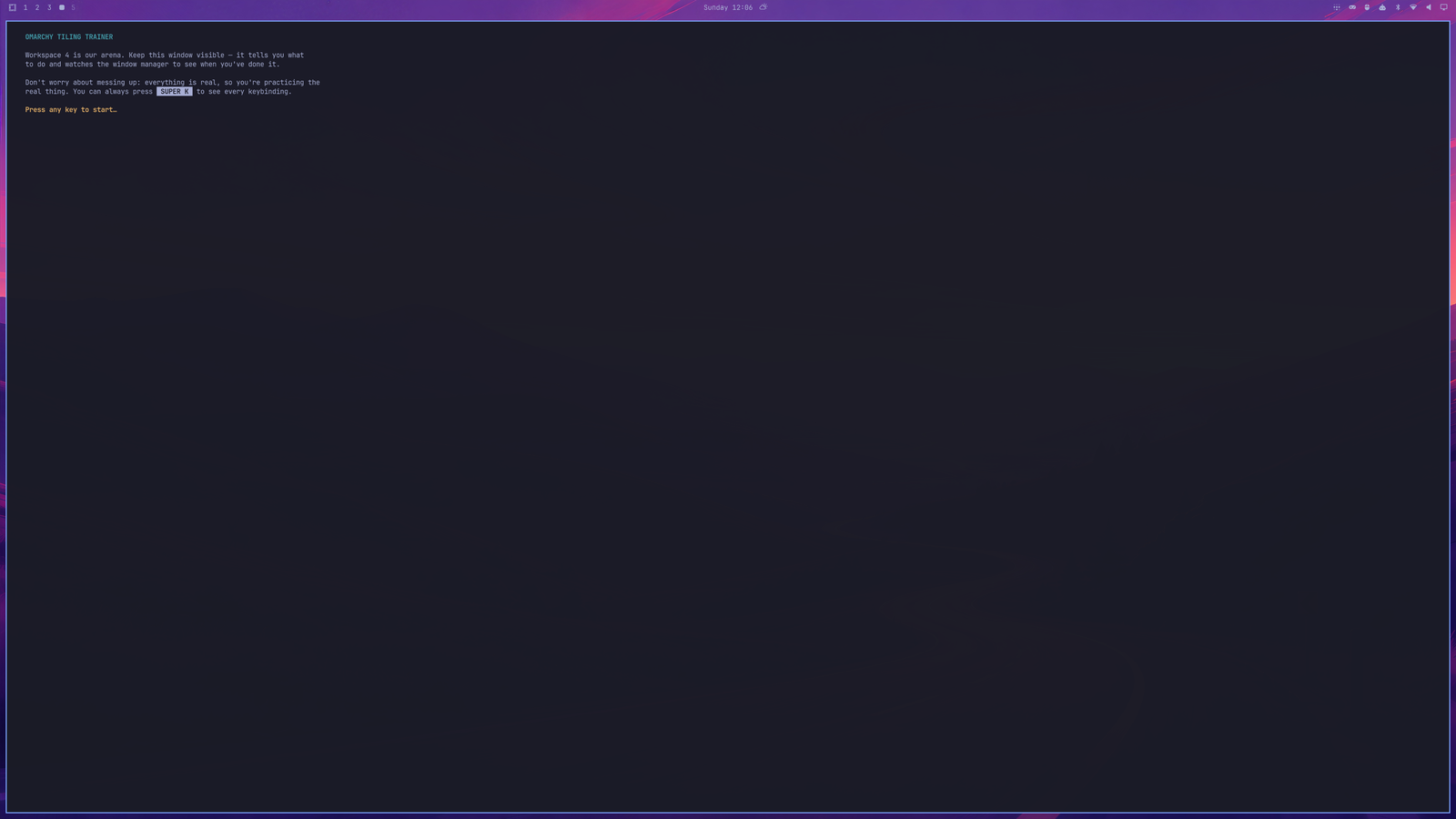
The intro screen

In-game keys

h hint on/off · n skip level · b back a level · q quit. Cheat sheet any time in Omarchy: SUPER + K.

How it works

Every ~100 ms the game reads hyprctl -j clients / monitors / activewindow, compares the state against the current mission (window count, focus, position, size, floating/fullscreen flags, workspace ids) and advances when it matches. It moves itself to an empty workspace at start so it has a clean arena, and it finds its own window by walking its parent PIDs. The plugin's BarWidget.qml is only a launcher; everything lives in tiling-game.py.

License

MIT — see LICENSE.