
omarchy-comfyui-status-plugin
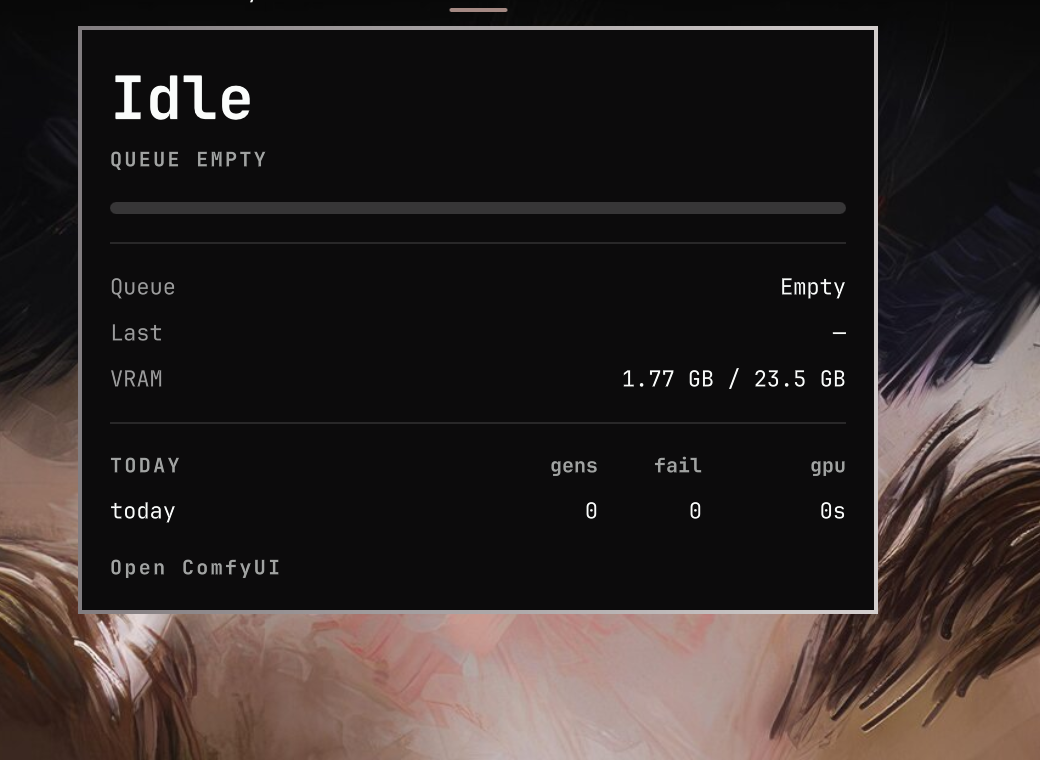
Omarchy bar widget for ComfyUI. The bar shows Idle when the queue is empty, a sampler progress bar and it/s (or s/it) while sampling, Working… between sampler nodes, and Offline if the server is down.
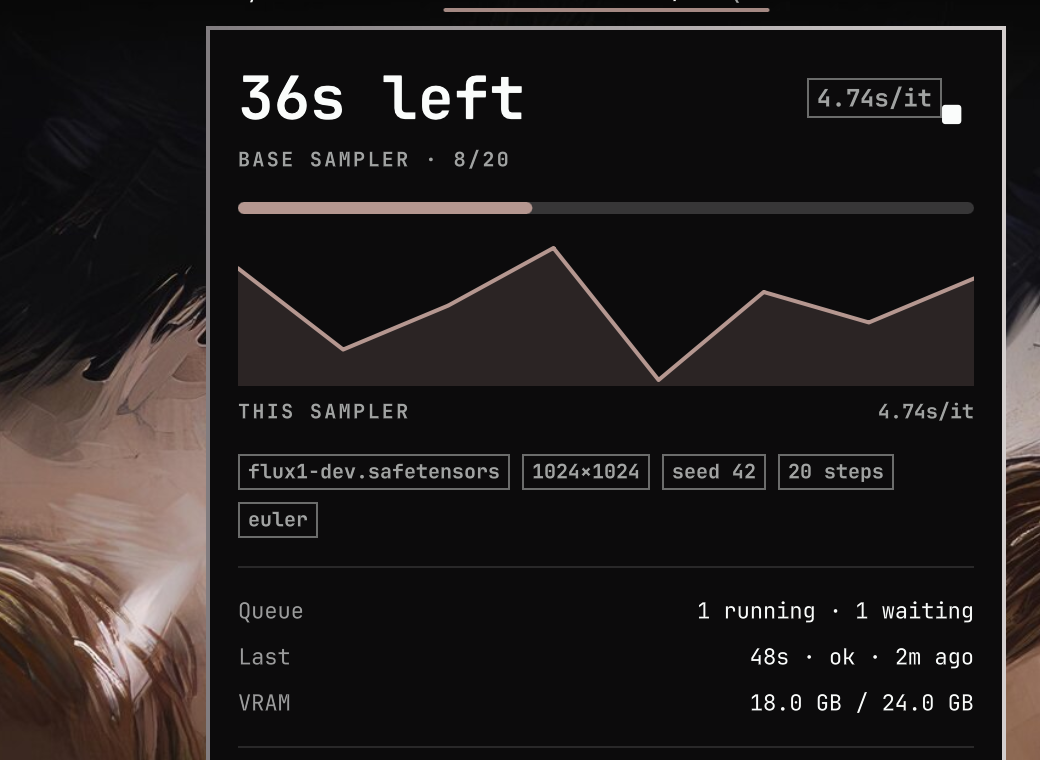
Left-click opens a dashboard with this-sampler time remaining, the current node, a step-time sparkline, queue / last job / VRAM, checkpoint · size · seed facts, and today's session totals. Middle-click (or the panel stop button) posts /interrupt. Right-click opens the ComfyUI UI.
Progress, it/s, ETA, sparkline, facts, last job, and session totals come from the companion custom node comfyui-omarchy-status. Without that node the widget still reports Offline / Idle / Working… from GET /prompt.
Bar
Idle

Sampling

Working

Offline

Dashboard
Idle — empty queue, last job, live VRAM, today's totals.
Sampling — ETA for this sampler, rate, sparkline, prompt facts, queue split.
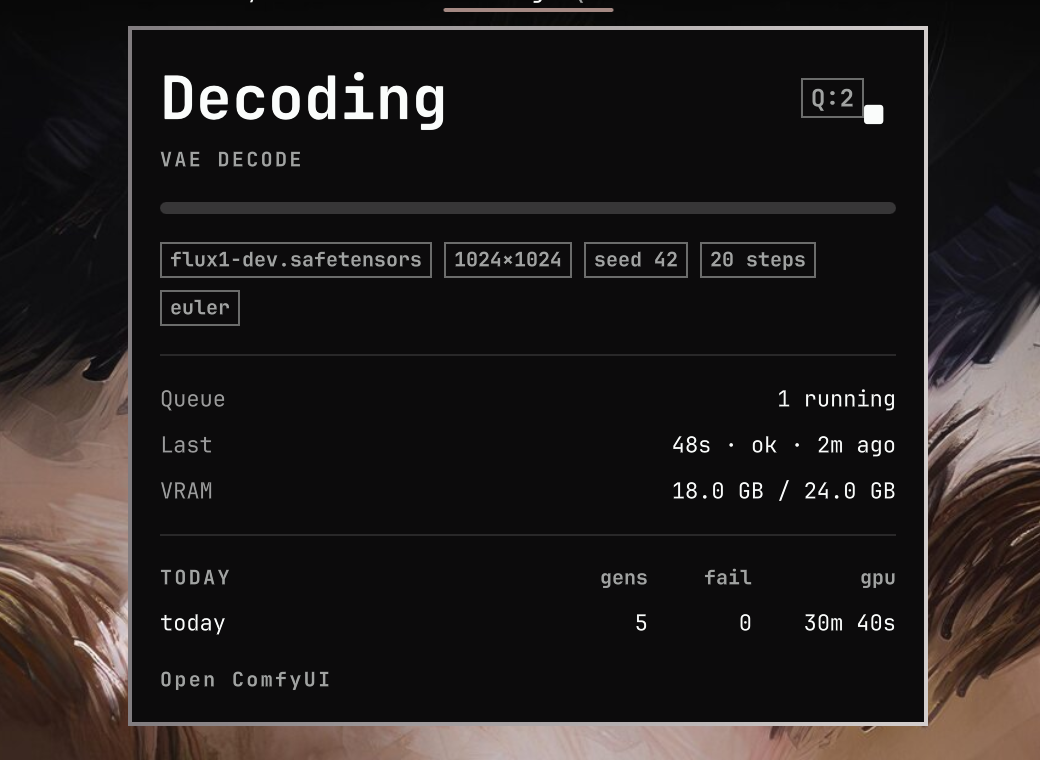
Working — high-level phase (loading, decoding, saving, …), current node, interrupt.
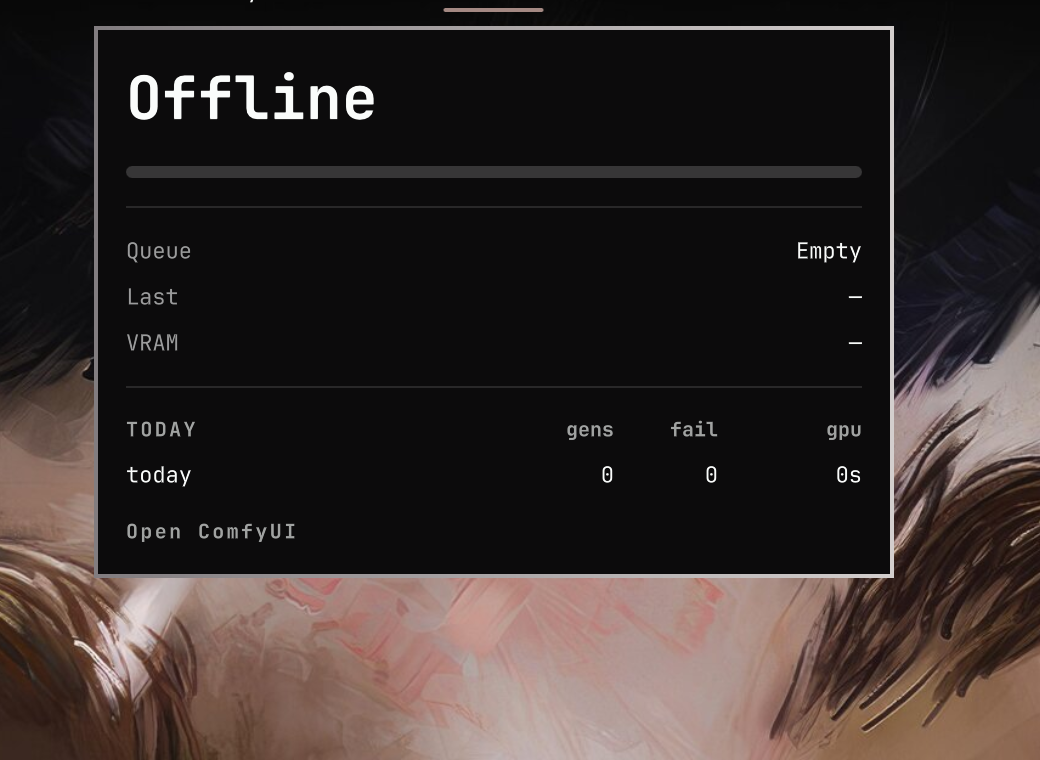
Offline — leftover live-job fields are hidden; last job and today's totals stay.
The ETA is for the current sampler only, not the rest of the graph or queued prompts.
Install
omarchy plugin add https://github.com/sshbrian/omarchy-comfyui-status-plugin.git --enable
Then install the companion node and restart ComfyUI:
cd /path/to/ComfyUI/custom_nodes
git clone https://github.com/sshbrian/comfyui-omarchy-status.git
Move the widget if you want:
omarchy bar move io.github.sshbrian.comfyui-status --section right
After updating the plugin, restart the Omarchy shell so QML and Model.js reload:
omarchy restart shell
Settings
| Key | Default | Meaning |
|---|---|---|
host |
127.0.0.1 |
ComfyUI HTTP host |
port |
8188 |
ComfyUI HTTP port |
| Input | Action |
|---|---|
| Left-click | Toggle the generation dashboard |
| Right-click | Open http://<host>:<port>/ |
| Middle-click | Interrupt the running prompt |
Stop button / i / x |
Interrupt (while sampling or working) |
Enter / Space / o |
Open the ComfyUI UI |
| Esc | Close the dashboard |
Remove
omarchy plugin remove io.github.sshbrian.comfyui-status
The companion node is a separate checkout under ComfyUI/custom_nodes/. Remove that folder and delete ${XDG_STATE_HOME:-$HOME/.local/state}/omarchy/comfyui-status.json (and comfyui-session.json next to it) if you no longer want the snapshot. The bar ignores a snapshot older than 90 seconds and falls back to Offline / Idle / Working… from GET /prompt.
Tests
node --test tests/test_model.js