
Dropdown Terminal
An Omarchy Quickshell plugin that toggles the configured terminal in a floating special workspace. It supports custom sizing, entrance effects, optional pets, auto-hide, and privacy-preserving command status indicators.
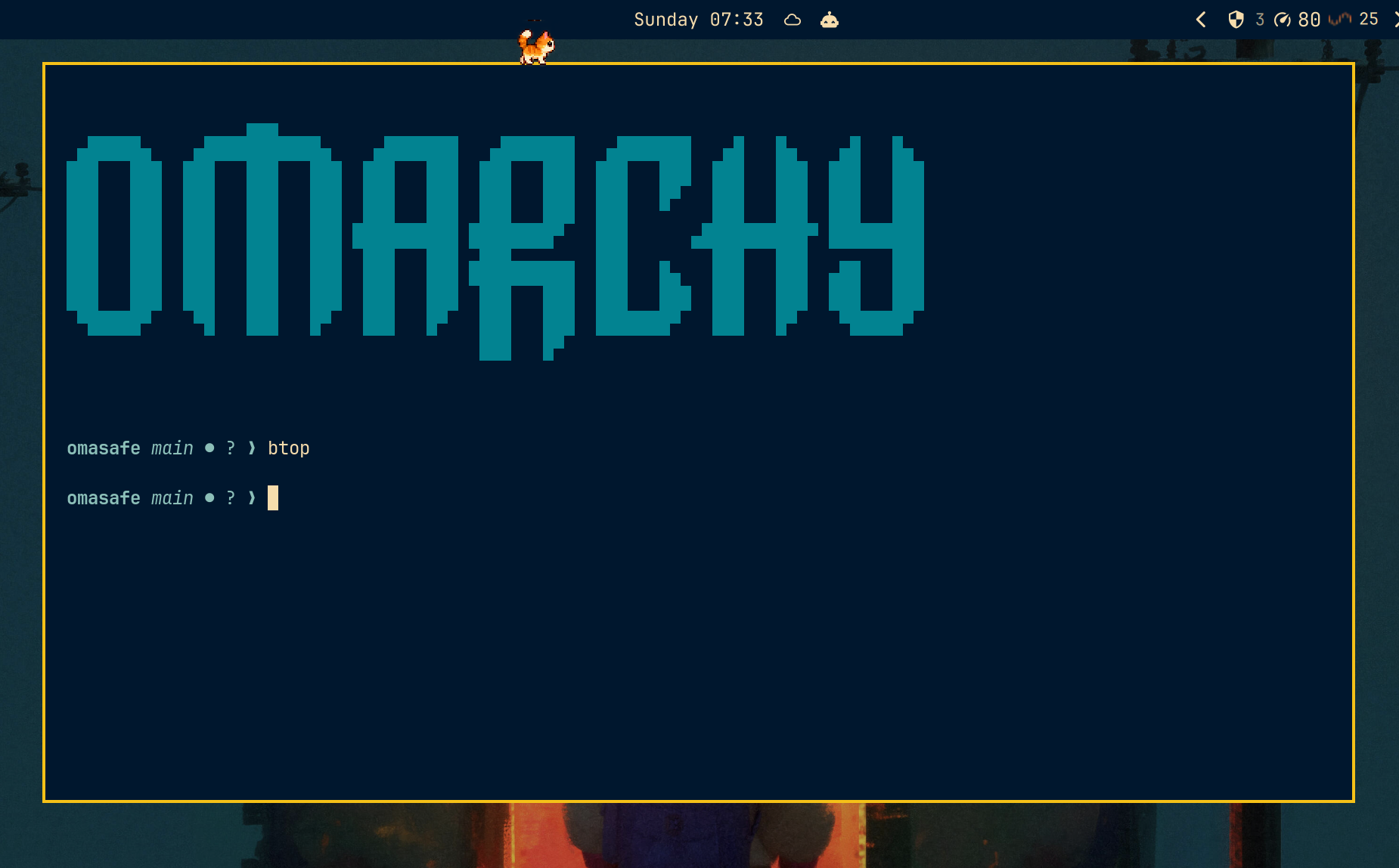
Video demo
https://github.com/user-attachments/assets/e3437c1d-00c5-451e-b6e4-2c86dd82100a
Install
omarchy plugin add https://github.com/tuthan/omarchy-dropdown-terminal.git --enable
The plugin requires Omarchy, jq, hyprctl, and the omarchy command.
Python 3 is needed by the optional binding installer; ImageMagick is needed
only to validate custom pet packs.
Update
omarchy plugin update io.github.tuthan.dropdown-terminal --yes
omarchy restart shell
Local development
Omarchy loads plugins from a real directory, so copy the repository instead of symlinking it:
plugin_dir="$HOME/.config/omarchy/plugins/io.github.tuthan.dropdown-terminal"
[ -L "$plugin_dir" ] && unlink "$plugin_dir"
mkdir -p "$plugin_dir"
rsync -a --delete --exclude='.git/' ./ "$plugin_dir/"
omarchy-shell shell rescanPlugins
omarchy plugin enable io.github.tuthan.dropdown-terminal --section right
Repeat the rsync and rescan commands after source changes.
Keybinding and controls
The default binding is CTRL + GRAVE. Add it to
~/.config/hypr/bindings.lua:
hl.bind("CTRL + GRAVE", hl.dsp.global("io.github.tuthan.dropdown-terminal:toggle"))
The settings panel can install a different chord with conflict detection and an explicit confirmation. Middle-click the bar icon to open it; left-click toggles the terminal and right-click reviews the binding.
The panel controls:
- terminal width, height, border color, and slide-from-top animation;
- auto-hide, focus-through, icon visibility, and the bar icon;
- finite entrance effects and reduced motion;
- pets, roaming, interaction, voice, sound, villains, and bond state; and
- generic urgency and precise command completion indicators.
The main settings can also be changed from a terminal:
omarchy bar set io.github.tuthan.dropdown-terminal widthPercent 90 --json
omarchy bar set io.github.tuthan.dropdown-terminal heightPercent 45 --json
omarchy bar set io.github.tuthan.dropdown-terminal autoHideOnFocusLoss true --json
omarchy bar set io.github.tuthan.dropdown-terminal showIcon false --json
omarchy restart shell
Command status
Generic urgency works without shell changes. For precise running,
succeeded, and failed states, enable Command tracking and install the
guarded integration for Bash, Zsh, or Fish from the settings panel.
The integration writes short lifecycle records to:
$XDG_RUNTIME_DIR/io.github.tuthan.dropdown-terminal.events
It never records command text, terminal output, or prompt output. Tracking is opt-in, and commands shorter than the configured notification threshold are ignored by default. If a terminal server drops the per-launch environment, precise tracking is unavailable but generic urgency still works.
Behavior
- The first toggle runs
omarchy launch terminal, preserving the configured default terminal. - The terminal is floated near the top of the current monitor at 90% × 45% by
default and reused in
special:dropdown-terminal. - Toggling from another monitor moves and resizes the same terminal there.
- Existing dropdown clients are recovered after a shell restart; a second terminal is not created unnecessarily.
- Runtime state is kept in a private
XDG_RUNTIME_DIRdirectory, or in a private per-user directory under/tmpwhen needed.
Remove
omarchy plugin remove io.github.tuthan.dropdown-terminal
License
MIT