
Omascratch
A quick-note scratchpad for Omarchy that docks to a corner of your screen. Toggle it with a keybind or the bar icon, jot something down, close — your text is still waiting there the next time you open it.
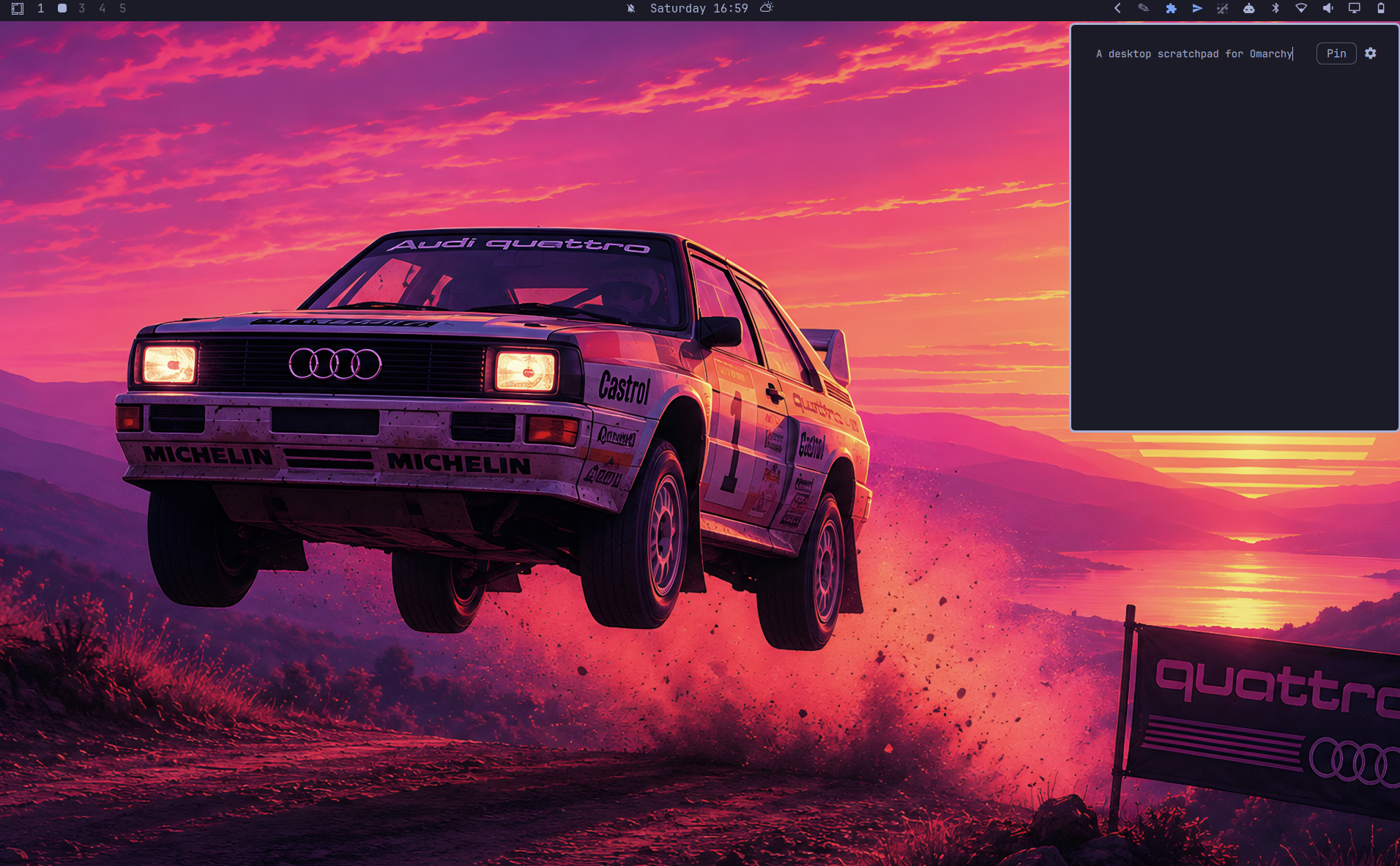
Features
- Notes autosave to disk as you type (debounced, no save button).
- Docks to any of the four screen corners; automatically clears whichever edge the Omarchy bar is docked to (top/bottom/left/right), so it never paints over the bar's own icons.
- Adjustable font size.
- The toggle keybind is set, changed and removed from inside the panel itself — press the combo you want and click Apply. Nothing to add by hand first, and Clear takes it out again.
- Optional status-bar icon (yellow squiggle) that toggles the same panel —
and it really is optional: a
showIconsetting hides it while the plugin and keybind keep working. - Pin button: by default, clicking anywhere outside the panel closes it (matching every other panel in Omarchy's shell). Pin keeps it open instead, so it can sit visible in the corner while you work in other windows.
Install
omarchy plugin add https://github.com/weedwhitesandwine/omascratch.git --enable
Add the bar icon (optional):
omarchy bar put io.github.weedwhitesandwine.omascratch --section right
Prefer no icon in the bar? Hide it — the plugin stays enabled and the keybind keeps working:
omarchy bar set io.github.weedwhitesandwine.omascratch showIcon false --json
Bring the icon back:
omarchy bar set io.github.weedwhitesandwine.omascratch showIcon true --json
(Both take effect immediately.)
Update:
omarchy plugin update io.github.weedwhitesandwine.omascratch
Remove — clear the keybind from the settings view first, because removing
the plugin deletes the script that manages the block in bindings.lua:
omarchy plugin remove io.github.weedwhitesandwine.omascratch
That leaves your notes and settings in ~/.local/state/omarchy/omascratch/;
delete that directory too if you want them gone. If you removed the plugin
without clearing the keybind first, the block is inert — delete the four lines
between the omascratch hotkey markers in ~/.config/hypr/bindings.lua by
hand.
Set a keybind from the panel's own settings view (gear icon → Keybind → press
a combo → Apply). It writes its own marked block in
~/.config/hypr/bindings.lua for you; see External dependencies and
system-level modifications below for exactly what goes in there.
If you would rather write it yourself, the line is:
o.bind("SUPER + R", "Toggle Omascratch", "omarchy-shell shell toggle io.github.weedwhitesandwine.omascratch")
A line added that way is replaced by the managed block the first time you use the panel's picker, so the shortcut never ends up bound twice.
Usage
- Open/close: your keybind, or the bar icon, or
omarchy-shell shell toggle io.github.weedwhitesandwine.omascratch. Escapecloses the panel while the notes view has focus.Ctrl+,opens settings, andEscapethere goes back to the notes without closing the panel. The gear icon (top-right of the card) does the same.- Settings:
- Font size —
−/+steppers, 10–28px. - Size —
−/+steppers for the card's width and height. - Position — top-left / top-right / bottom-left / bottom-right.
- Keybind — the button shows the current shortcut, or
Not boundif there isn't one. Click it, press a new combination (exactly one modifier — Super, Ctrl or Alt; Shift alone is refused, because binding a capital letter would open the panel every time you typed one), then click Apply. A combination Hyprland has already bound never reaches the panel, so if nothing appears when you press one, that key is taken. - Clear — removes the shortcut from
bindings.luaaltogether. Do this before uninstalling: removing the plugin deletes the script that manages the block, so nothing is left to take it out afterwards (it is inert either way — it just sits there until you delete the lines).
- Font size —
The notes and the settings views both leave a strip clear at the top for the Pin and gear buttons, rather than reserving a column beside them, so a note uses the card's full width.
What it writes, and when
External dependencies and system-level modifications
Every path it touches, and when:
| Path | When |
|---|---|
~/.local/state/omarchy/omascratch/notes.txt |
written as you type (debounced ~0.4s); read at startup and when it changes on disk |
~/.local/state/omarchy/omascratch/settings.json |
written when you change a setting; read at startup |
~/.config/hypr/bindings.lua |
only when you click Apply or Clear in the settings view |
~/.config/omarchy/shell.json |
read only, at startup and when it changes (to know which edge the bar is on) |
~/.local/state/omarchy/toggles/bar-off |
existence checked only, to know whether the bar is hidden |
The plugin itself runs python3, mkdir and test through Quickshell's
Process, plus bash to run omascratch-ctl.sh. python3 is what reads the
notes, the settings and the bar configuration back off disk: it opens each one
refusing symlinks and anything that is not a plain file, refuses to wait on a
pipe, and reports a file it would not read rather than returning it empty.
Reads stop at a ceiling — 4 MB for the notes, 256 KB for the settings, 1 MB for
shell.json — so an oversized file arrives refused rather than held in the
shell.
omascratch-ctl.sh runs only when you apply or clear a keybind, and it runs
realpath, dirname, stat, grep, mktemp, cp, chmod, awk, mv,
head and hyprctl. All of these are standard on an Omarchy install. Every
command the plugin runs is listed above, each one exits immediately, and every
path it touches is in the table above.
The keybind picker in Settings modifies ~/.config/hypr/bindings.lua.
Omascratch keeps its shortcut in a block of its own, between two marker
comments:
-- >>> omascratch hotkey (managed by Omascratch settings — change it there)
-- If Omascratch has been uninstalled these lines do nothing: delete them.
o.bind("SUPER + R", "Toggle Omascratch", "omarchy-shell shell toggle io.github.weedwhitesandwine.omascratch")
-- <<< omascratch hotkey
Every line outside that block is copied through untouched, with one deliberate
exception: a line that starts with o.bind( and carries Omascratch's own
toggle command is removed, because that is the hand-added binding this managed
block replaces and leaving it would bind the panel to two shortcuts at once. A
commented-out one is left alone. When you record and apply a shortcut,
omascratch-ctl.sh:
- Resolves
bindings.luato where it really lives, so a dotfiles manager's symlink (stow, chezmoi) is written through rather than replaced. It refuses if the resolved file or its directory is not yours, or if that directory is writable by others. - Refuses to touch the file at all unless the marker pair is matched and in order — a half-removed block is left alone rather than run to the end of the file, which would take your other keybindings with it.
- Replaces the block, and removes the hand-added binding described above if
there is one. Both are identified by the exact
omarchy-shell shell toggle io.github.weedwhitesandwine.omascratchcommand string, and the unmarked one must also begin the line witho.bind(; no other line is matched. - Stages the result, and a temporary backup, under exclusively-created unpredictable names in the same directory, then renames over the file in one atomic step — so a symlink planted at either name is never written through. The backup is removed when the script exits.
- Runs
hyprctl reloadand checkshyprctl configerrors. If the reload produces any config error, it restores the backup and reloads again — a bad rebind can't leave Hyprland in a broken state.
Clear runs omascratch-ctl.sh unbind, which takes the block back out again and
leaves the file as it was before the block was ever added.
This is the only system configuration file this plugin ever writes to, and only in response to an explicit action in the settings view (never automatically).
State files
~/.local/state/omarchy/omascratch/notes.txt— your notes, plain text.~/.local/state/omarchy/omascratch/settings.json— font size, position, keybind. Created on first change; sensible defaults apply until then (14px, top-left, and no keybind until you set one).
License
MIT — see LICENSE.
Built with Claude Code.