
Plug
Manage all your plugins, catch every update, and have AI scan the code BEFORE you update or install.
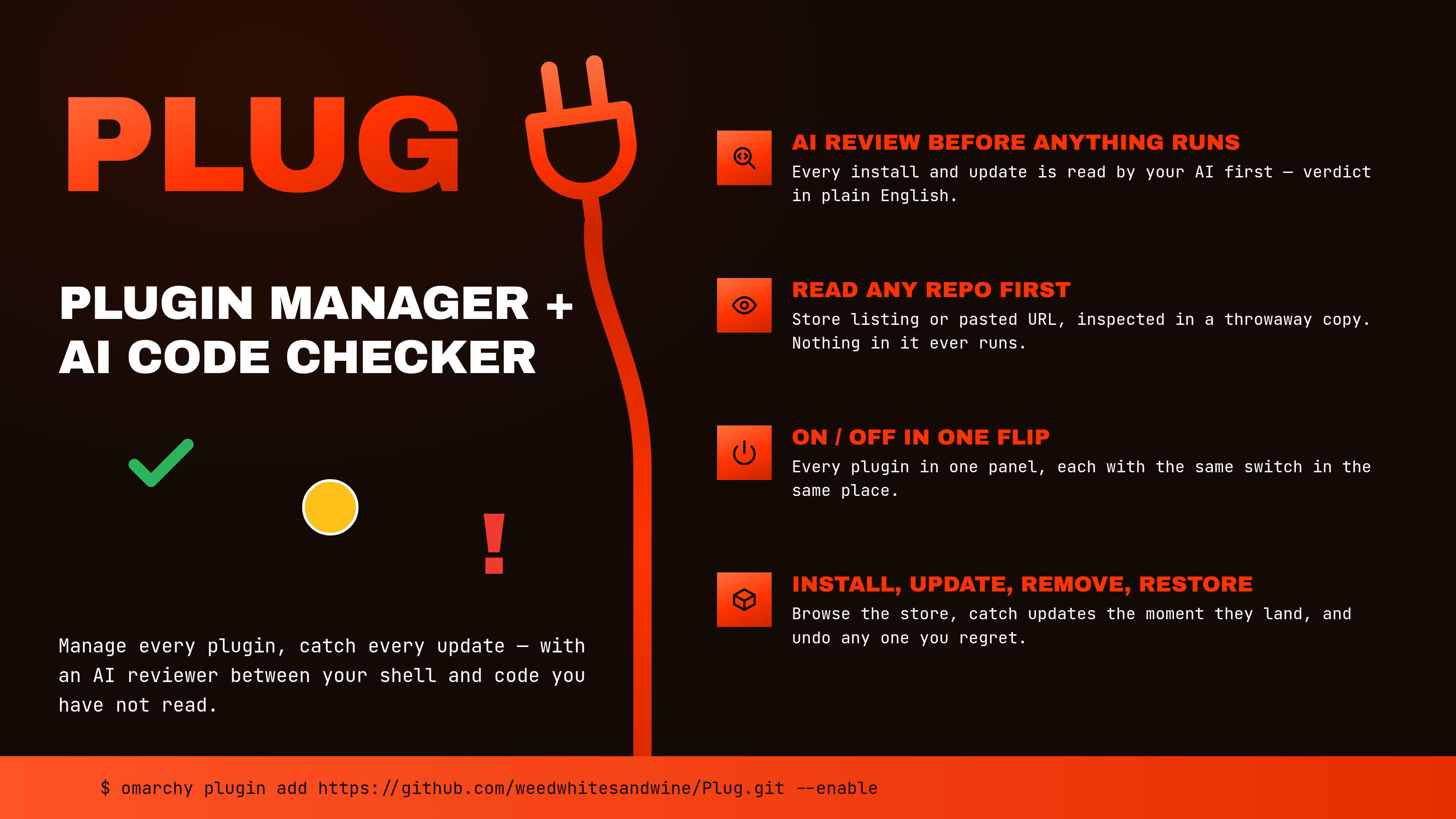
Plugins run as you, with no sandbox. A plugin you install is code you have not read, and an update is more of it. Plug manages your installed community plugins — toggle, remove, browse and install more — and puts the same gate in front of both moments: before a plugin is installed, and before an update is applied, an AI reviewer of your choice reads the actual code and tells you, in plain English, whether it is safe.
What it does
-
Installed — every community plugin you have, each row with the same four controls in the same place: update, restore, remove and an on/off switch. The update control lights green the moment the plugin's repository has moved past what you installed; restore lights up once Plug has applied an update it can undo. Laid out two-up to save space, with a folded Official section for Omarchy's own optional bar widgets — those show just the on/off switch, lined up with the community rows (a built-in is part of Omarchy, not an installed copy, so there is nothing to update or remove).
-
The trust mark on each row — a check, a circle, or an exclamation — is a quick capability read of the plugin's source — what it can reach, run and write — and it is one of three things, never a number:
- ✅ Green check — squeaky clean. Nothing that leaves the machine, nothing alarming even mentioned, no install step. It keeps to itself.
- ❗ Red exclamation — read it first. Not a stop sign:
a warning that this needs your eyes. Code that actually runs one of:
reading private files (
.ssh,id_rsa,.gnupg, keyring,/etc/shadow), or hiding itself behind an encoder (atob,eval, a packed line). No listed plugin is expected to be red. If it appears, read the code before anything else. - 🟡 Amber circle — the honest middle. It reaches the network, has a setup
script that installs or escalates, runs privileged commands (
sudo/pkexec) or a package manager, or merely displays any of those for you to copy — the reason on the row says which. A capability held openly is not an accusation; most useful plugins live here.
The row always says why — "reaches the network", "has a setup script", "shows you commands as root" — and it tells running something apart from merely displaying it for you to copy. Comments are ignored.
-
Review an update — Plug fetches the exact changes, runs a fast offline scan, and hands the diff to your chosen AI reviewer (read-only). You get a safe / be careful / do not verdict, a plain-English summary of what changed, anything to watch for, and the author's own commit notes — then you decide. It also judges the update the way the marketplace's own approval checks do (new privileges, downloads, network hosts, background processes, or writes outside the plugin). The reviewer is told which question it is answering — a first install, or a change to something already installed.
-
Restore — undo the last update you applied, returning the plugin to the version it was on before. Plug then flags the update as available again, so nothing is lost — you can re-apply it whenever you are ready.
-
Store — search the community marketplace, and read a plugin before you install it. Pressing install does not install: Plug clones the plugin to a throwaway directory, scans what it can do, has your reviewer read the whole source, and tells you plainly whether it looks safe — then you decide, with the button reading Install anyway if the answer was no. The copy is deleted either way, and nothing in it is ever run. When you do install, Plug clones the repository again into a private copy, pins that copy to the exact commit you read, and hands the pinned copy to
omarchy plugin add— so the code Omarchy validates, loads and switches on is that commit, whatever the repository holds by then. If the author has pushed since, Plug says so before anything lands and lets you choose between the version you read and reading the new one; if the commit you read has been rewritten away, nothing is installed. Double-click a row to open the plugin's own repository page. Omarchy's built-in plugins appear here too, marked OFFICIAL and shown for discovery only. -
Any repository, listed or not — paste a GitHub address into the Store's search box and Plug offers to read that, exactly the way it reads a catalog entry. Plenty of plugins are never listed — a link in a forum, a friend's repo — and those are the ones that have had the least scrutiny, so they are the ones most worth reading first.
-
Manual installs — adding a plugin only copies its files and enables it; it builds nothing and starts nothing. A plugin that needs packages, a compiled daemon or a service therefore ships a script and expects you to run it, and that script runs as you the moment you start it, before any of the plugin's own code loads. Plug finds that script, reads it, lists what it would do to your machine, and hands you the commands — it will not run it for you. Reviewing code and then executing it is the one thing this plugin exists not to do.
Choosing your reviewer
The reviewer is entirely your choice, set in Settings. Plug offers only the tools you actually have:
-
Claude Code — if the
claudecommand is installed and starts. It is run once, in an empty working directory, in plan mode with no tools at all, and under a throwaway home directory holding only its own Claude settings — the environment it sees carries its own credentials and nothing else your shell or your real home was carrying. It reads the diff it was given and has nothing else to act with. -
Opencode — if the Opencode program and
bwrap(bubblewrap) are both already installed. Opencode keeps its own tools, so it runs inside a sandbox: a read-only system, a home that exists only in memory, and nothing of yours inside it but Opencode itself and its credentials, with editing, shell commands and web fetches denied. Its models are listed from Opencode, free tier first, and the default is a free one — so it costs nothing unless you pick a model that does.Plug never installs Opencode, and never downloads anything in order to run a review. Omarchy puts a stand-in named
opencodeon your PATH that goes and gets the program when you run it, and Plug will not run that: doing so would mean fetching and executing whatever a registry served at that moment, which is code no one has reviewed, from the plugin whose job is to show you code before it runs. It asksmiseinstead, which reports only what is already installed. If Opencode is installed, it is found and offered — including where the stand-in is shadowing it on your PATH. If it is not, Opencode is absent from the list and Settings says why, with the command that installs it:mise use -g opencode. It is offered from the next shell start.Running the stand-in yourself is not enough on every machine. The current one installs through mise, which Plug can find; an older one fetches the package into npm's cache on each run and installs nothing, and a machine carrying that one has no installed Opencode however many times it has been used.
mise use -g opencodeis the answer in both cases. -
Local servers — Ollama or LM Studio, if they are running. The review is a request to
localhost, so nothing leaves your machine — a real LLM review that is completely private. Their loaded models are listed automatically. -
Just the offline scan — no AI at all; Plug reports what its own capability scan found. Everything stays local.
Interactive apps such as ChatGPT Desktop or Grok Bot are not offered: they are windows, not something Plug can call for a one-shot review.
Authentication belongs to the reviewer you chose: Plug runs its command, and
that command uses the sign-in it already has. With Claude Code, that is the
Claude account set up in your terminal; with Opencode, whatever
opencode auth login saved, or a provider key already in your environment. If
the tool is not signed in, the review falls back to the offline scan.
Privacy. A reviewer that runs somewhere else — Claude Code, or Opencode on a provider model — is sent the code it is asked to judge, and only then: the diff when you review an update, the plugin's full source when you check one before installing it. That code is public and comes from a public repository, but it does leave your machine. A local server (Ollama, LM Studio) or the offline scan keeps everything on it.
Install
omarchy plugin add https://github.com/weedwhitesandwine/plug.git --enable
Open it from the bar icon, or from a terminal:
omarchy-shell shell toggle io.github.weedwhitesandwine.plug
A hotkey is off by default — set one in Settings if you want. Plug checks
every shortcut Hyprland is actually using (including Omarchy's own, which are
not in bindings.lua) and refuses a combination that is already taken.
Update
omarchy plugin update io.github.weedwhitesandwine.plug --yes
Remove
Hide the bar icon and clear the hotkey in Settings first (that removes Plug's
entry from shell.json and its block from bindings.lua), then:
omarchy plugin remove io.github.weedwhitesandwine.plug
Its state is left in ~/.local/state/plug/, which you can delete.
What it runs, reads and writes
Its own state, all inside ~/.local/state/plug/: state.json (git and
scan results per plugin), catalog.json (the marketplace catalog, cached),
settings.json (your choices), locks.json (restore bookkeeping — which
version each applied update came from), review-<plugin-id>.json (the last
review of that plugin: the verdict, the summary, and the two commits it was
read between, which is what the apply is checked against), and
outcome.json (the result of the last job — written when an install, update,
restore or removal finishes, shown and deleted the next time Plug opens), and,
if you use Opencode, opencode-models.json (its model list, cached so Plug
does not ask again on every settings open). A state file an earlier version of
Plug wrote and this one does not is removed from that directory on the first
run after an upgrade, so this list stays the whole of it.
Outside its own directory — only in response to something you do:
| Path | When |
|---|---|
~/.config/hypr/bindings.lua |
only when you set or clear a hotkey, and only Plug's own marked block, between -- >>> plug hotkey and -- <<< plug hotkey, along with the blank line it writes above that block. Resolved the same way if it is a dotfiles symlink |
~/.config/omarchy/shell.json |
only when you show or hide the bar icon. It adds, moves or removes its own {"id": …} entry and leaves every other setting as it found it, though the file is rewritten as standard JSON with two-space indentation. Where a dotfiles manager has symlinked this path into its own repository, the link is resolved and the real file written, so the link survives |
Both files are edited through a descriptor held open on the target's parent
directory for the whole edit: the directory is opened one component at a time,
refusing a symlink at any of them, and the read, the staging and the rename are
all made through that descriptor rather than by name again. It is checked once
more immediately before the rename, and the edit is refused if the path no
longer leads to it. Bytes that are not valid UTF-8 are carried through
bindings.lua unchanged.
| a plugin's own checkout under ~/.config/omarchy/plugins/… | git fetch against every installed plugin's remote each time the panel opens (the update check, which you can turn off with autoCheck) and each time you press Check for updates; and, for the one plugin you act on, a fast-forward when you update it or a reset when you restore it |
| a temporary directory | three things, all deleted afterwards: a shallow clone of a plugin you asked Plug to check before installing; when you install, a clone of that repository's default branch pinned to the commit you read, which is what omarchy plugin add copies from; and — when you review an update — a copy of the incoming version's files extracted from the plugin's own repository, so the reviewer reads the new code rather than only the diff |
Commands it runs: python3 (Plug's own engine, plugd.py — every job
goes through it); omarchy-shell shell listPlugins / listShellConfig /
setPluginEnabled (read the list and your shell config; enable/disable on your
click); head, which every command's output is piped through so nothing
oversized is ever held; omarchy-hyprland-session-locked, asked before a
restart so one never happens over a lock screen; omarchy-restart-shell (only
after you apply an update or a restore — see below — and never while the screen
is locked) with omarchy-shell shell ping / summon to bring Plug back afterwards; omarchy plugin add / remove
(install/uninstall on your click); git inside each plugin's checkout (read its
state, fetch updates, show the diff, apply or revert); hyprctl binds (read
active shortcuts) and hyprctl reload (after a hotkey change); bash (Plug's
own plug-ctl.sh, which holds the two consent edits: the hotkey block and the
bar-icon entry, both made by plug-edit.py beside it); wl-copy (only when you press Copy the commands on a
manual install, with the commands passed as an argument rather than through a
shell); xdg-open (only when you open a plugin's repository page); and the AI
reviewer you chose — the claude command, the opencode command inside a
bwrap sandbox, or a request to a local server on localhost; and mise which <name>, where a reviewer's command on your PATH is a shim or a stand-in rather
than the program itself. That one is asked with mise's auto_install turned
off, so it reports a tool that is installed and fails for one that is not.
One Opencode command runs outside the sandbox: models, to list what it
can run, at most once a day. It is run as the resolved program on your disk,
never through a wrapper that would fetch anything to answer.
What runs when the shell starts. Plug builds its reviewer list once, as the
shell loads it. That run does four things: it looks for claude and opencode
on your PATH, running mise which for the real program wherever what it finds
is a mise shim or a stand-in that would go and get the program — which
applies to every reviewer, not only Opencode, and means a stand-in is never run
to find out what it is; it starts each one
it found, once, with --version — under the same throwaway home, or inside the
same sandbox, that a review would use, so a reviewer is offered only when it has
been seen to run; an HTTP request to localhost:11434 and localhost:1234 to
see whether Ollama or LM Studio is listening; and, if Opencode's own program is
installed and its saved model list is more than a day old, that program's
models command to refresh it. The list is then read from disk until it ages
out again, and a listing that fails is not retried for ten minutes.
The two local-server requests go to the loopback interface and ask one question each — whether a local server is there. Every program in that run is one already installed on your machine.
hyprctl binds also runs at startup, to know which key combinations Hyprland
has already taken. Everything the reviewer list needs is gathered in that one
run, and it is the same list every time you open Settings afterwards.
Network: each installed plugin's git remote, to check for and fetch updates;
the repository of a store plugin you ask Plug to check before installing;
the marketplace catalog on raw.githubusercontent.com; when you review an
update with Claude Code, Anthropic — never otherwise. A local-server
reviewer stays on localhost.
When the catalog is fetched. Starting the shell never fetches it — Plug
reads the saved copy from disk and stops there. A fetch happens when you open
the Store and the saved copy is more than six hours old, or when you press the
refresh control beside the search box. There is no timer. Set autoCatalog to
false in settings.json to leave it to the refresh control alone. A fetch
that fails changes nothing: the saved copy is written only on success, so the
Store keeps working offline and says which copy you are looking at.
Restarting the shell. Applying an update or a restore ends with a shell restart, because that is what makes changed plugin code take effect. Your windows and workspaces are untouched; the bar and the panels reload. Nothing else Plug does restarts anything.
Timers and background work: none that runs on its own. The jobs you start —
install, remove, update, restore, on/off — outlive Plug's own window, since the
reload that finishes them also closes it. Each writes its result to
outcome.json and reopens Plug, which shows the note and deletes it.
Everything runs as your own user.
Handling untrusted input
A plugin's repository, the marketplace catalog, the update diff and the source of a plugin you are considering all come from outside, and Plug runs inside a shell process that stays up for days, so all of it is treated as data:
- Every file Plug reads is read to a size ceiling, following a symlink only to a real regular file, so an oversized or redirected file cannot be pulled whole into the shell or hang it.
- Every file Plug writes is staged under an exclusively-created name in a directory it has verified it owns, then renamed into place, so a symlink left at one of those names is never written through.
- A hotkey is validated against a fixed shape in both the settings view and the
helper script, and refused rather than escaped, because it becomes Lua source
in
bindings.lua. - The AI reviewer is handed the code as data, never as instructions, in an empty working directory with an environment trimmed to its own credentials. Claude Code runs with no tools at all. A reviewer that keeps its tools runs in a bubblewrap sandbox — read-only system, a home that exists only in memory, nothing of yours inside it but the reviewer's own program and credentials, editing and shell commands and web fetches denied — and is not offered if that sandbox cannot be built.
- The reviewer is told that comments in what it reads were written by whoever wrote the code, so a payload labelled "harmless test fixture" is judged by what it does.
gitruns against each untrusted checkout with the repository's own hooks and config disabled, so inspecting a plugin can never run code from it.- A repository address is checked against a plain
httpsshape before git is ever pointed at it, and passed as an argument rather than through a shell, so a catalog entry cannot name a local path or another protocol. - A plugin you ask Plug to check before installing is cloned shallow into a throwaway directory, read, and deleted — whether the check succeeds or not. Nothing in it is executed at any point.
- An install is bound to the commit that was read, not to the repository
address: the staging clone is reset to that commit and its
HEADcompared beforeomarchy plugin addreads it, the installed checkout'sHEADis compared again afterwards and removed on a mismatch, and a commit that is no longer in the repository is refused. The repository's currentHEADis never checked out into the plugins directory. - Source files are picked by what they are, not what they are called: a script
with no extension is opened far enough to read its shebang, since the file
that does the most to your machine is often named plainly
setup.
Maintenance
If Plug says the catalog is bigger than it accepts. The marketplace catalog
is one file that grows as plugins are listed, and Plug refuses one over a set
size so a runaway download cannot be held in memory. That size is a single line
near the top of plugd.py:
MAX_REGISTRY_BYTES = 32 * 1024 * 1024
Change 32 to 64 and save; your next refresh in the Store uses it. Raise it a
step at a time — it is a ceiling on what is held in memory at once. Updating
Plug replaces plugd.py, so the edit goes with it.
Dependencies
git, python3, bash and hyprctl, all of which Omarchy already provides.
An AI reviewer is optional — without one, Plug uses its offline scan. The
Opencode reviewer additionally needs bwrap (the bubblewrap package) for the
sandbox it runs in, and Opencode itself installed on the machine
(mise use -g opencode). It is simply not offered without both, and Settings
says which one is missing.
Licence
MIT — see LICENSE.
Credits
Opencode support was contributed by miguepollo.
Built with Claude Code.