
Omagrey
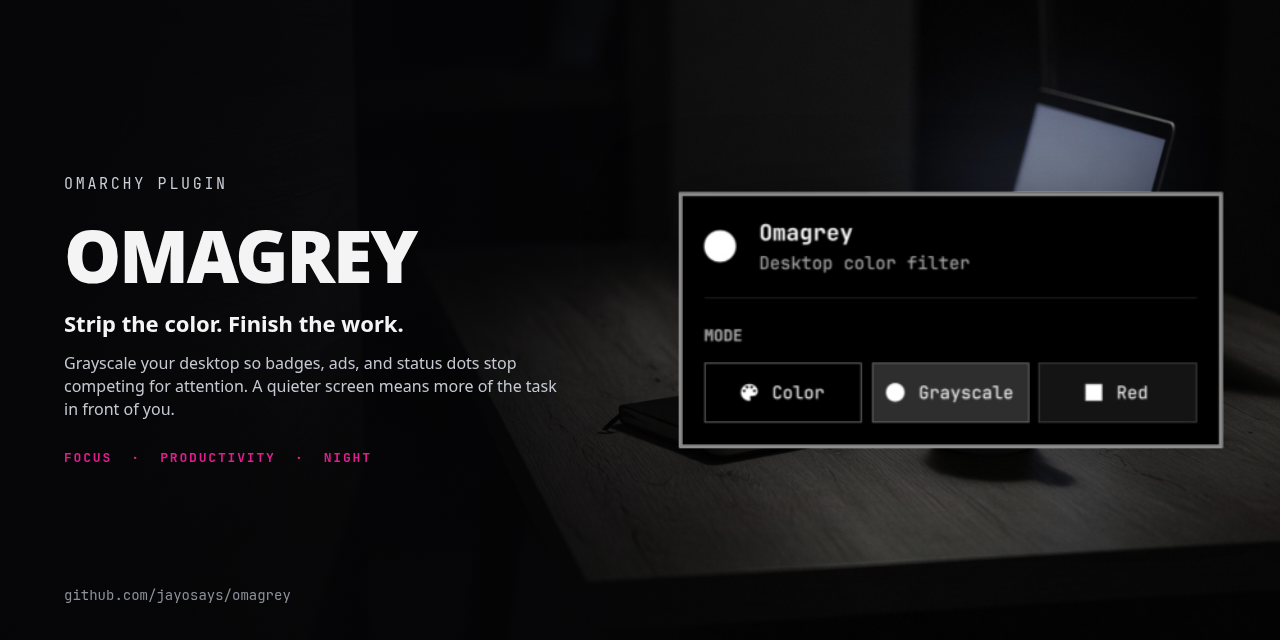
An Omarchy shell plugin that adds a bar widget for the whole desktop's color mode, in the spirit of macOS Accessibility color filters:
- Color — no screen shader, the display as Hyprland would normally render it
- Grayscale — luminance-only
- Red filter — the same luminance mapped to red only (a photography darkroom look)
Left-click the bar icon to open a picker. Right-click cycles Color → Grayscale
→ Red → Color. The last mode is stored in ~/.config/omarchy/shell.json and
reapplied when the shell starts and when Hyprland reloads its config.
Why these modes
Grayscale is for attention. Color is how interfaces shout — badges, ads, thumbnails, status dots. Stripping hue flattens that salience so the screen is less grabby and it is easier to stay on the thing you opened instead of grazing whatever lights up next. Same idea as macOS grayscale, used here as a whole-desktop focus switch.
Red filter is for night. The desktop becomes a red lamp: less short-wavelength glare than a white or even grayscale screen in the dark, closer to a darkroom safelight or an astronomy chart light, so your eyes have an easier time if you are working late or you need to glance at the machine without blowing out your night vision. Outdoors it is a dimmer beacon than a full-color panel — less porch-light, and less interesting to bugs than a bright white display. Night Light still warms the whites on its own; this is the stronger, all-red pass.
Requirements
- Omarchy 4 with
omarchy-shell - Hyprland with
decoration:screen_shader(0.56 is known to work)
Installation
From a published git remote:
omarchy plugin add <git-url> --enable --yes
For local development, symlink the repo into the user plugin directory:
mkdir -p "$HOME/.config/omarchy/plugins"
ln -s "$PWD" "$HOME/.config/omarchy/plugins/jo.omagrey"
omarchy-shell shell rescanPlugins
omarchy plugin enable jo.omagrey
The widget lands in the bar's right section by default. Move it with
omarchy bar move jo.omagrey --section right.
Saved changes under the plugin directory reload automatically. If a new file is
not picked up, run omarchy-shell shell rescanPlugins again.
Remove
Switch to Color first so the screen shader is cleared, then remove the plugin:
omarchy-shell jo.omagrey color
omarchy plugin remove jo.omagrey
omarchy plugin remove disables the widget and deletes (or unlinks) ~/.config/omarchy/plugins/jo.omagrey. It does not undo a shader that is already on the compositor. If you skip the Color step, clear it by hand:
hyprctl eval 'hl.config({ decoration = { screen_shader = "" } })'
If you added the suggested keybindings, delete those three o.bind lines from
~/.config/hypr/bindings.lua.
To remove it without the CLI:
- Delete or unlink
~/.config/omarchy/plugins/jo.omagrey - Remove the
{ "id": "jo.omagrey" }entry frombar.layoutin~/.config/omarchy/shell.json - Run
omarchy-shell shell rescanPlugins(oromarchy restart shell)
Keybindings
Add these to ~/.config/hypr/bindings.lua so they appear in the Super+K overlay.
Hyprland reloads that file on save. Direct chords apply the mode without
opening the picker.
o.bind("SUPER + ALT + Q", "Color filter: color", "omarchy-shell jo.omagrey color")
o.bind("SUPER + ALT + W", "Color filter: grayscale", "omarchy-shell jo.omagrey grayscale")
o.bind("SUPER + ALT + E", "Color filter: red", "omarchy-shell jo.omagrey red")
IPC
omarchy-shell jo.omagrey cycle
omarchy-shell jo.omagrey set red
omarchy-shell jo.omagrey status
omarchy-shell jo.omagrey color
omarchy-shell jo.omagrey grayscale
omarchy-shell jo.omagrey red
omarchy-shell jo.omagrey toggle
Notes
- The filter is a Hyprland screen shader. It is included in screenshots and
recordings. Night Light (
hyprsunset) is independent and can still run. - This plugin owns
decoration:screen_shader. Do not also set it in~/.config/hypr/hyprland.lua, or a Hyprland reload will fight the widget until the plugin reapplies the saved mode. © 2026 Jay O (@jayosays). Built with Grok.