
Charge Cap
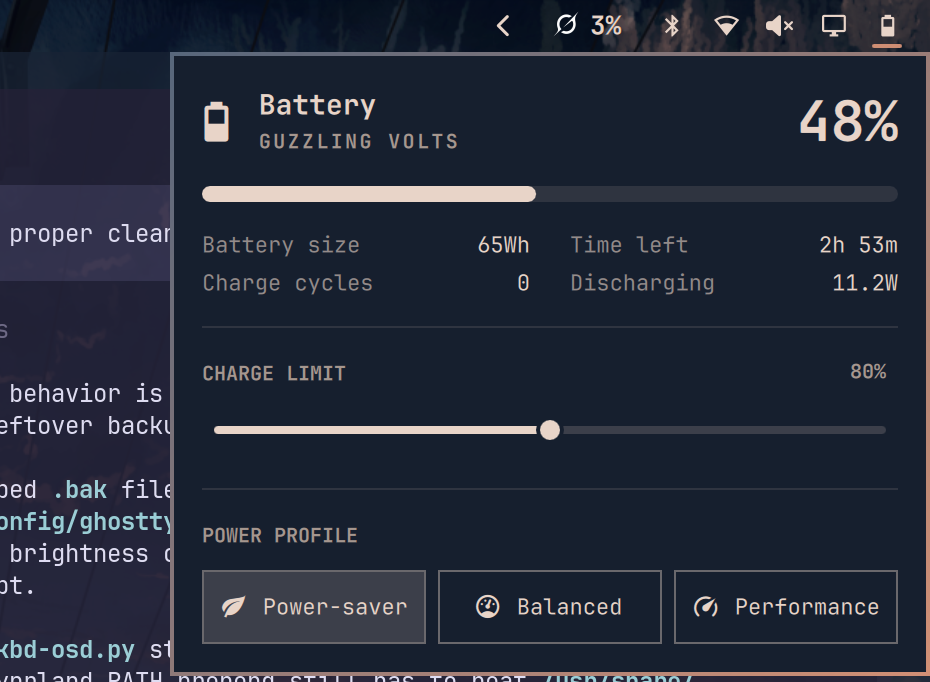
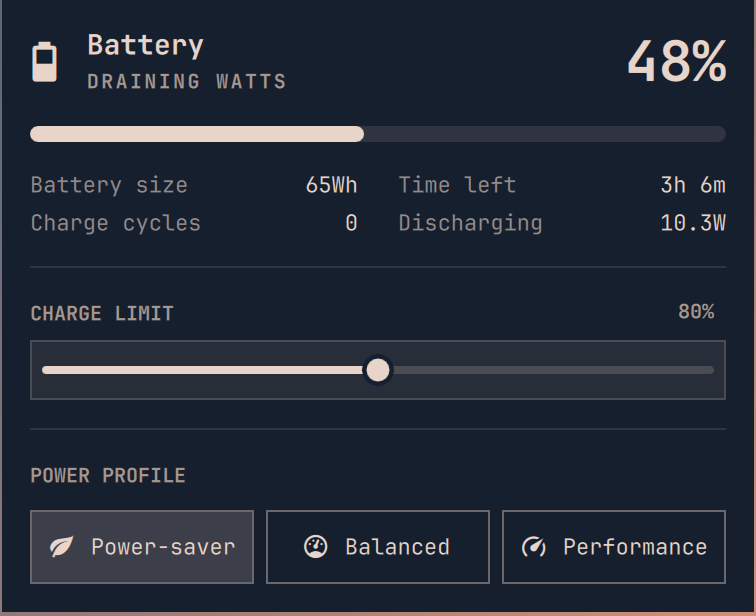
Charge Cap replaces the Omarchy battery widget with the same popover plus a CHARGE LIMIT slider. The slider writes the kernel charge end threshold.
Install
If another clone of omarchy.power is already on the bar, such as zeusveilmon.power, disable or remove it first. Enable only replaces omarchy.power in place.
omarchy plugin add https://github.com/JustNak/Charge-Cap.git --enable
Click the battery button. CHARGE LIMIT sits above POWER PROFILE. Drag the slider and release to apply. Escape closes the popover.
Hardware
The slider is shown when the kernel exposes /sys/class/power_supply/BAT*/charge_control_end_threshold and Charge Cap can write it. Time to full is until that limit, not 100%.
Write order:
asusctl battery limit Nwhen/usr/bin/asusctlexists. No password prompt. ASUS machines with asusd take this path.- A direct write to the sysfs node when the node is user-writable.
pkexec /bin/shwriting that same node. Omarchy's polkit agent prompts once per change. ThinkPad, Framework, Dell, and other machines that only allow root to write the node take this path.
There is no slider when the kernel node is missing. Persistence is the kernel driver, not a file in this plugin. The control range is 60 to 100 percent.
Charge cycles
A firmware cycle_count above 0 is shown as an integer. A cycle_count of 0, or a missing cycle_count file, means the firmware did not report a counter. Charge Cap then estimates equivalent cycles as percentage points discharged, divided by 100.
The estimate is stored at $XDG_STATE_HOME/omarchy/justnak.charge-cap/cycles.json, or ~/.local/state/omarchy/justnak.charge-cap/cycles.json when XDG_STATE_HOME is unset.
Dips while UPower reports the pack charging or holding at the charge limit are not counted. The system battery is the first type=Battery supply that is not scope=Device.
Remove
omarchy plugin remove justnak.charge-cap --yes
Removal puts omarchy.power back in the same bar slot.
Check
omarchy plugin validate .
node test/model.js