
Omarqui
An Omarchy bar widget for Qui, the self-hosted qBittorrent management dashboard. See aggregate torrent speed and status at a glance, and manage torrents across all your qBittorrent instances without leaving the desktop.
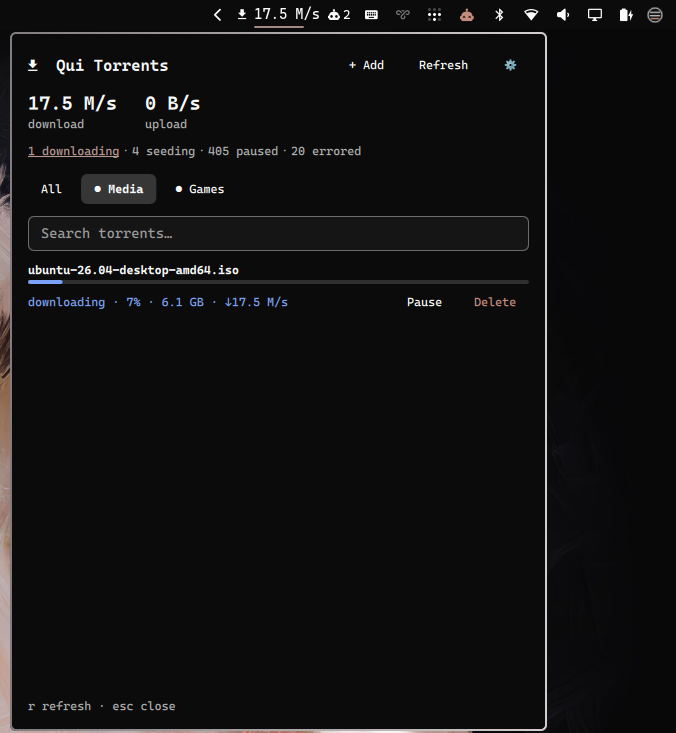
In the bar
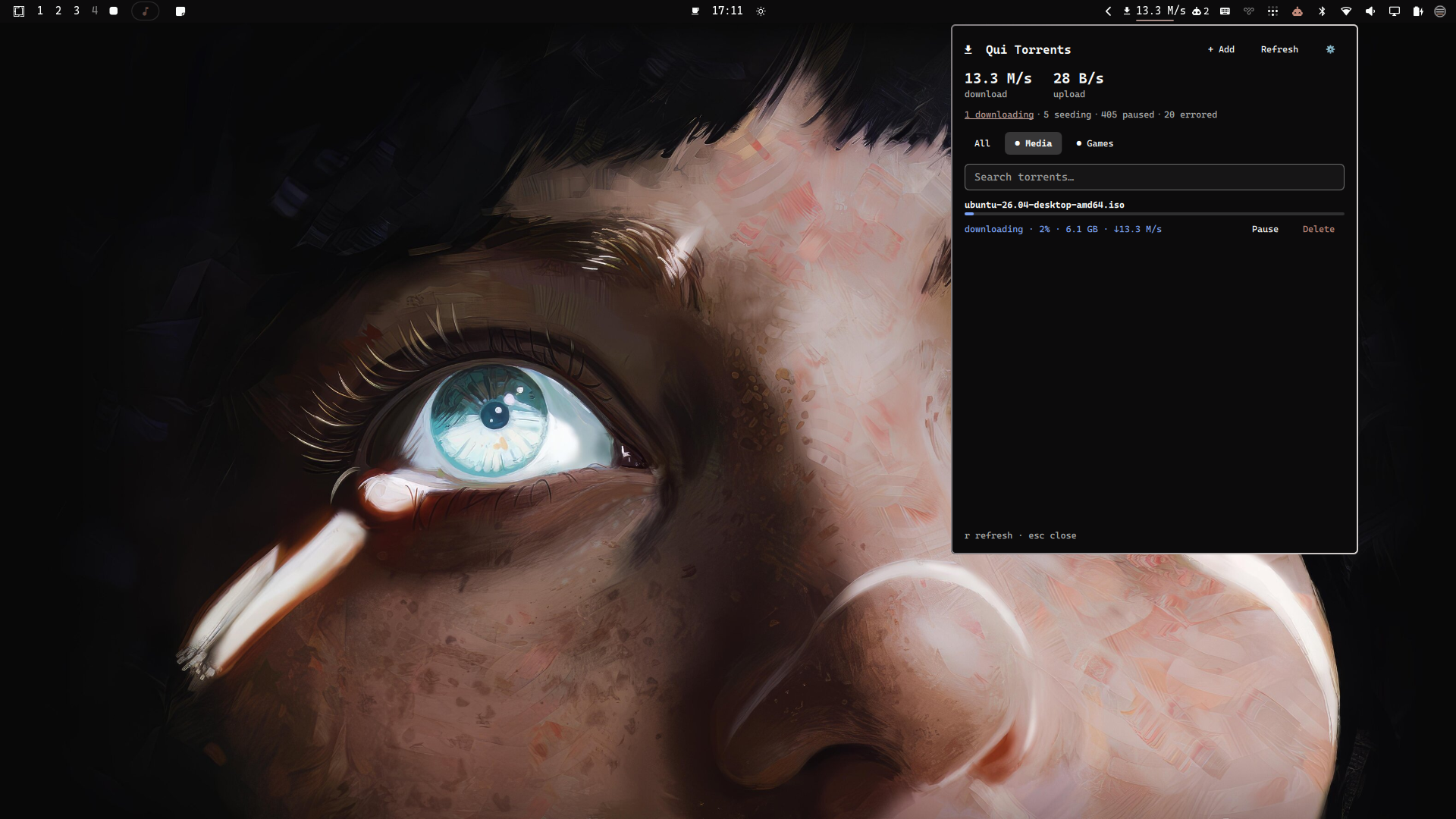
Features
- Bar chip — aggregate download and/or upload speed across every qBittorrent instance Qui manages (configurable via the
barMetricsetting), with a tooltip summary - Status filters — click "active / downloading / seeding / paused / errored" to filter the list ("active" means torrents currently transferring data, i.e. non-zero download or upload speed)
- Ratio at a glance — each torrent row shows its share ratio (e.g.
0.82) right next to its size - Instance filter — switch between "All" and individual qBittorrent instances
- Search — filter by torrent name
- Per-torrent actions — pause, resume, delete (with a two-step confirm to avoid mistakes, and an option to delete the downloaded files too)
- Add torrent — paste a magnet link or a local
.torrentfile path, pick the instance and category, optionally start paused
Requirements
- A running Qui instance
- A Qui API key (Settings → API Keys in the Qui web UI)
Install
omarchy plugin add https://github.com/marcuspelo/omarqui.git
Setup
- Create
~/.config/omarqui/.envwith your Qui API key:
Keeping the key in this file (outside the plugin folder) instead ofAPI_KEY=your-qui-api-key BASE_URL=http://your-qui-host:7476shell.jsonkeeps it out of any config you might sync or share.BASE_URLis optional but recommended:omarchy plugin disable/enabledrops the widget's bar-layout entry (including whateverbaseUrlwas set via the panel oromarchy bar set), so a value in.envis what keeps working across that reset. - Enable the widget and point it at your Qui instance:
This step is optional ifomarchy plugin enable marcuspelo.omarqui omarchy bar set marcuspelo.omarqui baseUrl "http://your-qui-host:7476"BASE_URLis already set in.env.
Security
The Qui API key never appears in process arguments: every curl call sends it as an HTTP header supplied over the child process's stdin (curl -K - with a header = "X-API-Key: ..." config line), not as a -H argument — so it's invisible to ps/process inspection. ~/.config/omarqui/.env is also set to mode 0600 automatically every time the plugin reads it; you can do this yourself too: chmod 600 ~/.config/omarqui/.env.
Configuration
Available settings (shell.json, or omarchy bar set marcuspelo.omarqui <key> <value>):
| Setting | Type | Default | Description |
|---|---|---|---|
baseUrl |
string | http://localhost:7476 |
Base URL of your Qui instance (no trailing slash). Falls back to BASE_URL in ~/.config/omarqui/.env when unset. |
refreshIntervalSec |
integer | 10 |
Seconds between background refreshes (5–300) |
barMetric |
enum | Download |
What the bar chip shows: Download, Upload, or Both. Also editable from the in-panel Settings screen. |
Keyboard shortcuts
| Key | Action |
|---|---|
r |
Refresh |
esc |
Close the panel |
Remove
omarchy plugin remove marcuspelo.omarqui
License
MIT