
Omalava
A live liquid motion lamp for your Omarchy desktop. Wax warms on the heater, climbs out of the pool in columns, necks and breaks, rises, cools under the cap and sinks back — the lava-lamp look, generated on the fly. There is no video and nothing loops: every run is different, and it never repeats.
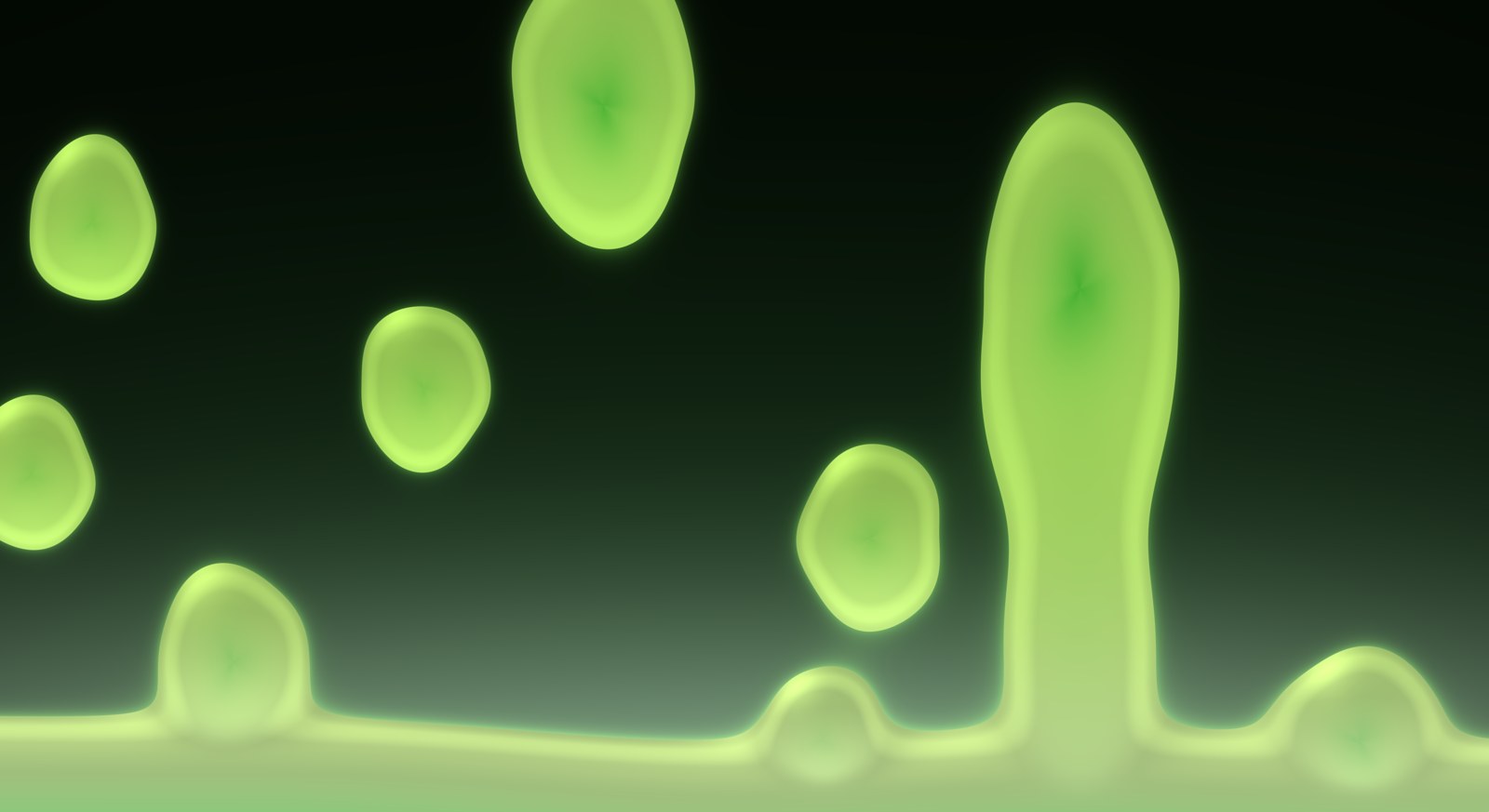
- Never the same twice. The wax is simulated, not played back — it starts fresh every time and wanders forever.
- Follows your theme out of the box, or pick from six palettes.
- One lamp per monitor, each doing its own thing.
- Stays out of your way. Freezes while a window is fullscreen on that monitor; pause it any time; turn it off and your normal wallpaper is back.
- Light on the machine. A GPU quality knob; paused or frozen it costs nothing.
- Remembers your settings across restarts and reboots.
Install
omarchy plugin add https://github.com/28allday/omalava
Say yes to enabling it and pick a bar section (it suggests the right). A lamp glyph appears in the bar — click it and turn the lamp on. Right-click the glyph toggles the lamp without opening the panel.
Update with omarchy plugin update nosignal.omalava.
Remove with omarchy plugin remove nosignal.omalava. That deletes the plugin;
the only other thing it ever writes is its own settings file,
~/.local/state/omalava/state.json, which you can delete too.
Requirements
Omarchy 4 on Hyprland — nothing else is installed. (The fullscreen watcher
uses python3 and hyprctl, both part of a stock Omarchy.)
Controls
<img src="docs/panel.jpg" alt="The Omalava panel" width="420" align="right">Everything is in the bar dropdown:
| Turn on / off | Show or hide the lamp. Off means no surface at all — your static wallpaper shows. |
| Pause / Resume | Freeze the wax where it is. |
| Shuffle | Throw the wax away and start a fresh random population. |
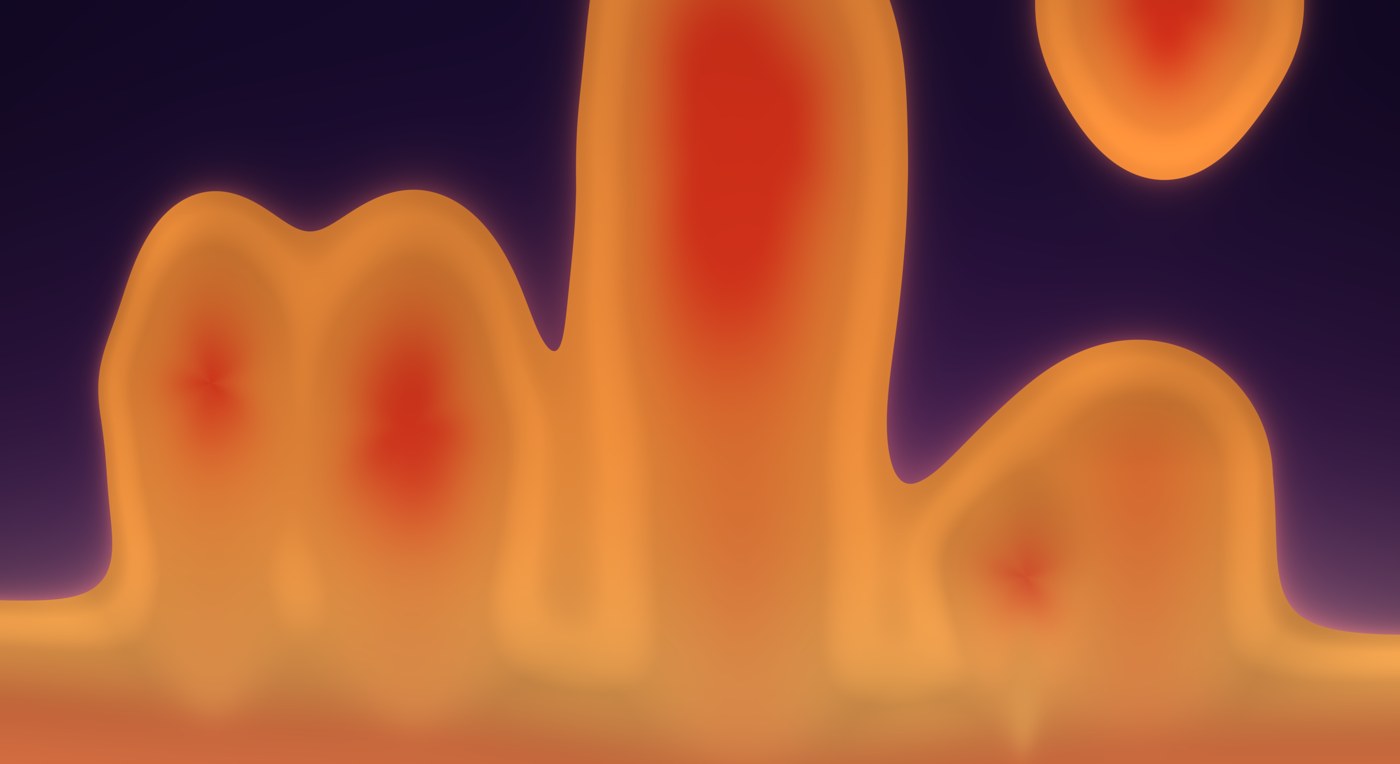
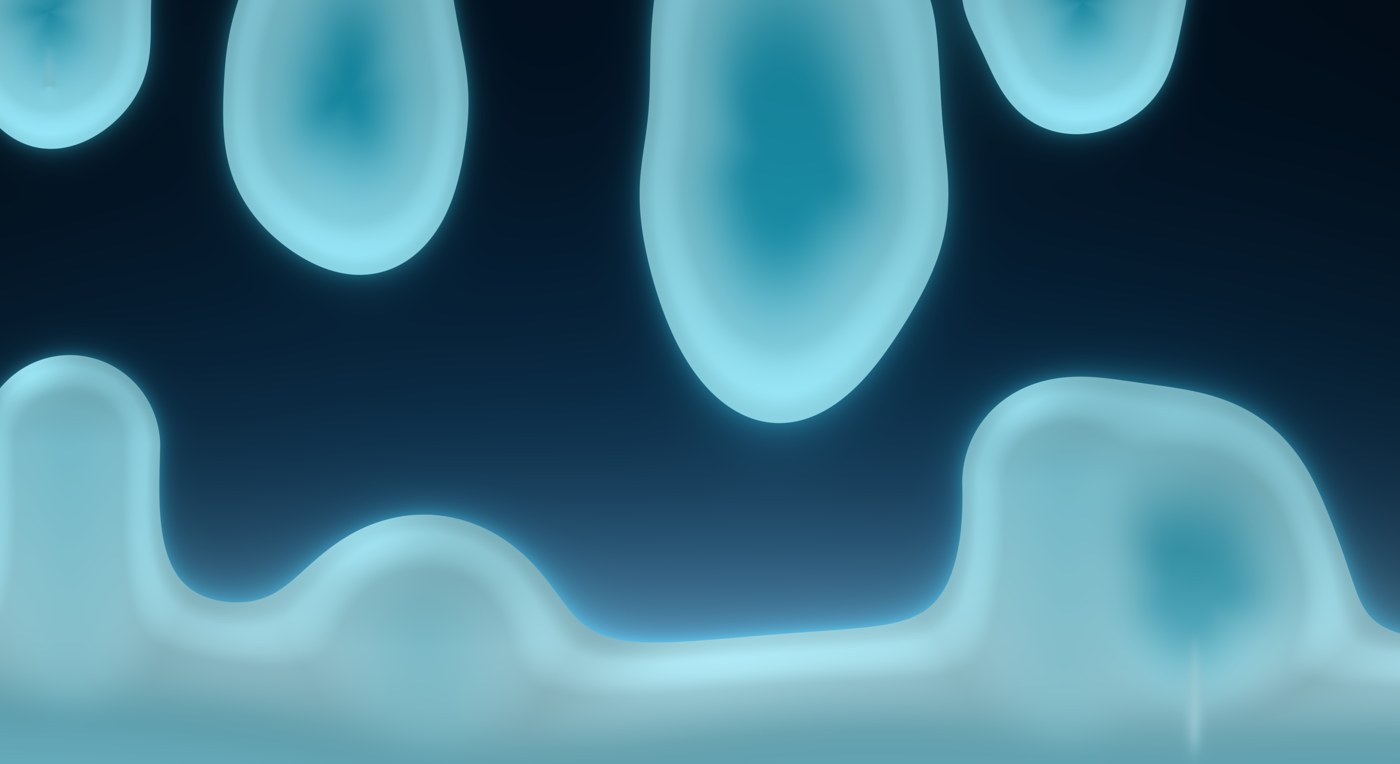
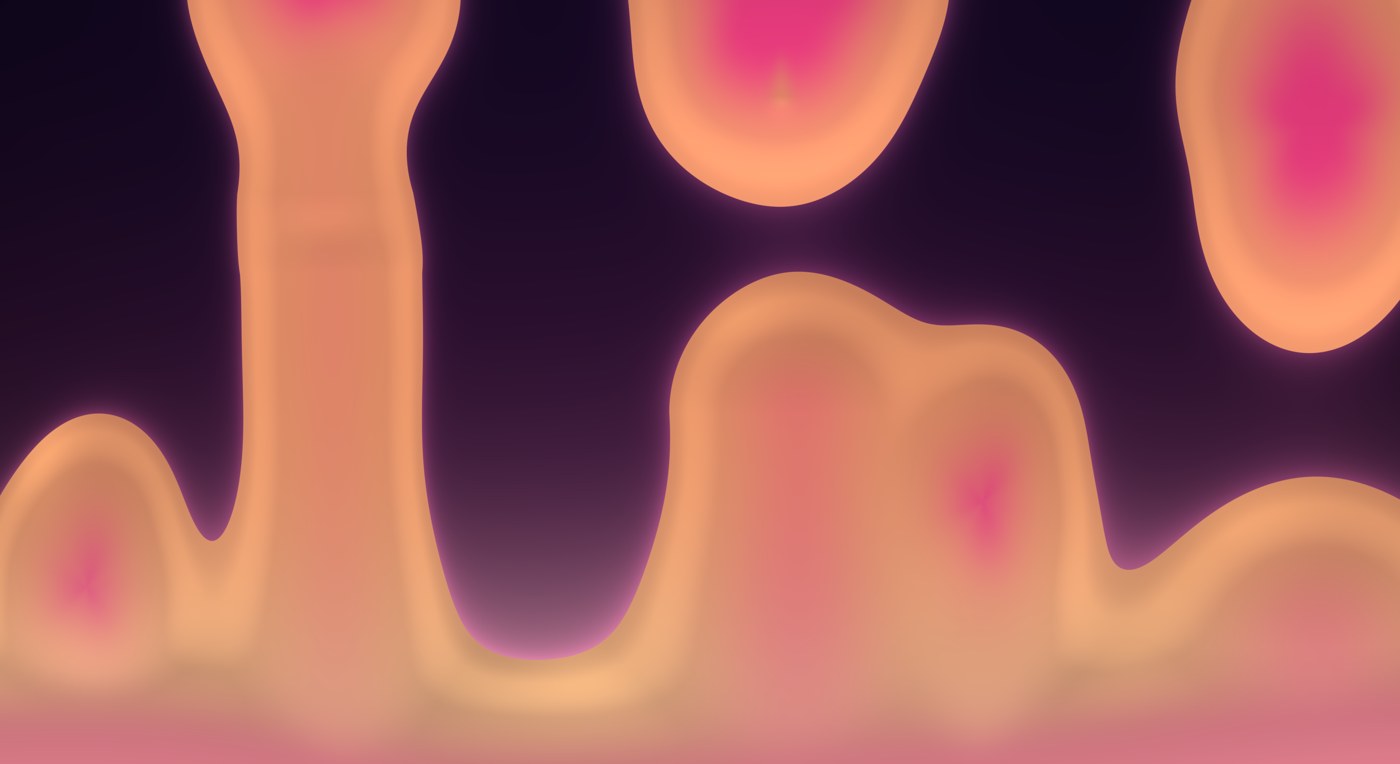
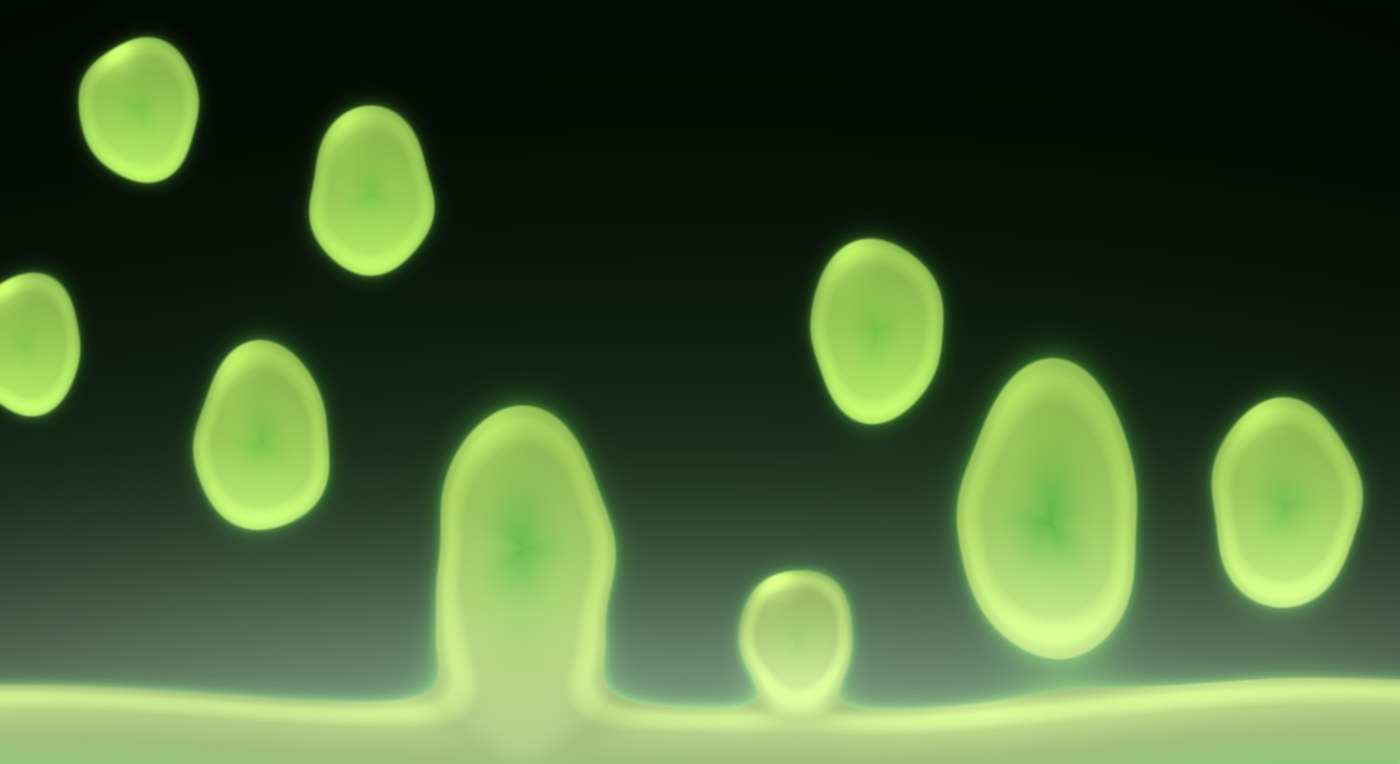
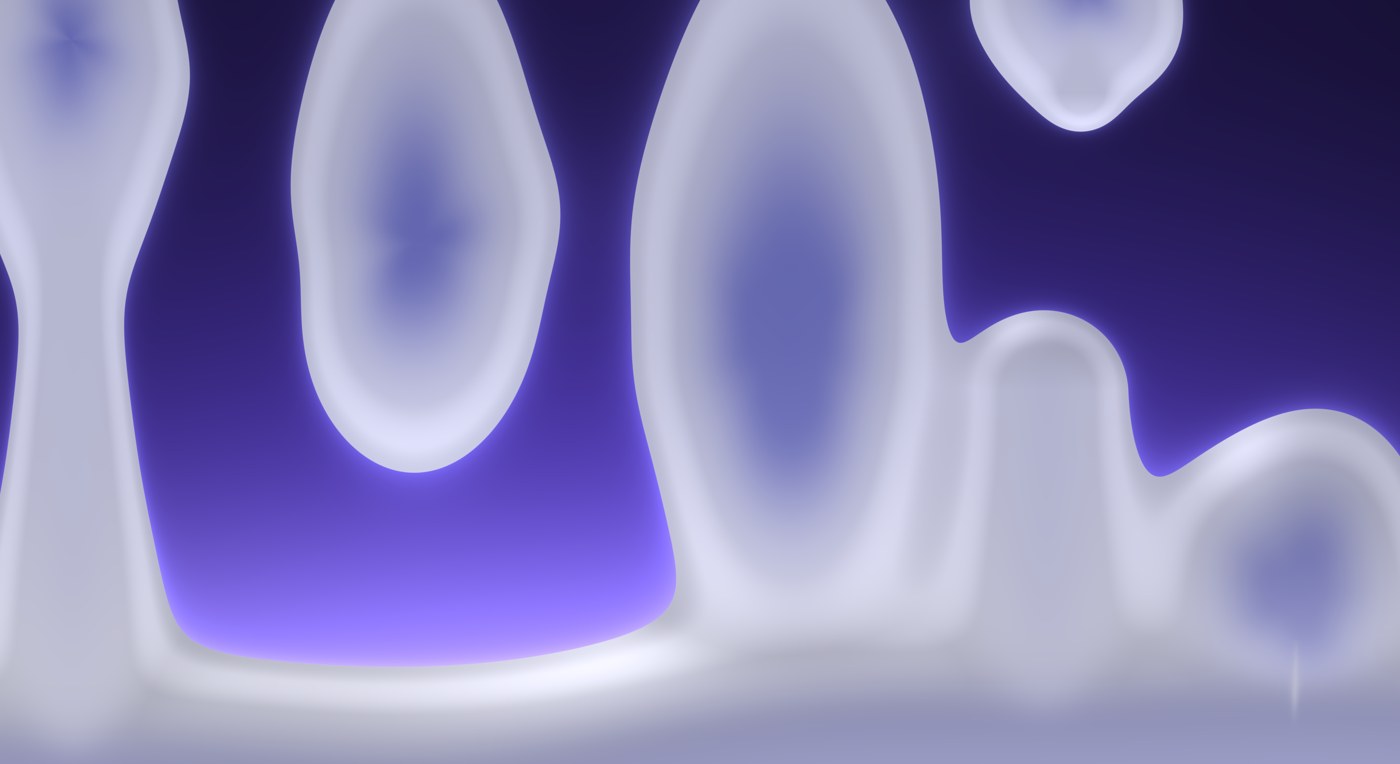
| Palette | Theme follows Omarchy's accent and background live; Classic, Ocean, Acid, Sunset, Ember, Ice are fixed. |
| Speed | 0.25× to 3×. At 1× a blob takes a minute or so to go round. |
| Blobs | 3 to 12. Changing it does not reset the lamp — new wax enters from the pool. |
| Size | Scales the wax. |
| Quality | Low / Medium / High — render scale and frame rate. Medium is what it ships with; Low is the one for a laptop on battery. |
| Pause on fullscreen | Freeze the lamp on a monitor while a window is fullscreen there. |
Palettes
| Classic | Ocean |
|---|---|
 |
 |
| Sunset | Acid |
 |
 |
| Theme — follows your Omarchy theme (here, a purple one) | |
 |
From a terminal or a keybind
Everything is also reachable through the shell's IPC:
omarchy-shell omalava on
omarchy-shell omalava off
omarchy-shell omalava toggle
omarchy-shell omalava pause
omarchy-shell omalava resume
omarchy-shell omalava shuffle
omarchy-shell omalava status                 # JSON
omarchy-shell omalava palettes
omarchy-shell omalava setPalette ocean       # theme|classic|ocean|acid|sunset|ember|ice
omarchy-shell omalava setSpeed 0.5           # 0.25 .. 3
omarchy-shell omalava setBlobs 9             # 3 .. 12
omarchy-shell omalava setSize 1.2            # 0.5 .. 1.6
omarchy-shell omalava setQuality low         # low|medium|high
omarchy-shell omalava setPauseOnFullscreen false
Out-of-range numbers are clamped; unknown names are ignored.
A keybind, in ~/.config/hypr/bindings.lua:
o.bind("SUPER + ALT + L", "Omalava", hl.dsp.exec_cmd("omarchy-shell omalava toggle"))
Shipping defaults in shell.json
Settings live in ~/.local/state/omalava/state.json and are written by the
panel and the IPC calls. If you would rather ship defaults with your config,
an optional plugins[] entry is read the first time the plugin starts with
no settings file; every key is optional:
{
  "id": "nosignal.omalava",
  "enabled": true,
  "palette": "classic",
  "speed": 0.75,
  "blobs": 6,
  "size": 1.1,
  "quality": "medium",
  "pauseOnFullscreen": true
}
Once a settings file exists it wins.
What it costs
The lamp is a shader running at the quality level's resolution and frame rate, plus a small simulation. At Medium on a discrete GPU it is a few percent of GPU and about three percent of one core; paused, or frozen under a fullscreen window, it costs nothing. On an integrated GPU or a laptop on battery, Low is the sensible setting.
How it works
For the curious: the wax is a metaball field drawn by a GPU shader and moved by a small physics simulation built on the real laws — buoyancy from thermal expansion, Stokes drag, Newton cooling, a Bond-number lift-off, Plateau–Rayleigh pinch-off and capillary retraction. NOTES.md has the details.
License
MIT.