
Desktop hue
An Omarchy bar widget that tints your entire desktop with a duotone screen shader. Click the palette icon, pick a hue, or drop back to full colour.
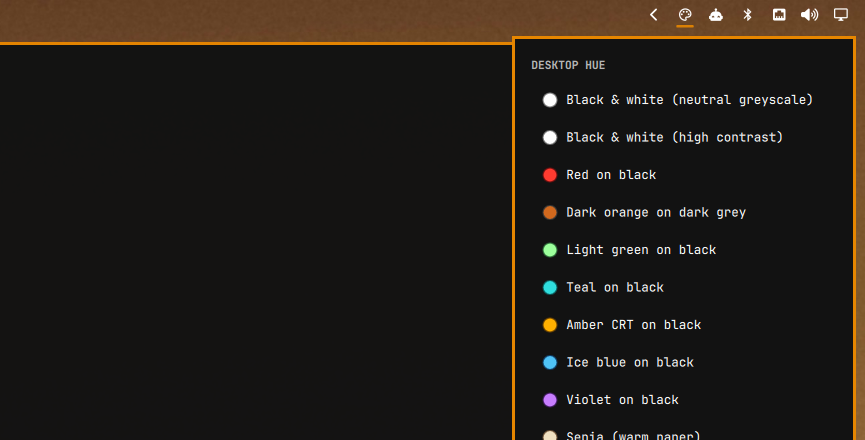

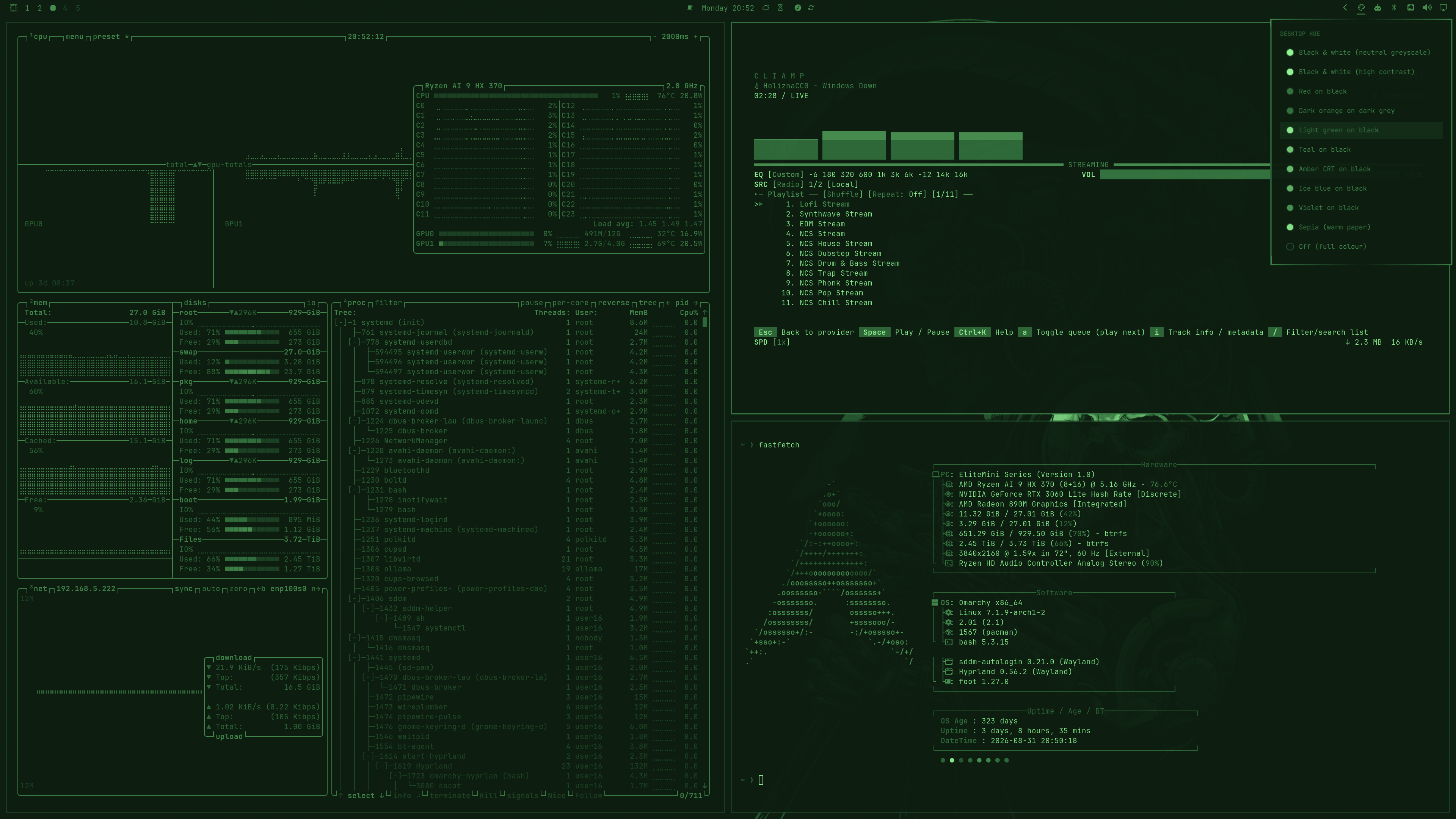
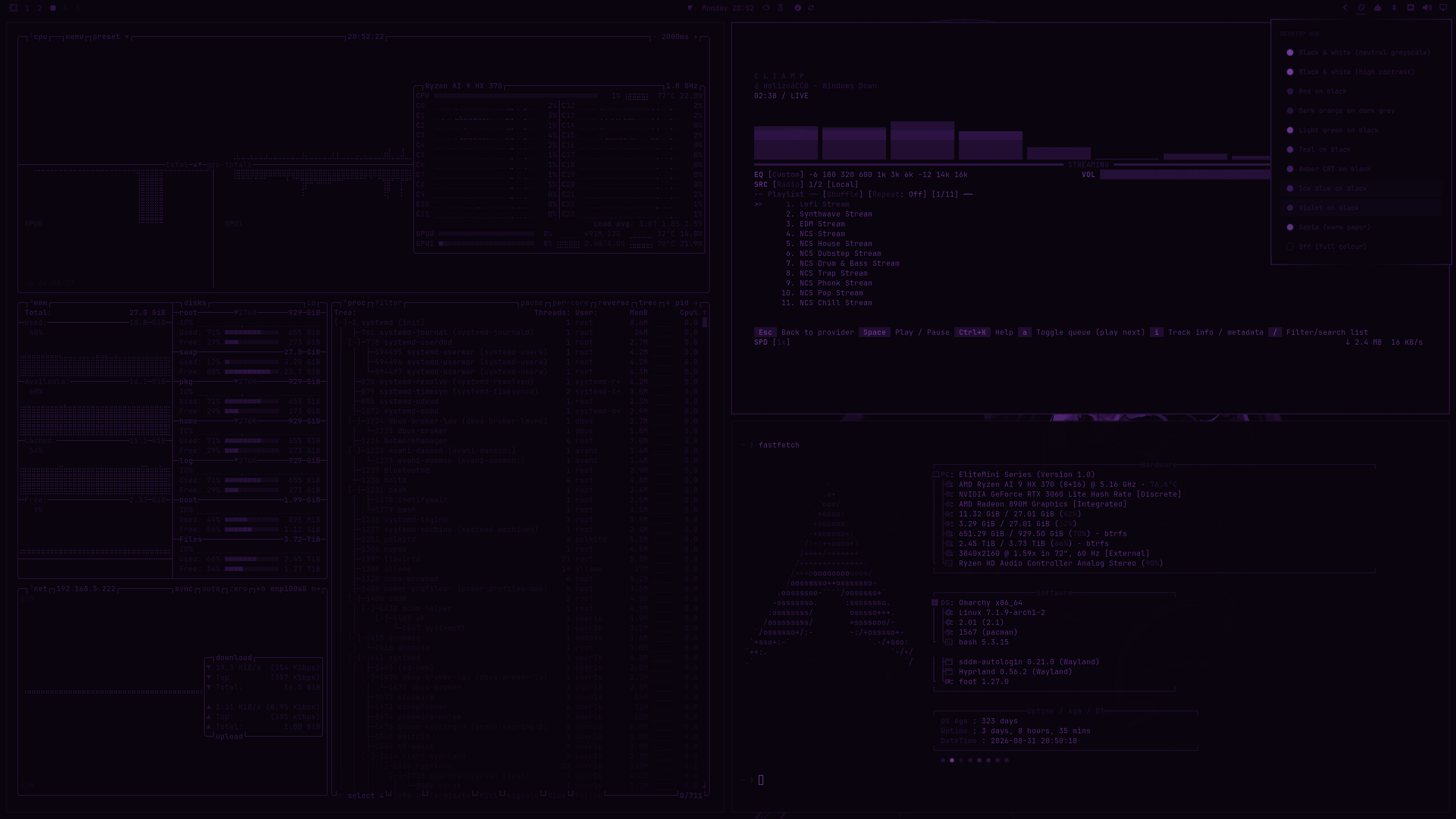
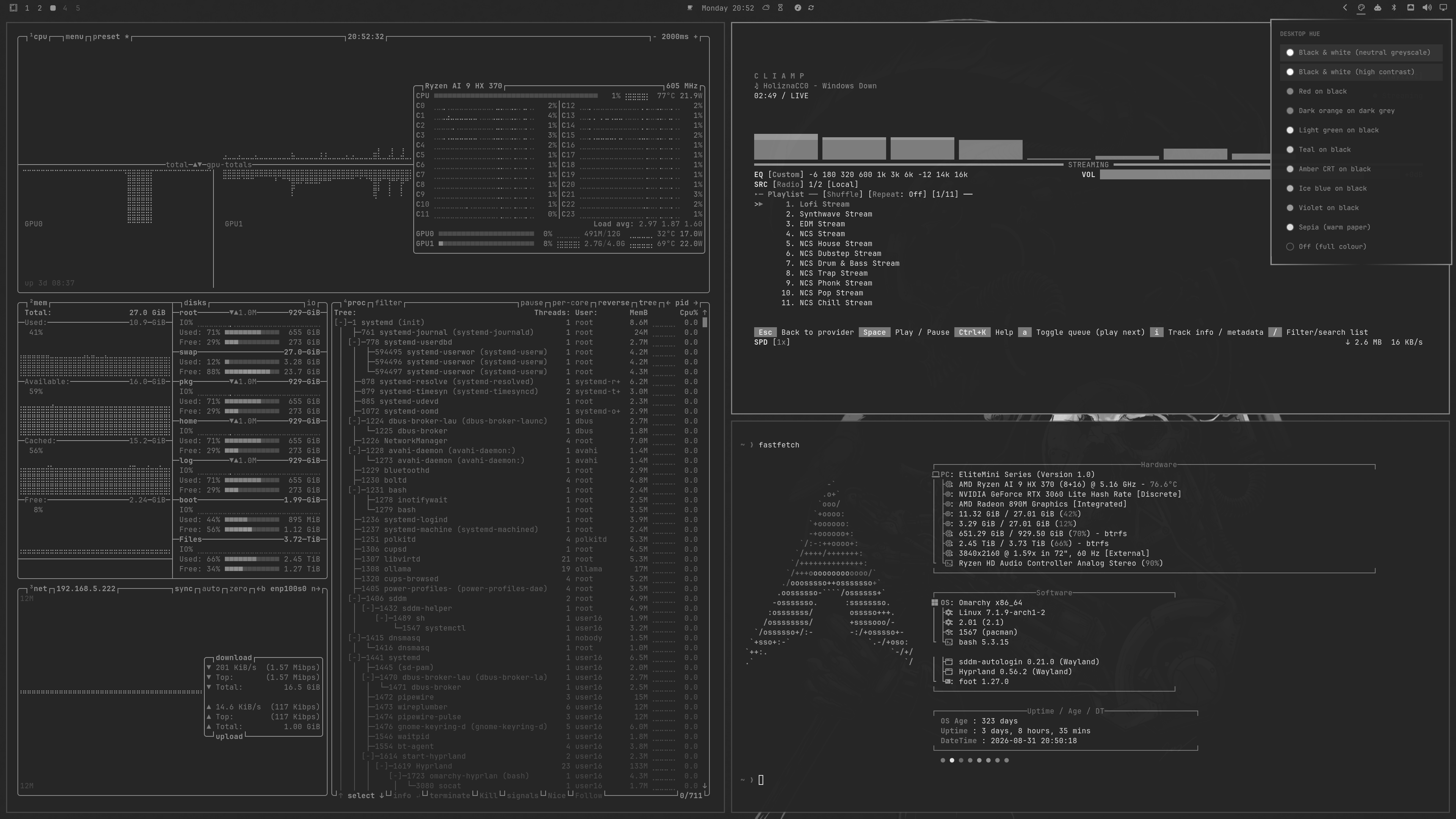
Because it runs as a Hyprland screen shader (decoration:screen_shader), the
tint applies to the final composited frame — every window, browsers, video,
games, the bar itself. No per-app configuration.
Requirements
- Omarchy (Quattro or newer) with
omarchy-shell - Hyprland with
decoration:screen_shadersupport
Nothing else — the shader script ships in this repo.
Install
omarchy plugin add https://github.com/nzkritik/omarchy-desktop-hue --enable --yes
The widget lands in the bar's right section. Move it with:
omarchy bar move nzkritik.desktop-hue --section center
External dependencies
None. The shader script ships in bin/, and the widget uses only Omarchy's own
qs.Ui kit and Hyprland.
Remove
bin/omarchy-monochrome off                  # clear the shader first
omarchy plugin remove nzkritik.desktop-hue
Turning the shader off before removing is worth doing: it clears
decoration:screen_shader and deletes the ~/.config/hypr/shaders/current.frag
symlink. Removing the plugin while a hue is active would leave your desktop
tinted with the plugin gone. If that happens, clear it by hand:
rm -f ~/.config/hypr/shaders/current.frag
hyprctl eval 'hl.config({ decoration = { screen_shader = "[[EMPTY]]" } })'
Generated shaders live in ~/.config/hypr/shaders/monochrome/ and can be
deleted freely.
What it writes
Only its own files: generated .frag shaders under
~/.config/hypr/shaders/monochrome/, the current.frag symlink, and
decoration:screen_shader set at runtime via hyprctl — each only when you
pick a hue. It never edits your Hyprland or Omarchy config files.
Each shader is written to an exclusively created temporary file in that directory and renamed into place, so a write is atomic and never follows a symlink out of the shader directory. A destination that is not a regular file is refused rather than written through.
Use
Click the icon in the bar. The list shows every palette with a colour
swatch — the palette's highlight colour ringed by its midtone — and the active
one is highlighted. Off (full colour) at the bottom removes the shader.
Arrow keys or j/k move, Enter applies, Esc closes.
While a hue is active the panel and its own swatches are tinted too. That is the shader doing its job on the composited frame, not a rendering bug.
Adding your own hues
The palette table is the single source of truth, and it lives in
bin/omarchy-monochrome, not in the QML. Add a row:
# name|label|shadow|mid|highlight|gamma|contrast
"cyan-black|Cyan on black|#000000|#0b5c5c|#2fdede|0.85|1.10"
gamma— below 1 lifts midtones, above 1 crushes themcontrast— 1.0 is neutral, higher pushes blacks and whites apart
It appears in the bar list on the next open, swatch and all. The widget reads
the table via omarchy-monochrome json, so the two can never drift apart.
Command line
The bundled script works standalone:
bin/omarchy-monochrome list              # show palettes
bin/omarchy-monochrome set teal-black    # apply one
bin/omarchy-monochrome set bw 0.5        # half strength
bin/omarchy-monochrome next              # cycle, then off, then round again
bin/omarchy-monochrome off
bin/omarchy-monochrome json              # what the widget reads
Put it on your PATH (e.g. symlink into ~/.local/bin) if you also want a
keybinding — the widget prefers a copy on PATH when one exists, so you keep a
single install:
-- ~/.config/hypr/bindings.lua
o.bind("SUPER + SHIFT + H", "Cycle desktop hue", "omarchy-monochrome next")
How it works
Panel.qml is a bar-widget built on Omarchy's qs.Ui kit (Panel,
BarIconButton, KeyboardPanel, PanelKeyCatcher). Applying a hue generates a
fragment shader into ~/.config/hypr/shaders/monochrome/<name>.frag, points
~/.config/hypr/shaders/current.frag at it, and hands that to Hyprland. Turning
it off clears the symlink and the shader.
Luminance is measured in linear light and the ramp blended in gamma space, so a neutral black → grey → white palette reproduces the original image's luminance instead of lifting it.
License
MIT — see LICENSE.