
Omodoro
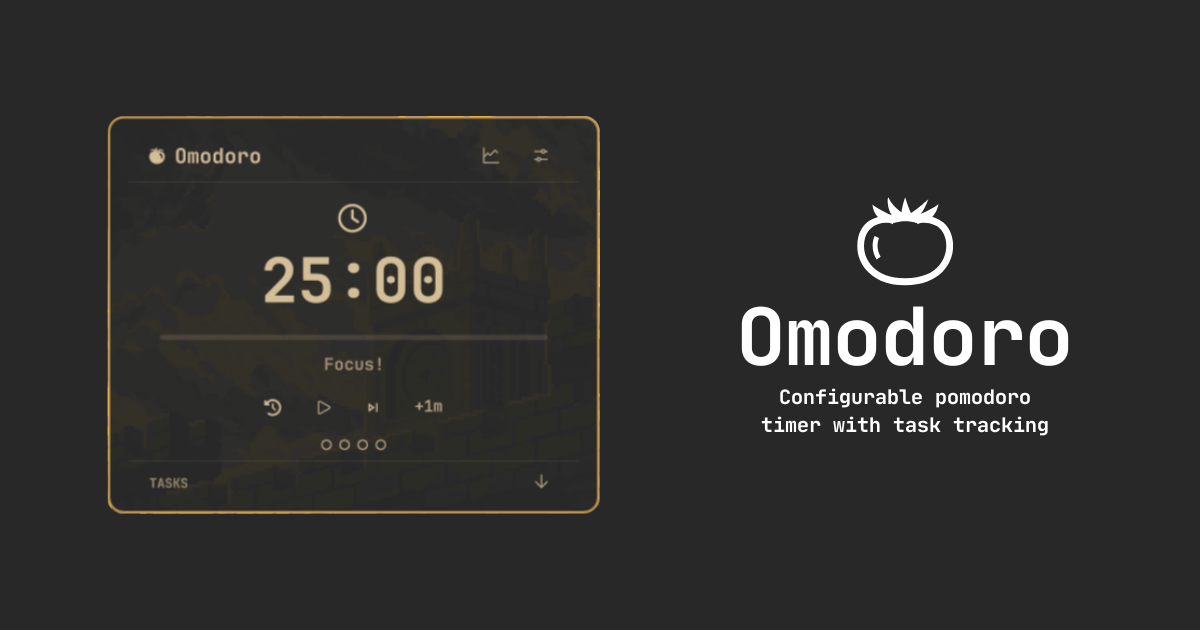
Pomodoro technique timer and task tracker quickshell plugin for Omarchy
Plugin page on Omarchy plugin marketplace
Features
- Create goals for your pomodoro sessions and track progress
- View your stats
- Choose between presets or create your own
- Customizable work/short break/long break intervals
- Track your progress with stats
- Enable/disable notifications if you need them
- A small .json persistence file to preserve the stats, config and tasks
Install
omarchy plugin add https://github.com/Pnkm0nK/Omodoro --enable
Move it on the bar using --section right, --section left or --section center:
omarchy bar move pnkm0nk.omodoro --section center
Remove
omarchy plugin remove pnkm0nk.omodoro
rm -rf ~/.local/state/omarchy/omodoro.json
Shortcuts
When the panel is open and focused:
| Key | Action |
|---|---|
Space / Enter |
Start / Pause timer |
r / R |
Reset current session |
n / N |
Skip to next session |
+ / = |
Add 1 minute |
- / _ |
Subtract 1 minute |
Esc |
Close panel |
Omarchy keybind
If you would like to open the panel using a keyboard shortcut, you can add the following line to $HOME/.config/hypr/bindings.lua:
o.bind("SUPER + SHIFT + P (Or your preffered keybind)", "Omodoro", "omarchy shell -q shell toggle pnkm0nk.omodoro")