
PrettyZap
PrettyZap is a Linux desktop wrapper for WhatsApp Web with a collapsible chat drawer, keyboard shortcuts, theme controls, and a persistent WhatsApp session.
On Omarchy, the optional bar plugin provides quick controls for opening, hiding, theming, and quitting PrettyZap.
See it in action
Keyboard controls
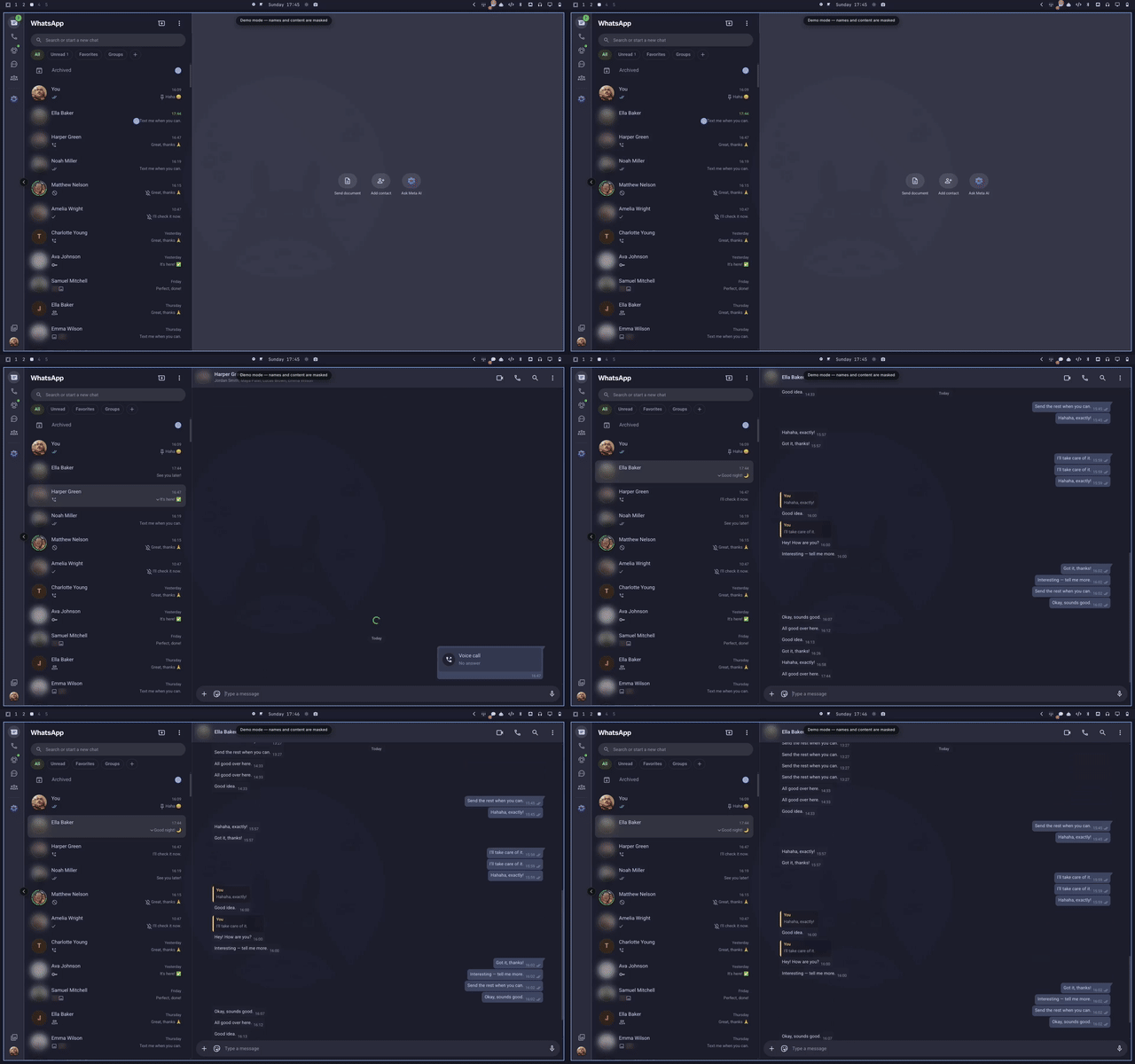
Watch the keyboard controls video
Theming
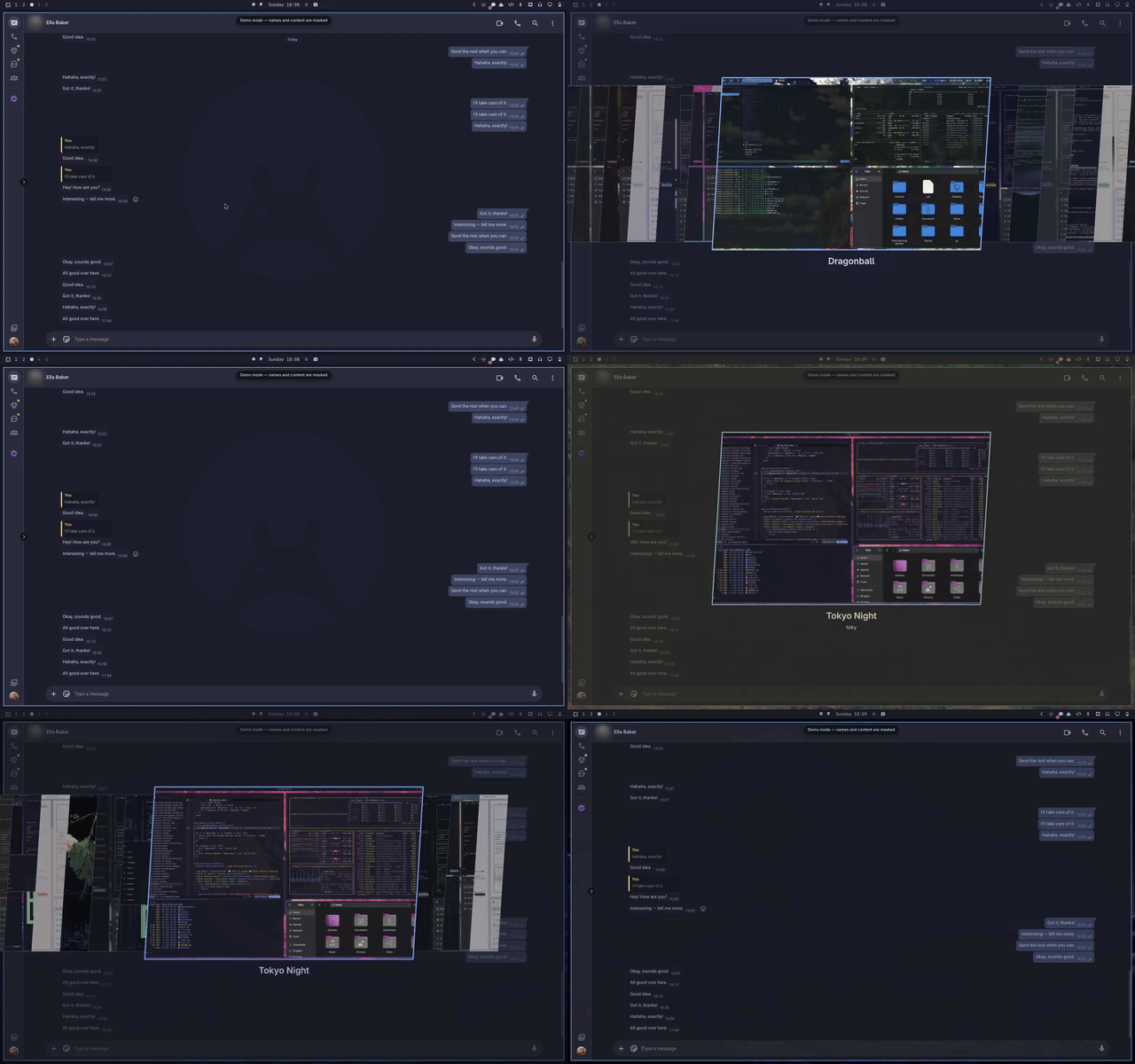
Settings and widget controls
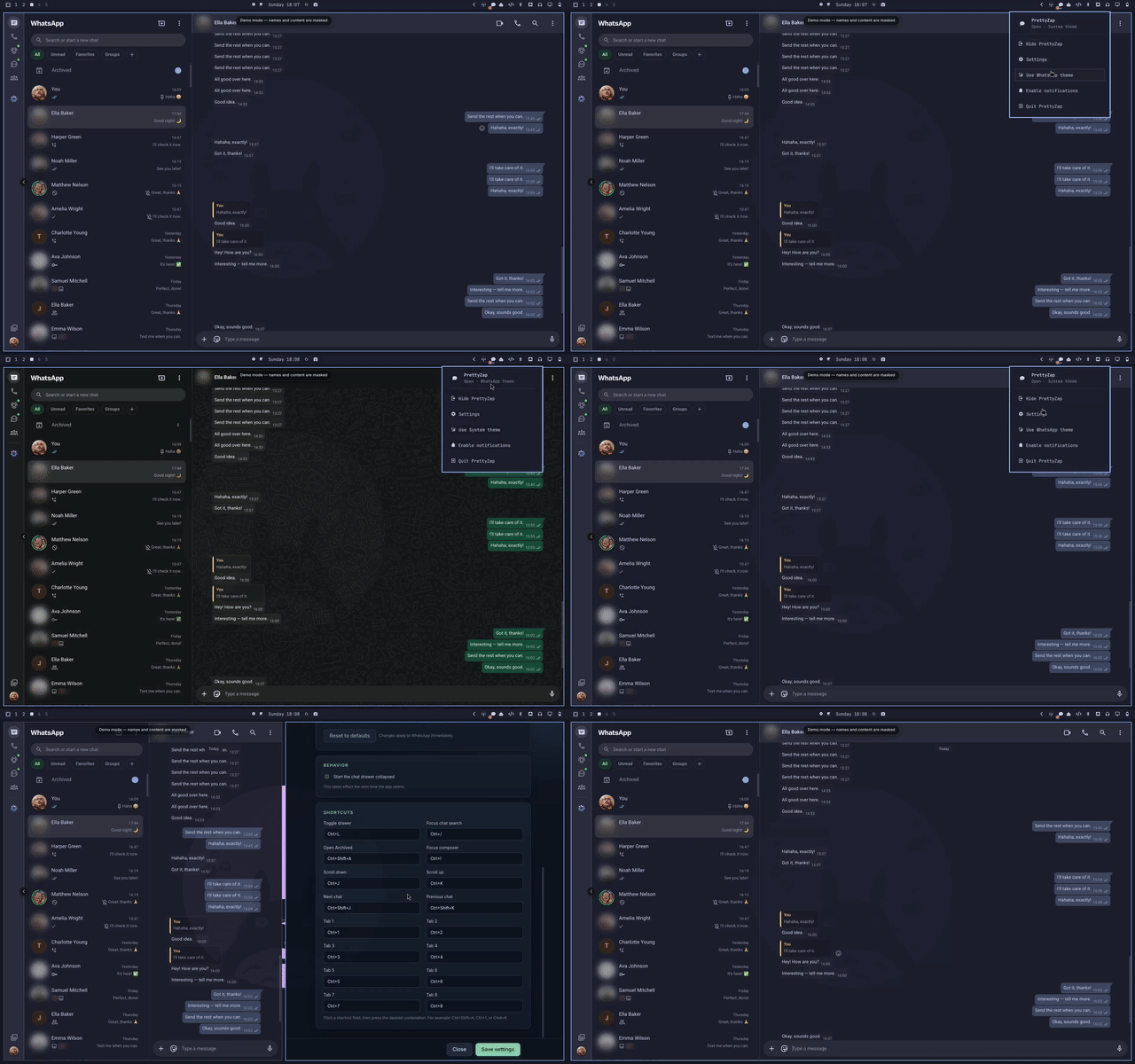
Watch the settings and widget video
Install
Install PrettyZap and the Omarchy bar plugin:
yay -S --needed prettyzap-bin
omarchy plugin add https://github.com/prettyletto/prettyzap.git --enable --yes
The plugin only checks whether the prettyzap command is installed; it never
installs packages or runs an installer on your behalf.
The plugin adds a bar icon. Left-click opens or hides PrettyZap, middle-click
opens settings, and right-click opens the control panel. The control panel
includes a Hide badge / Show badge action; it hides only the unread count
and does not change WhatsApp notification permissions.
Useful commands
prettyzap --toggle # show or hide PrettyZap
Keyboard shortcuts include:
Ctrl/Cmd + L— toggle the chat drawerCtrl/Cmd + /— focus chat searchCtrl/Cmd + 1…8— navigate WhatsApp sectionsCtrl/Cmd + Shift + T— toggle the themeCtrl/Cmd + Shift + Space— show or hide PrettyZap
Uninstall
Remove the AUR package and the Omarchy plugin while keeping settings and the WhatsApp session:
yay -Rns prettyzap-bin
omarchy plugin remove prettyletto.prettyzap --yes
To also remove PrettyZap settings and session data:
rm -rf ~/.config/prettyzap ~/.config/pjzap
License
MIT — see LICENSE.