
Omarchy Snip & Record
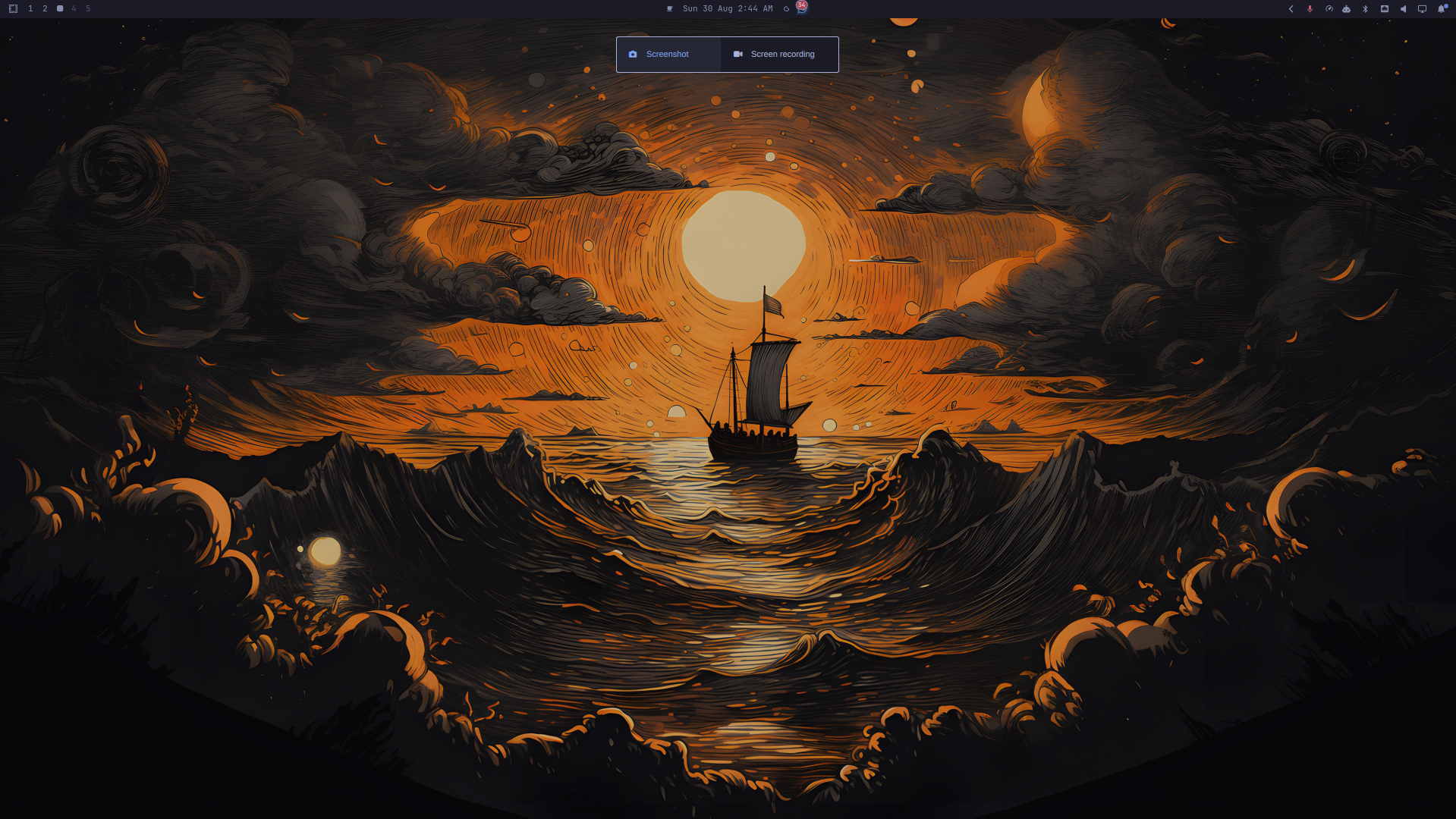
A small Windows-like capture overlay for Omarchy. It keeps Omarchy's existing screenshot and screen recording commands and changes only the way users start them.
Features
- Screenshot is selected by default.
Tabswitches between Screenshot and Screen recording.Enterstarts the selected action.Esccloses the overlay or cancels the current selection.- Direct pointer selection starts Screenshot.
- Screen recording continues through Omarchy's existing audio/webcam menu.
- The existing Omarchy status-bar recording indicator remains the stop control.
- The screen is dimmed while the overlay is open.
- The screen is frozen immediately while the overlay is open, using Omarchy's native compositor-backed capture freeze.
This plugin intentionally does not add countdown, pause, annotation, webcam, or recording logic of its own.
Installation
Install and enable the plugin directly from its published Git repository:
omarchy plugin add https://github.com/roubilibo/omarchy-snip-record.git --enable
The plugin manager places it in the user's Omarchy plugin directory and reloads the shell.
Shortcut setup
The plugin does not change shortcuts automatically. Add your preferred
binding to ~/.config/hypr/bindings.lua:
hl.unbind("SUPER + SHIFT + S")
o.bind(
  "SUPER + SHIFT + S",
  "Omarchy Snip & Record",
  "omarchy-shell shell summon roubilibo.omarchy-snip-record '{}'"
)
Check existing shortcuts before overriding one:
omarchy menu keybindings --print
The existing Print screenshot and Alt + Print screen recording shortcuts
can remain unchanged.
Removal
Remove the plugin with:
omarchy plugin remove roubilibo.omarchy-snip-record --yes
If you added the optional shortcut, remove its Capture overlay binding from
~/.config/hypr/bindings.lua and reload Hyprland.
Requirements
- Omarchy Quattro
No separate packages or capture tools are required. The plugin uses Omarchy's standard screenshot and screen recording functionality.
License
MIT