
My Workspaces
Hyprland workspace indicators with per-app icons for open windows. A bar-widget plugin for the Omarchy shell, based on the built-in omarchy.workspaces widget with an expanded app-icon rule set.
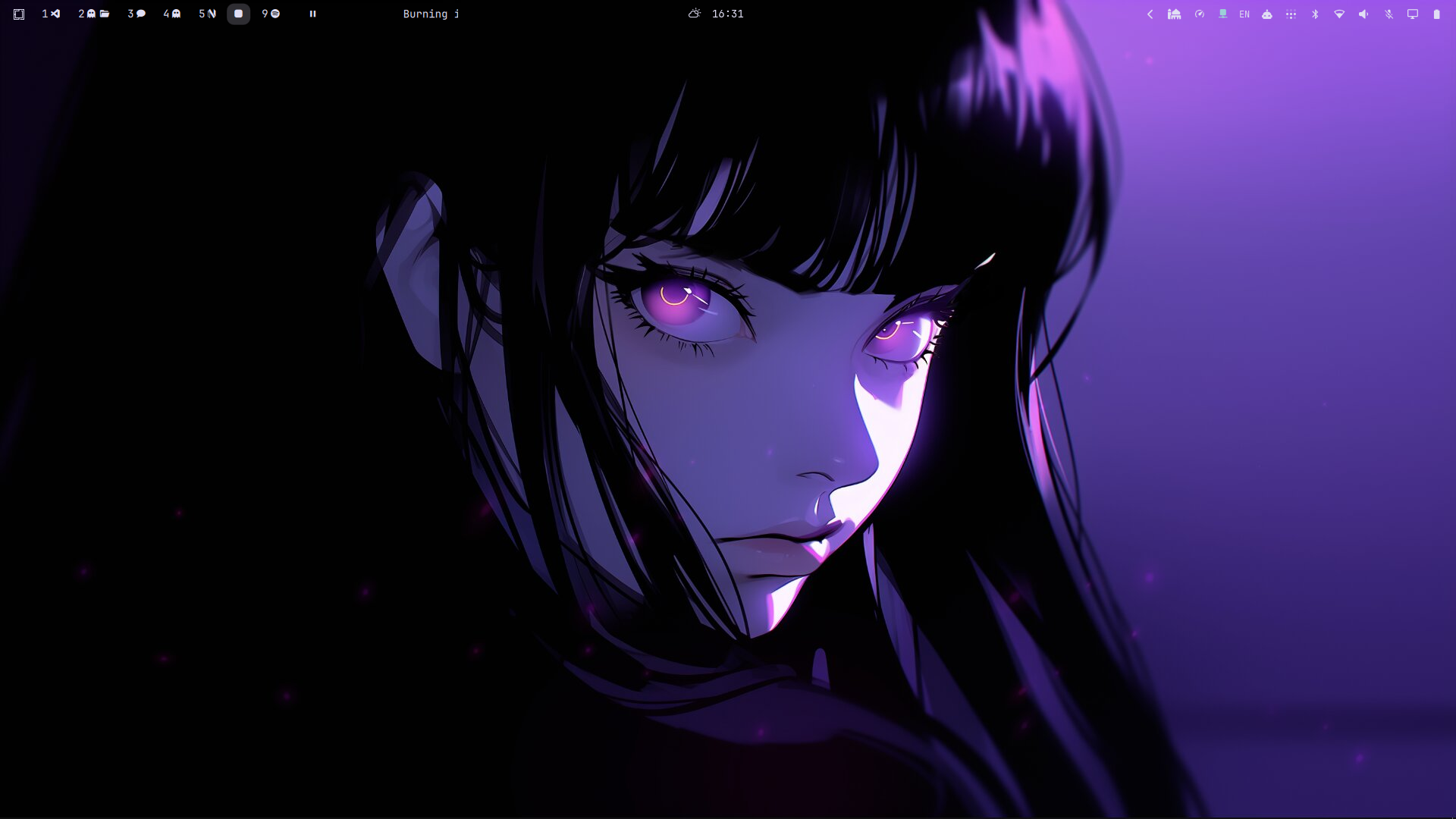
Requirements
- Omarchy (Quattro) running on Hyprland
- A Nerd Font installed and set as the bar font so app glyphs render
Installation
From the repository root:
omarchy plugin add https://github.com/SaifOmar/WorkspaceIcons.git --enable
Then add it to your bar:
omarchy bar plugin add saif.workspaces
The plugin is installed and validated by Omarchy itself; no manual copying required.
Configuration
Icon rules
The app-to-icon mapping lives in icons.json next to the plugin — an ordered array of { "pattern", "icon" } rules. Patterns are case-insensitive regular expressions matched against the window title first, then the window class, in array order (first match wins), so ordering matters: put specific title rules before broad class rules.
The file is watched for changes, so edits apply live without restarting the bar.
To keep custom rules across omarchy plugin update, put them in an optional override file:
~/.config/omarchy/workspaces-icons.json
Its rules are matched before the plugin's built-in ones.
Workspace counts
Set baseWorkspaceCount (always-shown workspaces) and maxWorkspaceId (highest id picked up from Hyprland) in your shell config's bar layout entry:
{ "id": "saif.workspaces", "baseWorkspaceCount": 7, "maxWorkspaceId": 12 }
Removal
omarchy plugin remove saif.workspaces
License
MIT. See LICENSE.