
Omaconv
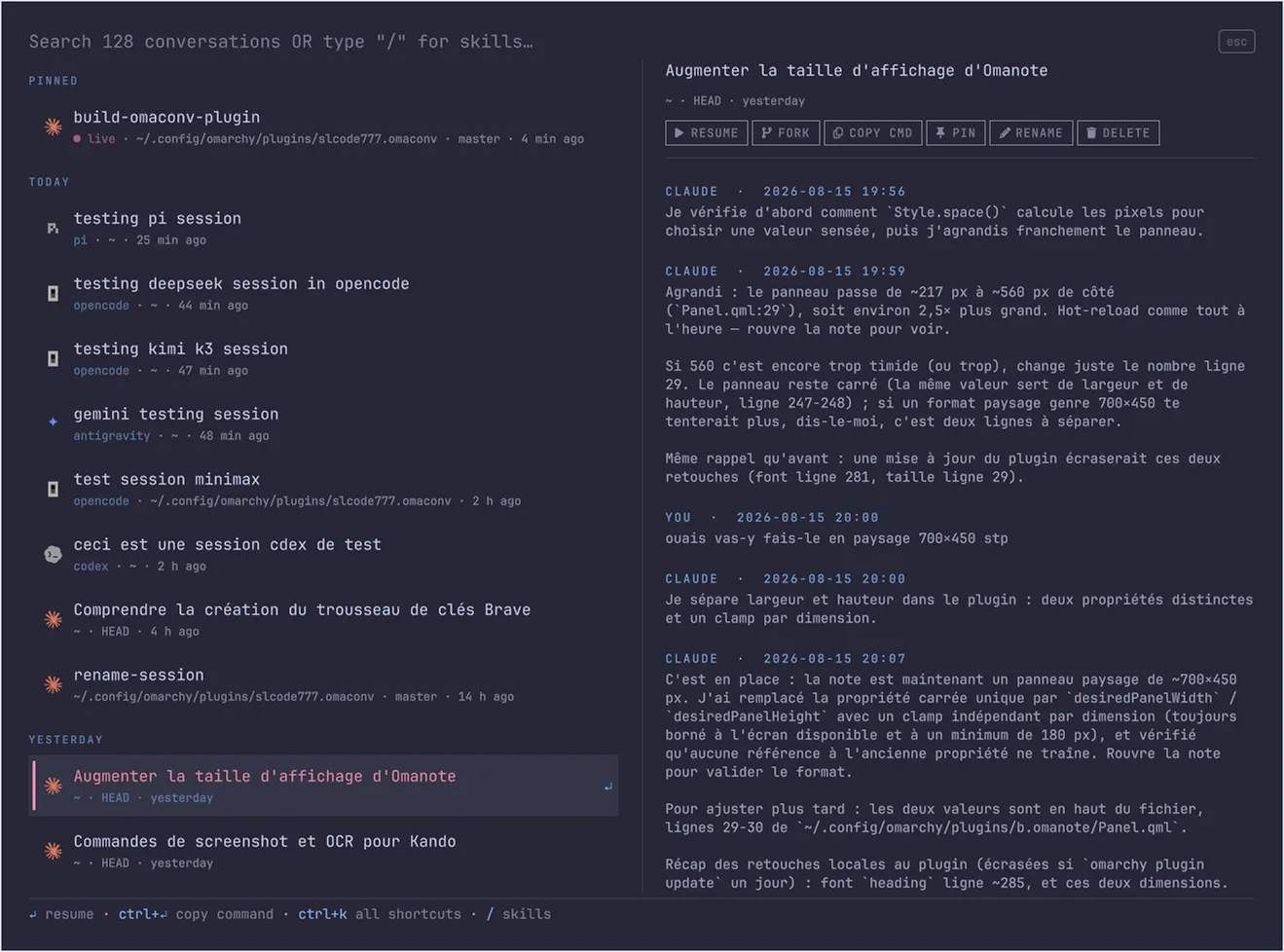
Omaconv is a resume palette for Claude Code, Codex, OpenCode, Antigravity and Pi conversations, built for the Omarchy shell. It lists every conversation on the machine, finds them by searching their title, their directory and everything you actually typed in them, and resumes any of them in one keystroke — always in the right working directory.
Why
AI agents stores transcripts under ~/.agent/projects/<encoded-path>/. To
resume a conversation you normally have to remember which directory it was
started from, cd there, and scroll through the resume list. A conversation
whose directory you forgot is not easy to find. Omaconv fixes that: one
palette, fuzzy search over titles, paths and your own prompts, and a resume
that always lands in the conversation's original cwd.
Install
omarchy plugin add https://github.com/SLcode777/omaconv.git --enable --yes
Then bind the toggle wherever you like (Hyprland keybinding, Kando entry, …):
omarchy-shell shell toggle slcode777.omaconv
Use
Open the palette and just type, the search line is the input.
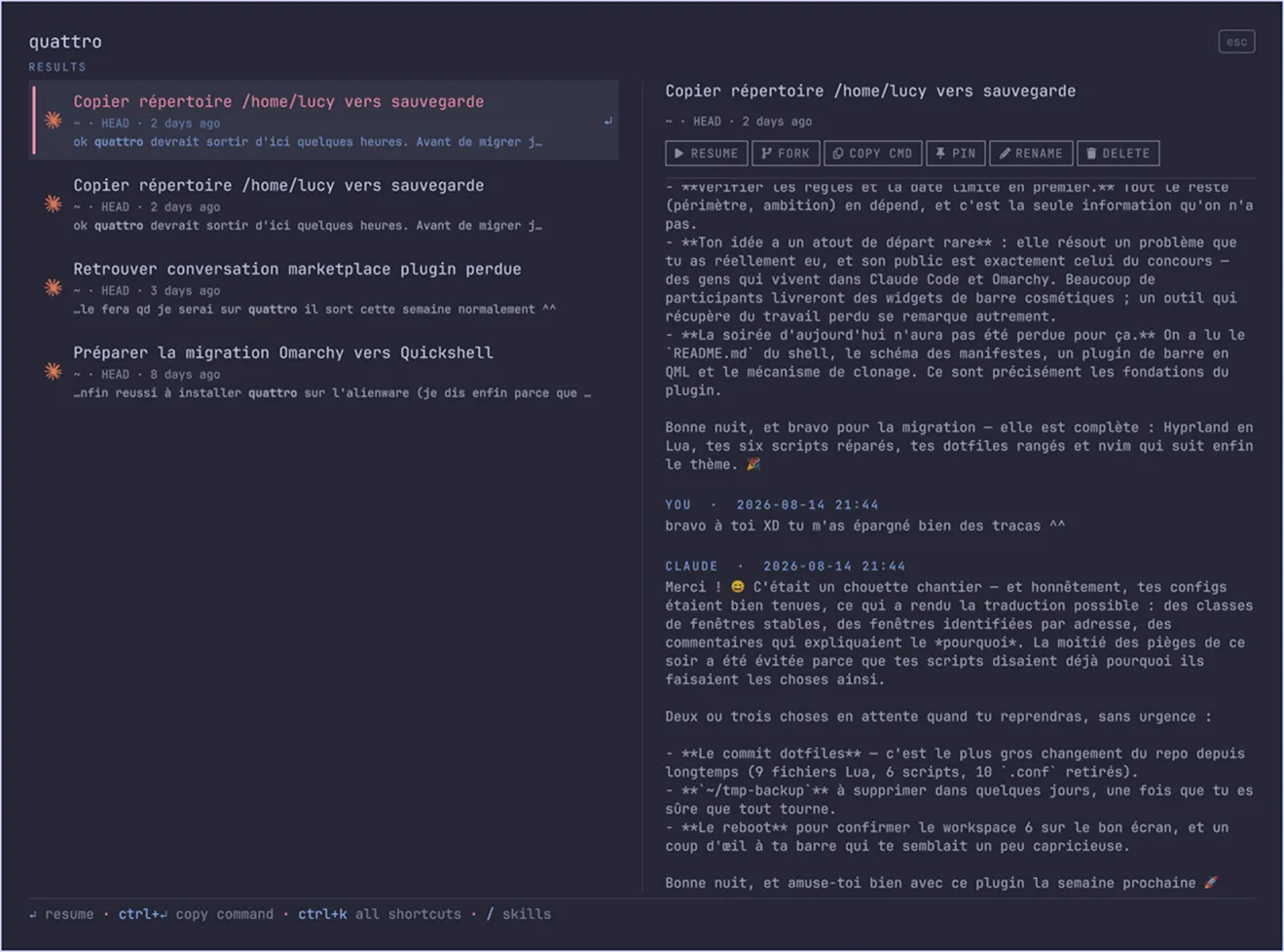
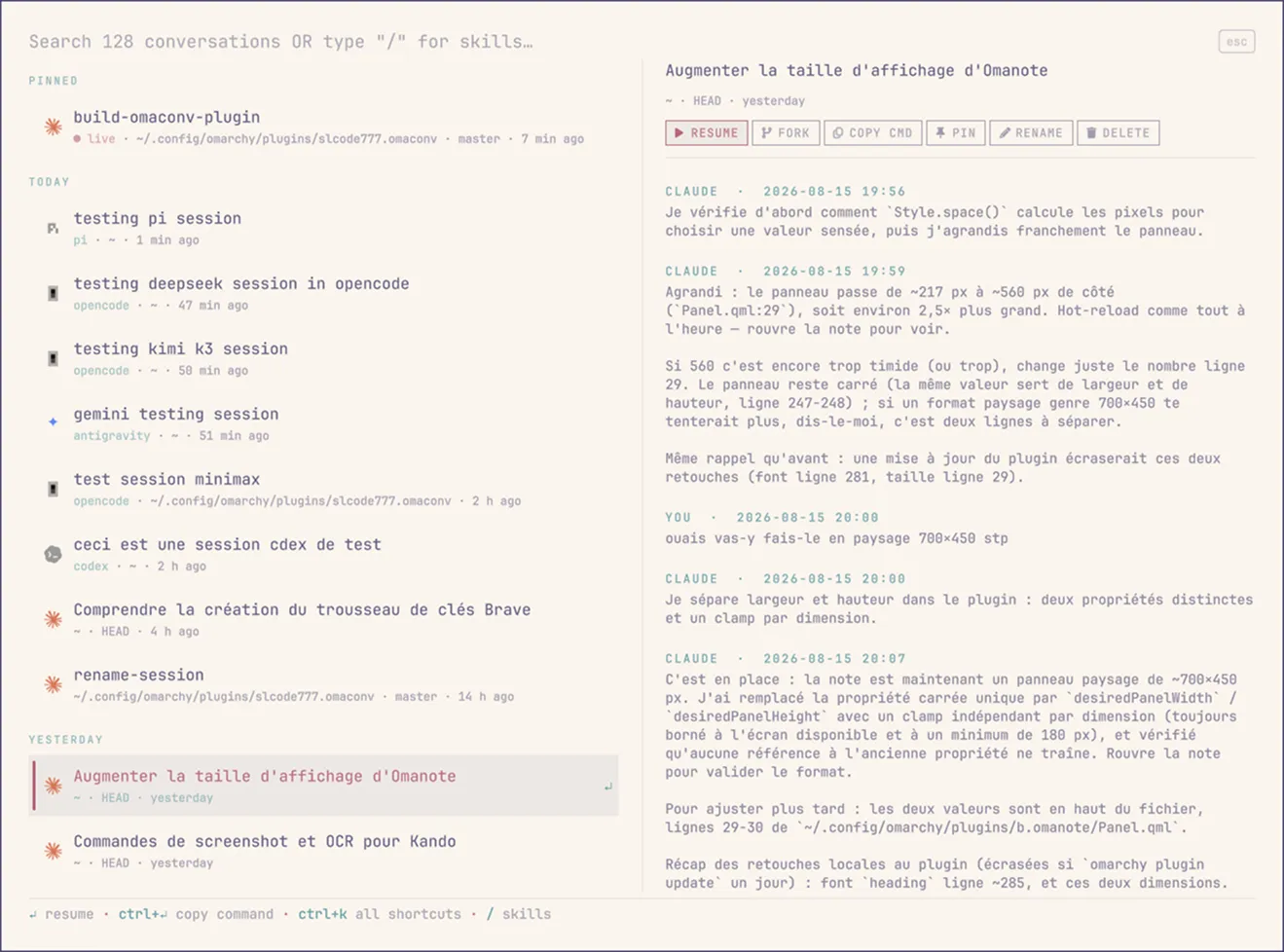
With an empty input, the palette shows your pinned conversations, then the 10 most recent ones. A result matched through a search shows the matching excerpt with the term highlighted, so you always know why a row is there. The right pane previews the selected conversation as a readable YOU/AGENT dialogue.
typing an agent's name filters to it. Features an agent cannot support are greyed out instead of silently broken — Codex has no rename or fork; OpenCode forks fine but keeps all sessions in one shared database, so rename and delete dim rather than risk it; Antigravity resumes and previews only; Pi forks and deletes but has no rename. A resumed session keeps exactly the permission mode you left it with: Omaconv never injects permission-bypass flags.
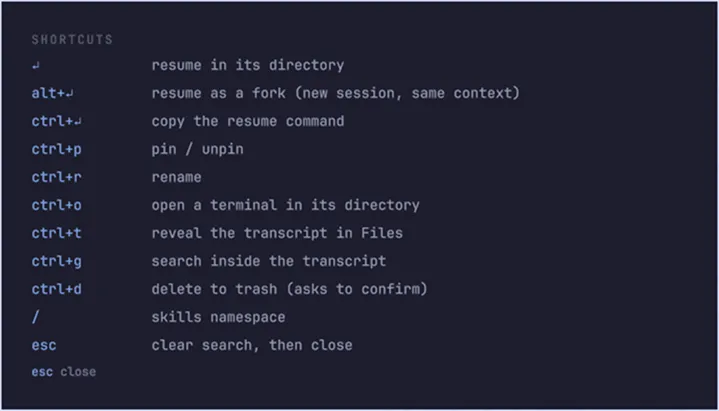
| Key | Action |
|---|---|
↵ |
Resume in the conversation's directory |
Alt+↵ |
Resume as a fork — new session, same context, original intact |
Ctrl+↵ |
Copy the cd … && <agent> --resume … command |
Ctrl+P |
Pin / unpin |
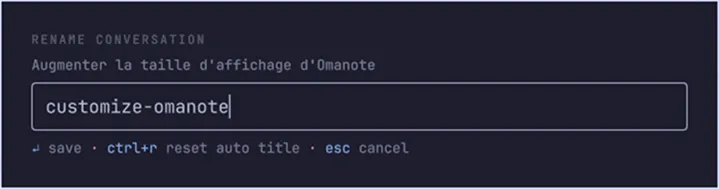
Ctrl+R |
Rename (shows in Claude Code's own picker too) |
Ctrl+O |
Open a terminal in the conversation's directory |
Ctrl+T |
Reveal the transcript in the file manager |
Ctrl+G |
Search the full transcript, rendered as a readable dialogue |
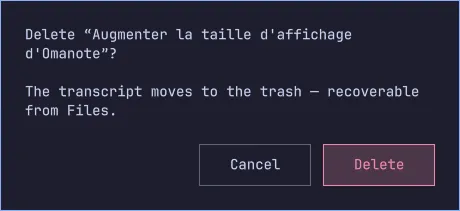
Ctrl+D |
Delete (to the trash) |
Ctrl+K |
All shortcuts |
Esc |
Clear the search, then close |
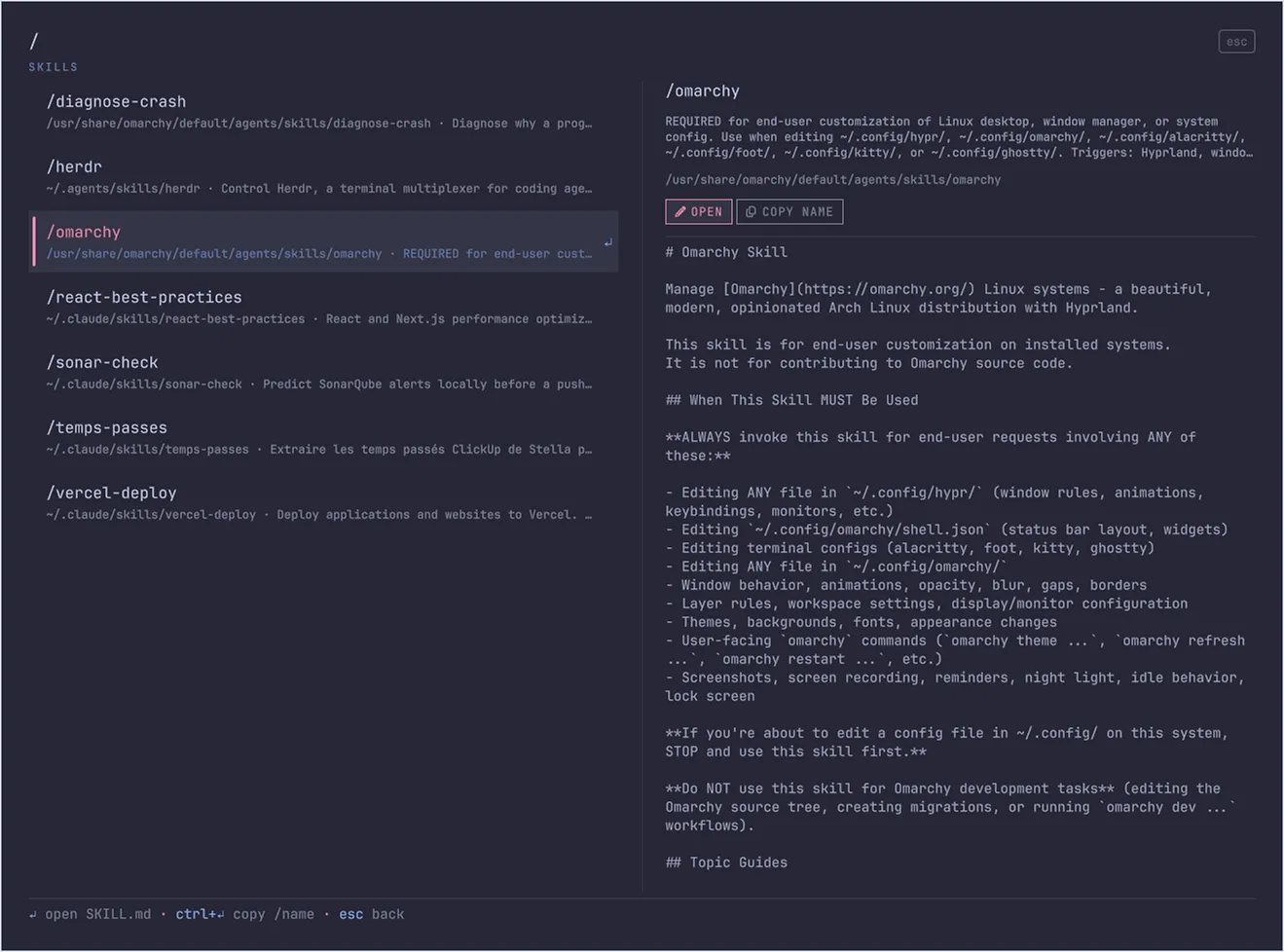
Type / as the first character to switch to the CLAUDE skills namespace:
it lists the skills installed in ~/.claude/skills/, searchable by name and
description. ↵ opens the skill's SKILL.md, Ctrl+↵ copies /name.
Conversations whose directory no longer exists fall back to the most recent
directory that still does (marked ↪), or are greyed out when none survives.
Conversations currently running as a background agent show a ● live badge;
resuming one opens claude agents so you can attach instead.
How it works
A small Python indexer (omaconv-index, stdlib only) scans the transcripts
and writes a JSON index to ~/.local/state/omaconv/; the QML palette only
ever reads that index. On open, the cached list shows instantly while an
incremental reindex runs in the background — no daemon, no timers. Search is
pure in-memory JavaScript: accent- and case-insensitive, literal matching
over titles, paths and user prompts, ~0.5 ms per keystroke over a hundred
conversations.
See more previews
Privacy & security
- No network access, ever. No LLM calls. No telemetry.
- Reads only
~/.claude/. The cache (which contains conversation excerpts) is written with mode0600to~/.local/state/omaconv/. - Two explicit, deliberate writes into
~/.claude/: rename appends a title line to the renamed transcript (append-only, the exact format Claude Code's own/renamewrites — existing lines are never modified), and delete moves a transcript to the trash viagio trash(neverrm, always recoverable). - Every command is spawned as an argument array — values read from transcripts are treated as data, never interpolated into a shell string.
Requirements
- Omarchy with the Quickshell shell
python3(standard library only)claudeon thePATH(and/orcodex/opencode/agy/pito resume their sessions)
Optional: ugrep (omarchy pkg add ugrep) upgrades Ctrl+G from a pager to
an interactive search TUI.
Tests
python3 -m unittest discover -s tests   # indexer, renderer, edge cases
node tests/search-model.test.js         # search, sections, quoting
Update / uninstall
omarchy plugin update slcode777.omaconv
omarchy plugin remove slcode777.omaconv