
Memory Lane
Photos pile up, and the stories behind them are easy to lose. Memory Lane helps by resurfacing them one at a time so you can record the moments, people, and places that matter. It is a local-first Omarchy shell plugin that never uploads or modifies original files.
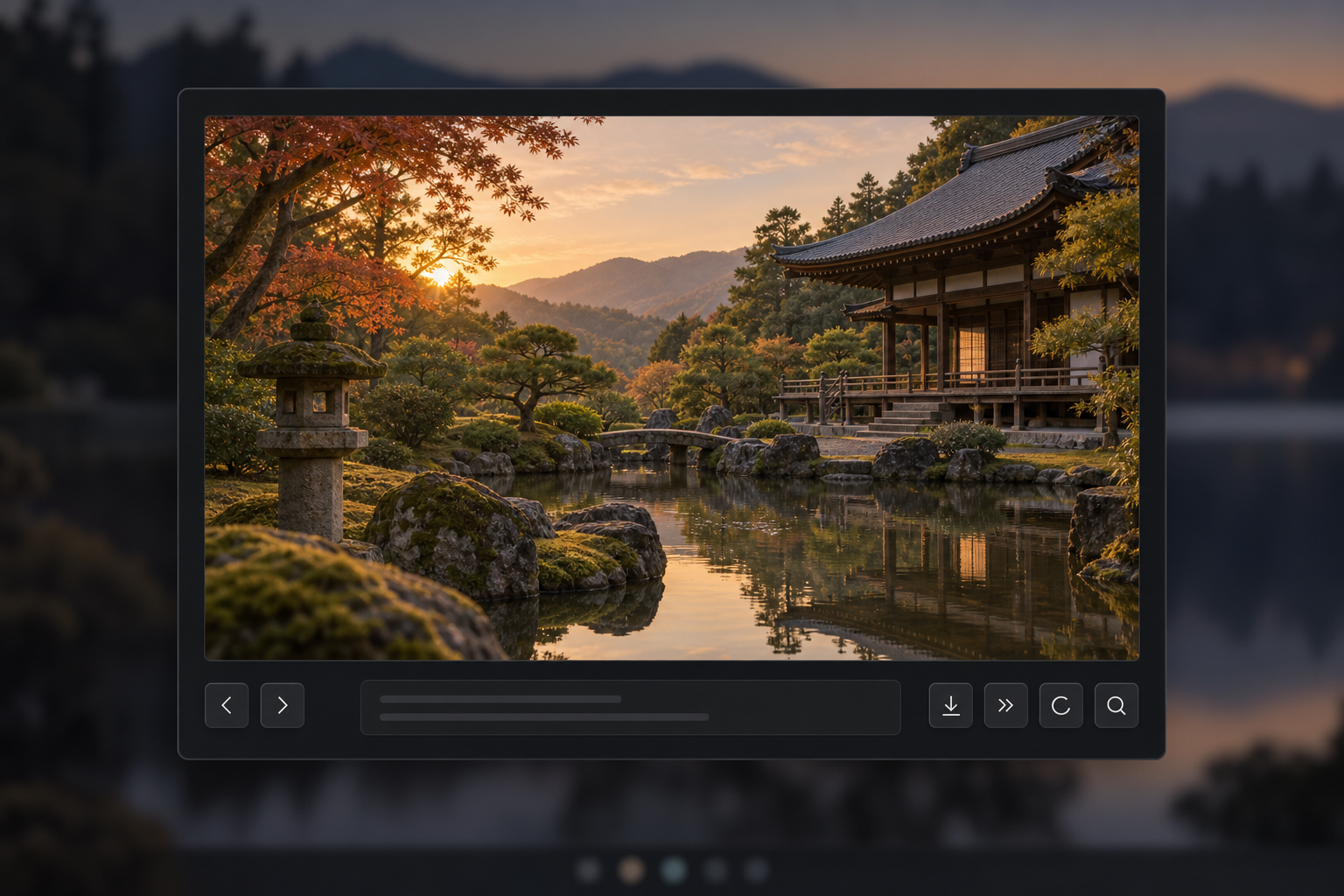
Features
-
Library actions in the ⋯ menu: open a specific photo from an approved folder (without waiting for a scan), or rescan folders in the background. Rescans keep your current photo and unsaved text in place and report new photos.
-
Map-pin button opens embedded photo GPS coordinates on OpenStreetMap; coordinates are shared only when clicked, never the photo or notes.
-
Private scanning of user-approved folders
-
Randomized presentation with occasional resurfacing of annotated photos
-
Fast keyboard navigation with session history
-
One free-flowing journal per photo, with local drafts and gently rolling questions
-
Metadata-stripped preview images
-
Session-only preview rotation that never changes the original
-
One-click access to the original photograph
Install
Existing installations: read the storage upgrade checklist before installing the storage-hardening update. Old database sidecar permissions may require a supervised, backup-first migration.
Install and enable Memory Lane directly from its public repository:
omarchy plugin add https://github.com/ssojoodi/memory-lane.git --enable
Remove the plugin UI with:
omarchy plugin remove sojoodi.memory-lane --yes
Notes remain in ~/.local/share/memory-lane/ unless removed separately.
Development install
bash scripts/install-local.sh
The installer copies runtime files to
~/.config/omarchy/plugins/sojoodi.memory-lane, validates the plugin, enables
it, and adds its photo icon to the right side of the bar.
Run the same command after making local changes.
Controls
| Key | Action |
|---|---|
Left / Right |
Previous / next photo |
S |
Skip and advance |
R |
Rotate the displayed preview 90° clockwise |
O |
Reveal original in Files |
Ctrl+Enter |
Save while editing |
Escape |
Close |
Privacy and storage
- Database:
${XDG_DATA_HOME:-~/.local/share}/memory-lane/memory-lane.sqlite3 - Previews:
${XDG_CACHE_HOME:-~/.cache}/memory-lane/previews/ - Source photos are opened read-only and never moved, renamed, or rewritten.
- Preview rotation lasts only for the open session and is never written to disk.
- The runtime makes no network requests.
- Scanning begins only after folder approval and never follows symlinks.
See docs/privacy.md and docs/design.md for more detail.
Dependencies
Memory Lane targets Omarchy 4 and uses Python 3, SQLite, libvips, Nautilus, and
omarchy-file-select. These runtime dependencies are included with Omarchy 4.
Development
Run the full checks with:
python3 -m unittest discover -s tests/python
node tests/js/memory-lane-model-test.js
bash tests/contract/plugin-test.sh