
Omiru
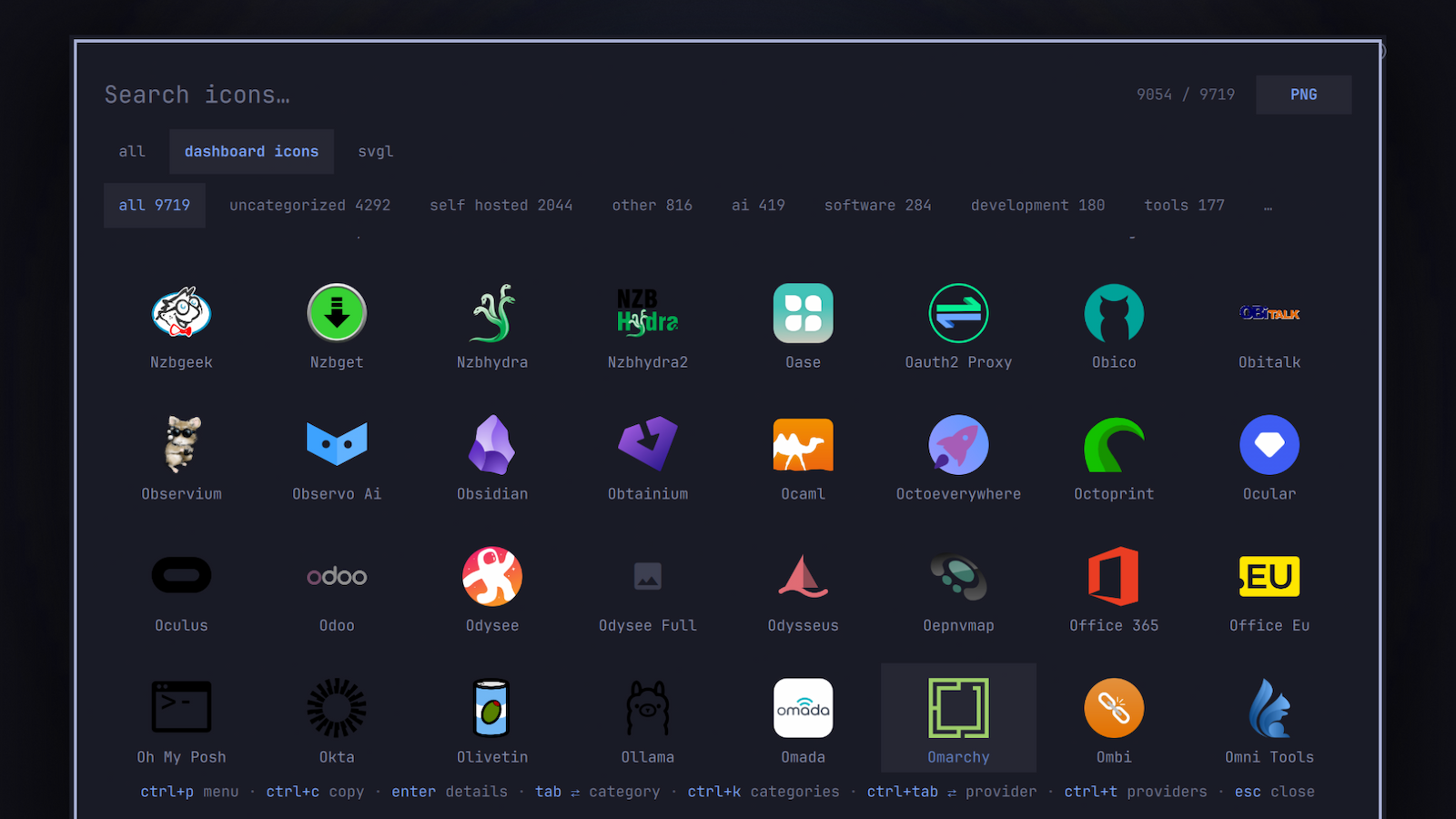
The icon picker for Omarchy: browse the Dashboard Icons and svgl.app logo libraries and copy icons to the clipboard.
Install
omarchy plugin add https://github.com/ussego/omiru.git --enable
Usage
omarchy-shell shell summon ussego.omiru '{"query":"git"}'
- Type to filter by name; both providers are searched together (Dashboard Icons first, then SVGL).
- Enter opens the detail view, Ctrl+C copies the active action and closes (right-click copies directly).
- Tab / Shift+Tab cycle top categories, Ctrl+K opens the full category list.
- Ctrl+Tab / Ctrl+Shift+Tab cycle providers; Ctrl+T enables/disables providers (chip row: left-click filter, right-click disable); Delete toggles the active provider.
- Detail view: Ctrl+F cycles the type (
svg | png | webp), Tab cycles the copy action, 1-9 picks one, v cycles color variants, w opens the website, Esc goes back. - Ctrl+P opens a command palette (refresh catalogs, clear cache, …); Ctrl+R re-fetches catalogs; Esc clears the search or closes.
Summon payloads: query, category, and provider pre-select those on open.
Keybinding
Add to ~/.config/hypr/bindings.lua:
hl.unbind("SUPER + CTRL + G")
o.bind("SUPER + CTRL + G", "Icon picker", "omarchy-shell shell toggle ussego.omiru")
Providers & configuration
Provider enable/disable is persisted in ~/.config/omarchy/omiru.json and applied live. The chip row shows only enabled providers; manage all of them (including new ones) in the Ctrl+T dialog.
Omiru fetches the icon catalogs over HTTPS from api.svgl.app and dashboardicons.com, and downloads icon assets from their CDNs (cdn.jsdelivr.net, cdn.simpleicons.org, and the per-logo URLs published in those catalogs). Icon files are cached under ~/.local/state/omarchy/omiru. The full library uses roughly 230 MB on disk; icons are downloaded once and cached, so this is a one-time cost per catalog. rm -rf that directory at any time to force a re-download.
Removal
omarchy plugin remove ussego.omiru
To also delete all Omiru data (config, catalog cache, logo library):
rm -rf ~/.config/omarchy/omiru.json ~/.local/state/omarchy/omiru
Dependencies
curl, wl-copy (wl-clipboard), and rsvg-convert (librsvg) — all shipped with Omarchy. python3 is optional: when present, catalog downloads are compacted in a short-lived helper process so the shell keeps a much smaller memory footprint; without it Omiru falls back to internal parsing.