
Tag: system
519 plugins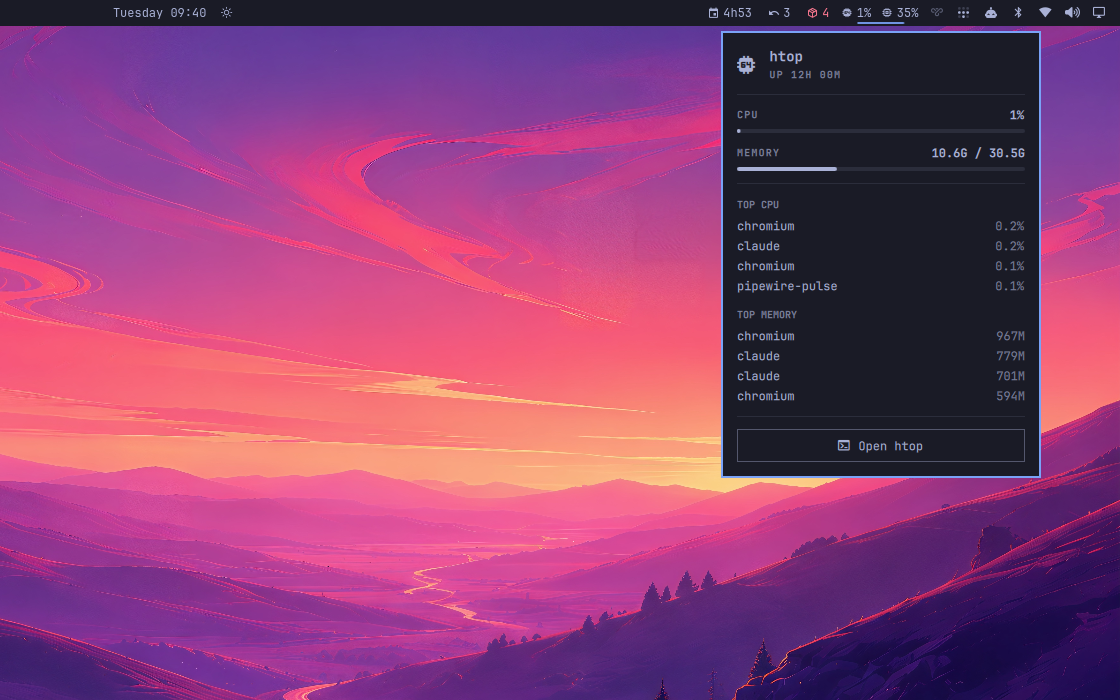
htop
by Fernando Menolli
Live CPU and memory in the bar, and the real htop one click away.
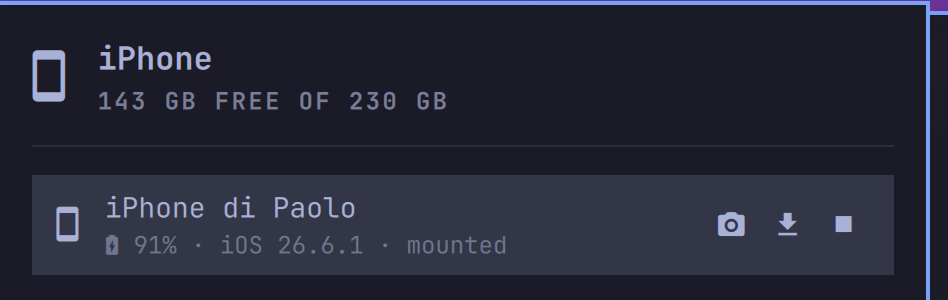
iPhone
by Paolo Pellicori
Your iPhone on the bar: presence and battery at a glance, guided pairing (trust dialog included), and your camera roll one click away in the file manager. No jailbreak, no app on the phone.
iPhone Clipboard Bridge
by Aaron K. Hawkins
Copy text, one or many photos, and files on an iPhone and paste them directly into Omarchy through Tailscale.
imagineit KLM
by Imagine it
Keyboard language manager with live layout indicator, Alt+Shift switching, searchable XKB layouts, and switch OSD.

lerd Glance
by George Dumitrescu
Sites, services and workers from the lerd dashboard, at a glance in the Omarchy bar.
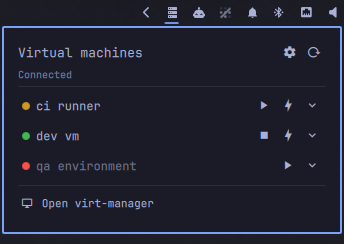
libvirt control
by Leyanora
libvirt frontend for the bar: a green/red state light per domain, play/stop controls, click-to-open console, keyboard navigation, and an expandable row for pause, reboot, save state and snapshots.
ngrok
by ejames-dev
Shows active ngrok tunnels in the bar by polling the local ngrok agent's API (127.0.0.1:4040). Click the pill to list tunnel URLs, copy one, or open the local ngrok inspector.
oSystemd
by Ricky Banks
Manage systemd units from the Omarchy bar. List, inspect, start/stop, enable/disable, mask, and view unit files and journals. Supports user and system scope; system mutations invoke systemctl directly.
omavcamd
by Sphiment
Control the vcamd daemon from the Omarchy bar.
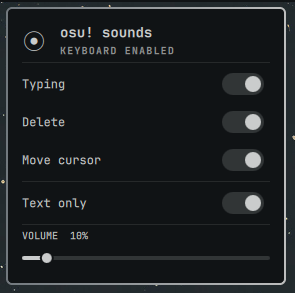
osu! Typing Sounds
by countless
Minimal osu! keyboard sounds with per-action controls.
rclone
by david
rclone activity, remote status, and setup shortcuts in the Omarchy bar.
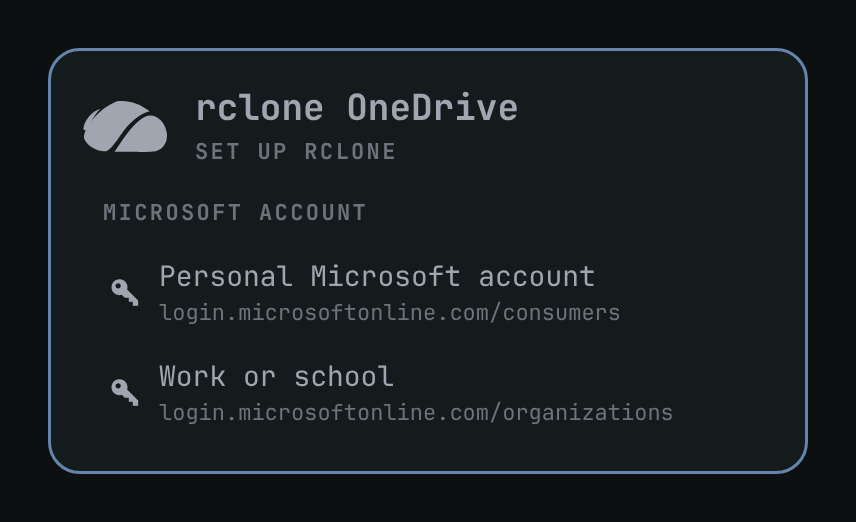
rclone OneDrive
by Jason Watts
One click. OneDrive mounted. Select your personal or work account; after browser sign-in, files are at ~/onedrive/{domain.name}.