
Developer Tools
149 plugins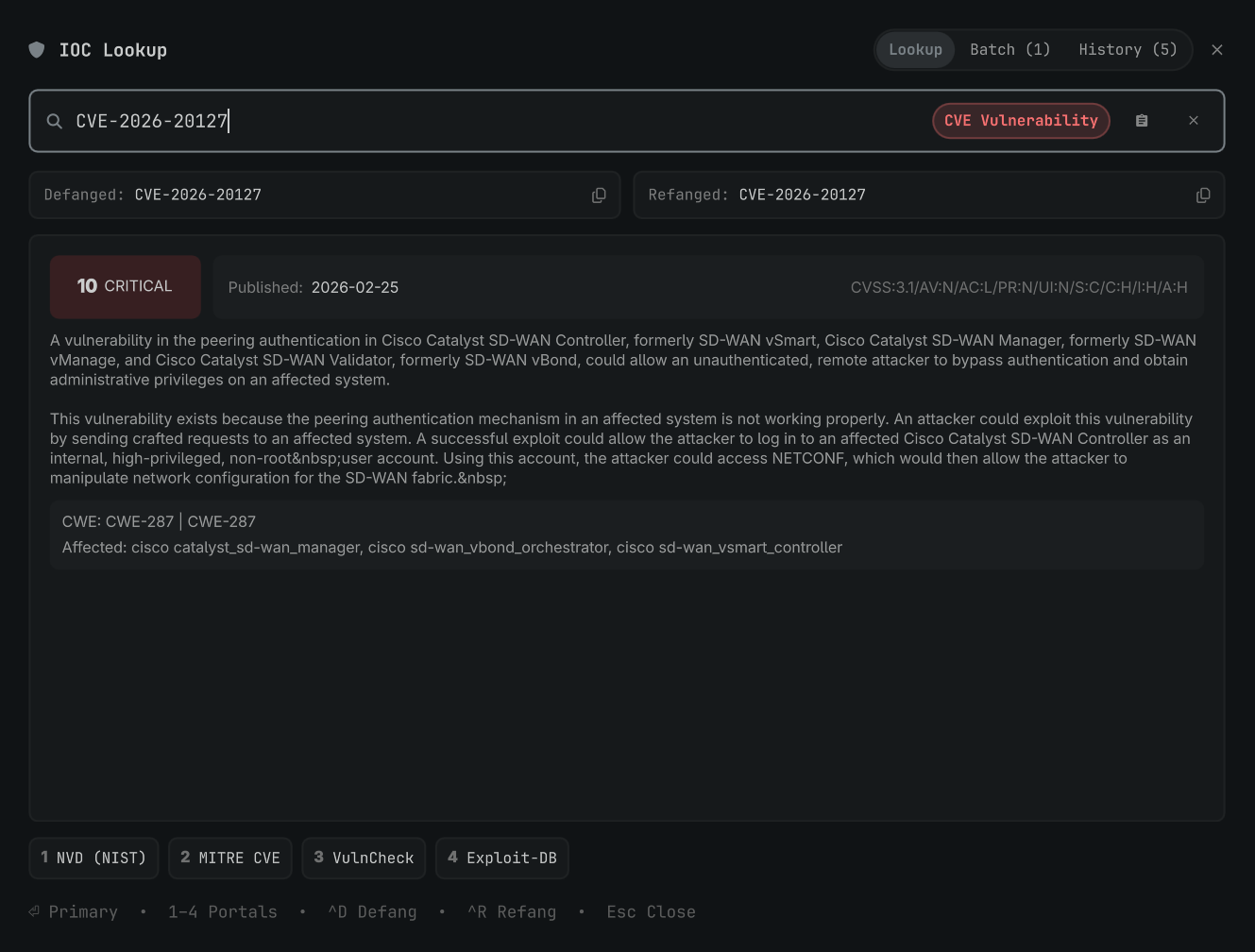
IOCs Lookup
by desmedo
Instant Indicators of Compromise (IOC) analyzer, threat intelligence launcher, defanger, and batch extractor for Omarchy.
Is It Down?
by Casper Bottelet
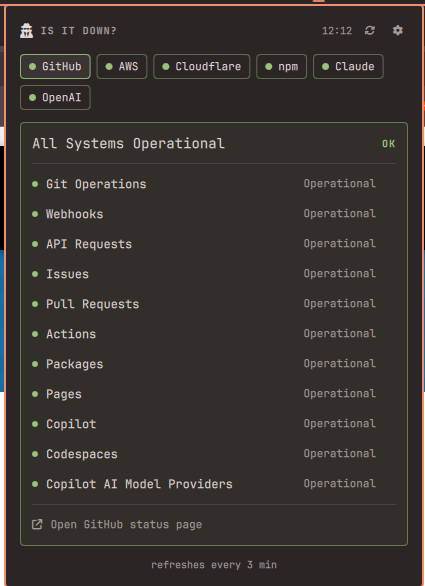
Is it me or is it down? Watches the status pages of services you depend on (GitHub, AWS, Cloudflare, npm, ...) from the bar.
Jira
by tmn73
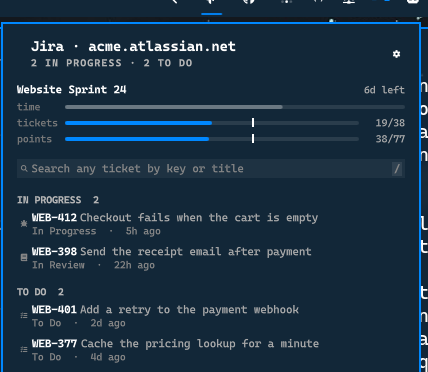
The Jira tickets waiting on you, with search across your whole site.
Jukebox
by James Weatherhead
Record long-form speech, clean or upskill it with Codex, Claude Code, or OpenRouter, and return it to the coding agent where you started.
Kaj
by Leon San José Larsson
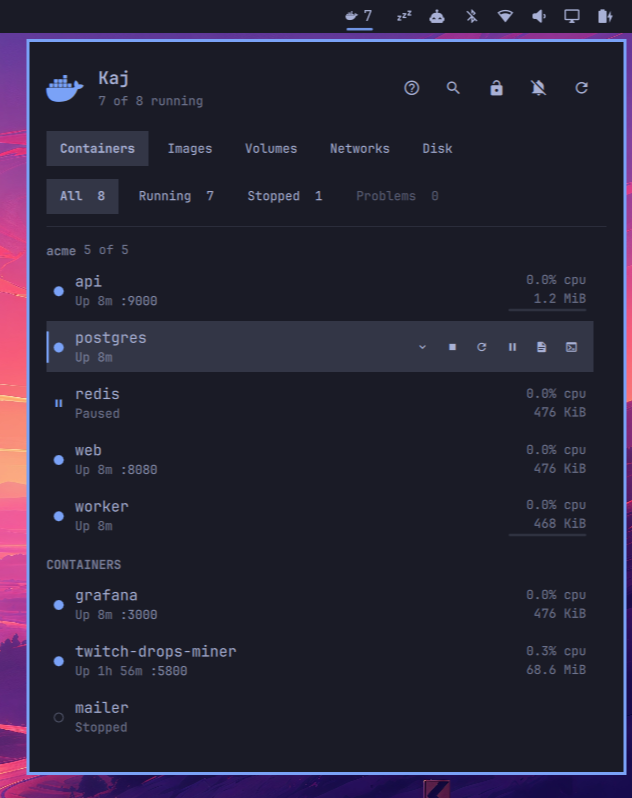
Docker containers in the Omarchy bar: live status, stats, logs, and controls.
Kamal Deploy
by Eduard G. Castelló
Discover Kamal deploy.<env>.yml targets under your project folders, check any number across one or many projects, and run setup, deploy, logs, console, accessory, and lock actions against all of them at once. Most actions run in the background with a spinner and a result card; a few needing a real terminal (console/shell, tailing logs, rollback) open one for you. Includes a Provision Wizard that generates a tailored server-setup script and, optionally, config/deploy.yml itself.
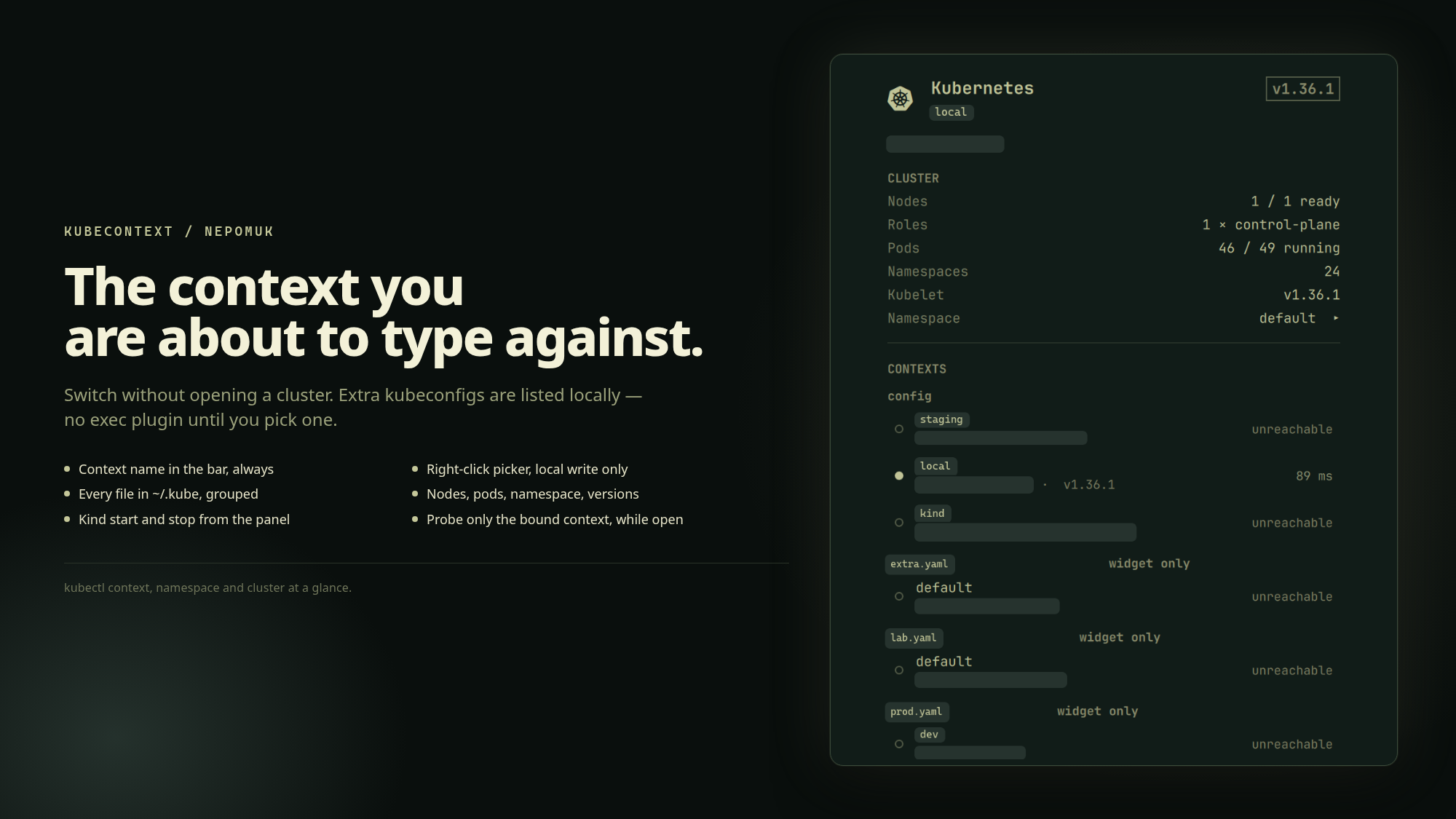
KubeContext
by Nepomuk Software
Shows the active Kubernetes context in the bar, switches between contexts and namespaces across every kubeconfig in ~/.kube, and gives a short overview of the selected cluster.
Kubernetes Status
by Marcus Edvardsson
Shows which kubectl context is live — production highlighted — with cluster health in a popup.
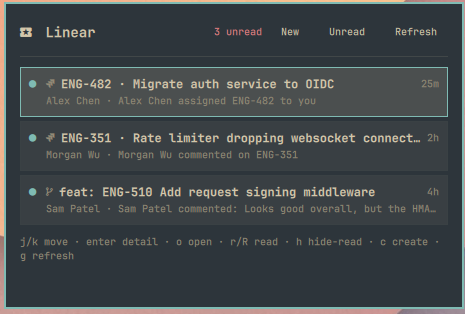
Linear
by gpdenny
Linear inbox in the Omarchy shell — unread badge, list, detail, and create issue.
Linear
by grigorip
Multi-account Linear issues in the Omarchy bar: saved filters, optional Herdr worktrees, the default editor, and GitLab/GitHub MR/PR links.

Localhost
by Emil Valdmanis
Discover local development servers, open them instantly, and send LAN-ready projects to your phone with a QR code.
Luvus
by Ricardo Liberato
Your luvus coding agents in the Omarchy bar — who is working, who is blocked, and a click to go there.