
Desktop
144 plugins
Scratchpad
by rob
Scratchpad occupancy indicator and toggle
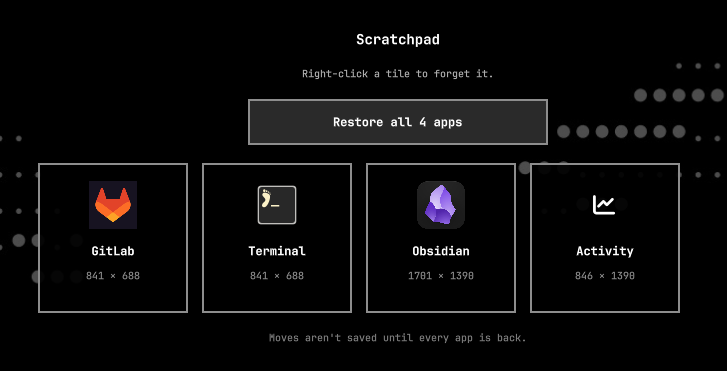
Scratchpad placeholders
by Ian McMurray
Remember scratchpad apps across reboots and restore them as clickable placeholders. Click a tile to relaunch the app on the scratchpad in the same size and position.
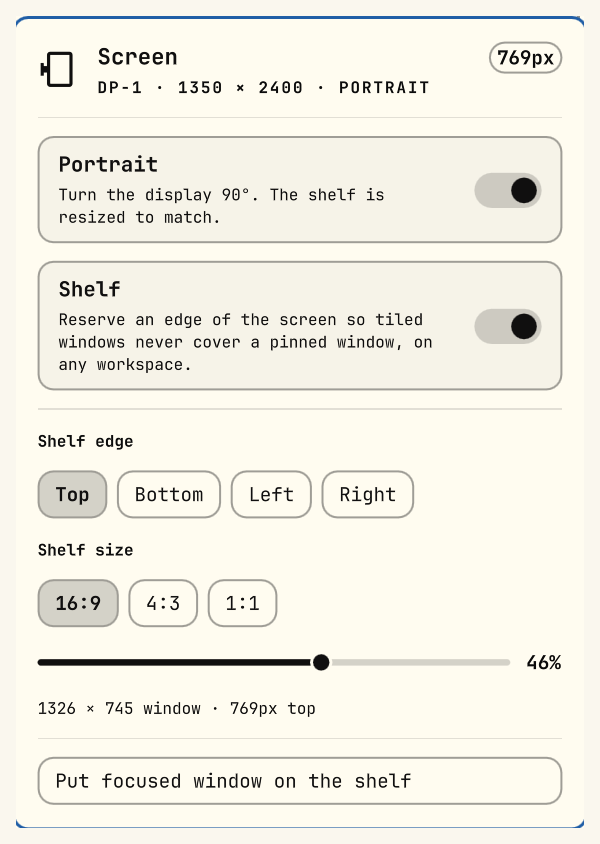
Screen layout
by Adham Muhammadjonov
Rotate a display and reserve a shelf along any edge for a pinned window that stays visible on every workspace

Scroll Map
by jgarza
Mini-map of this monitor's active-workspace windows for the Hyprland scrolling layout. Each window is a bracketed glyph at full bar height - padding grows continuously with its size ([x] .. [ x ], floating windows in parentheses) and colour shows where it is: accent when focused, foreground on screen, muted when scrolled off. Pick from focus animations (bracket snap, slide cursor, breathe, pop, hypr-pop, glitch, neon, ink) plus unfold/collapse and float-lift.
Search Bar
by DevDussey
A search bar for launching applications, web apps, directories, and files in the Omarchy bar.
Set your Nightlight
by Omarchy
Owns the hyprsunset night light temperature for the bar indicator and CLI.
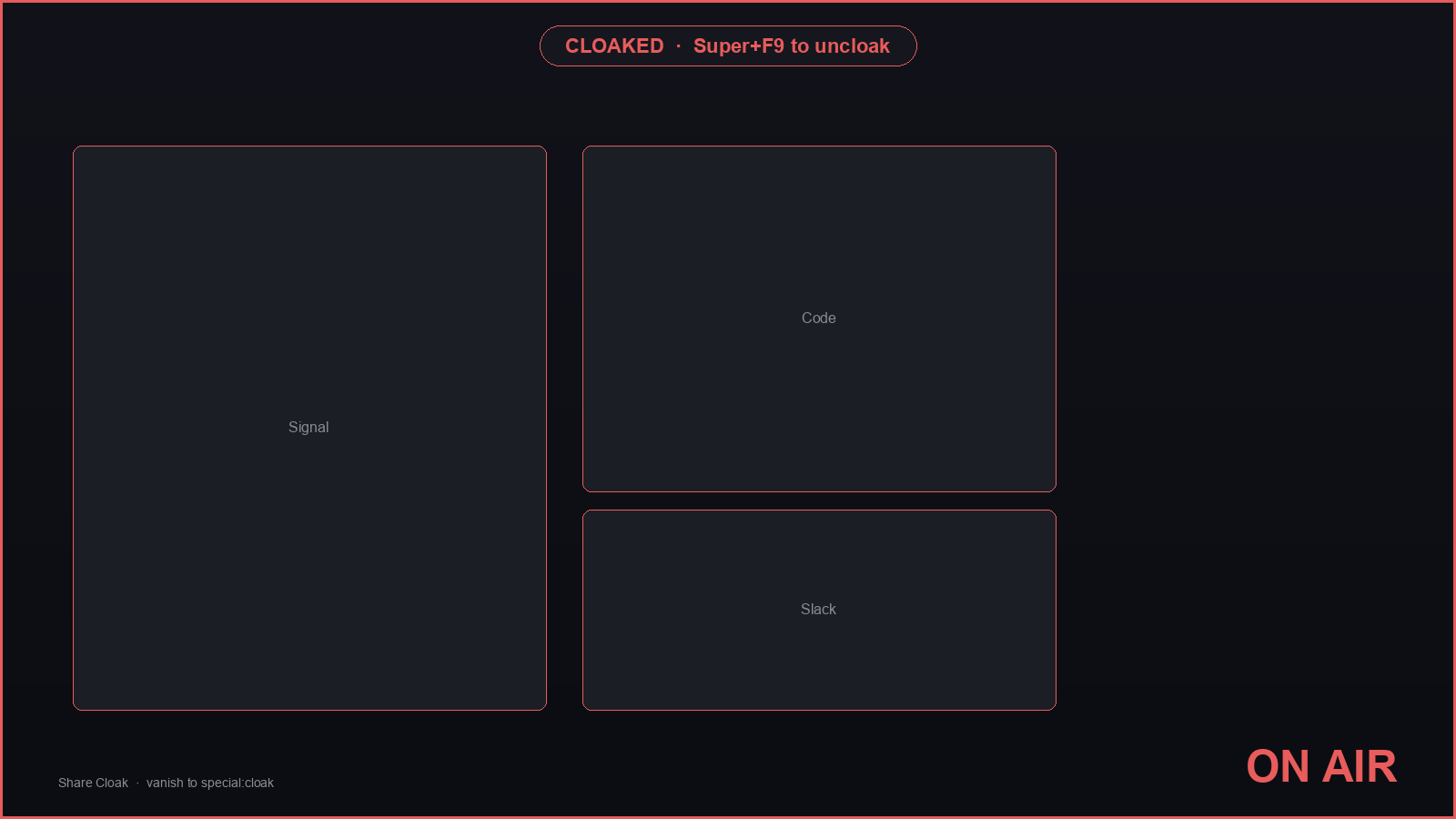
Share Cloak
by chris
One key builds a presenter desktop: marked windows vanish, notifications pause, a clean plate covers the wallpaper, and an ON AIR frame stays up until you uncloak.
Side Panel
by gshulga
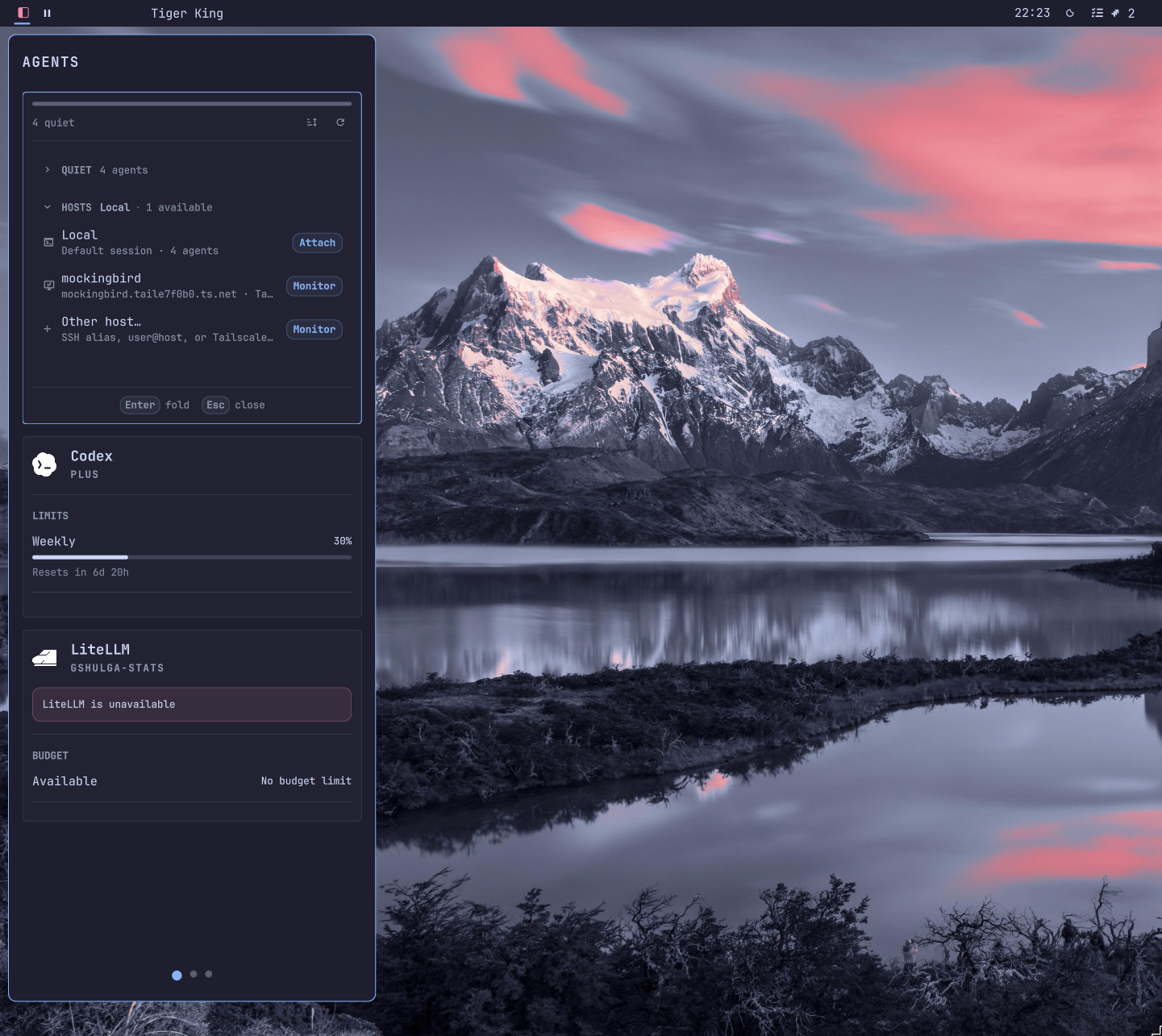
A configurable edge side panel that hosts plugin pages and launches standard Omarchy panels.
Simple Hotspot
by rawritude
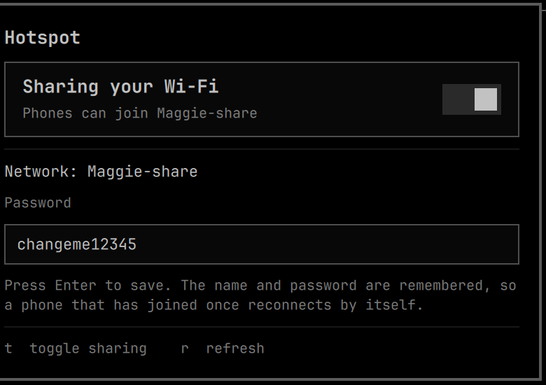
Share this laptop's Wi-Fi uplink with a phone, without dropping the uplink. Built for one-device networks — planes, hotels, conference Wi-Fi — where the laptop holds the paid session and the phone joins a local AP NAT'd out through it. A toggle and a password field; the SSID and password persist so a phone that has joined once reconnects on its own.
SliceTab
by m4rone
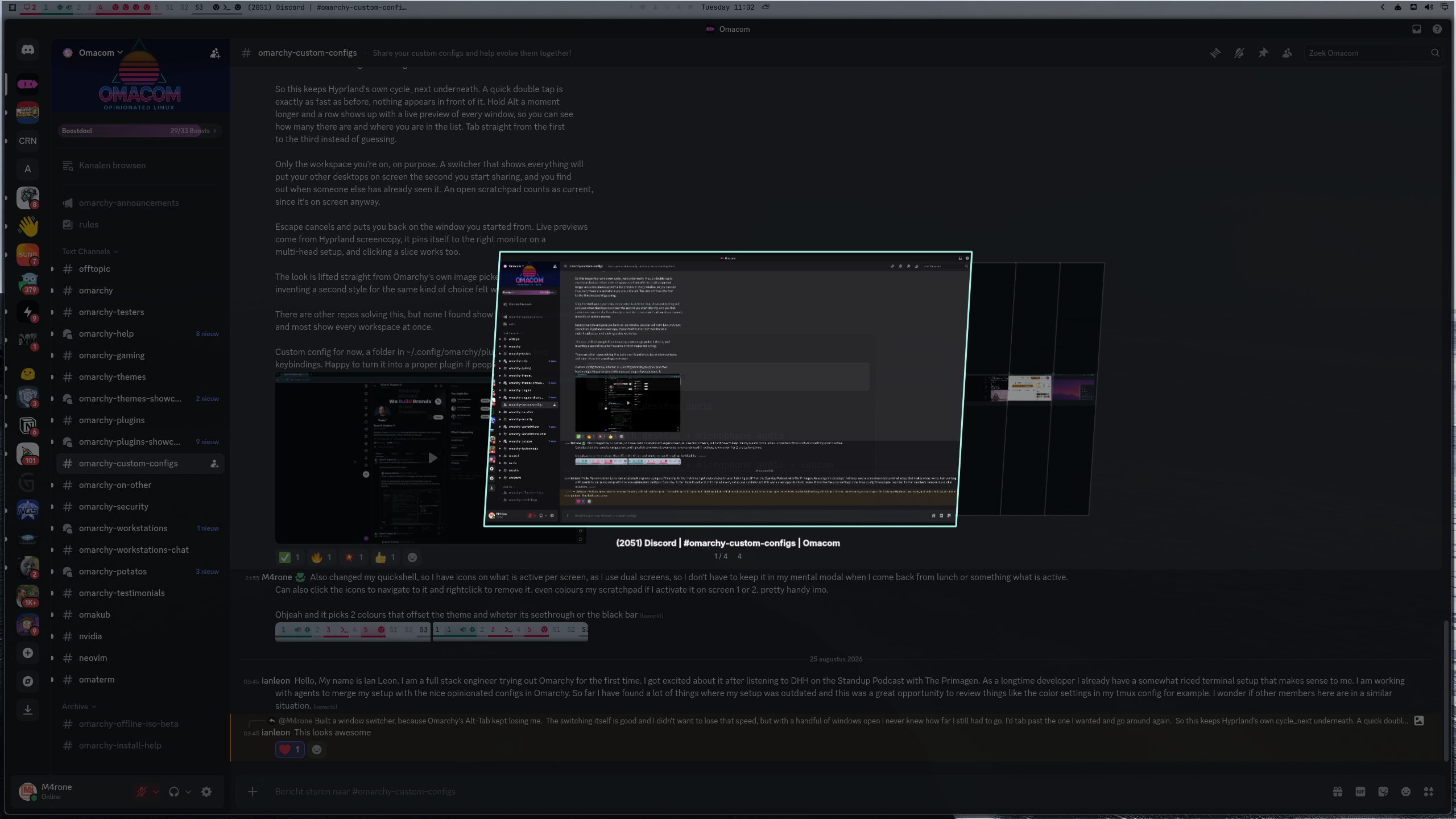
Alt-Tab with live window previews, limited to the workspace you are on
Spotify Album Wallpaper
by Emil Sall
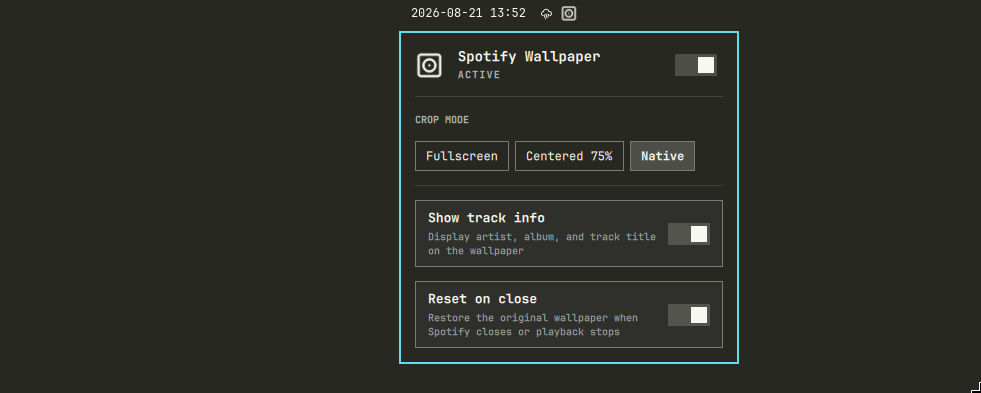
Show the currently playing Spotify album art as your desktop wallpaper, with multi-monitor targeting, crop modes, blur, and track info.

Stage
by zzwong
Mission Control-style workspace overview: zoomed-out live window previews, click to jump.