
Tag: hyprland
317 plugins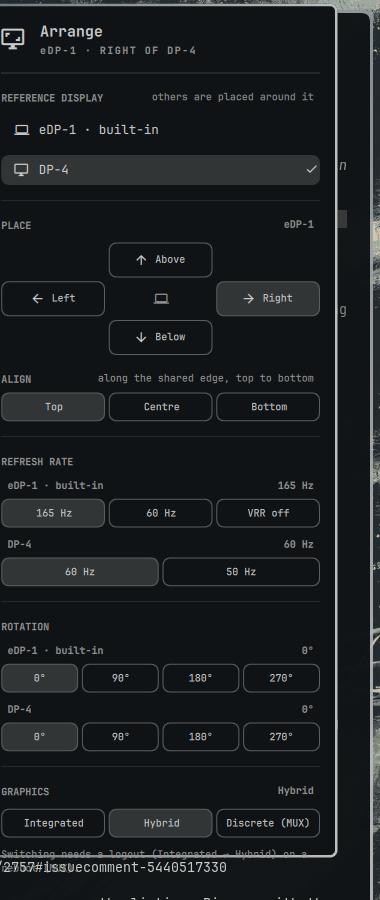
Monitor Placement & Refresh Rate
by edbron
Place, align and rotate monitors, set refresh rate and VRR, and switch the GPU mode on hybrid laptops
Monitor Profiles
by Stephen Schwarz
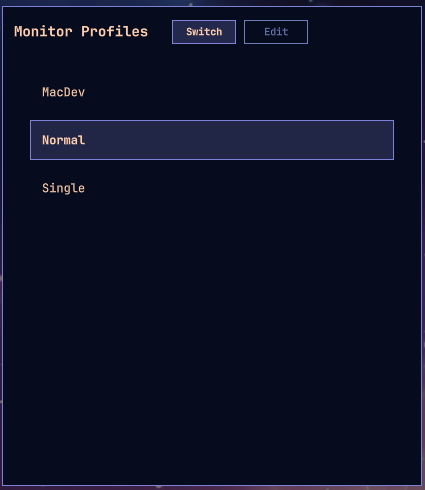
Save named monitor layouts and switch between them: a drag-and-drop editor plus a keyboard-driven quick switcher, both as one native Omarchy panel.

Monitor Profiles
by themo
Named monitor arrangements in the Omarchy bar. Capture how your screens are placed right now, save it as Desk, Home or Presentation, and switch back with one click. Auto mode picks the profile whose screens are actually plugged in, so docking and undocking sorts itself out.
Monitor Studio
by vuhungthang
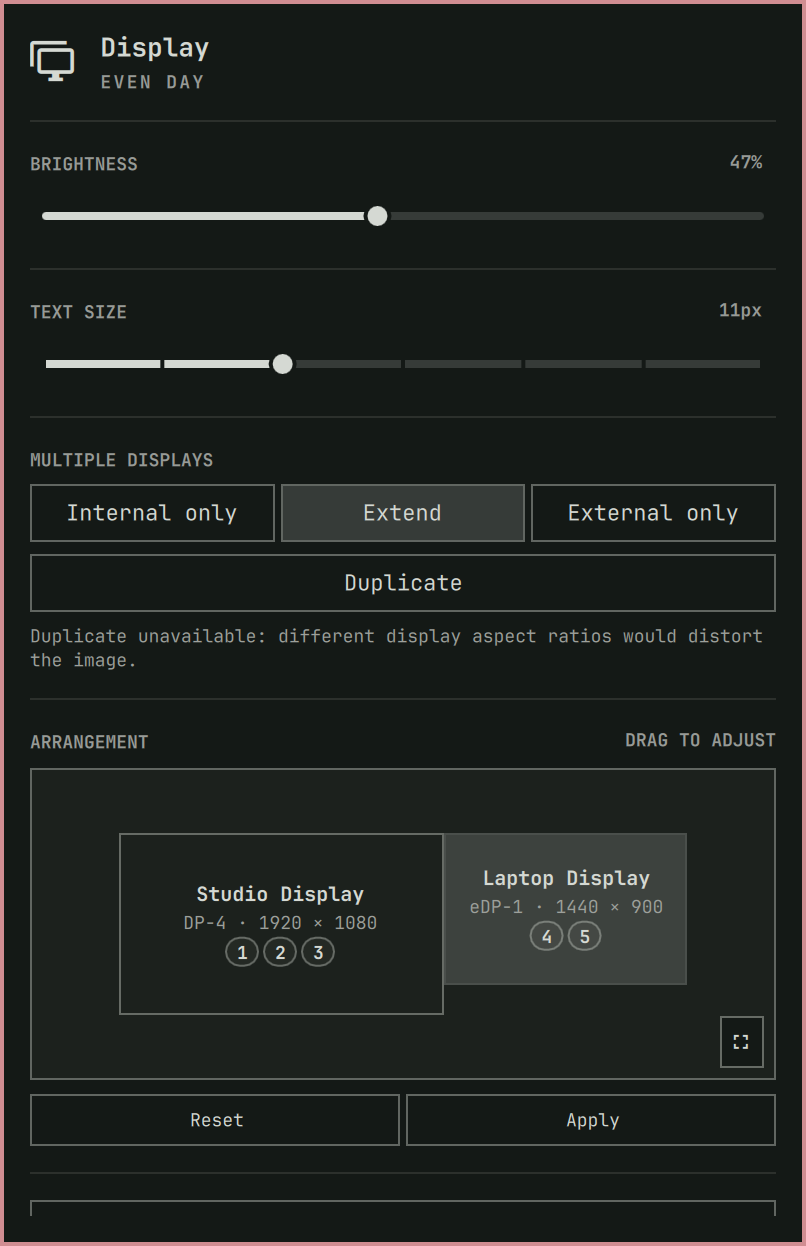
Safe multi-display profiles, presets, mirroring, and arrangement
Motion Wallpaper
by Gavin Nugent
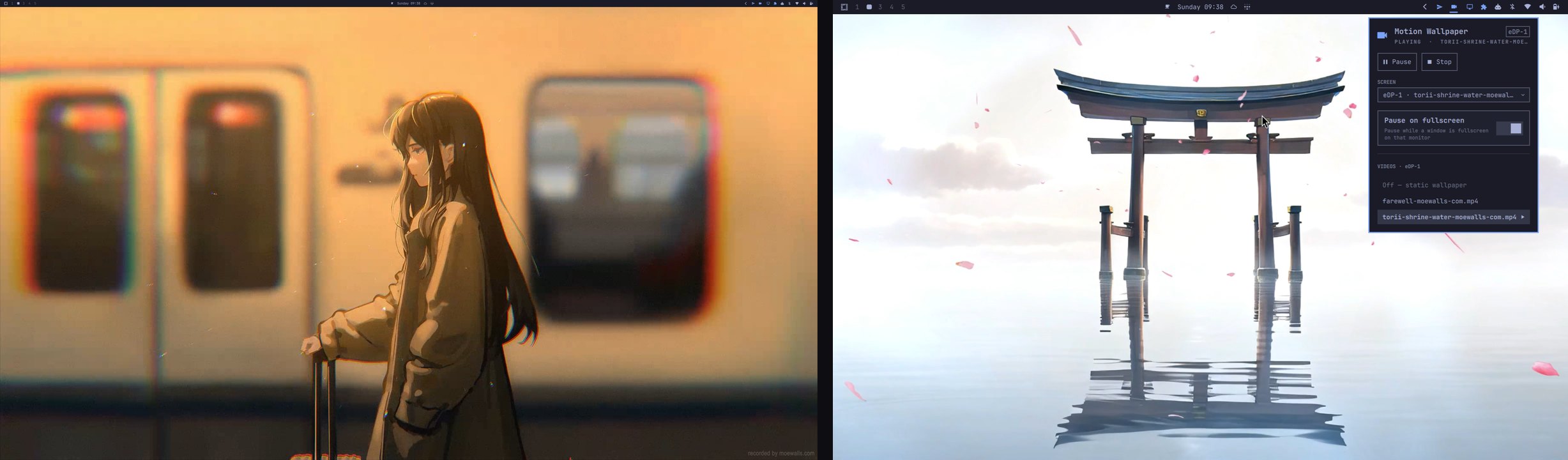
Native looping video wallpaper for omarchy-shell. Renders a muted, looping video on the background layer above the static wallpaper, with a different clip per monitor if you want one, adjustable playback speed, optional rotation through your library on a per-monitor schedule, and auto-pause on fullscreen. Controlled from its bar widget, or from a terminal with the motion-wallpaper CLI.
Mounted Drives
by sktev
External drives in the bar: mount, unmount, eject, and open USB/CDROM/NVMe drives.
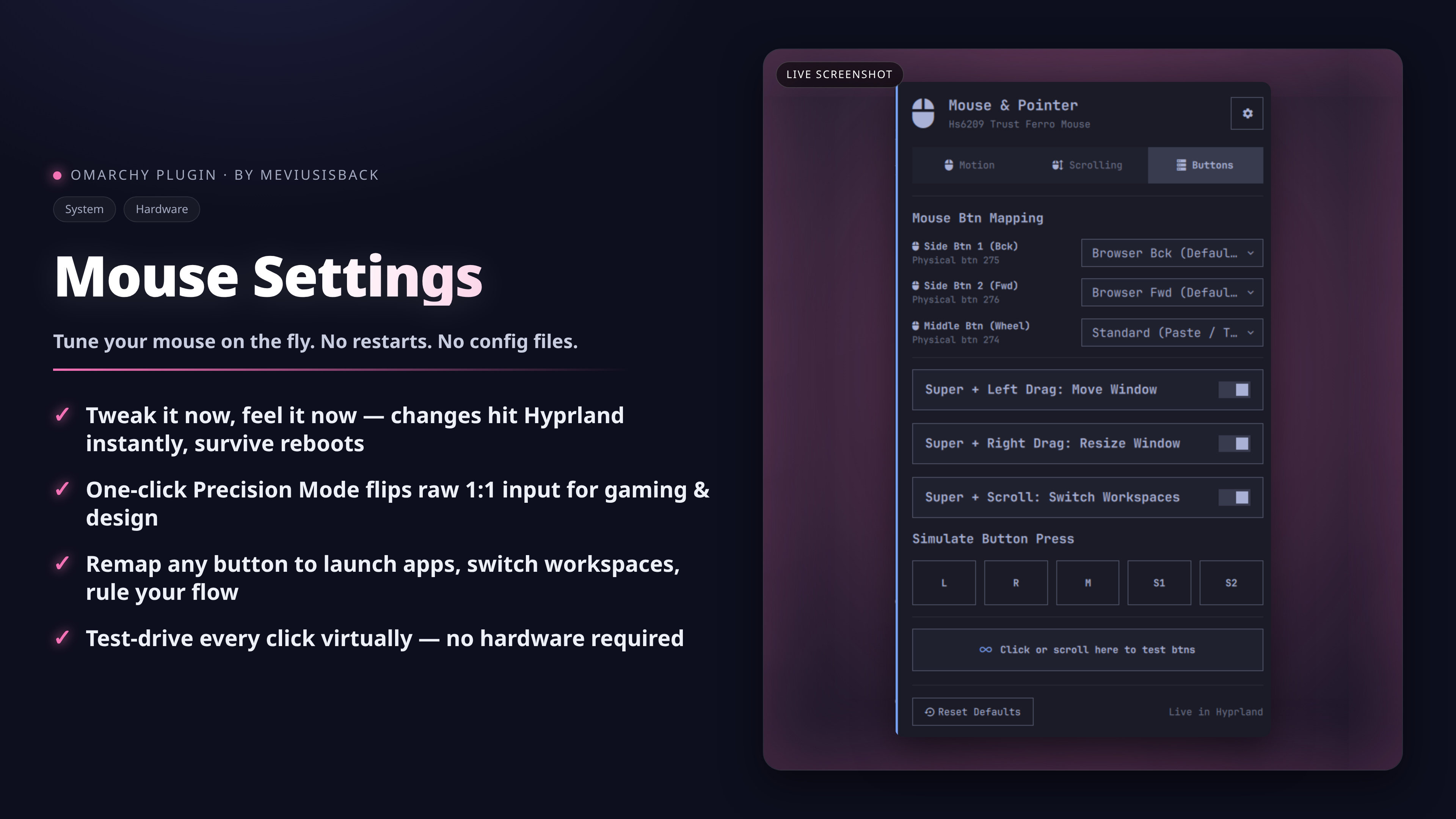
Mouse & Pointer
by meviusisback
Graphical mouse & pointer configuration tool for Omarchy: cursor speed, precision/flat acceleration, natural scroll, left-handed mode, button remapping, synthetic button presses (ydotool), and mouse battery display.
Mouse Sensitivity
by Nelson
Adjust and switch Hyprland mouse sensitivity profiles with local state persistence.
Mushaf
by MuhammadArham
Mushaf: offline Quran reader for the Omarchy bar. Uthmani Arabic text with Sahih International translation, reference jump, no audio.
My Display
by Apagafuegos
Brightness, text size, scale, refresh rate, arrangement, and display toggles
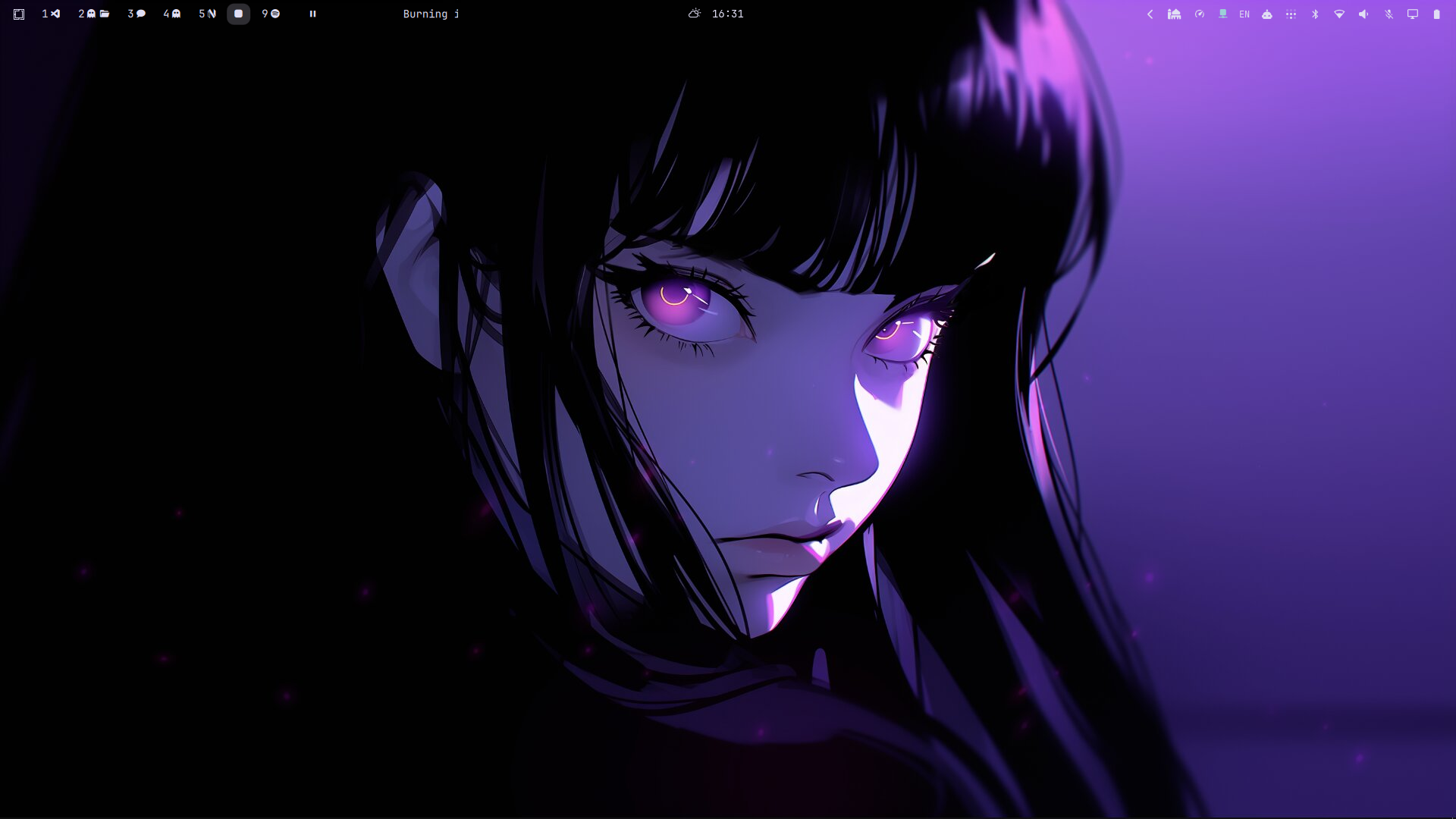
My Workspaces
by Saif Omar
Workspace indicators with per-app icons for open windows

Named Workspaces
by murdi
HyDe-style workspace switcher showing only active/occupied workspaces with the focused window name next to each number